


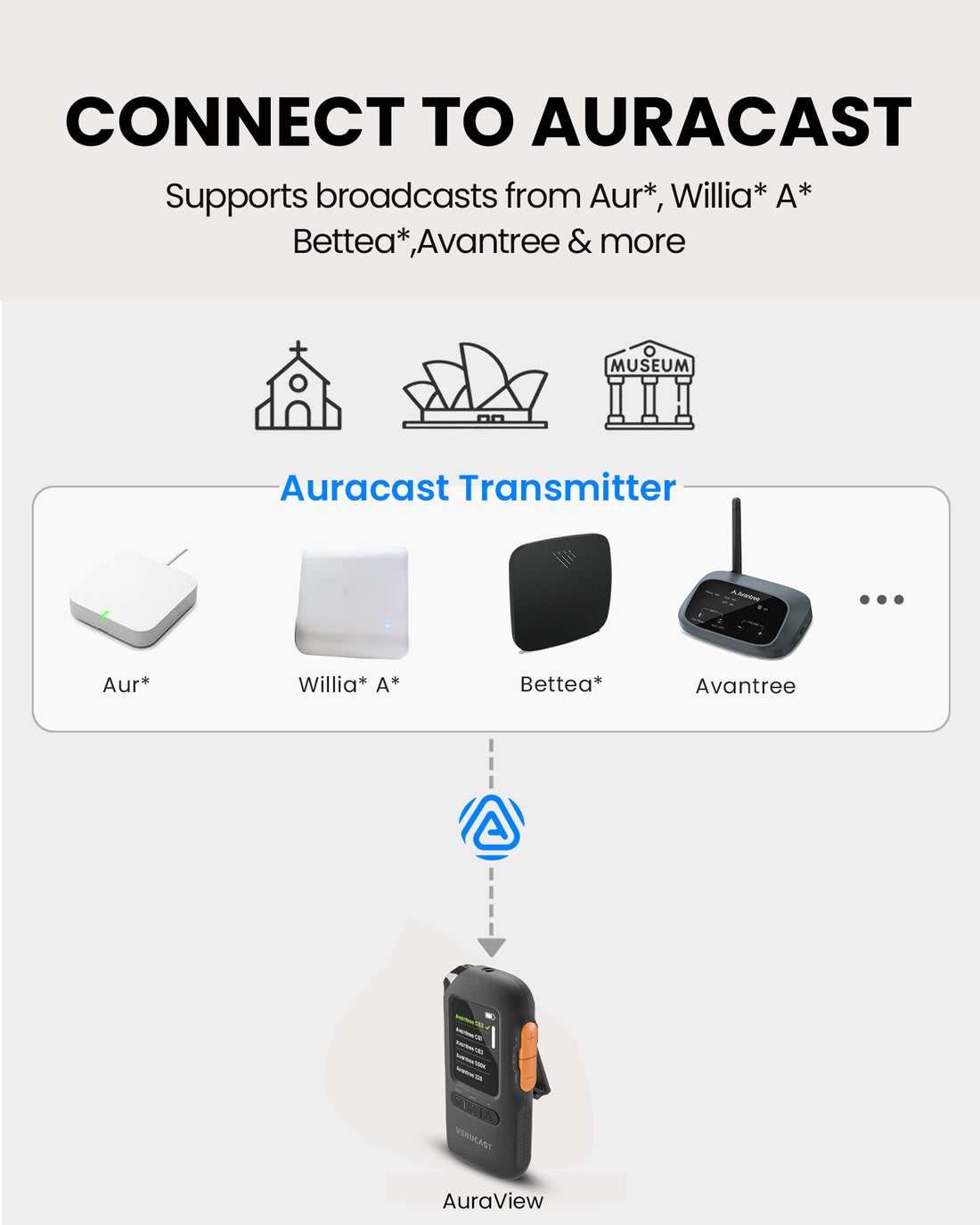
A. Audio source compatibility
Works with Auracast transmitters from Venucast and other brands
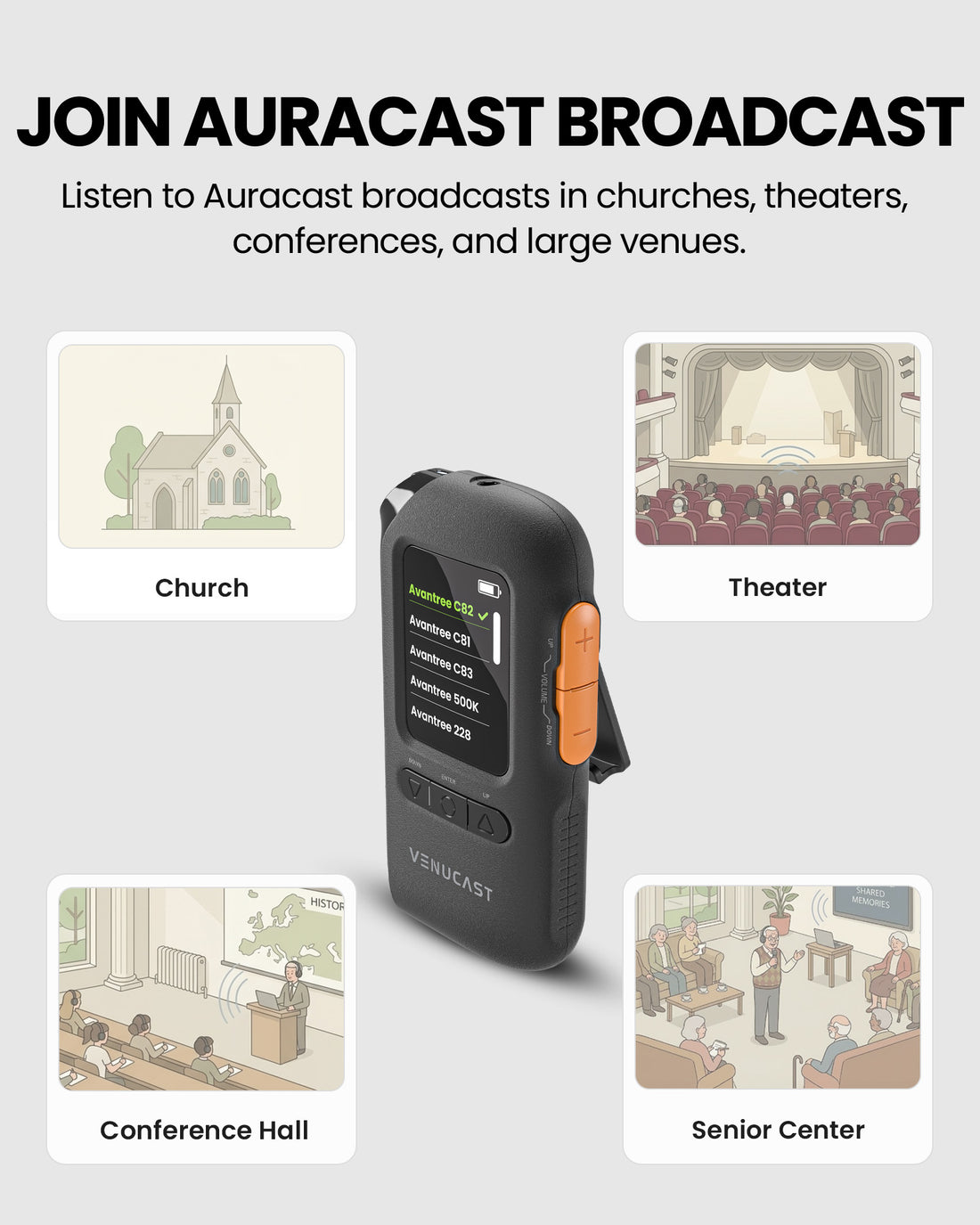
- Open Auracast venue broadcast



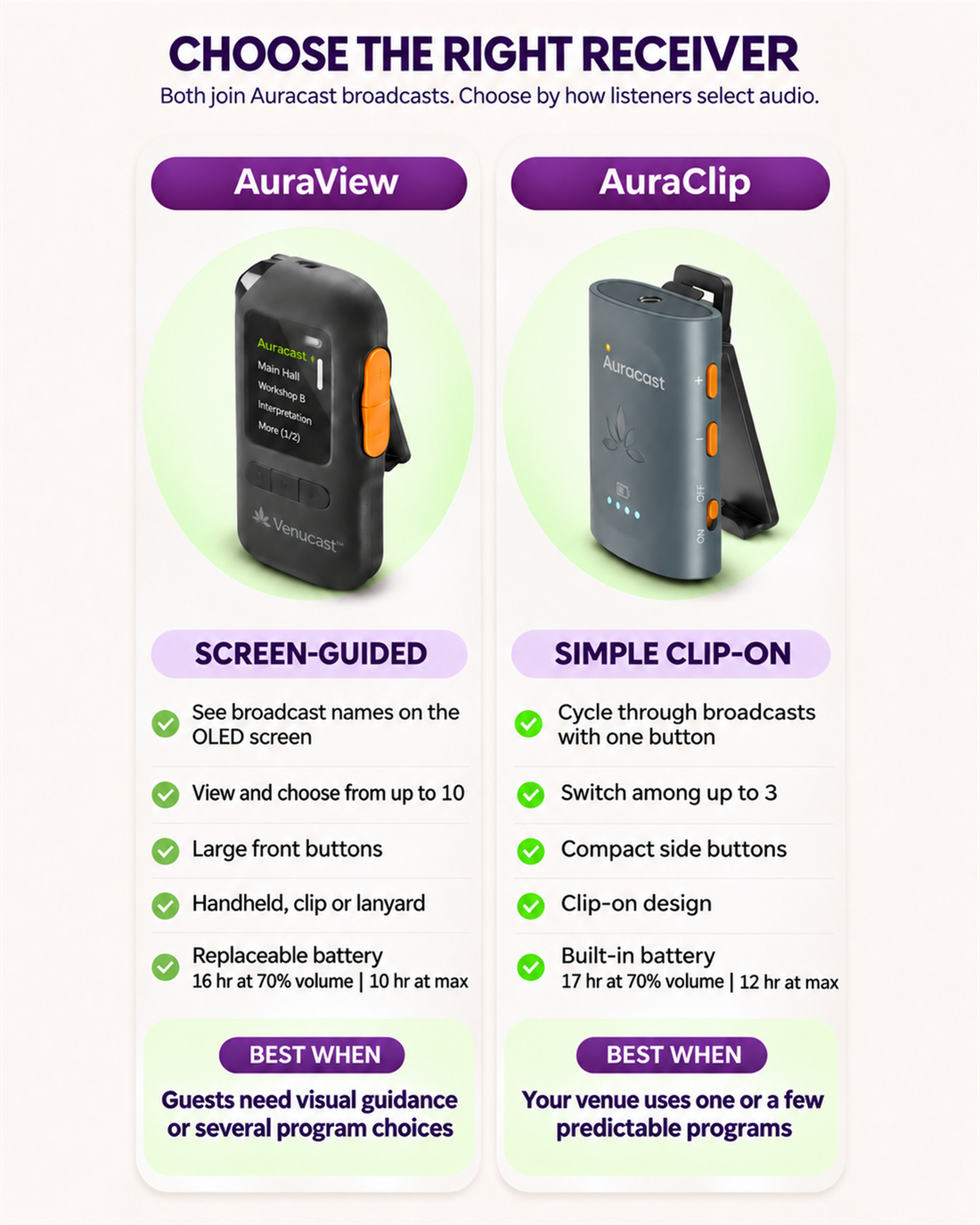

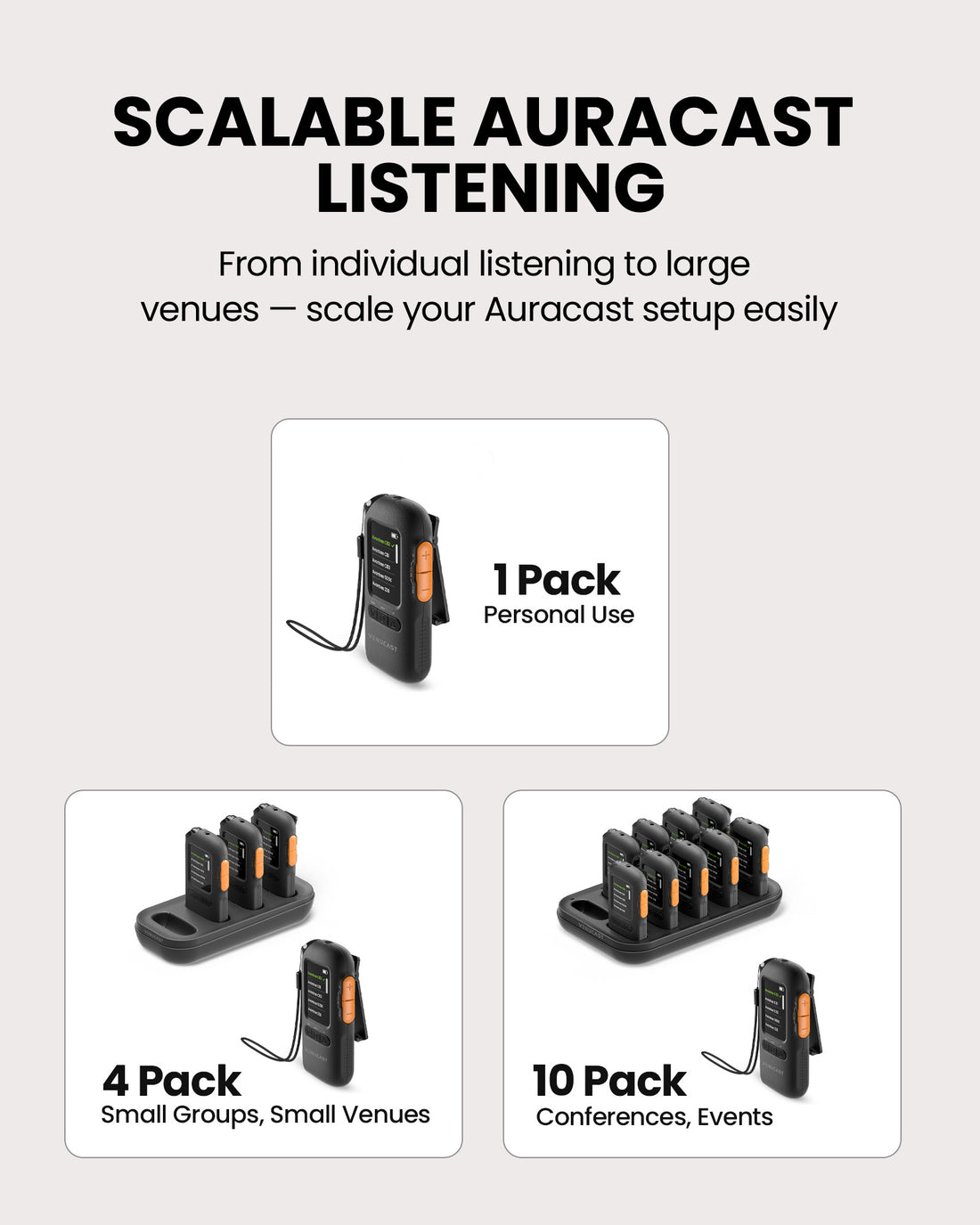
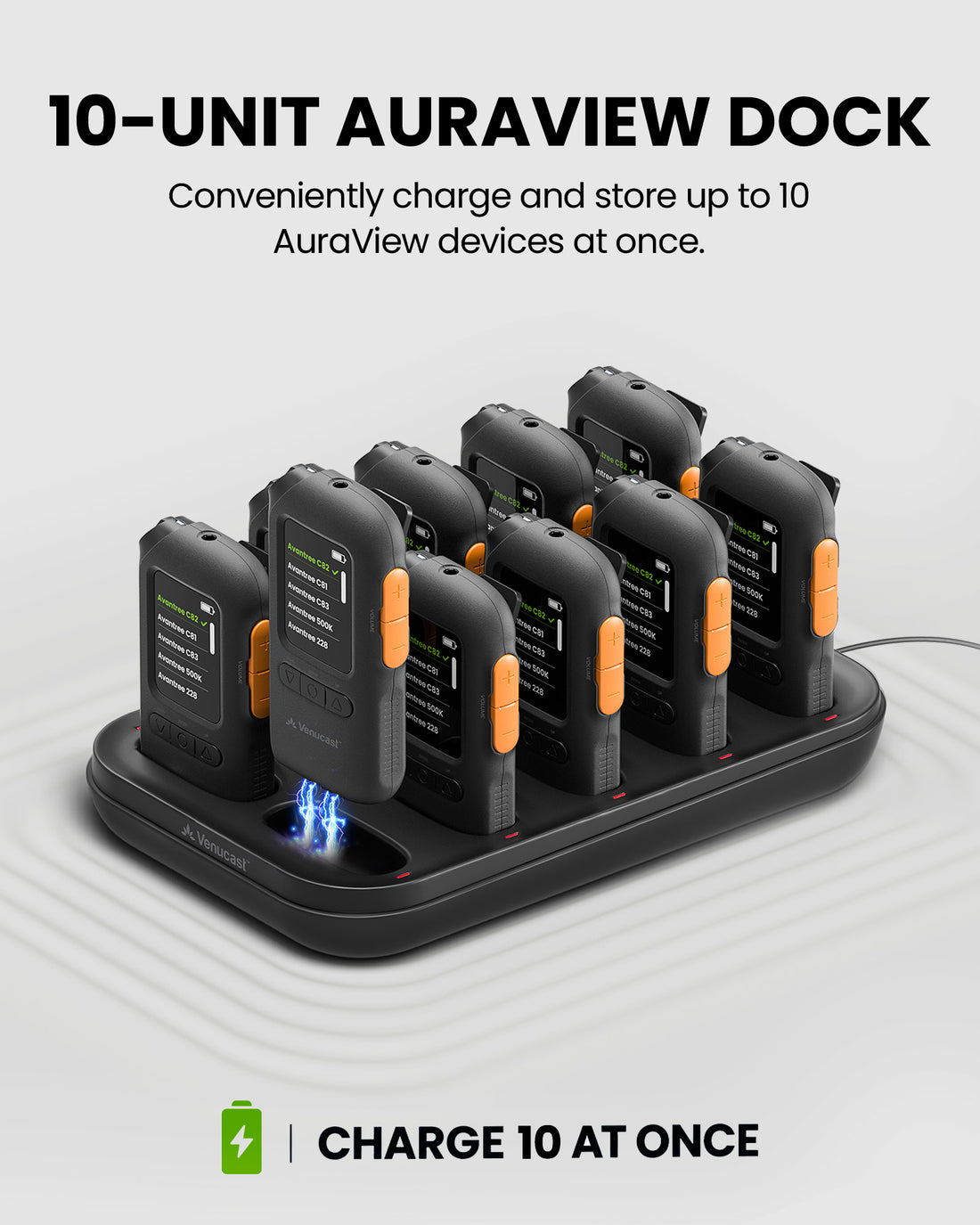
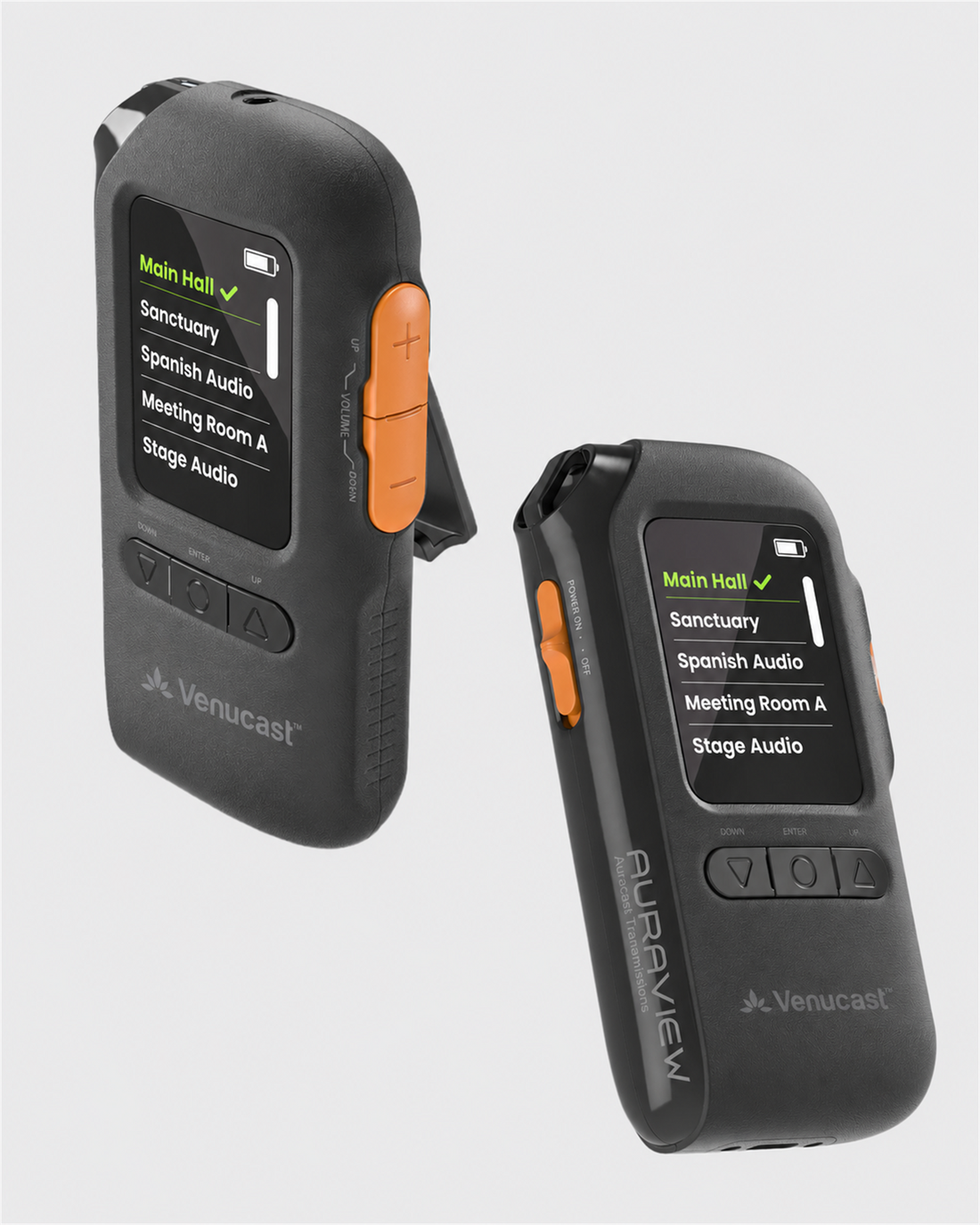
Includes 1 receiver and 1 wired earphone.
Choose what to hear on screen. Your venue must offer an open Auracast broadcast.
Checking the fastest delivery option…

01 · Best for
Best For
Before buying
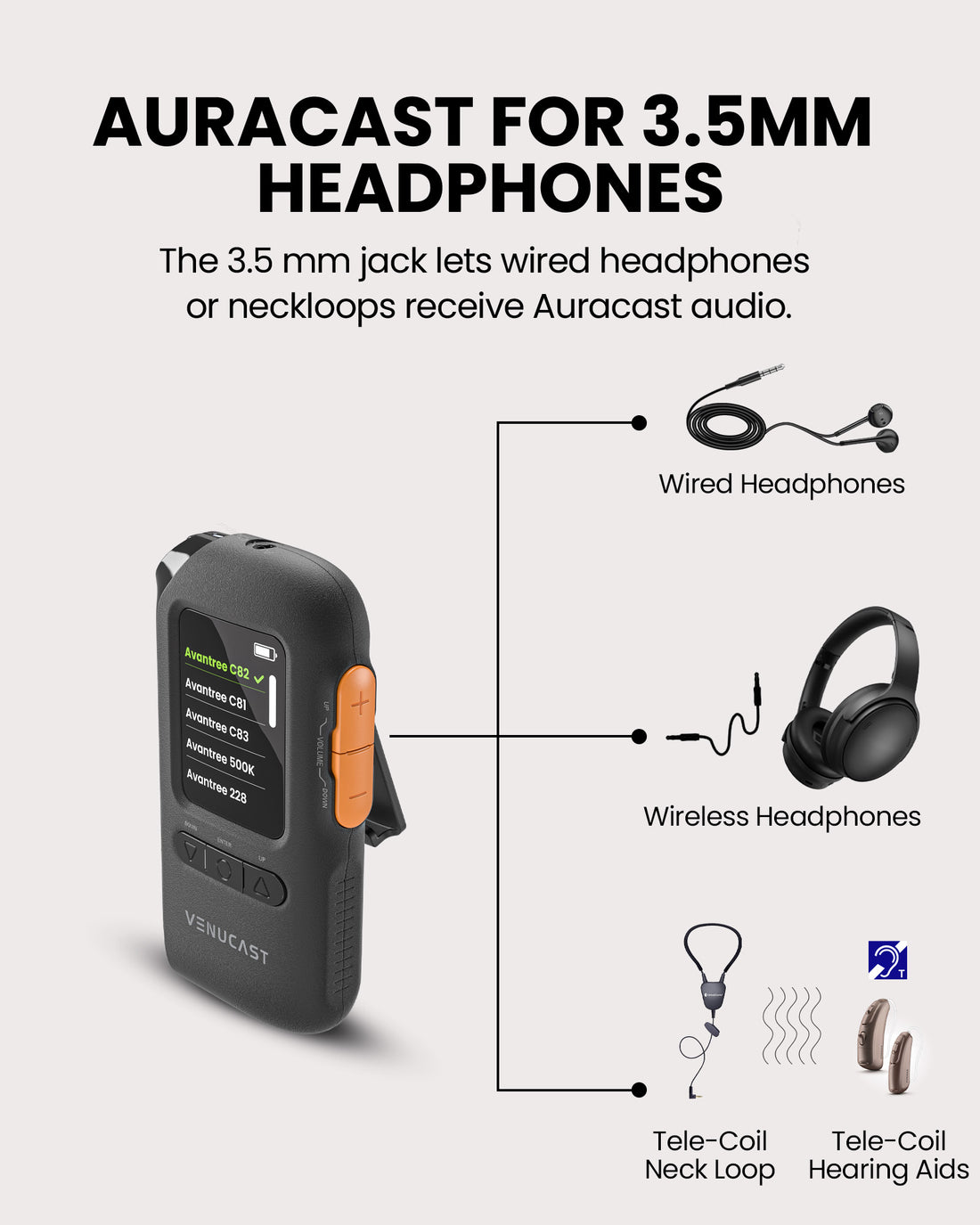
Check the audio source feeding AuraView Auracast Receiver with On-Screen Channel Selection and how each listener will hear the broadcast.
A. Audio source compatibility
B. Listening device compatibility
02 · Addons & Accessories
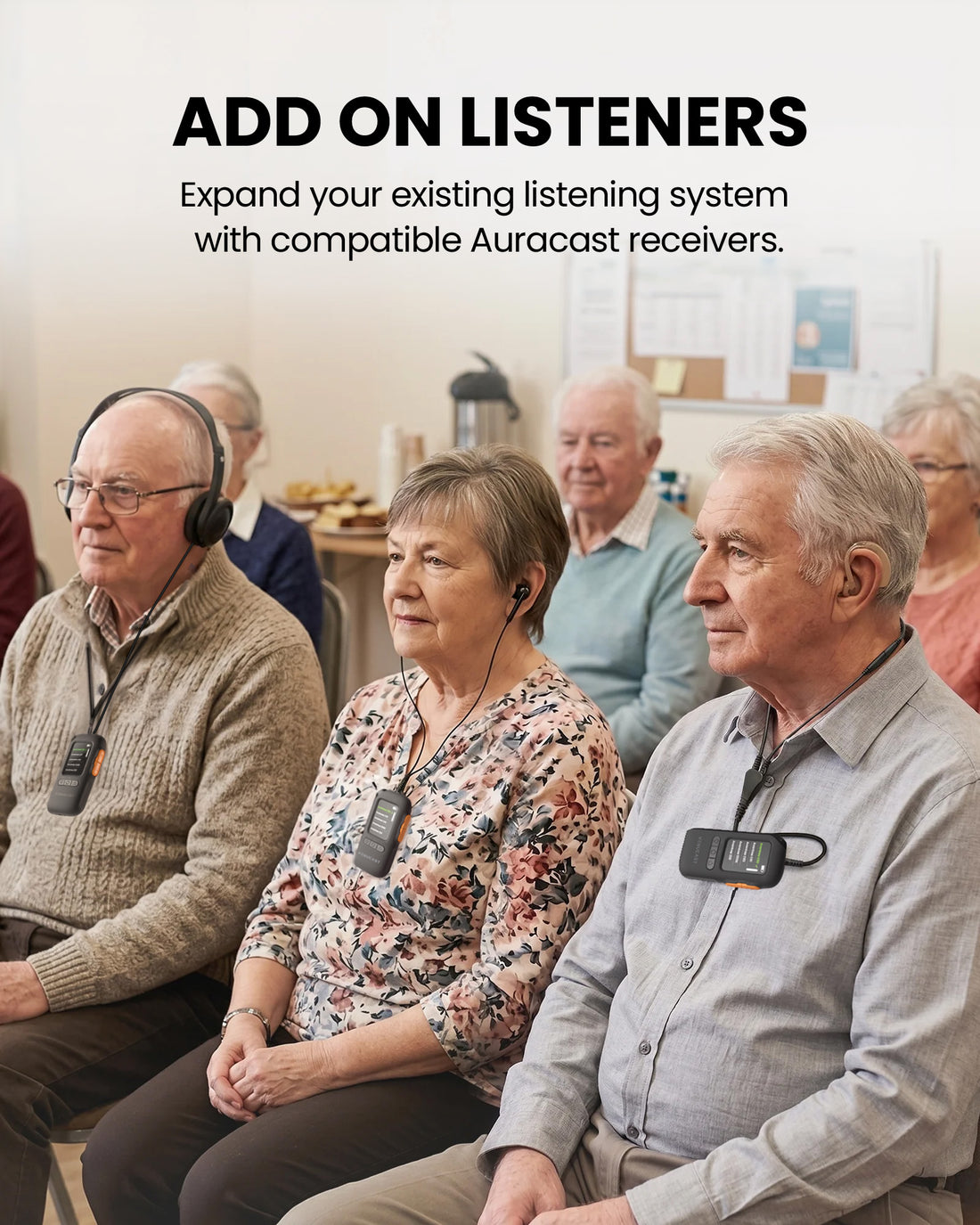
Your receiver includes a single-ear wired earphone. Choose an on-ear or over-ear option if you prefer headband headphones.
Need a transmitter for your venue? Explore AirCast →
View all accessories03 · Product Details
Simple by design
Ask your venue for an open Auracast broadcast. Choose its name on the receiver screen and listen through the included wired earphone.
04 · Setup & Config
Product-specific connection, operation and care instructions.
Open the AuraView support page to download the receiver manual.
Get help with AuraView connections, sound and operation.
Common Questions

