AuraView Auracast Receivers with Charging Dock, 10-Pack

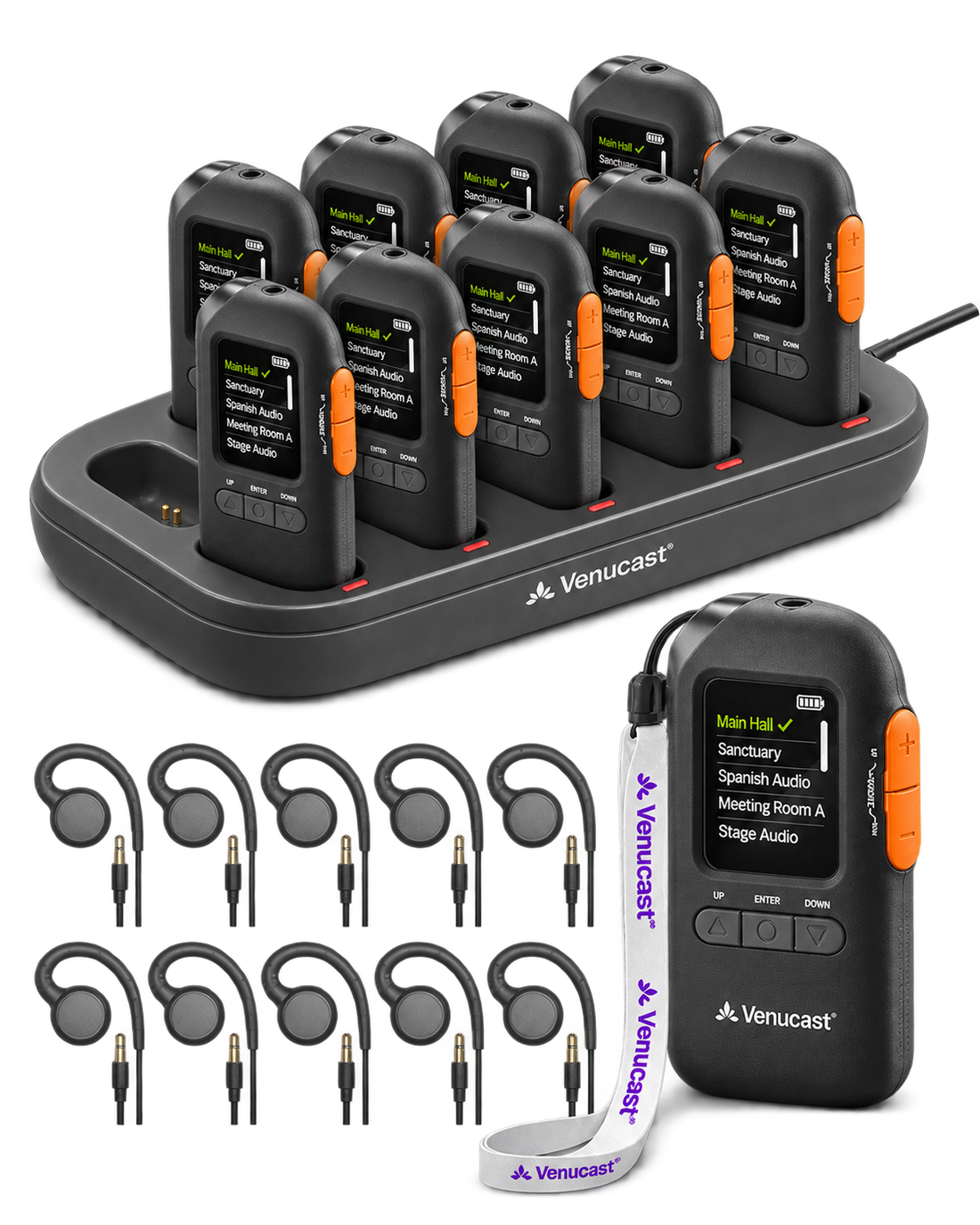
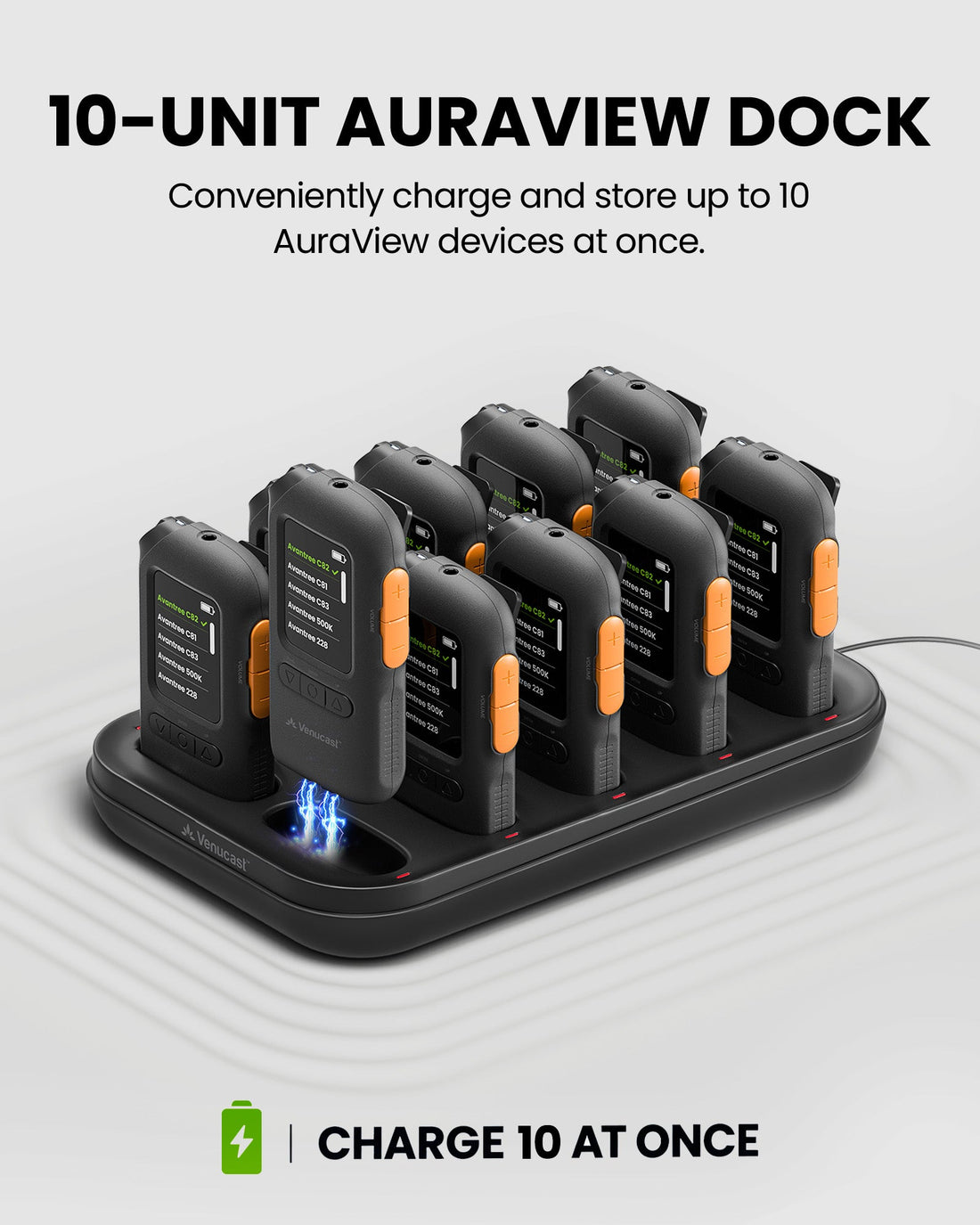
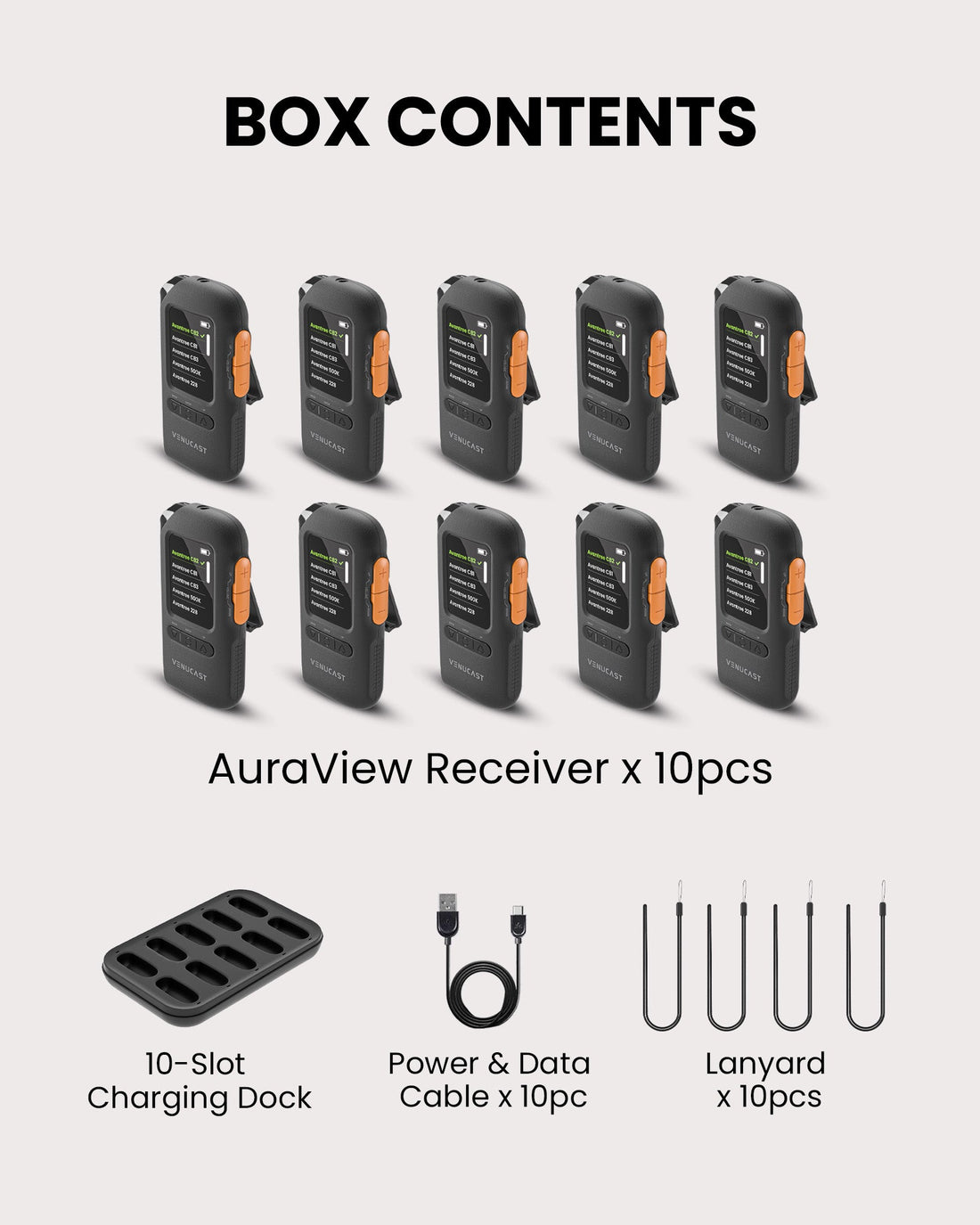
Includes 10 receivers, 10 wired earphones and a 10-slot charging dock.

Each guest can choose what to hear on screen. Your venue must provide an open Auracast broadcast. Transmitter sold separately.

Checking the fastest delivery option…

Fast ShippingReliable Delivery
60-Day Free ReturnsHassle-Free
Bulk DiscountVolume Pricing Available
Free Setup SupportVenue Specialist Included
  • Equip 10 guests – The set includes 10 receivers and a 10-slot charging dock. Your venue supplies the Auracast transmitter.
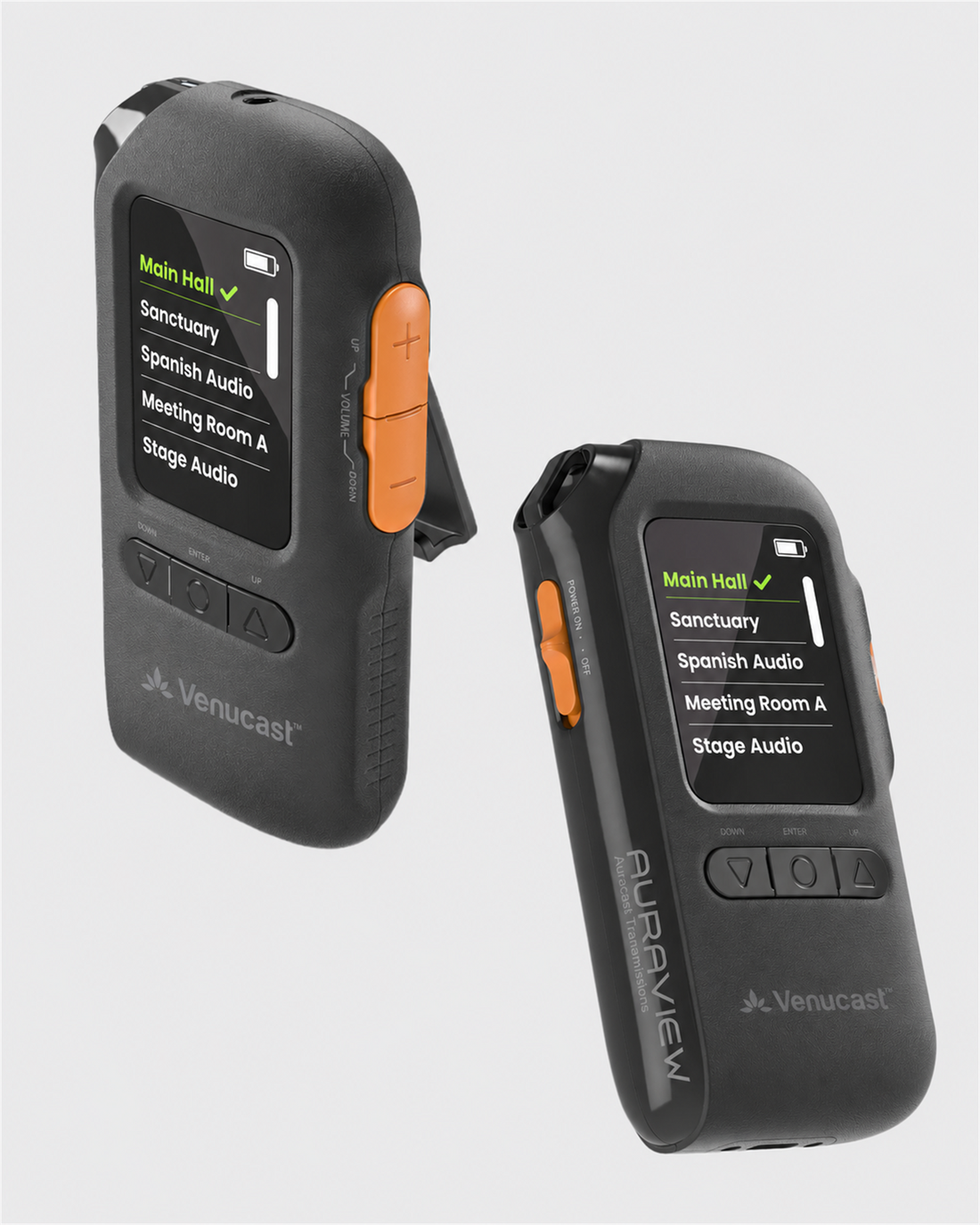
  • Let guests choose independently – Each screen shows the available open broadcasts, so listeners can select their room or language feed.
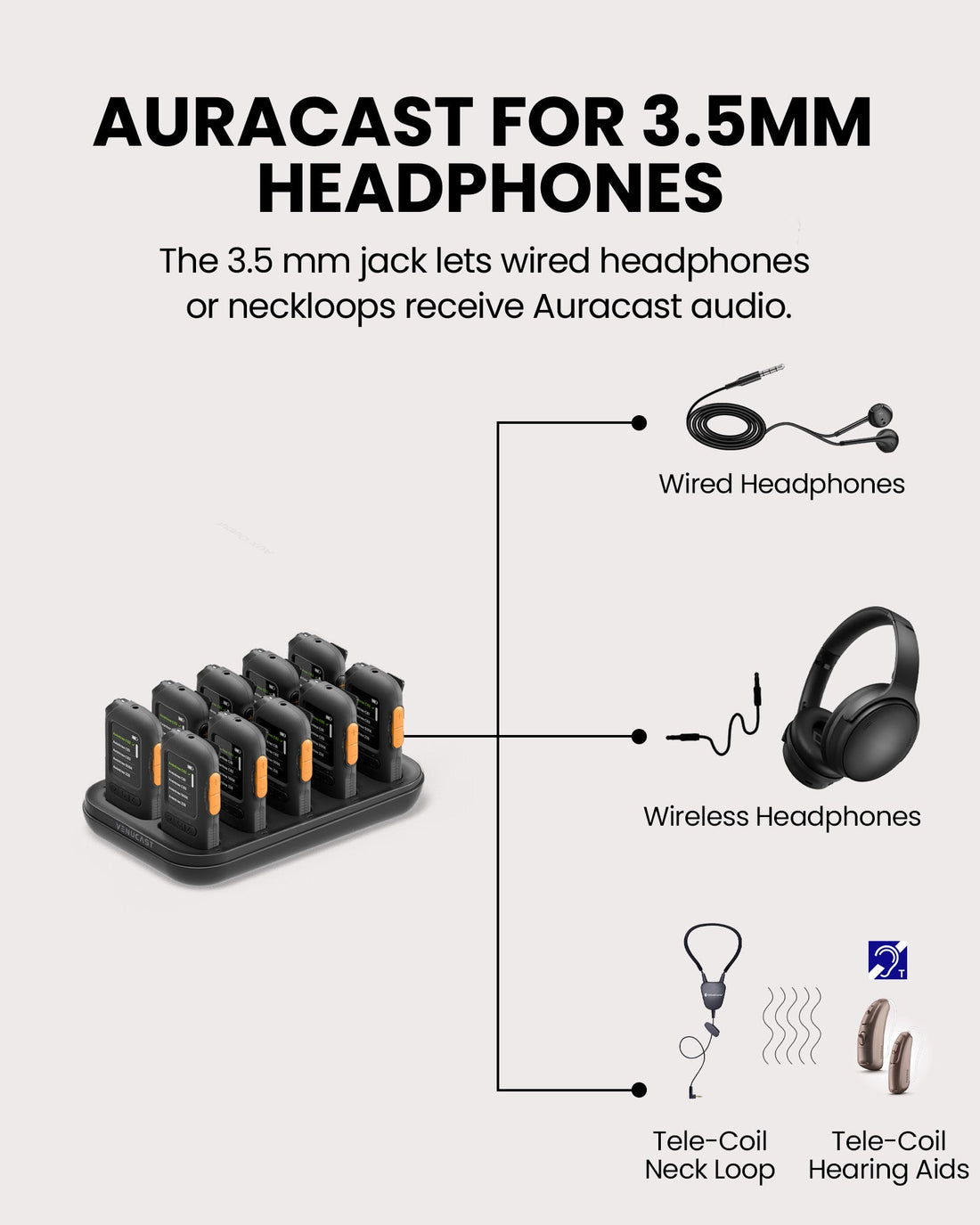
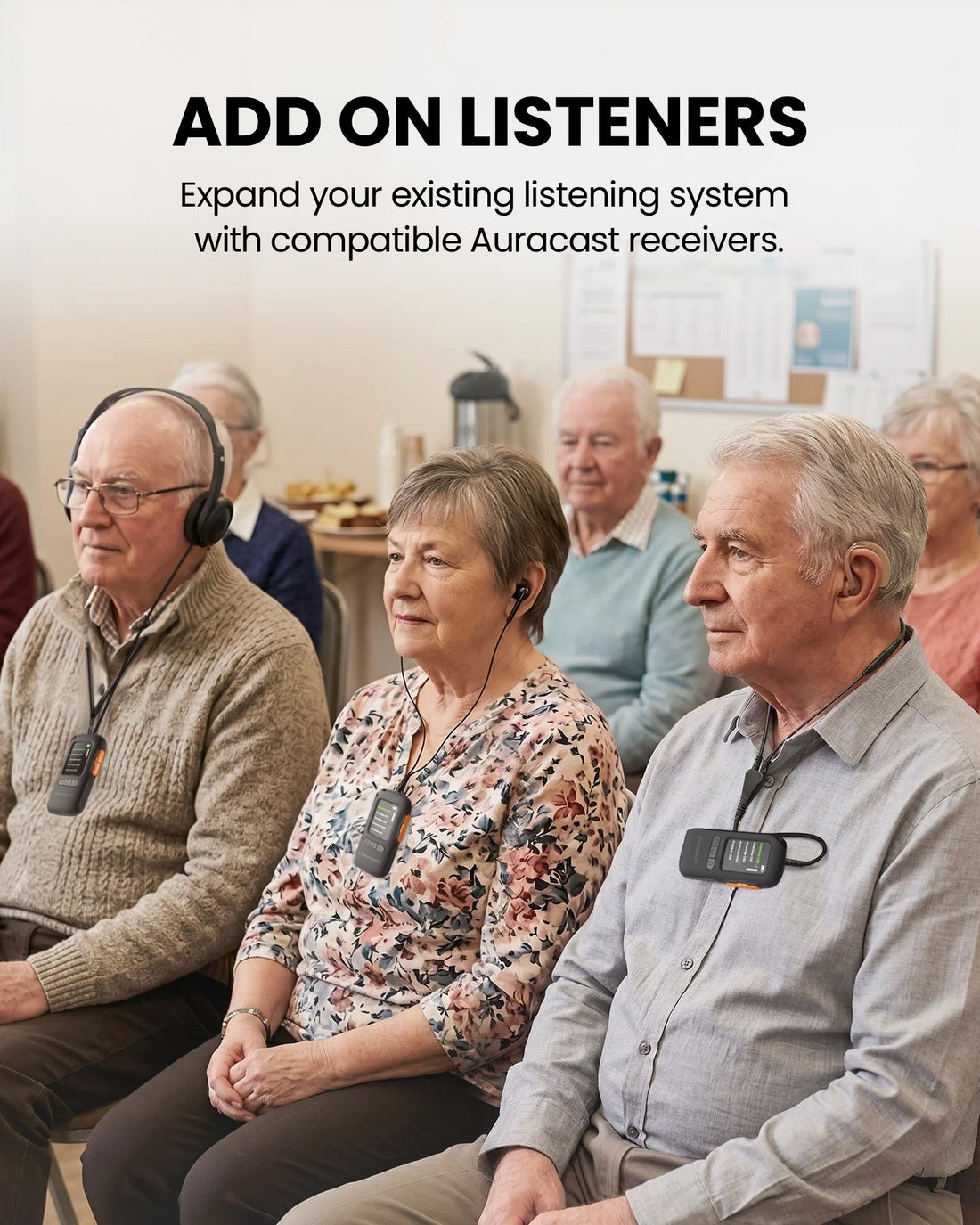
  • Accommodate different listeners – Use wired headphones or a compatible neckloop for a hearing aid with an active telecoil.
  • Organize event check-in – Collect and recharge ten loaners in one dock between sessions.
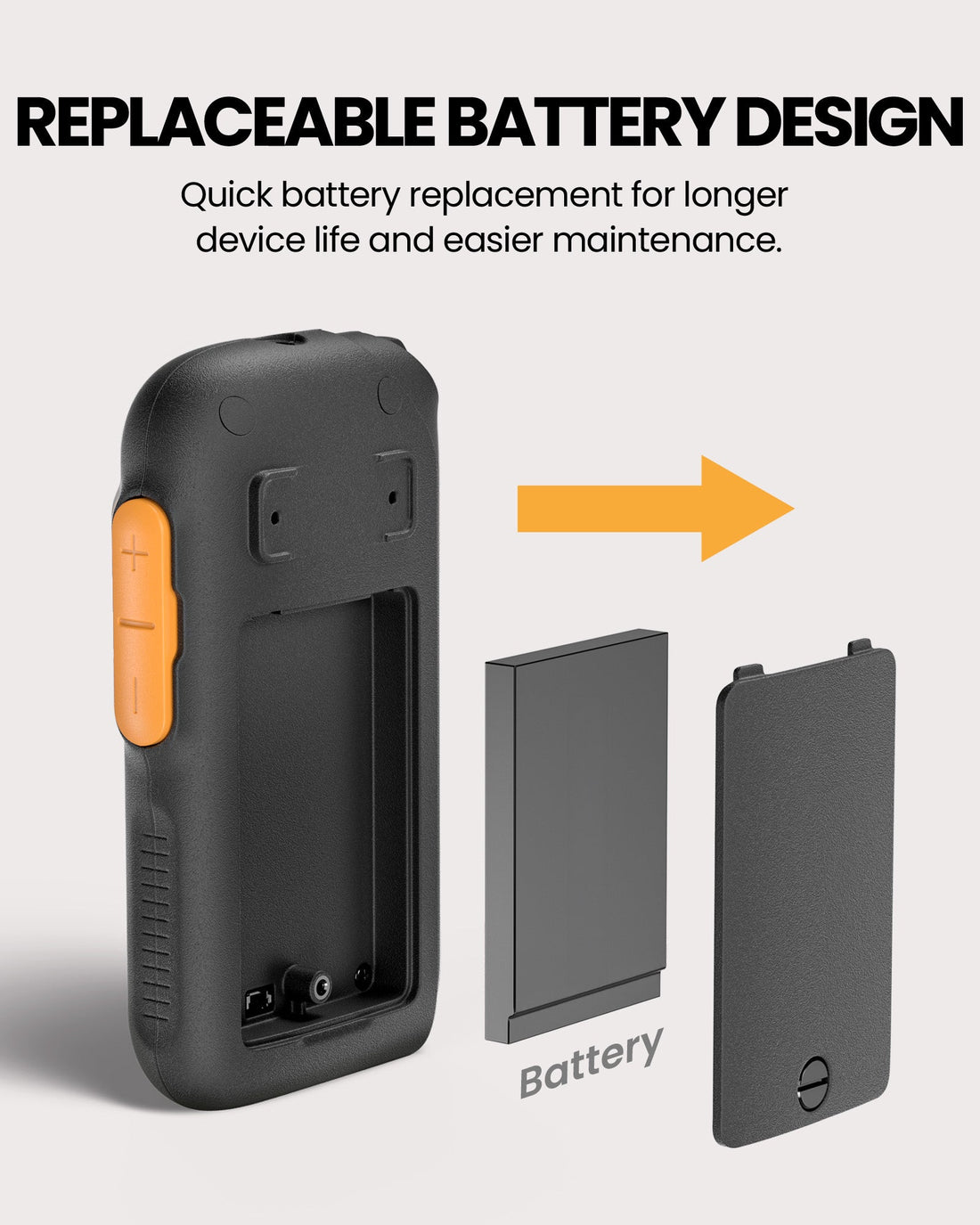
  • Maintain receivers over time – Staff can replace a worn battery and keep the receiver in service.
AuraView Auracast Receivers with Charging Dock, 10-Pack $1,399.99
Shop AuraView 10-Pack — Listen to the channel you choose

01 · Best for

Best For

Screen-guided listening for worship, learning and public venues

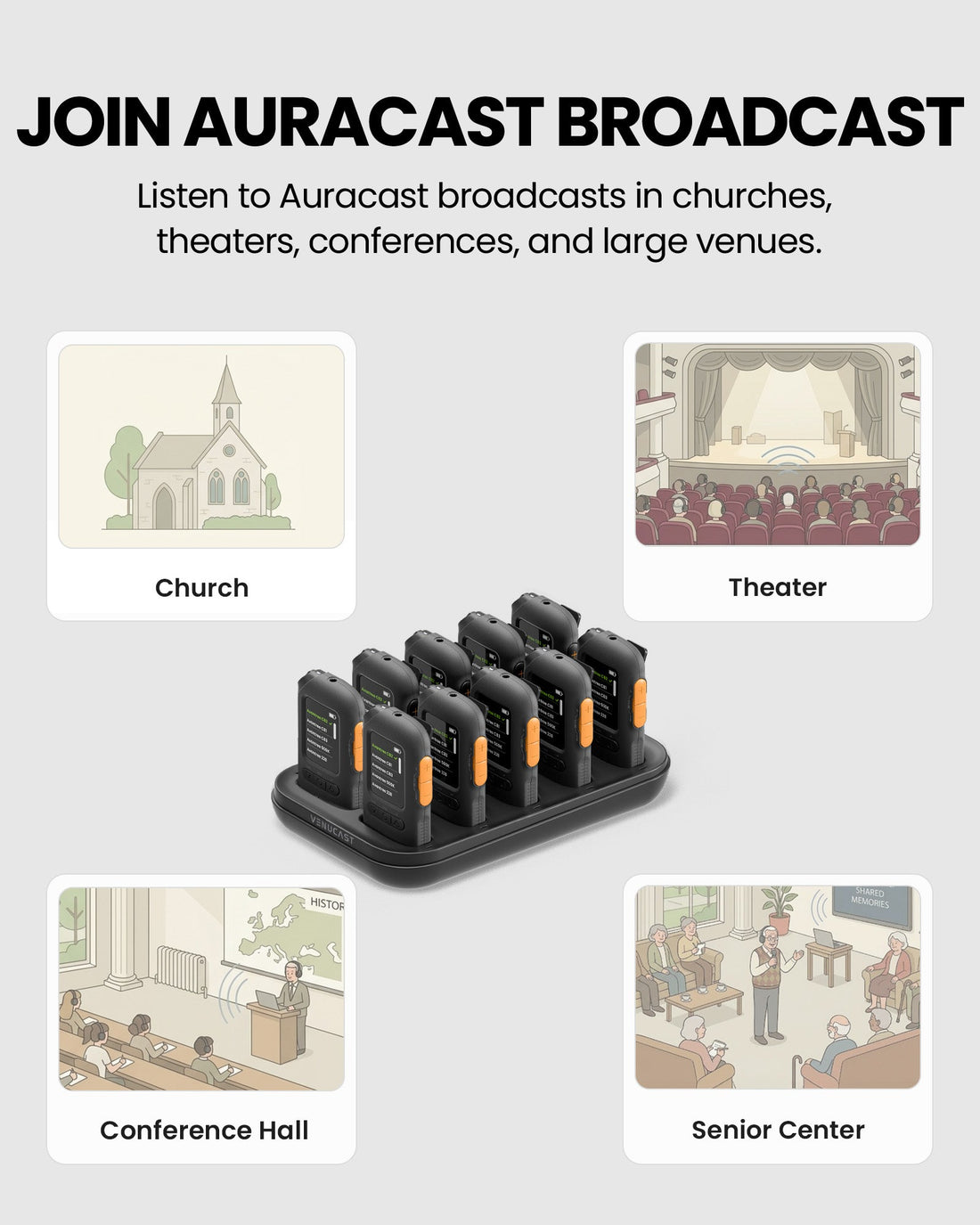
  • Church & WorshipAccessible program audio for services, sermons, music, and events.
  • Classroom & TrainingA simple screen-guided listening device for students and attendees.
  • Conference & TheaterClear speech and program audio for guests who need listening support.
  • Senior Center & Public VenueA clear display and larger controls support staff-assisted use.

Before buying

Compatibility

Check the audio source feeding AuraView Auracast Receivers with Charging Dock, 10-Pack and how each listener will hear the broadcast.

A. Audio source compatibility

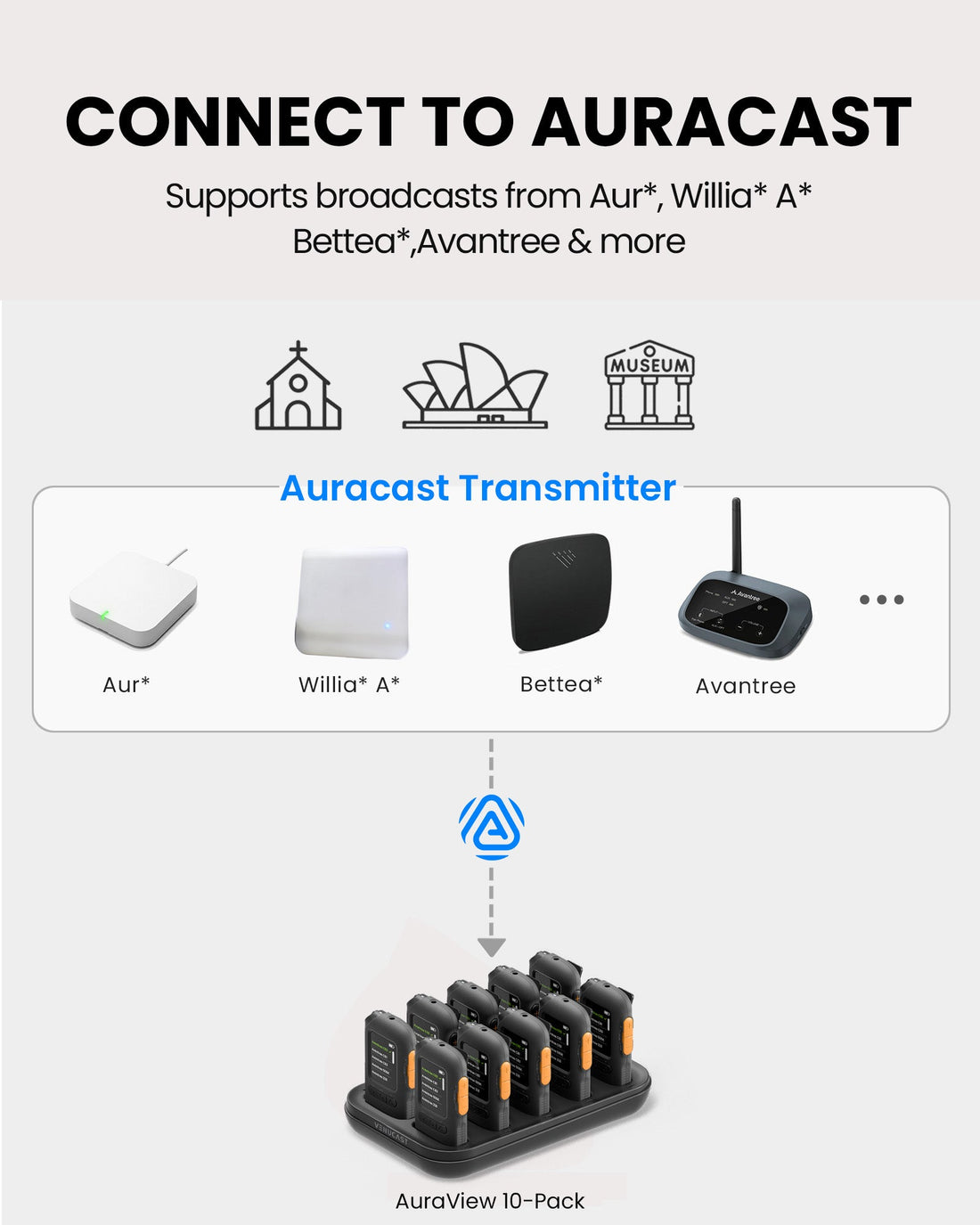
Works with Auracast transmitters from Venucast and other brands

  • Existing Auracast system
  • Auracast transmitter

B. Listening device compatibility

Choose a direct or receiver-assisted path

Wired headphones & earbuds
Connect a compatible listening device to the 3.5 mm output.
Telecoil hearing aids
Use a suitable external T-Coil neckloop and the hearing aid T-Coil program. The neckloop is a separate accessory.
Auracast source required
This receiver joins an Auracast broadcast; it does not create one.
Check Compatibility
Need help choosing AuraView 10-Pack for your venue? Find My Setup

AuraView receives an Auracast broadcast and sends audio through its 3.5 mm output. It does not stream directly into hearing aids.

02 · Addons & Accessories

Optional Headphones for Your 10-Pack

Your kit includes 10 single-ear wired earphones. For guests who prefer headband headphones, choose an on-ear or over-ear set below.

View all accessories

03 · Product Details

What's Included

  • 10 AuraView receivers
  • 10 lanyards
  • 1 charging dock
  • 1 power/data cable
  • 10 × Single-ear wired earphones

How It Works

Simple by design

Charge, select a broadcast, listen

Ask whether your venue offers an open Auracast broadcast. AuraView cannot join encrypted broadcasts. Its 3.5 mm output accepts wired earphones or a compatible telecoil neckloop.

  • 10 receivers
  • Shared charging dock
  • Individual listening volume
1
Charge the receivers Place the receivers in the charging dock and ensure they are ready for use.
2
Select the Auracast broadcast Use the OLED display and front controls to find and select the required channel.
3
Connect a listening device Plug wired headphones, earbuds, a headset, or a compatible T-Coil neckloop into the 3.5mm output.

Technical Specifications

Bluetooth version
V5.4
Operating frequency
2.402–2.483GHz
Broadcast audio codec
LC3
Supported profiles
PACS v1.0.1, Volume Control v1.0, Common Audio Service v1.0, Broadcast Audio Scan Service v1.0
Analog output
3.5mm jack, 0.15–4.0Vpk
Standby time
10 minutes
Power supply
5V / 500mA–2A USB charger
Power port
USB-C
Product size
11 × 6.17 × 3.58 cm
SKU
VRC-250-10
AuraView
SKU: VRC-250 · Quantity: 10 · Package dimensions: 14.4 × 13.7 × 4 cm · Packaged weight: 200 g · Net weight: 102 g · Carton dimensions: 46.5 × 31.5 × 29.5 cm · Units per carton: 135
Charging Dock for AuraView Receivers 10-Slot
SKU: VCB-2510 · Quantity: 1

04 · Setup & Config

User Guide

Broadcast selection, listening controls and receiver operation.

Open guide

Troubleshooting

Get help with AuraView connections, sound and operation.

Get help

Compare Alternatives

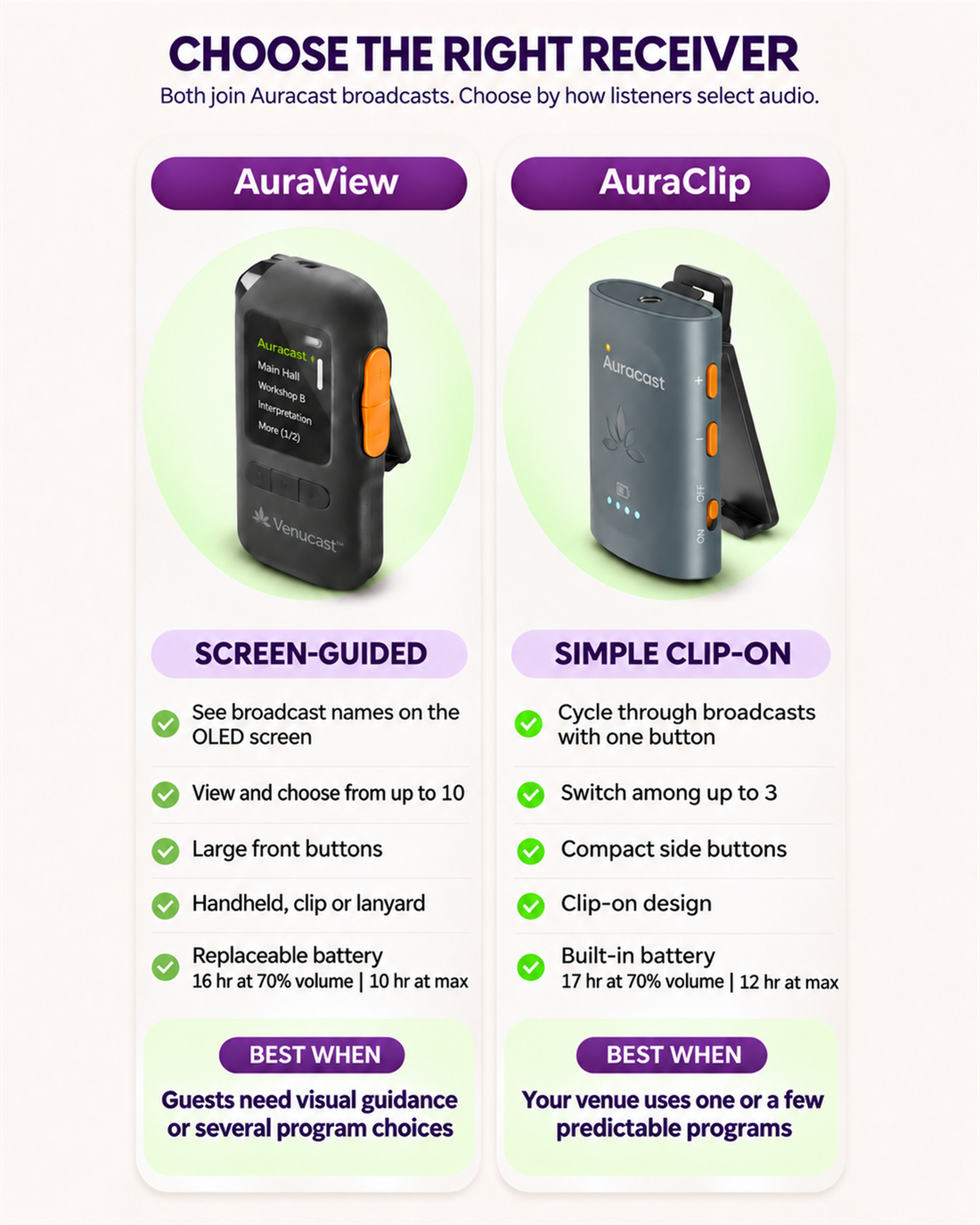
FeatureAuraView Auracast Receivers with Charging Dock, 10-PackAuraView Auracast Receivers with Charging Dock, 10-PackAuraClip 10RXAuraClip 10RX
Listener selectionSee broadcast names and select on the OLED screenCycle through broadcasts with one button; no screen
Broadcast choicesView and choose from up to 10Switch among up to 3
Controls & wearingLarge front buttons; handheld, clip or lanyardCompact side buttons; clip-on
Battery & tested playtimeReplaceable; approx. 16 hr at 70% volume / 10 hr at maxBuilt-in; approx. 17 hr at 70% volume / 12 hr at max
Choose this whenGuests need visual guidance or several program choicesYour venue uses one or a few predictable programs

Battery life is based on internal testing. Actual battery life varies with volume, connected listening device, signal conditions and usage.

Common Questions

AuraView FAQ

Do I need a phone?
No. Choose an available open broadcast on the receiver itself.
How do I select a program?
Use UP or DOWN to highlight its name, then press ENTER. Look for the green check.
Can I listen in another language?
Yes, if the venue provides a separate open broadcast for that language.
Can I use an Auracast transmitter from another brand?
Yes. AuraView can receive open Auracast broadcasts from Venucast and other brands. Encrypted broadcasts are not supported.
Can I use Bluetooth earbuds?
Use wired earphones or headphones with a 3.5 mm plug.
Will it work with my hearing aid?
Connect a compatible neckloop to AuraView and enable the telecoil program on your hearing aid.
Which version should our venue choose?
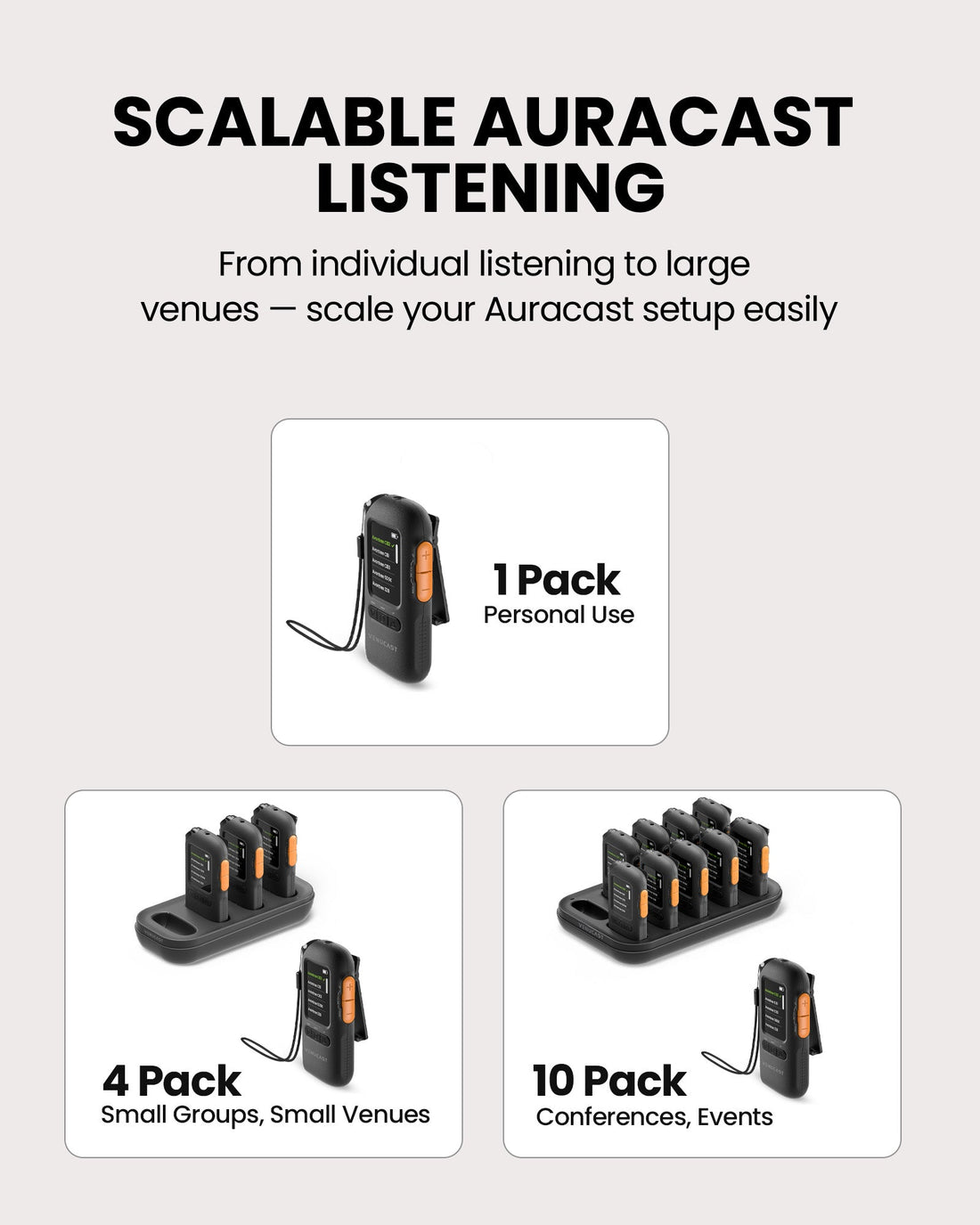
Choose one receiver for one guest. The 4-Pack and 10-Pack serve four and ten listeners respectively and include a matching charging dock.
Why did the display turn off?
The screen sleeps after about 30 seconds while audio can continue. Press a button once to wake it.
How do we charge the receivers?
Use USB-C for a single receiver. On the group dock, switch on the powered dock and fully seat each receiver.
Does this receiver broadcast microphone audio?
No. Your sound system needs a separate Auracast transmitter.