
Auracast hearing aids
Connect directly to the Auracast broadcast.
Direct Auracast


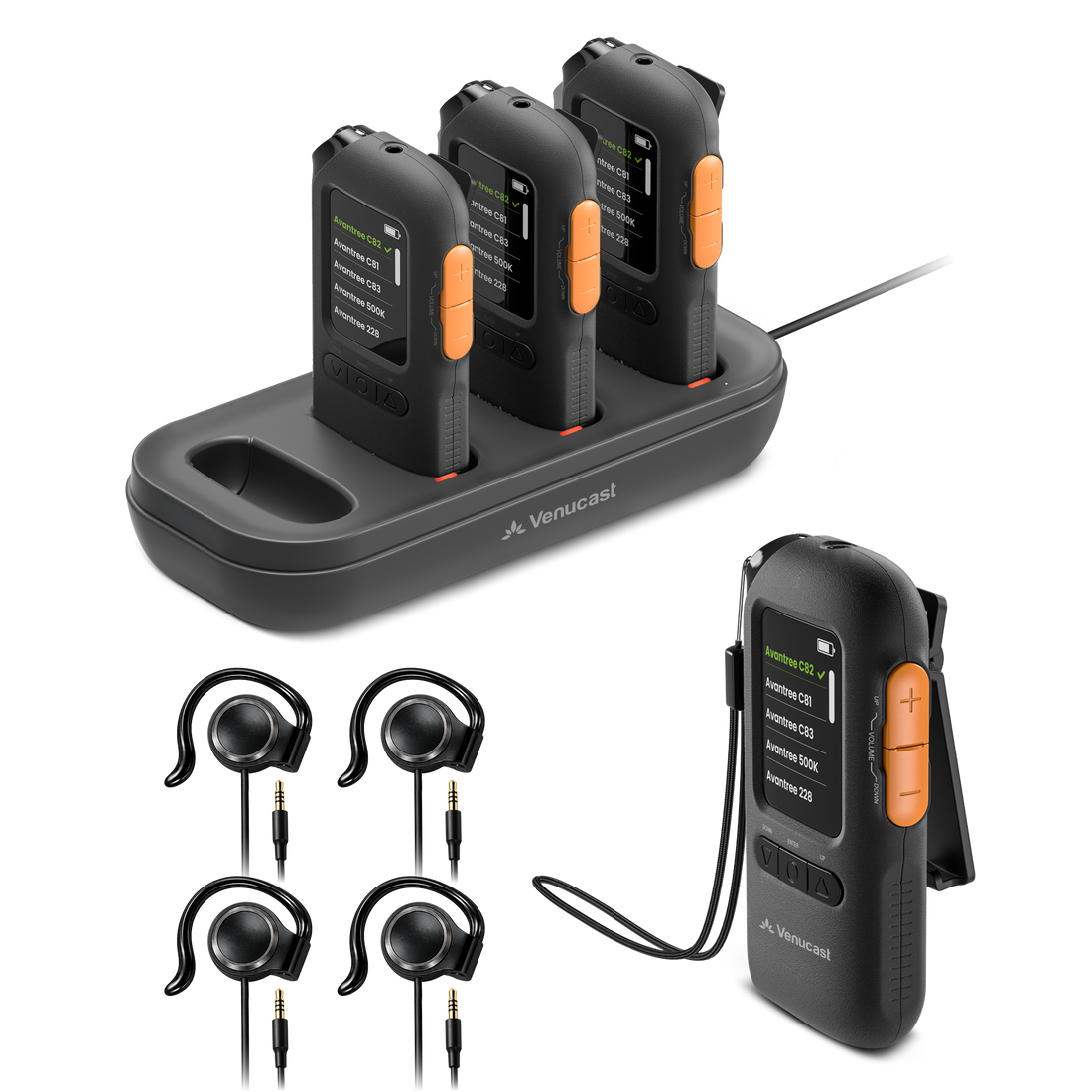
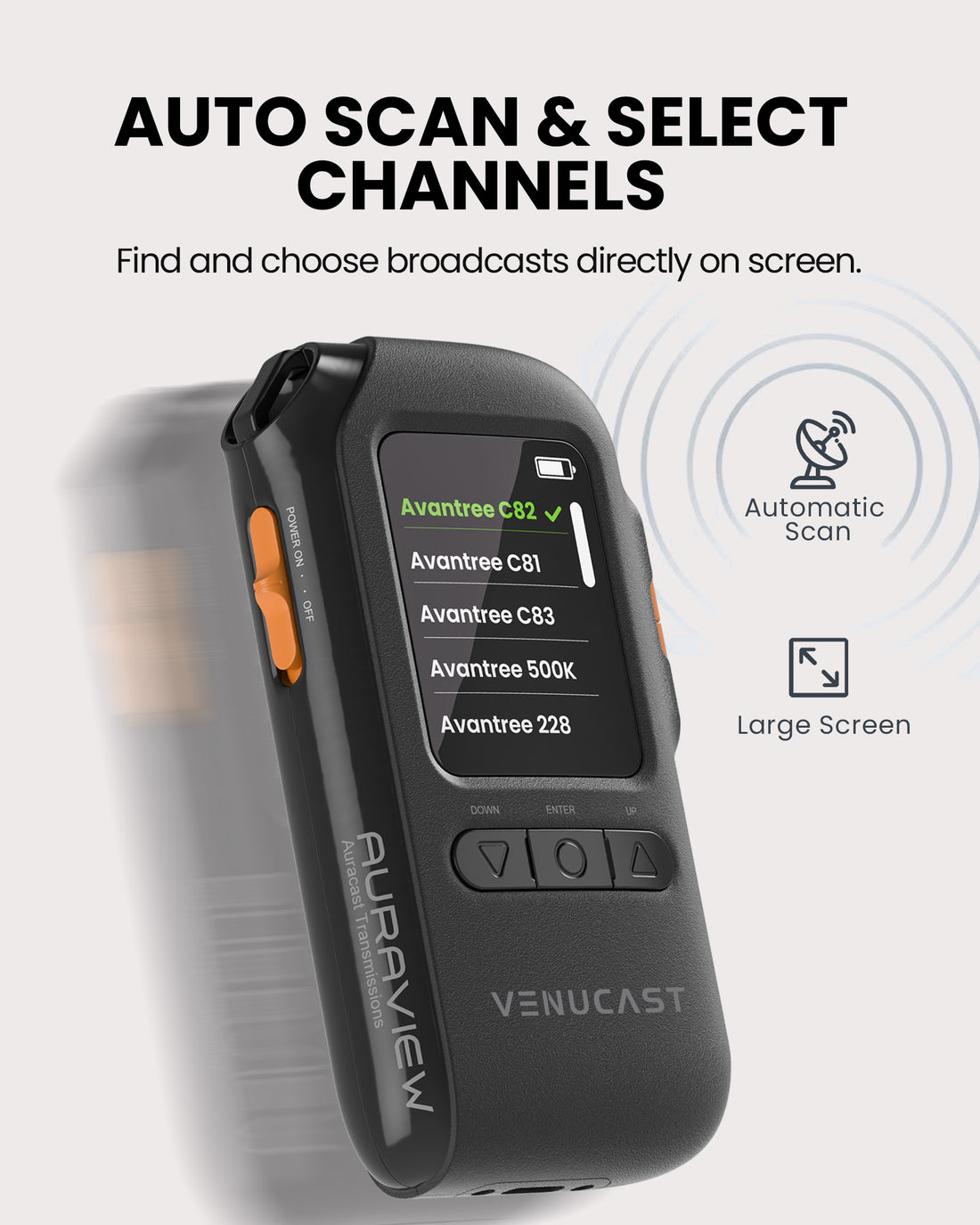
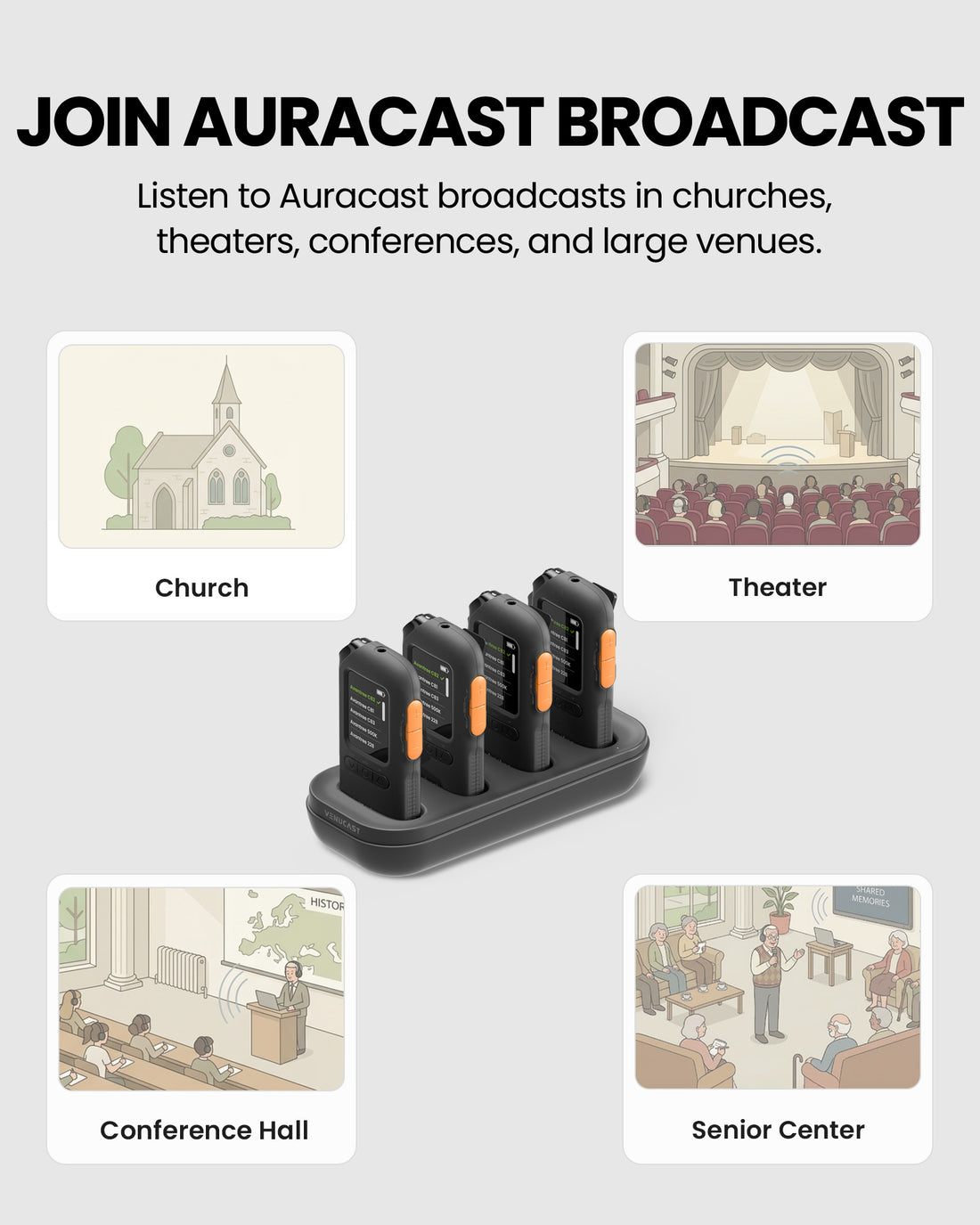
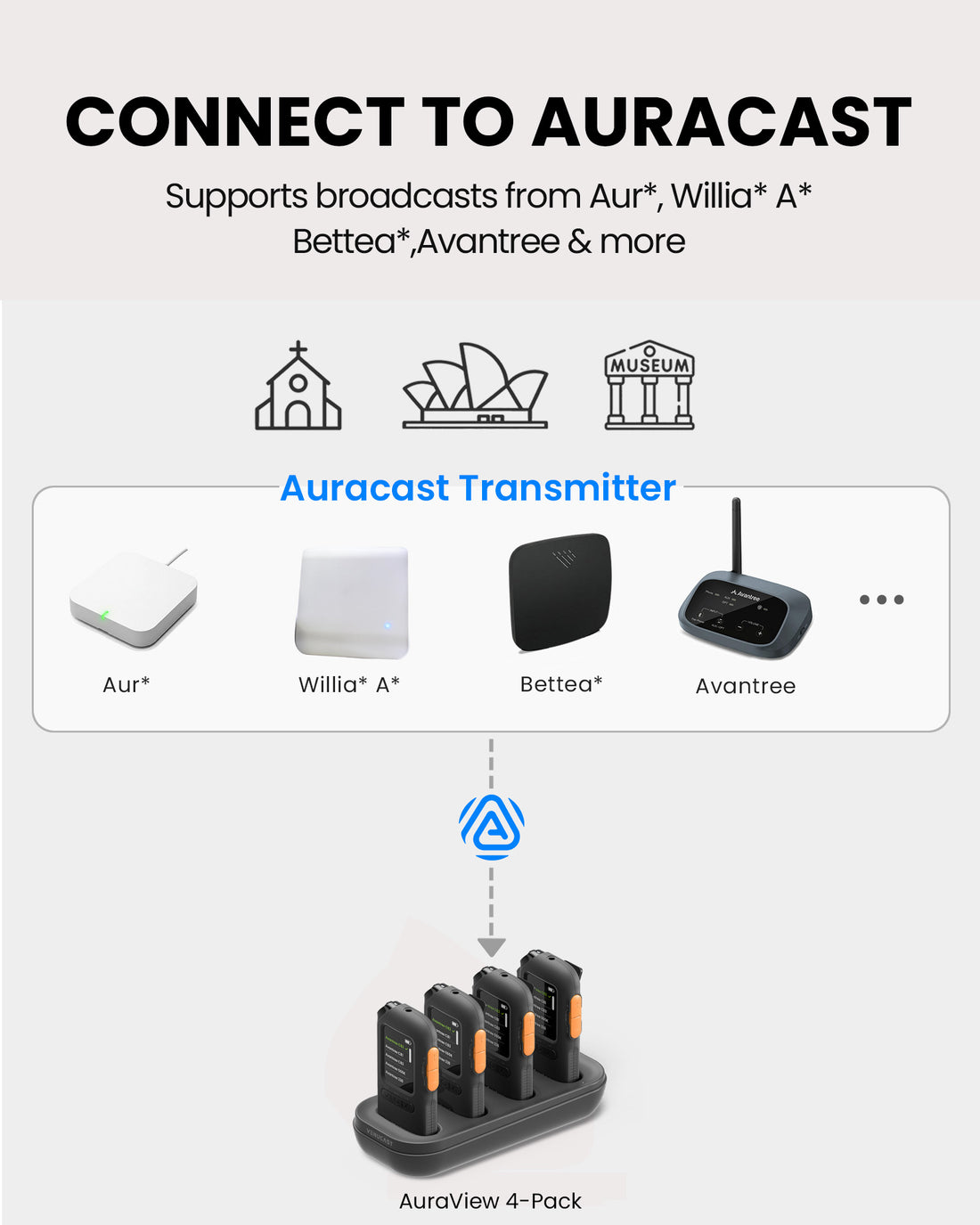
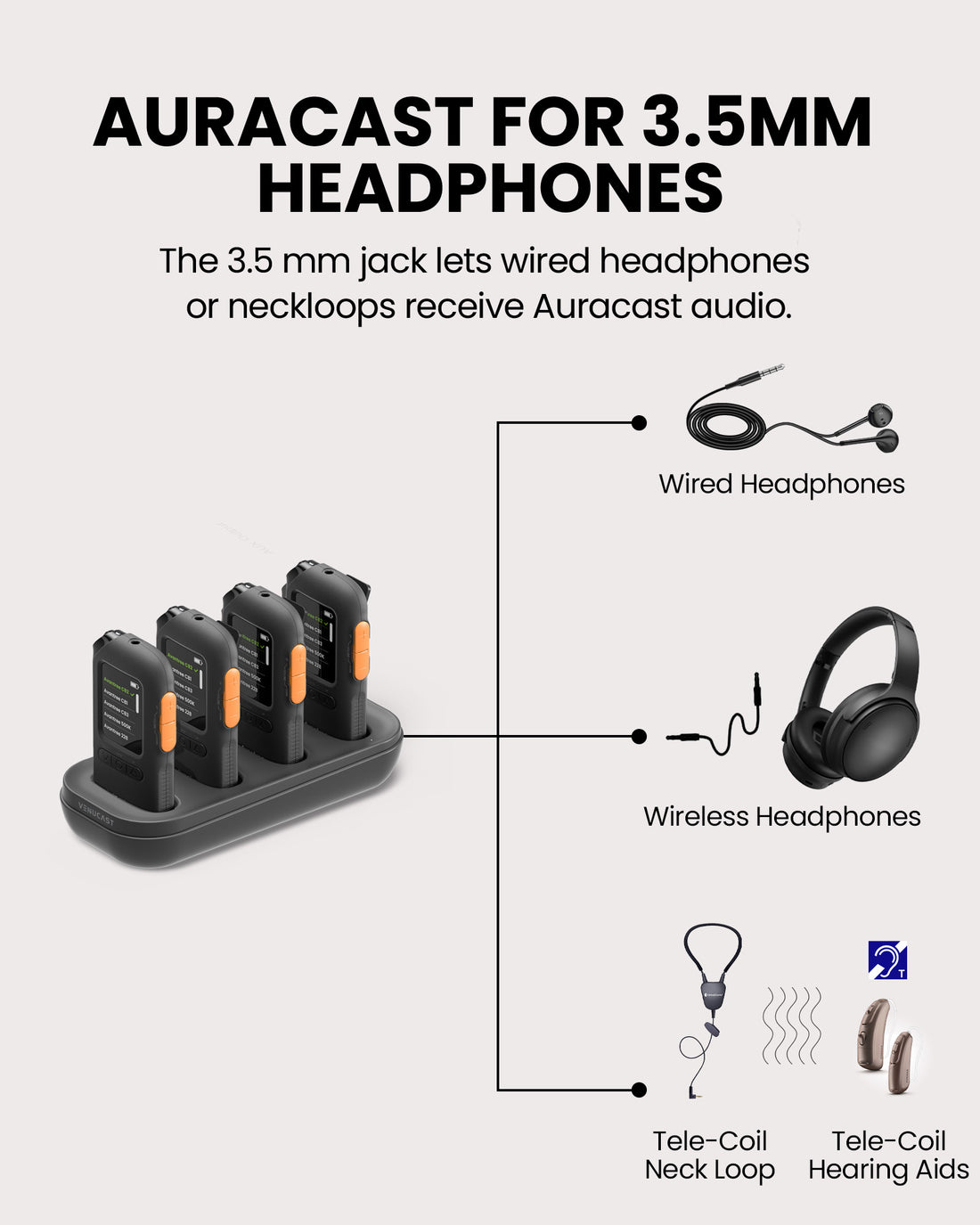
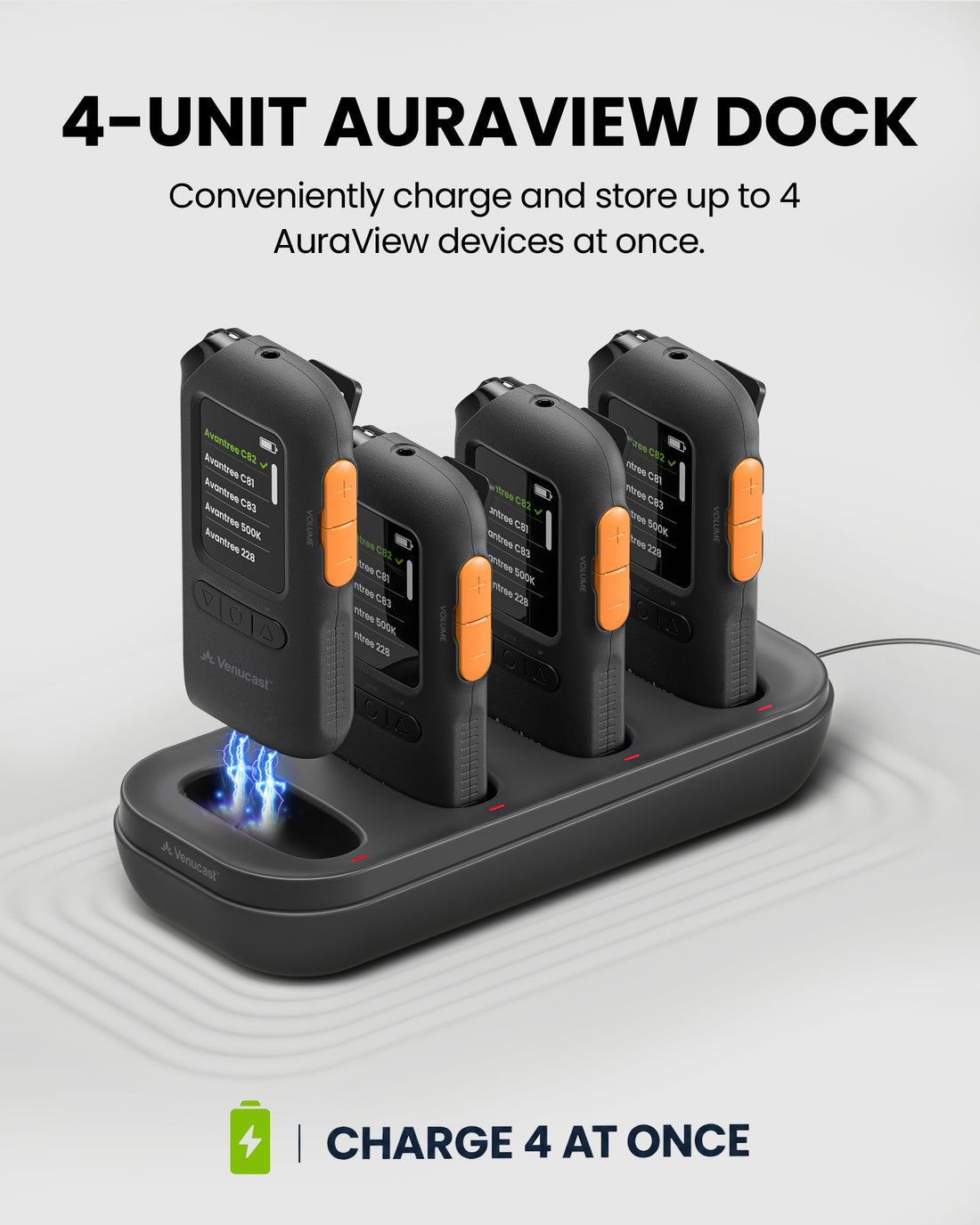
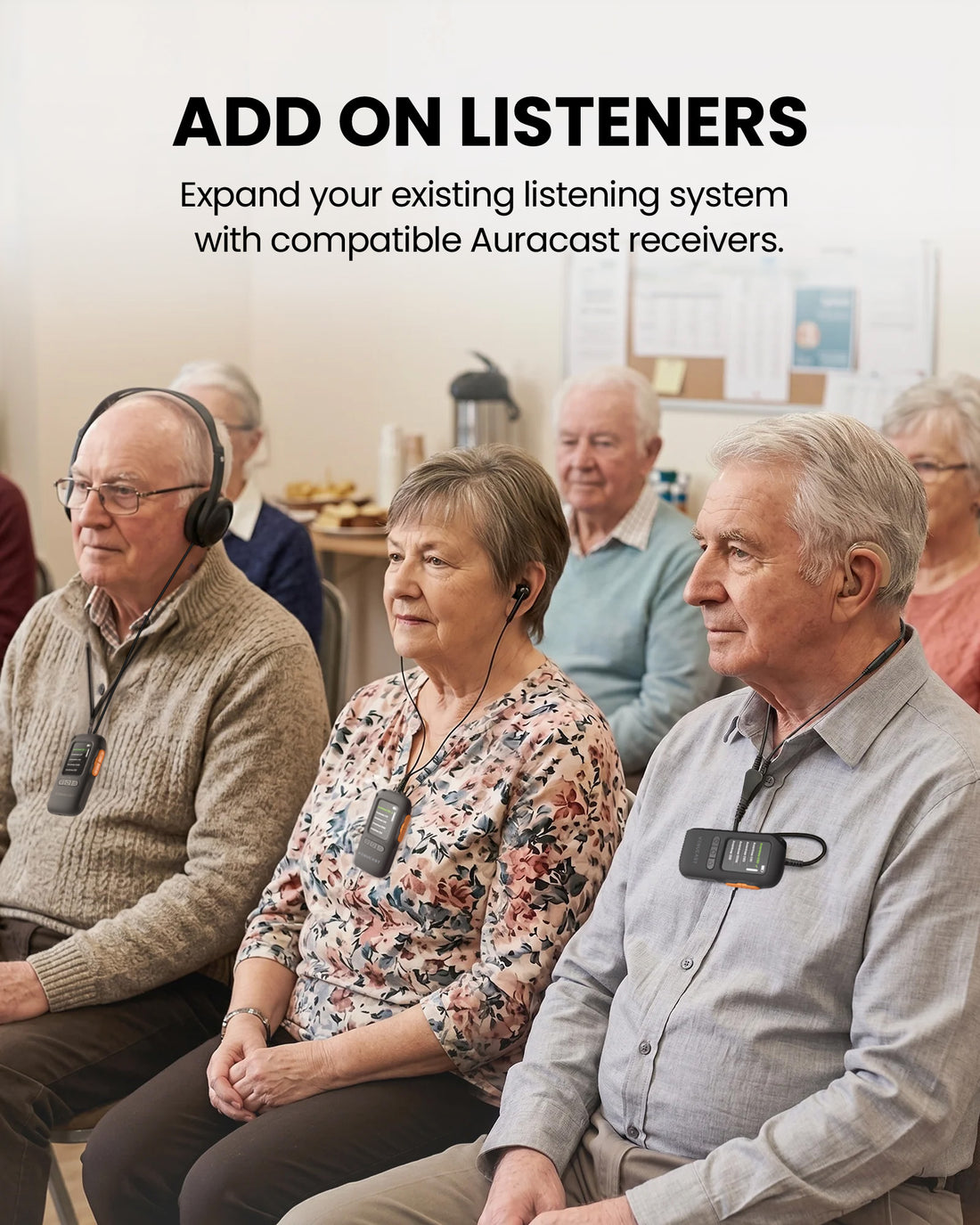
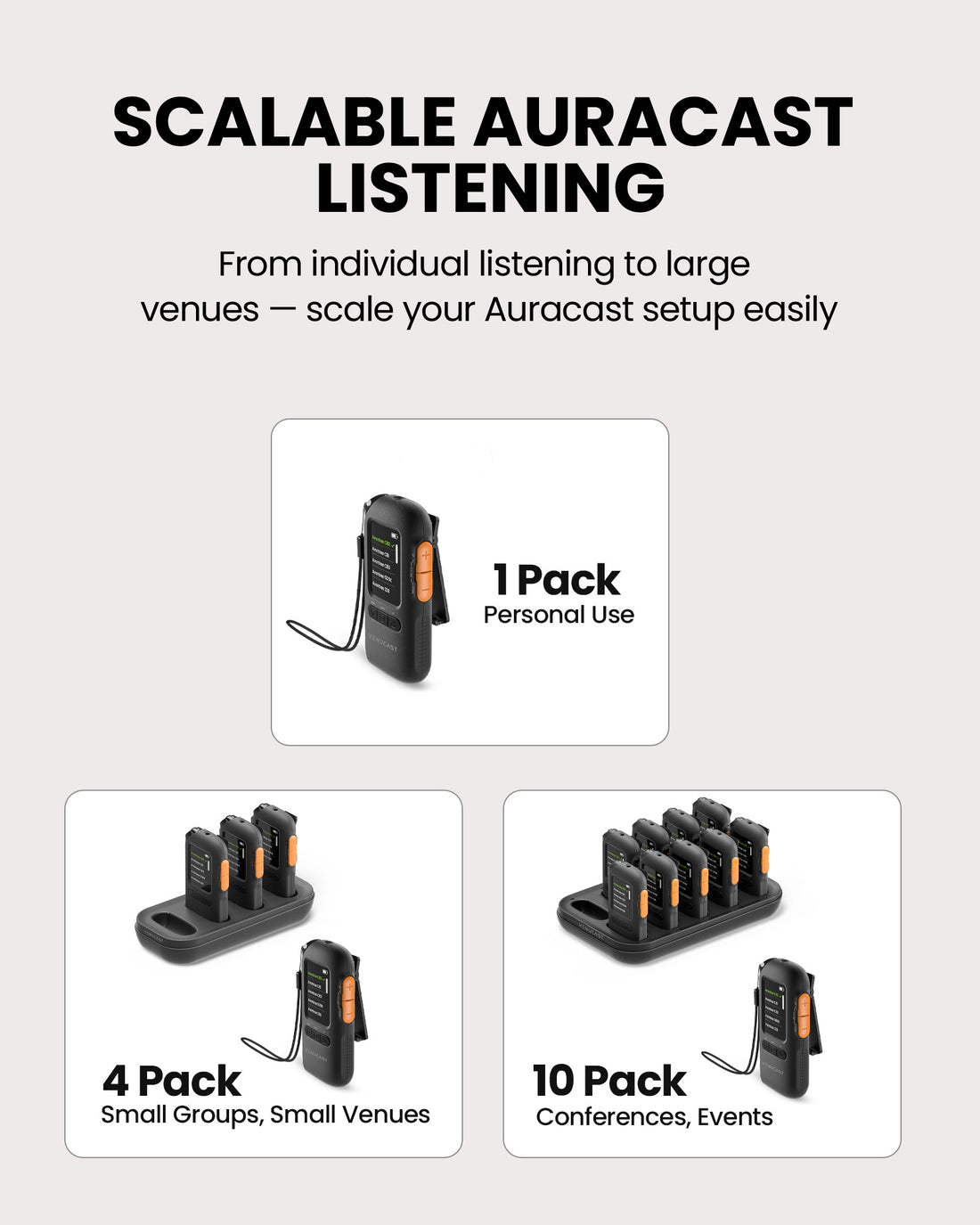
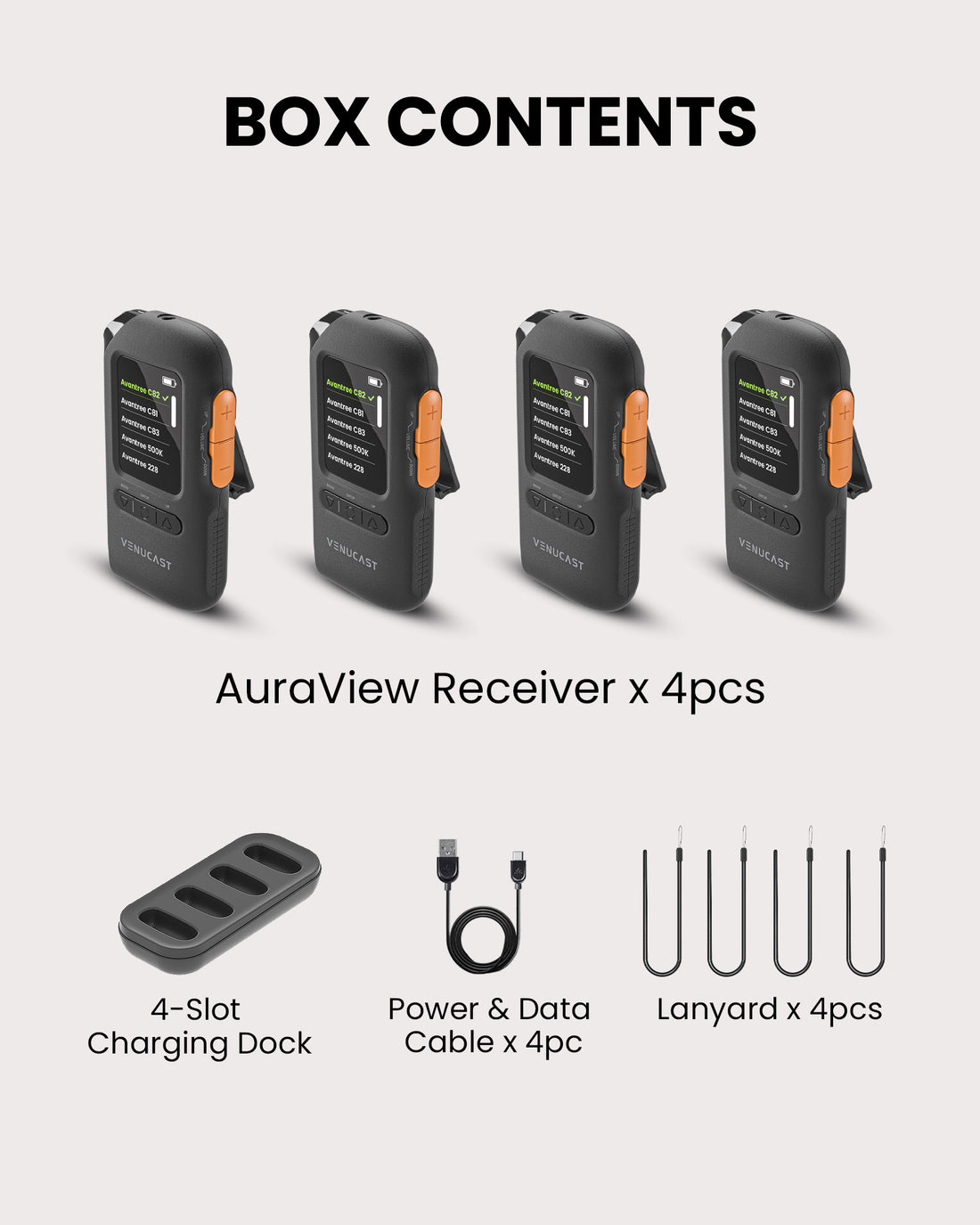
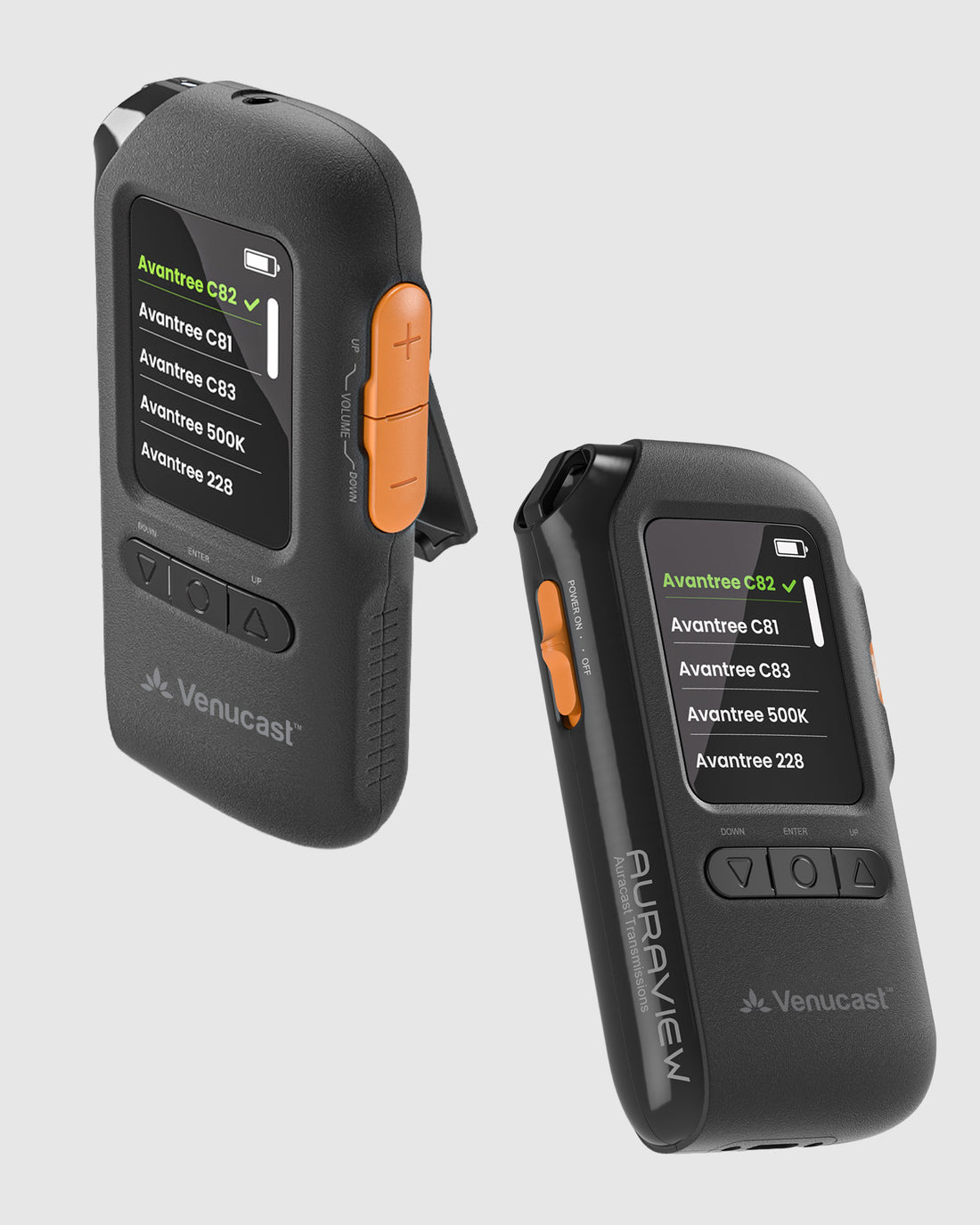
AuraView is a screen-guided Auracast receiver system for churches, classrooms, conferences, theaters, senior centers, and other public venues. Guests can listen through wired headphones, earbuds, headsets, or compatible T-Coil neckloops.
Checking the fastest delivery option…
Connect directly to the Auracast broadcast.
Direct Auracast

Use AuraCoil to hear through the hearing aid’s T-Coil.


Use Aura C as a bridge for compatible Bluetooth hearing aids.


Use a receiver with headphones or earbuds.
Receiver + Headphones
01 · Build your system
 Works with AuraView 4-Pack
4-Pack Wired On-Ear HeadphonesWired On-Ear Headphones with 3.5mm Jack
Works with AuraView 4-Pack
4-Pack Wired On-Ear HeadphonesWired On-Ear Headphones with 3.5mm Jack
 Works with AuraView 4-Pack
4-Pack Wired Over-Ear HeadphonesWired Over-Ear Headphones with 3.5mm Jack
Works with AuraView 4-Pack
4-Pack Wired Over-Ear HeadphonesWired Over-Ear Headphones with 3.5mm Jack
 Works with AuraView 4-Pack
10-Pack Wired earbuds10-pack of wired earbuds for AuraClip receivers.
Works with AuraView 4-Pack
10-Pack Wired earbuds10-pack of wired earbuds for AuraClip receivers.
 Works with AuraView 4-Pack
10-Pack Wired On-Ear HeadphonesWired On-Ear Headphones with 3.5mm Jack
Works with AuraView 4-Pack
Wired On-ear HeadphonesWired On-Ear Headphones with 3.5mm Jack
Works with AuraView 4-Pack
10-Pack Wired On-Ear HeadphonesWired On-Ear Headphones with 3.5mm Jack
Works with AuraView 4-Pack
Wired On-ear HeadphonesWired On-Ear Headphones with 3.5mm Jack
 Works with AuraView 4-Pack
Wired Over-ear HeadphonesWired Over-Ear Headphones with 3.5mm Jack
Works with AuraView 4-Pack
Wired Over-ear HeadphonesWired Over-Ear Headphones with 3.5mm Jack
 Works with AuraView 4-Pack
10-Pack Wired Over-Ear HeadphonesWired Over-Ear Headphones with 3.5mm Jack
Works with AuraView 4-Pack
10-Pack Wired Over-Ear HeadphonesWired Over-Ear Headphones with 3.5mm Jack
02 · How it works
Product

Listener pathways
03 · Where it fits

Accessible program audio for services, sermons, music, and events.

A simple screen-guided listening device for students and attendees.

Clear speech and program audio for guests who need listening support.

A clear display and larger controls support staff-assisted use.
04 · Product details
05 · Compare
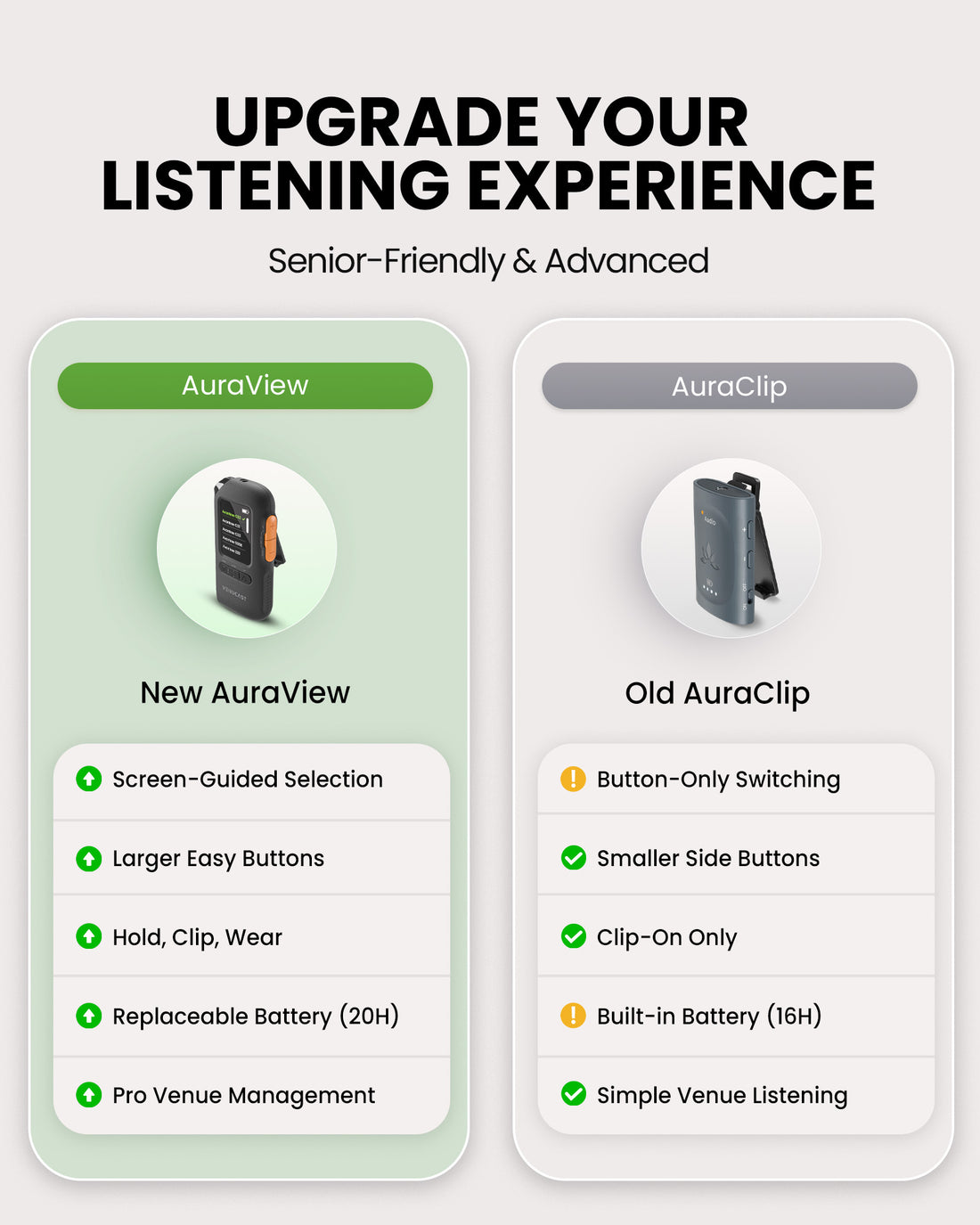
| Feature | Current productAuraView 4-Pack | AuraClip 3RX |
|---|---|---|
| Display | Screen-guided selection | Button-only switching |
| Controls | Larger, easy-access buttons | Smaller side buttons |
| Wearing style | Handheld, clip or lanyard | Clip-on only |
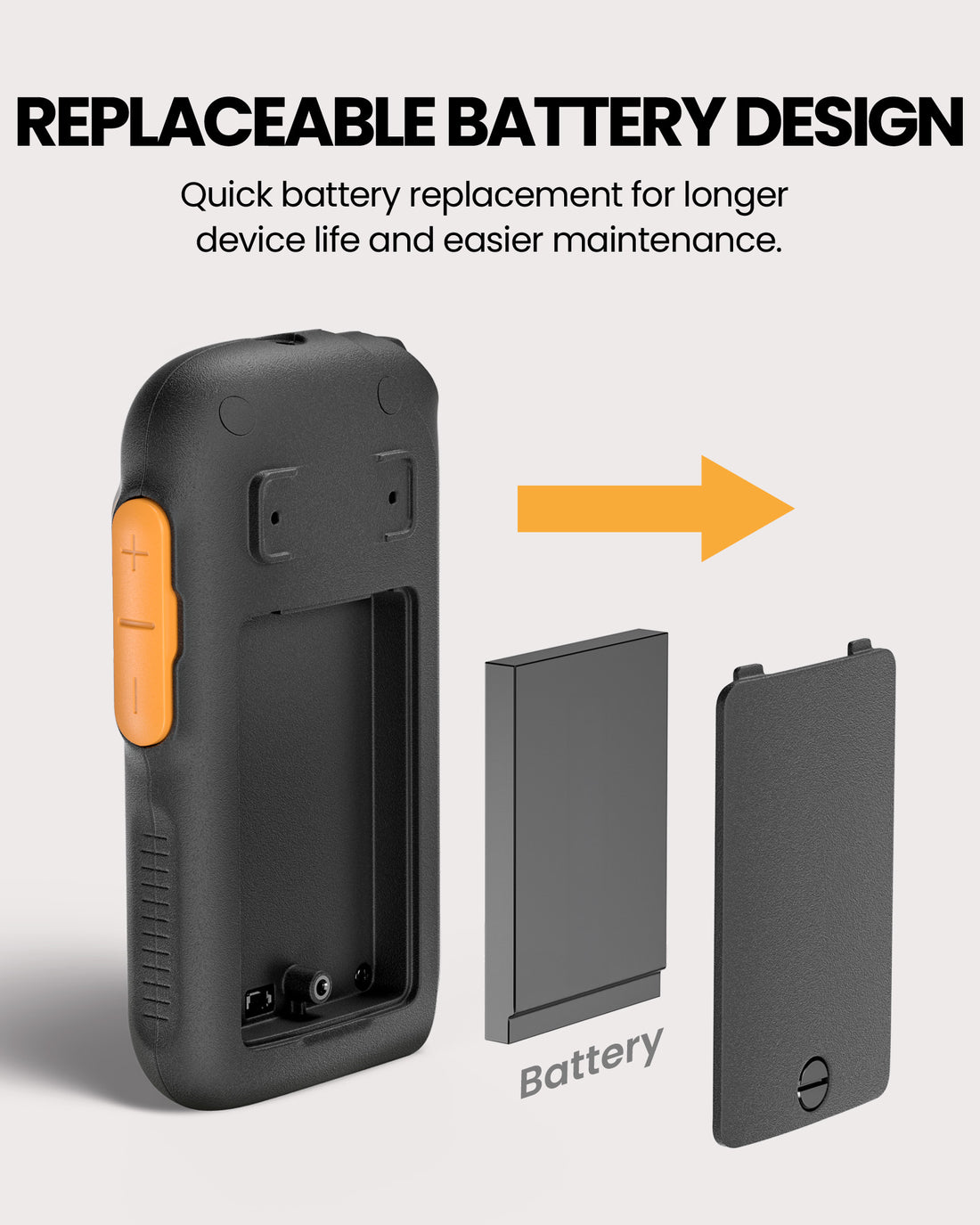
| Battery | Replaceable, up to 20 hours per receiver | Built-in, up to 16 hours per receiver |
| Best for | Professional venue management | Simple venue listening |
06 · Common questions