🚀 NEW PRODUCT RELEASE
COUNTING DOWN TO AIRCAST RELEASE

AirCast Professional

Professional Auracast™ transmitter for churches, auditoriums, conferences & large public venues.

🎚️ XLR / 6.35mm
AUX / Bluetooth
📡 Up to 500 ft
/ 150m Coverage
👥 Built for
Mid-Large Venues
📅 Releasing June 15, 2026
-- DAYS
-- HOURS
-- MINUTES
-- SECONDS
AirCast for large venues
AirCast Professional Auracast Transmitter

How to Choose an Auracast Transmitter

Start with your venue size and audio setup.

Recently Viewed Products

🏠

Looking for Home TV or Personal Use Devices?

You’re probably looking for Avantree — TV headphones, hearing aid accessories & everyday home listening.
TV Transmitters
TV Headphones
Auracast Adapters
Go to Avantree →
Self-check • No tech knowledge needed

Not sure what you need?

Answer a few quick questions and get a recommended Auracast Assistive Listening System in under 2 minutes.

You’ll see: recommended items + quantities + total price.

Venue Planner

Takes ~ 1–2 min. You’ll get a clear product suggestion immediately.

Local delivery: typically arrives within 7 days.

Auracast Transmitter FAQs

Why is an Auracast™ transmitter better than a traditional Bluetooth transmitter?

Traditional Bluetooth transmitters are usually designed for one-to-one or one-to-two pairing. An Auracast™ transmitter is designed for one-to-many public audio sharing, making it a better fit for churches, venues, schools, conferences, and assistive listening systems.

  • Multiple listeners can join the same broadcast
  • No repeated pairing process for every user
  • Supports compatible hearing aids, earbuds, headphones, and receivers
  • Easier to expand as listener numbers grow
What listeners can use an Auracast transmitter, and how many listeners are supported?

An Auracast transmitter can stream audio to Auracast hearing aids, Auracast earbuds, headphones, dedicated receivers, and compatible speakers. Listener capacity depends on the transmitter model, venue size, RF environment, and receiver performance.

In real venue deployments, Auracast systems can support many simultaneous listeners, from small groups to larger public listening setups.

How do I connect an Auracast transmitter to my audio source?

Most Auracast transmitters connect to your existing venue audio system through common audio inputs. Depending on the model, this may include USB audio, AUX / Line Out, Optical, mixer outputs, microphones, or professional audio connections.

For churches and venues, the most common setup is connecting the transmitter to a mixer, audio output, or sound system feed, then broadcasting that audio to compatible listening devices.

Can multiple Auracast transmitters run in the same place?

Yes. Multiple Auracast transmitters can operate in the same venue when properly planned. This is useful for multi-room venues, overflow rooms, different language channels, audio description, separate event zones, or multiple services running at the same time.

Listeners can select the broadcast they want to hear from available Auracast streams.

Can Auracast broadcasts be encrypted or private?

Yes. Selected Venucast Auracast transmitters support firmware customization settings, including but not limited to broadcast name changes, encryption changes, volume settings, and zone settings.

These options are typically managed through the product support page under firmware update, depending on the transmitter model and firmware version.

Do Auracast transmitters support network management?

Some advanced Auracast transmitter systems support network-based audio distribution and centralized management for professional venue deployment.

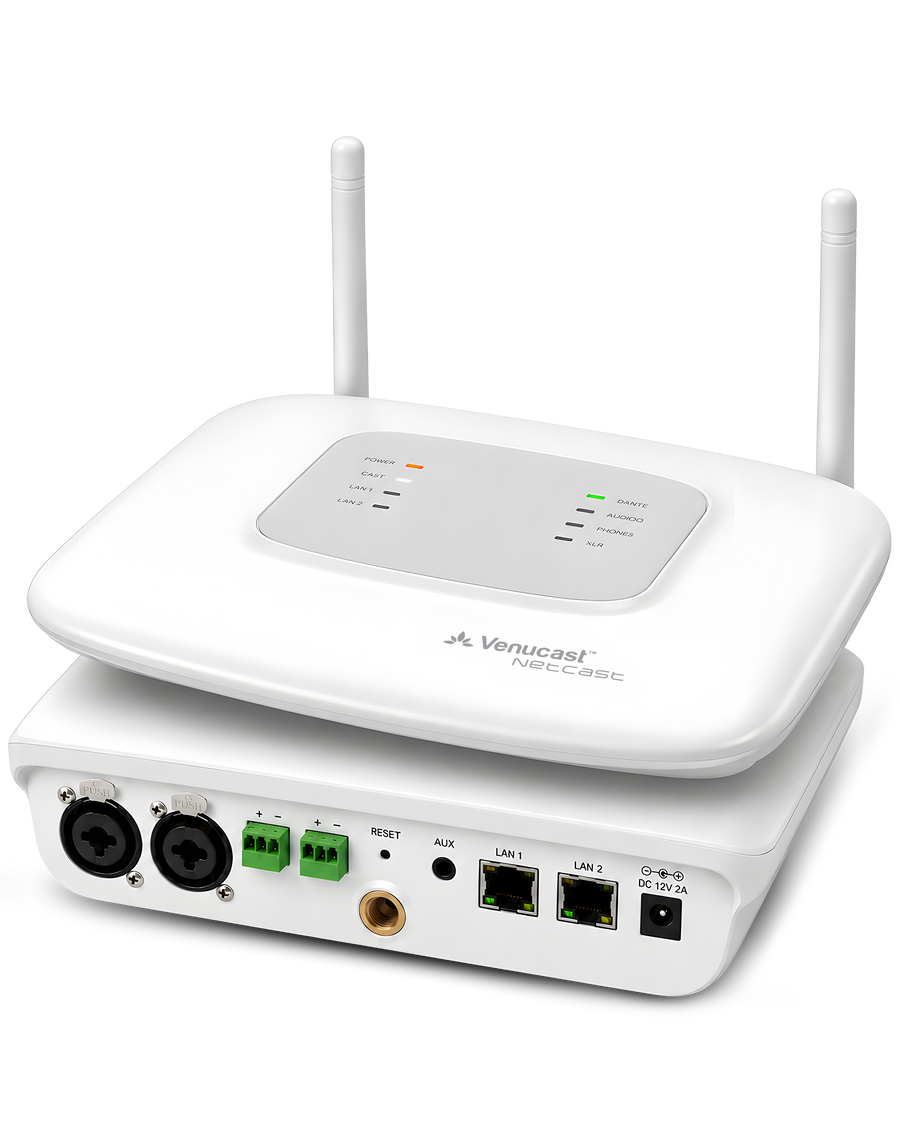
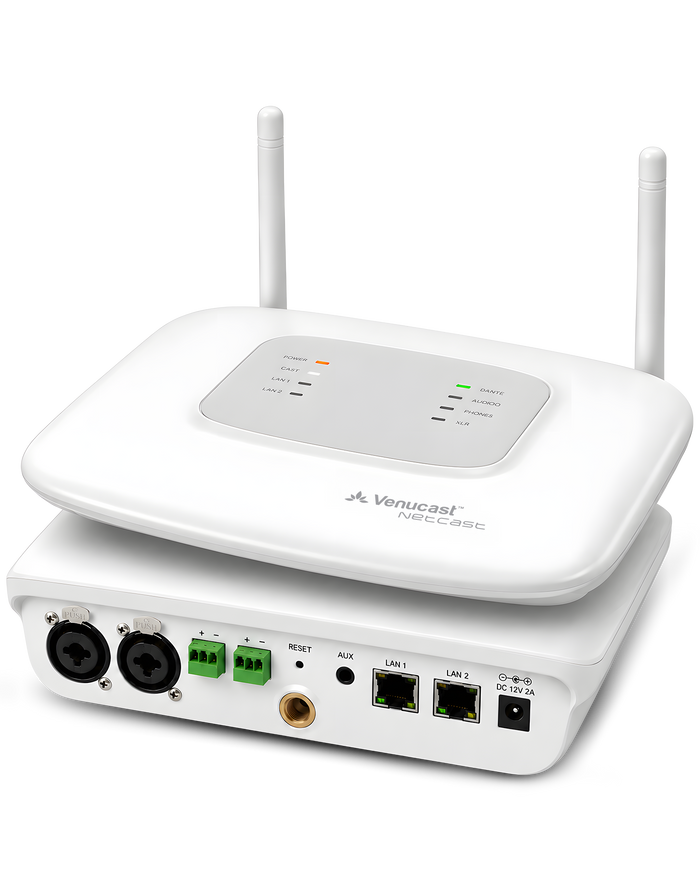
For larger venues, campuses, and multi-zone installations, see the NetCast Enterprise Auracast Audio Distribution System .

What is the range of an Auracast transmitter?

Auracast transmitter range depends on transmitter power, antenna design, walls, line of sight, receiver sensitivity, and the surrounding wireless environment.

Small rooms may only need short-range coverage, while churches, auditoriums, and public venues may require professional placement or higher-level systems for broader coverage. Always choose based on venue size, layout, and audio deployment needs.

Self-check • No tech knowledge needed

Not sure what you need?

Answer a few quick questions and get a recommended Auracast Assistive Listening System in under 2 minutes.

You’ll see: recommended items + quantities + total price.

Venue Planner

Takes ~ 1–2 min. You’ll get a clear product suggestion immediately.

Local delivery: typically arrives within 7 days.