A museum guide using an AudiTour transmitter while visitors listen with open-ear receivers

Museum & Tour Audio Solutions

A Tour Guide System Every Visitor Can Follow

Build a clear, reliable museum audio guide system for guided tours, multilingual groups, and managed assistive listening—indoors or outdoors.

  • Clear group separation
  • Fast daily handout
  • Scalable receiver options

What makes tours harder

When visitors cannot hear, the whole tour slows down

These are the operational problems museum and tour teams raise most often.

Groups interfere with each other

Nearby guides need predictable group assignment so visitors hear only their own tour.

Language switching creates queues

Visitors need an obvious way to choose the right language without repeated staff help.

Public devices need control

High-turnover equipment must be simple to hand out, reset, charge, and keep ready.

Setup and expansion are unclear

Teams need to know what each guide carries, how receivers join, and how a system grows.

Accessibility is not one-size-fits-all

Visitor phones, headphones, neckloops, and hearing aids do not all connect in the same way.

Why this solution works

A group tour listening system built around daily operations

Choose a controlled receiver path, give each group a clear channel, and keep handout simple for staff.

Managed group listening

A dedicated guide microphone and assigned receivers keep the listening path clear and repeatable.

Faster visitor handout

Prepare receivers before the tour, distribute them at entry, and collect them at the end.

Options that scale

Start with a guide-led group and add receivers or planned language channels as your program grows.

  1. Guide speaksUse the tour guide microphone system selected for the venue.
  2. Audio broadcastsAssign the planned group or language channel.
  3. Visitors listenHand out the managed receiver that fits the listening route.
  4. Staff resetCollect, charge, and prepare the system for the next group.

Solution options

Choose the right listening setup for every museum experience

Support guide-led groups on the move or create self-guided listening points beside individual exhibits.

For guided tours

Keep every visitor connected to the guide

A guide speaks through a microphone while visitors listen through managed receivers or headphones—ideal for walking tours, scheduled groups, and multilingual programs.

AudiTour Wireless Tour Guide System for museums, factories, and groups with open-ear headphones, clip-on transmitter, and wired headset mic.

Dedicated tour groups

AudiTour

A simple guide-led system with managed open-ear receivers.

  • Best for scheduled guided tours
  • Fast handout and easy expansion
Explore AudiTour

2.4G + ultra-low latency

Quartet 2

A non-Auracast 2.4G headphone system for synchronized tour and program audio.

  • Approx. 25–30ms typical latency
  • Four headphones included; expandable up to 100
Explore Quartet 2

For self-guided exhibits

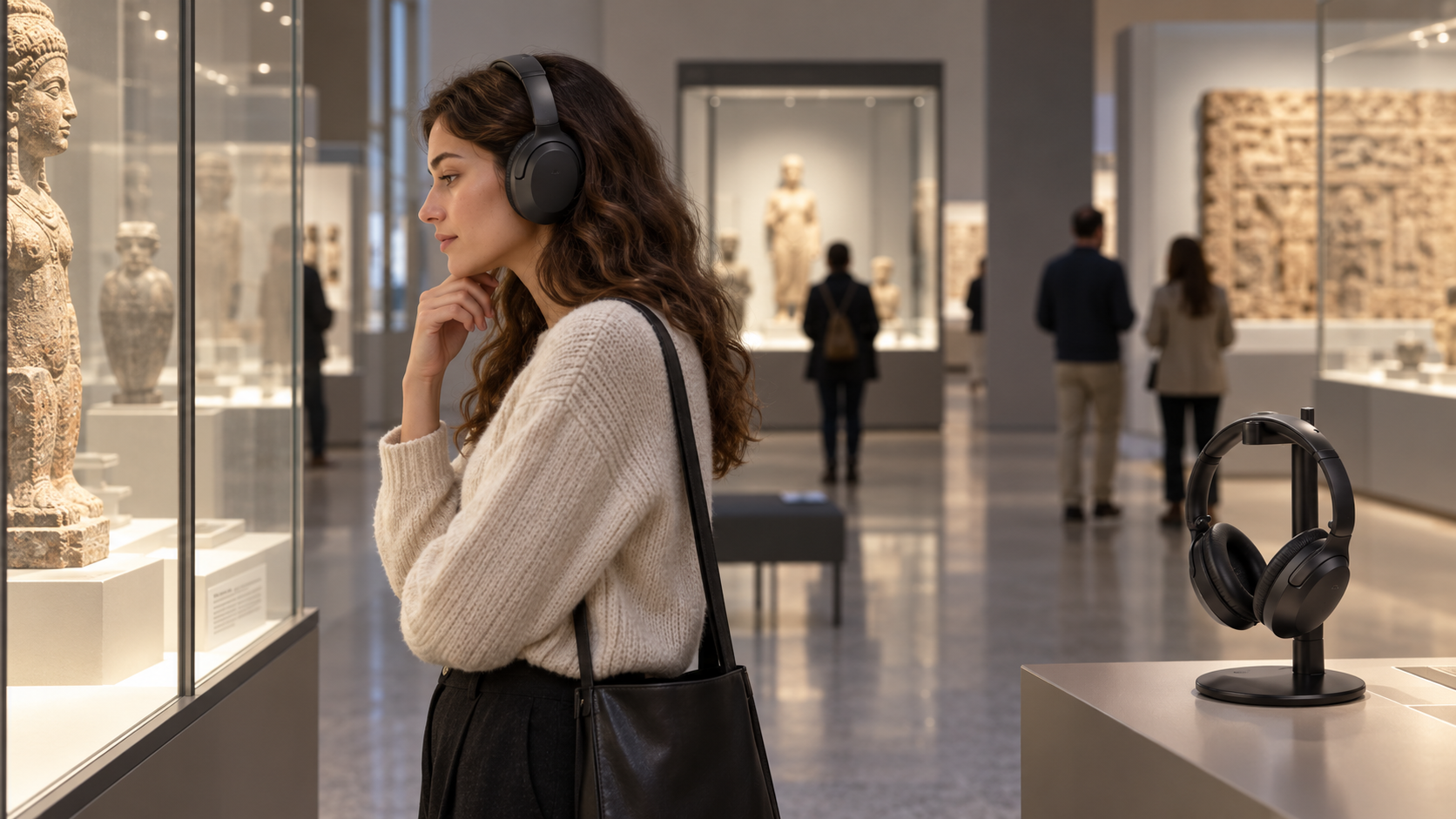
Let visitors pick up, listen, and return

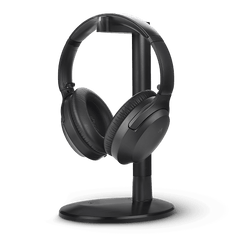
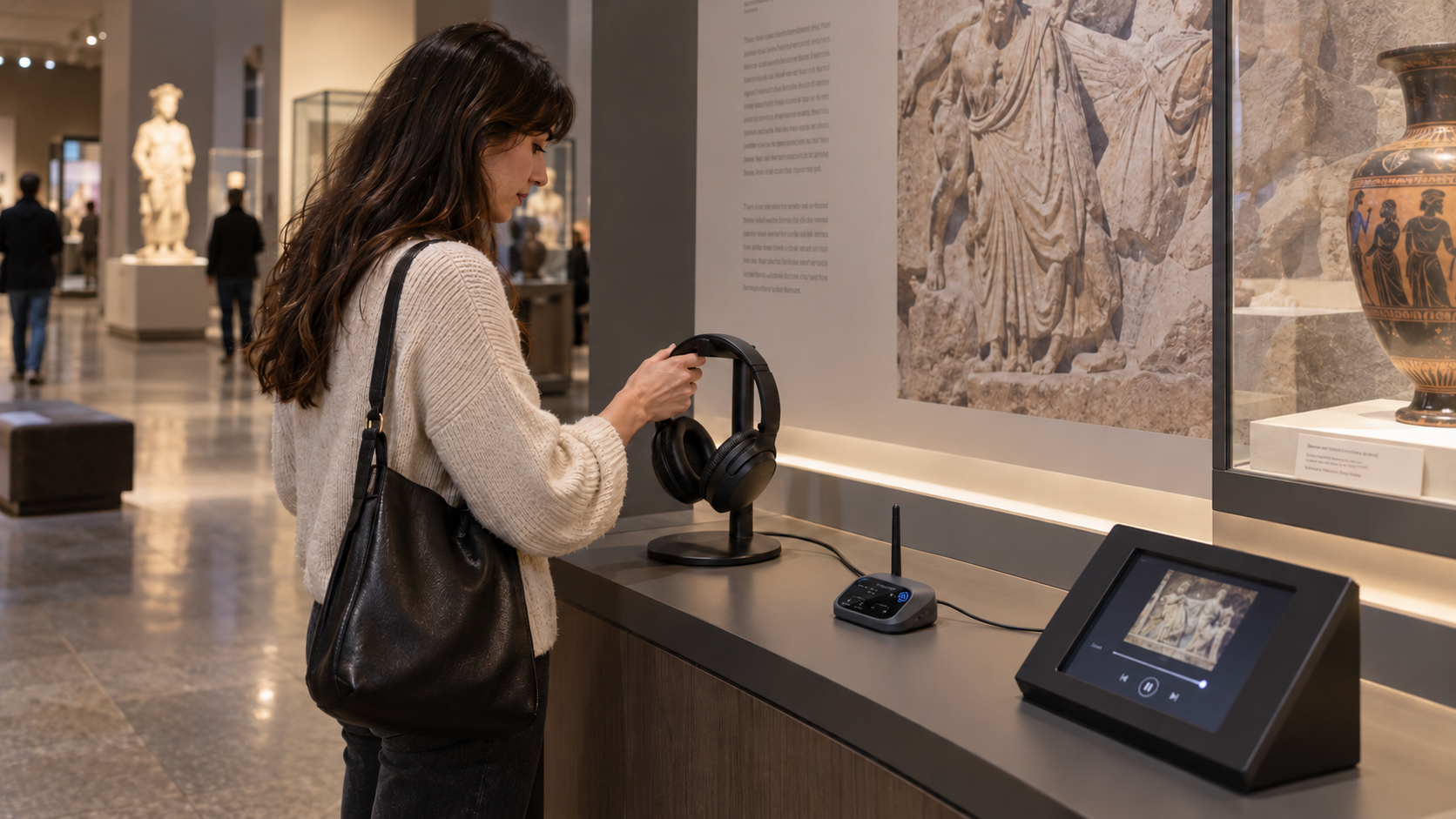
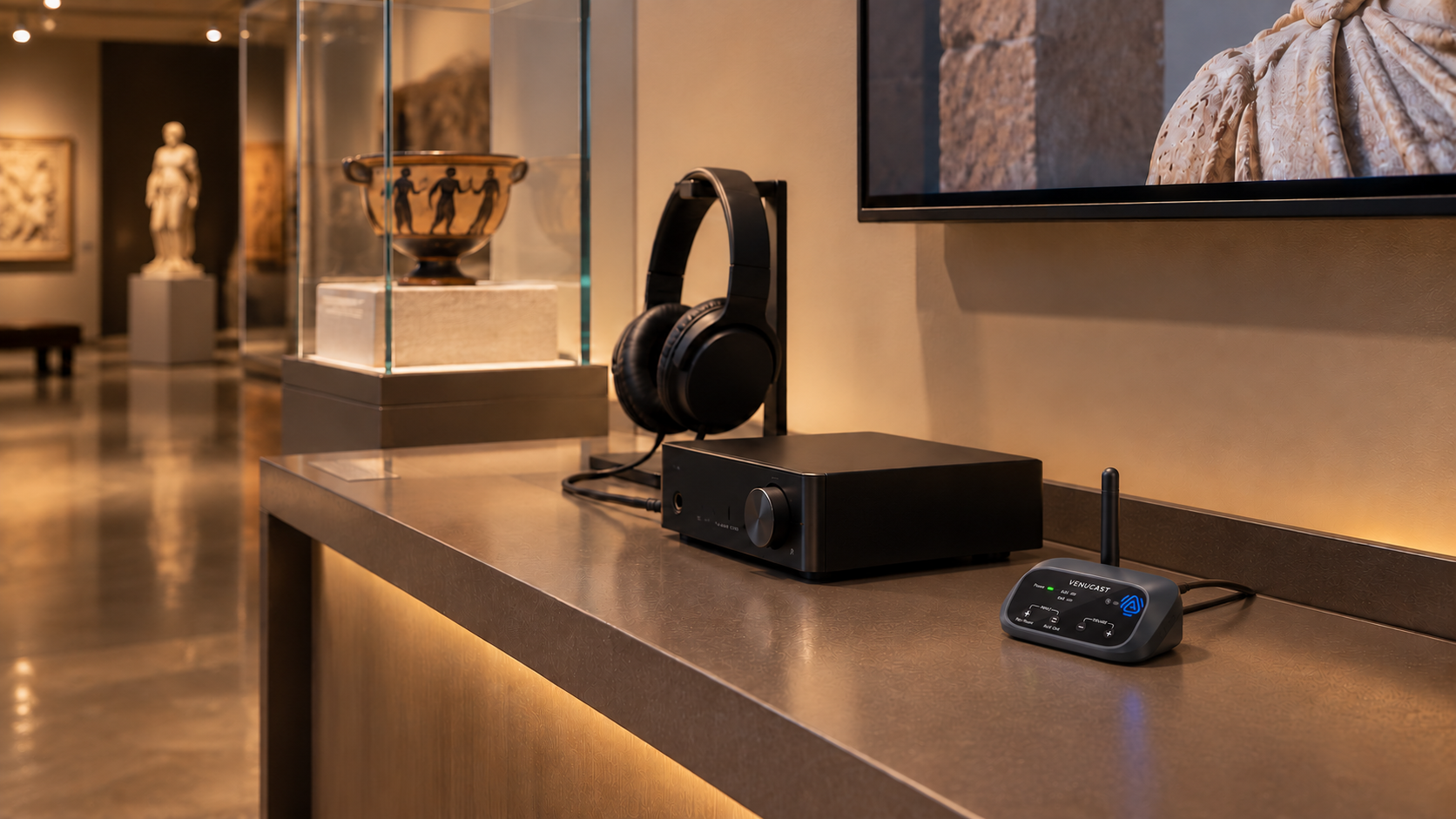
Place a dedicated headphone and charging stand beside an exhibit. Visitors can pick up the headphone to hear that exhibit’s audio, then return it to the stand so it stays organized and ready for the next listener.

ANC + premium comfort

Eon Aura T

Premium Auracast headphones with ANC for focused, long-session visitor listening.

  • ANC reduces surrounding noise
  • Up to 60 hours with ANC off / 45 hours with ANC on
Explore Eon Aura T

Comfortable + easy to use

Aria Aura T

Comfortable venue headphones with four sound modes for museums, tours, and everyday visitor listening.

  • Four sound modes for different listening situations
  • Up to 35 hours with included charging stand
Explore Aria Aura T

Plan before you buy

Plan for guided tours and self-guided exhibits

Start with the visitor experience: Is a guide speaking live, is shared program audio playing through multiple headphones, or does each exhibit need its own ready-to-use listening point?

Quick selection guide

Scheduled guide-led groups
AudiTour
Synchronized multi-headphone tour audio
Quartet 2
Quieter exhibits and focused listening
Eon Aura T
Simple exhibit listening and daily use
Aria Aura T
Check Auracast compatibility for exhibit headphones

FAQ

Guided tour & self-guided exhibit questions

Practical answers for choosing, installing, and managing the four recommended listening setups.

What is the difference between a group tour listening system and a museum audio guide system?

A group tour listening system carries a guide’s live voice or shared program audio to visitors moving together. A self-guided exhibit listening point lets visitors hear audio for an individual display at their own pace.

Which setup should we choose for guided tours?

Choose AudiTour for a straightforward guide-led group with managed open-ear receivers. Choose Quartet 2 when the priority is synchronized 2.4G audio through multiple headphones with approximately 25–30ms typical latency.

How does a self-guided exhibit listening point work?

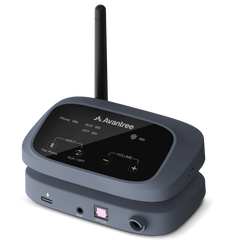
Place a dedicated headphone and charging stand beside the exhibit, and connect the exhibit audio through a compatible Auracast broadcast source. Visitors pick up the headphone to listen and return it to the stand afterward. Any automatic playback trigger must come from the exhibit’s media system; the headphone itself does not automatically start a track when lifted.

Should we choose Eon Aura T or Aria Aura T for an exhibit?

Choose Eon Aura T when ANC and focused, long-session listening are the priority. Choose Aria Aura T when comfortable everyday use, four sound modes, and a straightforward charging-stand workflow are more important.

Do the exhibit headphones need a separate audio source?

Yes. Eon Aura T and Aria Aura T receive Auracast audio, so each listening setup needs a compatible Auracast broadcast source connected to the exhibit’s audio player or media system. Confirm the source connection and broadcast coverage before installation.

Can several tour groups operate at the same time?

Yes, when each group uses its assigned transmitter and receivers without overlapping the planned listening path. Confirm the number of simultaneous groups and test them together before opening the program to visitors.

Can we expand the system later?

Yes, subject to each product’s system limits and availability. For tours, plan receiver and headphone quantities alongside charging and handout. For exhibits, plan one listening point at a time and confirm the audio source, stand location, power, cleaning, and daily reset workflow.

What should staff check each day?

For tours, count, clean, recharge, and test the guide transmitter and every receiver or headphone. For exhibits, confirm each headphone is on its stand, charged, clean, connected to the correct broadcast, and playing the intended exhibit audio.

Build the right system once

Make every tour easier to hear and easier to run