
A. Audio source compatibility
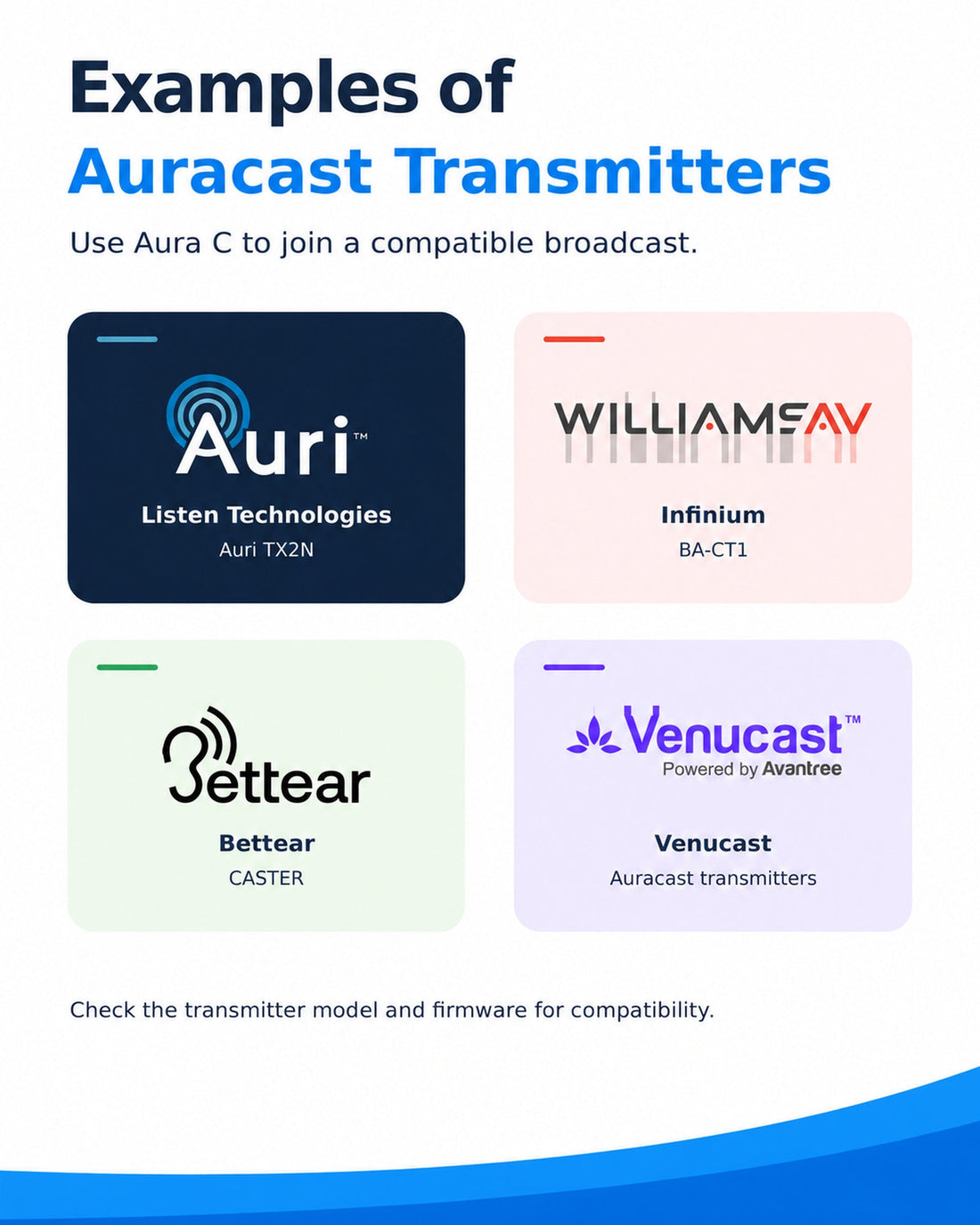
An existing Auracast broadcast is required
- Compatible Auracast transmitter
- Public Auracast broadcast
- Secured Auracast broadcast


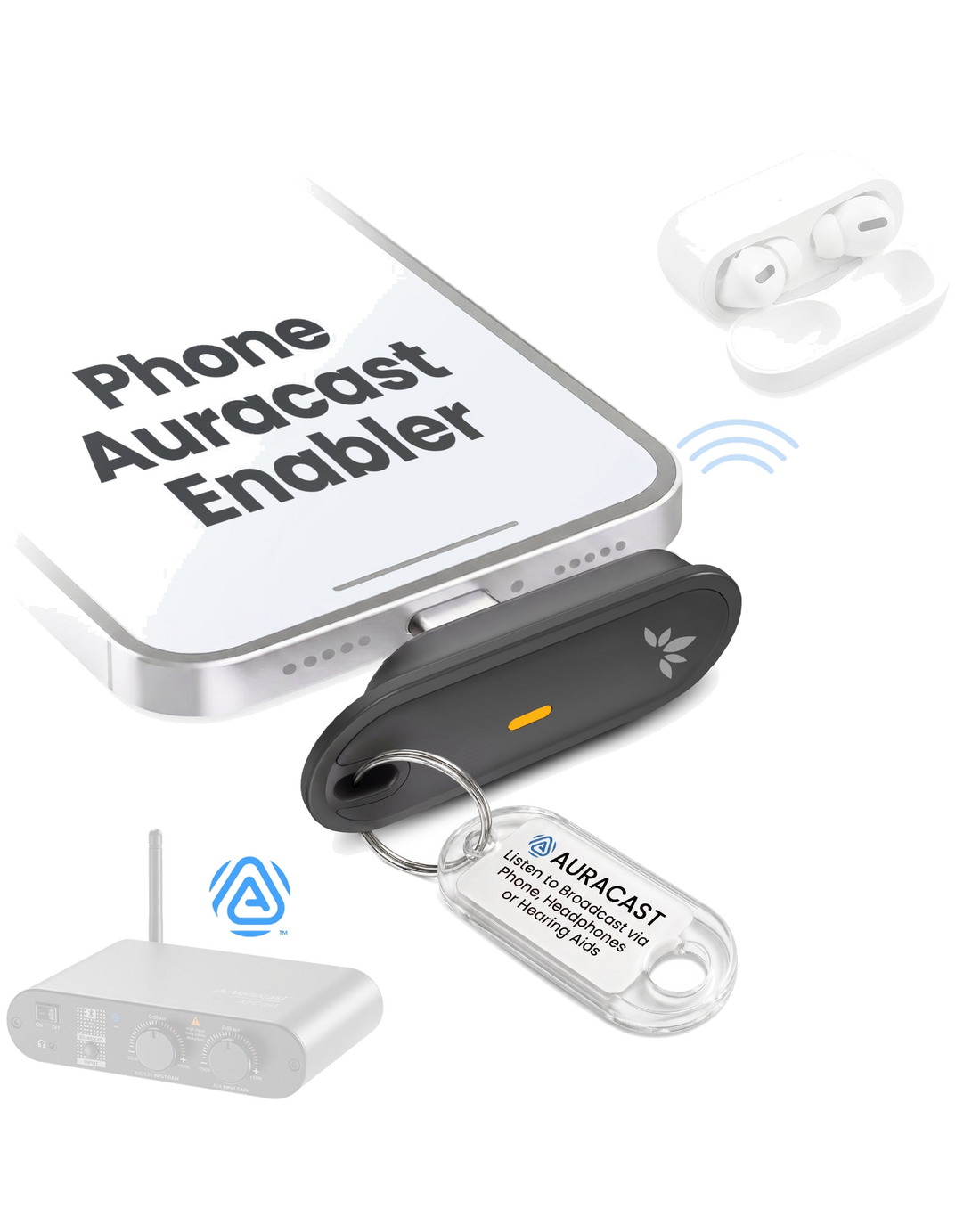
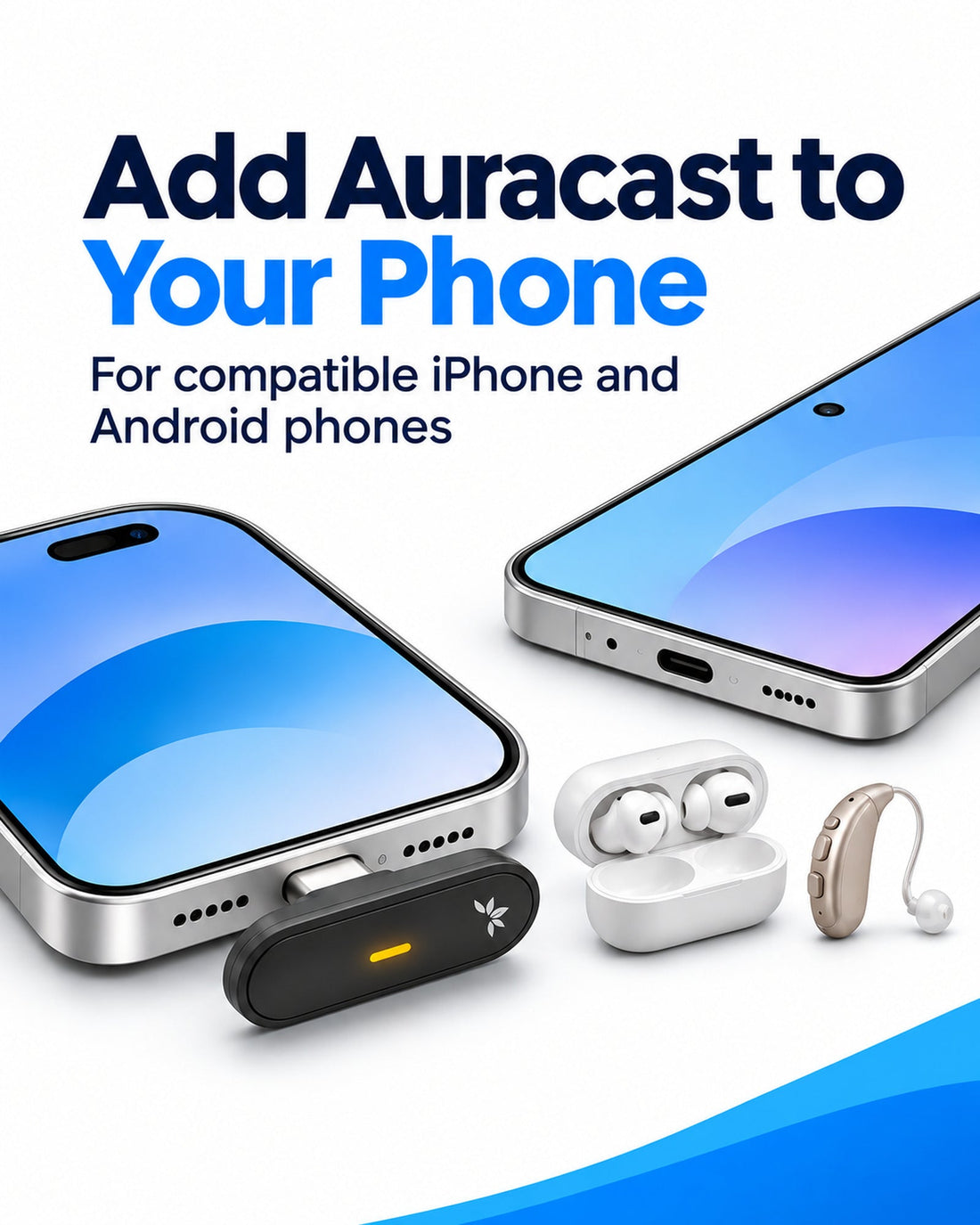



For personal listening on a compatible phone
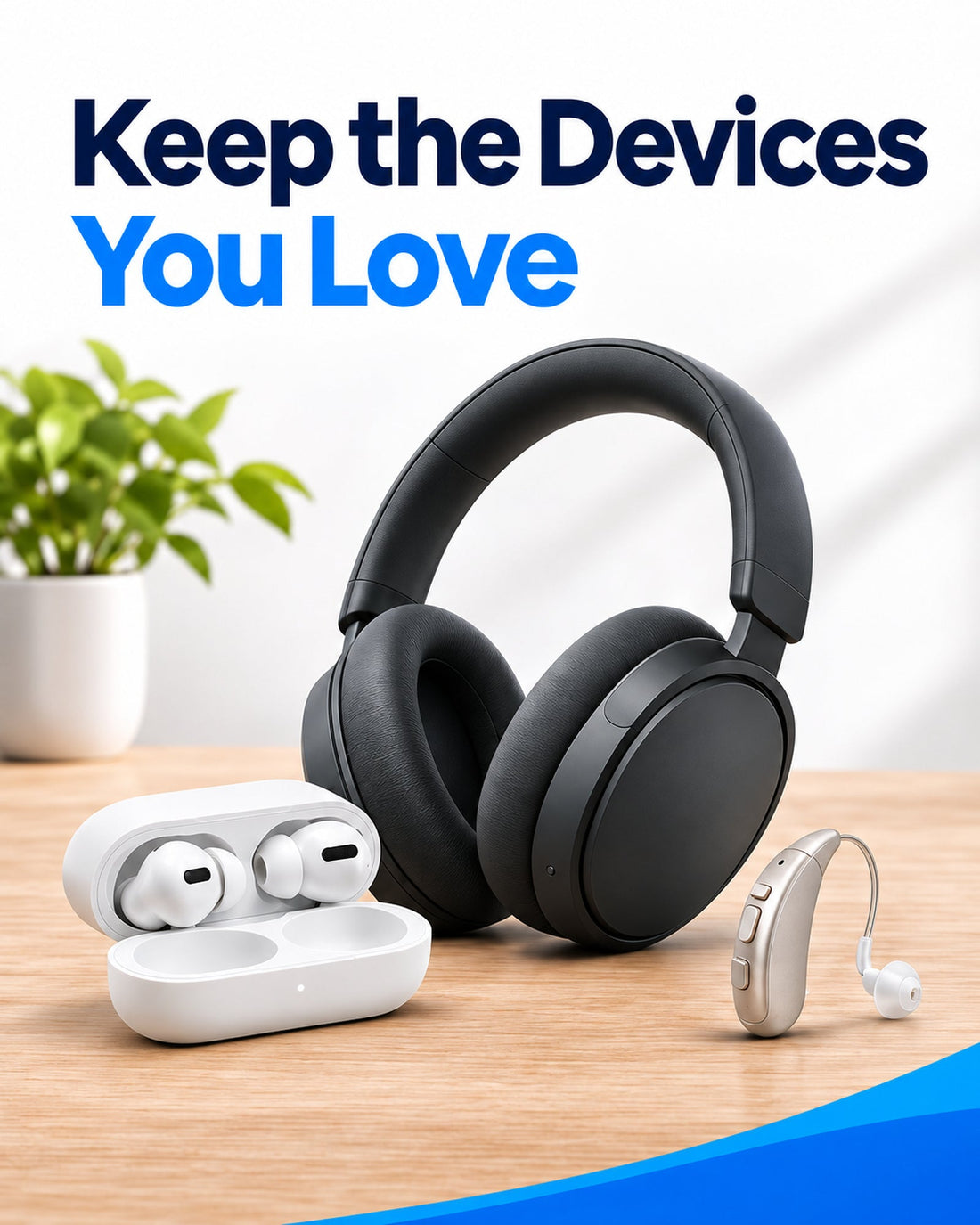
Hear a venue’s broadcast through the headphones or streaming hearing aids you already use with your phone.
Checking the fastest delivery option…
01 · Best for
Best For
Before buying
Check the audio source feeding Aura C and how each listener will hear the broadcast.
A. Audio source compatibility
B. Listening device compatibility
Before you order, play audio from your phone through the headphones or hearing aids you plan to use. This pack includes one Aura C receiver. Bring your own compatible phone and listening device.
Already have an Auracast broadcast? Each listener only needs their receiver, phone and listening device. To set up a new broadcast, explore transmitters for your venue.
View compatible equipment for Aura C →03 · Product Details
Simple by design
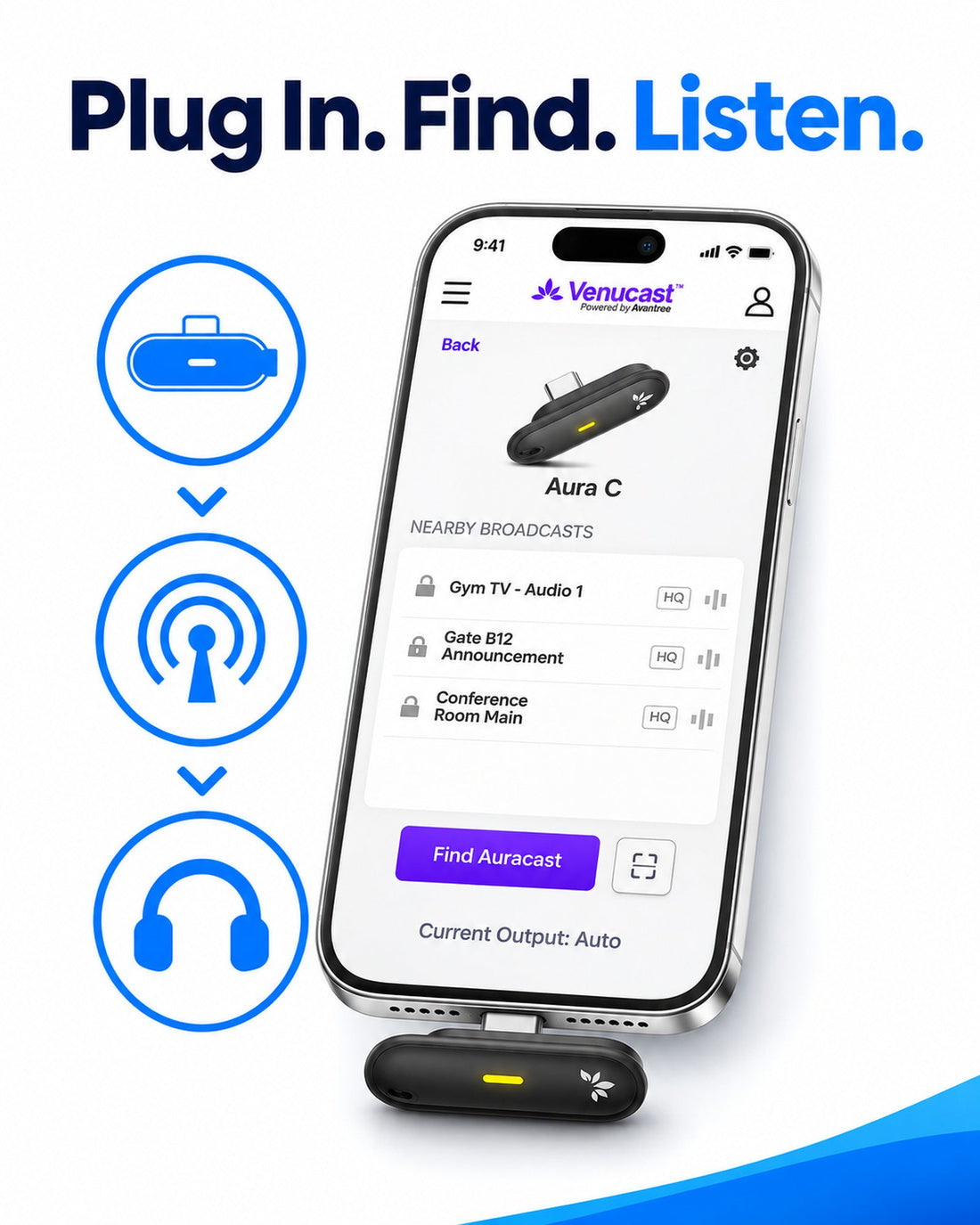
Plug in the receiver, choose the venue broadcast and select how you want to listen.
Download Specifications (PDF) · Aura C & Aura C 5-Pack
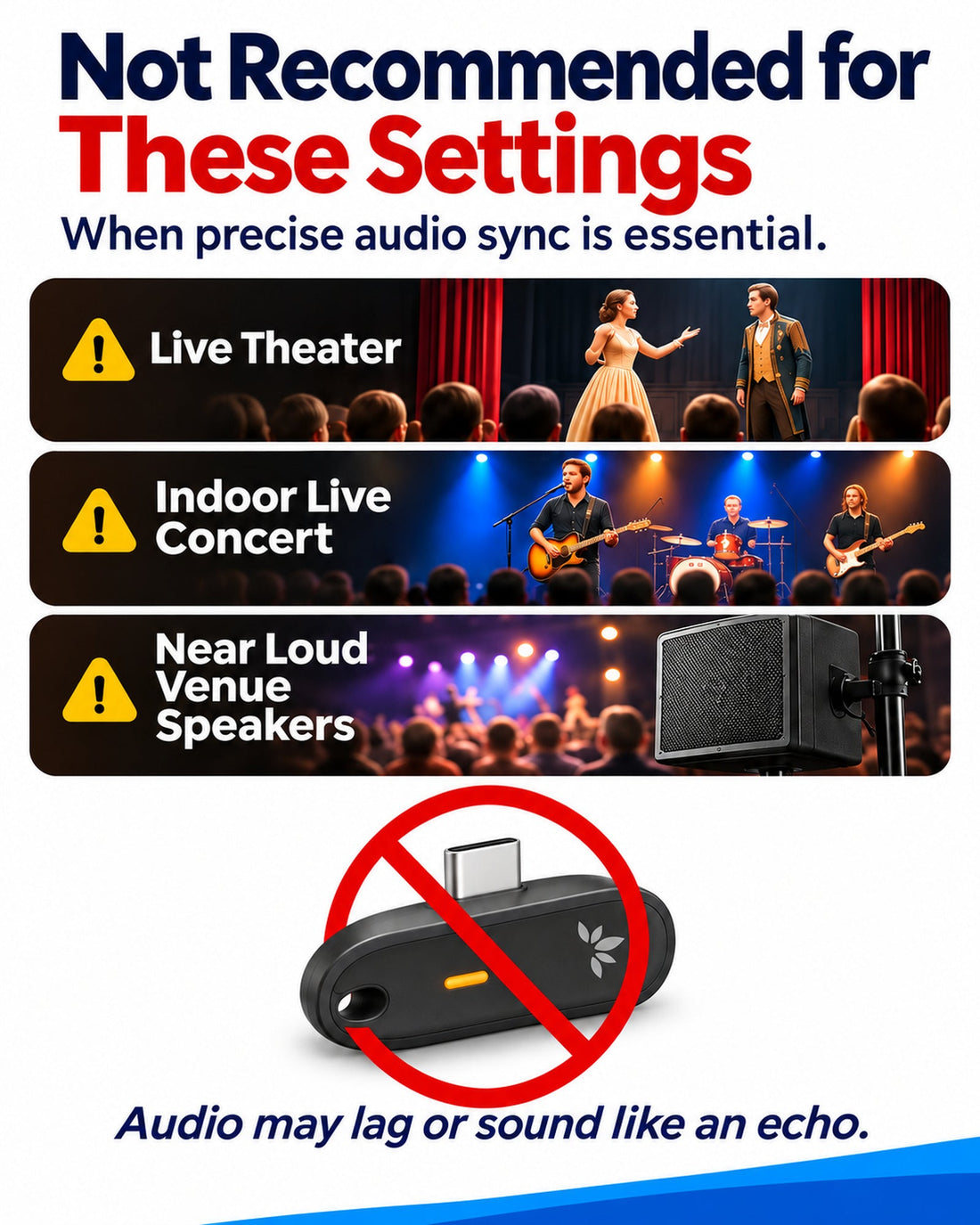
Measured end-to-end delay with low-latency Aircast, Aura C, iPhone 17 and app 1.1.6: phone speaker 74 ms, tested Bluetooth hearing aids 132 ms, tested AirPods 253 ms. Other setups may differ.
04 · Setup & Config
Official Aura C setup, phone compatibility and operation guide.
Required Venucast Connect app for supported iPhone and iPad devices.
Required Venucast Connect app for supported Android devices.
Phone compatibility, app setup, listening and audio delay support.
Common Questions