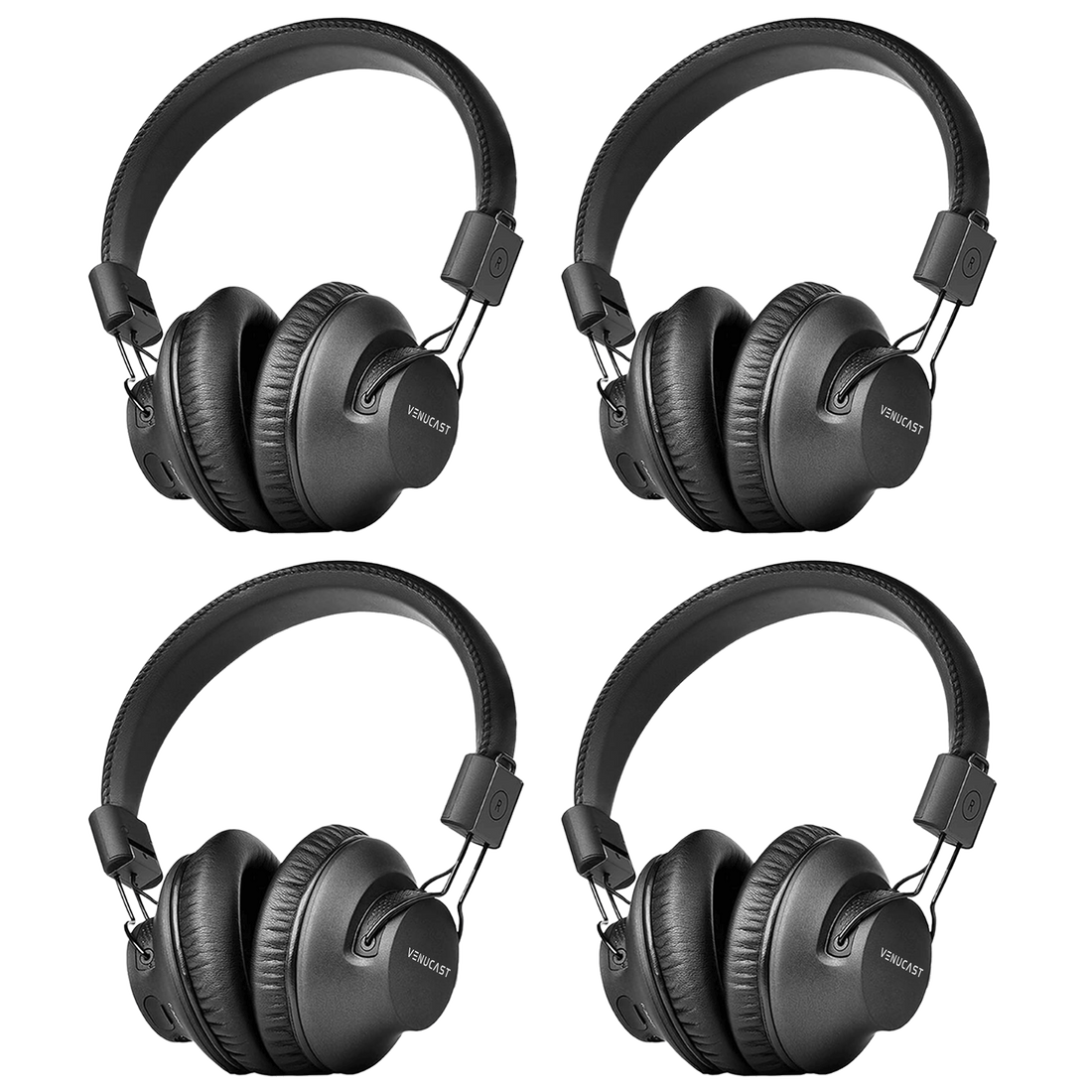
Auracast Headphones • Four Listeners

Lite Aura 4

Four Auracast headphones for churches, classrooms, meetings, and compatible group listening environments.

$299.99

Checking the fastest delivery option…

Firmware Update Alerts

Get notified when new Lite Aura 4 firmware is available.

Firmware updates only. No marketing emails.
Fast ShippingReliable Delivery
60-Day Free ReturnsHassle-Free
Bulk DiscountVolume Pricing Available
Free Setup SupportVenue Specialist Included
  • For 4 Listeners – Equip four listeners with Lite Aura Auracast headphones for shared venue listening.
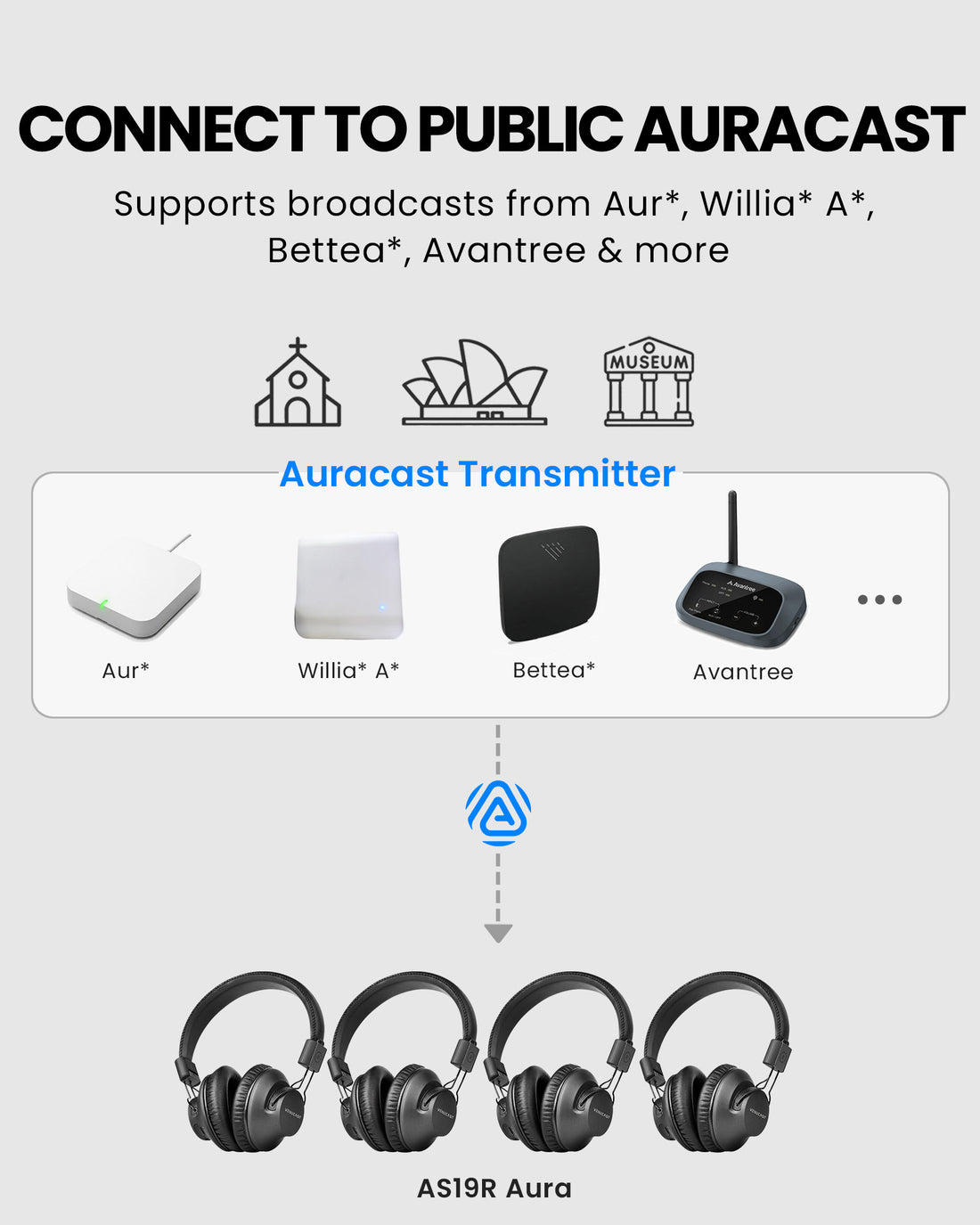
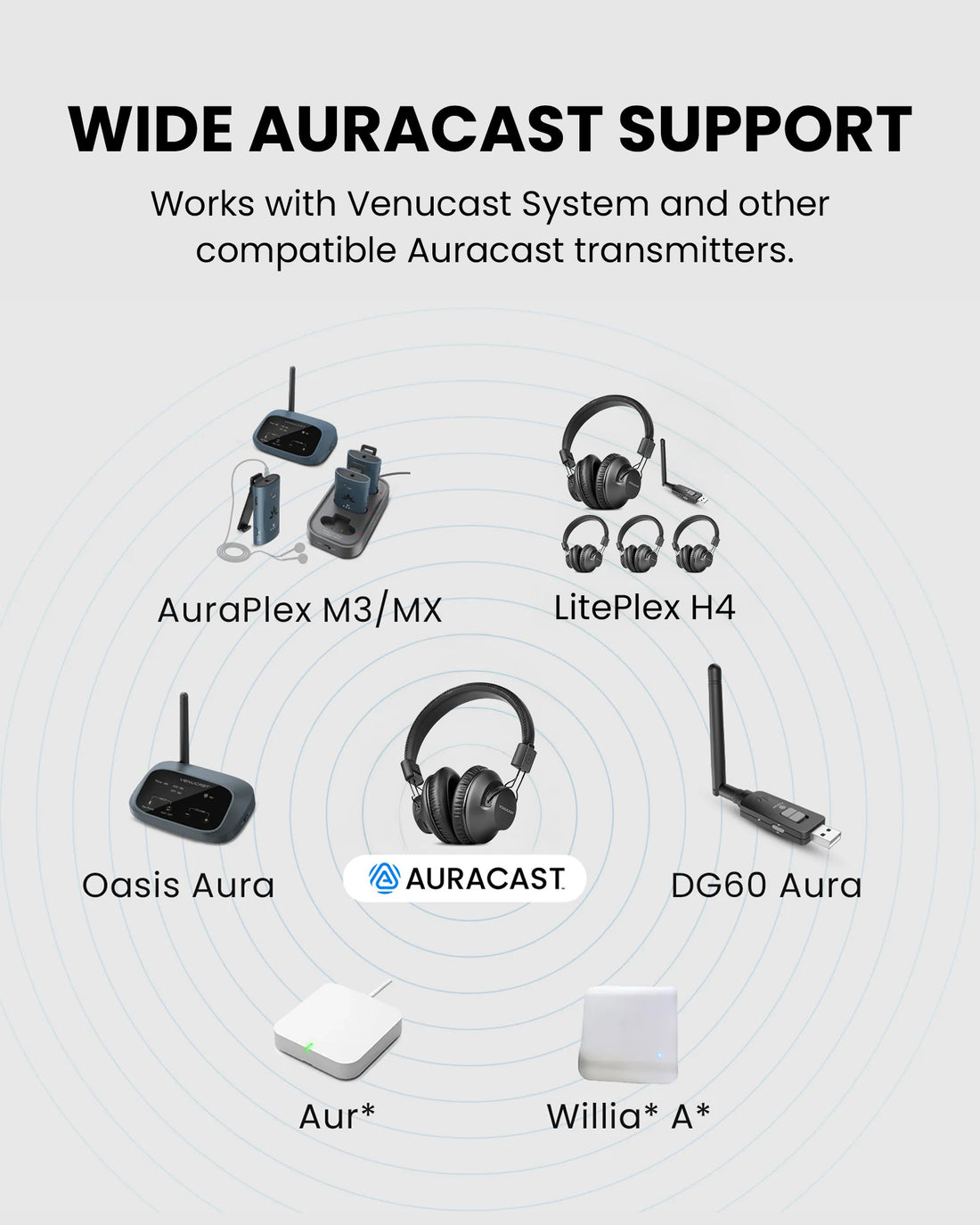
  • Compatible Auracast Systems – Receive compatible public or private Auracast broadcasts.
  • Independent Volume per Listener – Each listener controls their own volume while hearing the same broadcast.
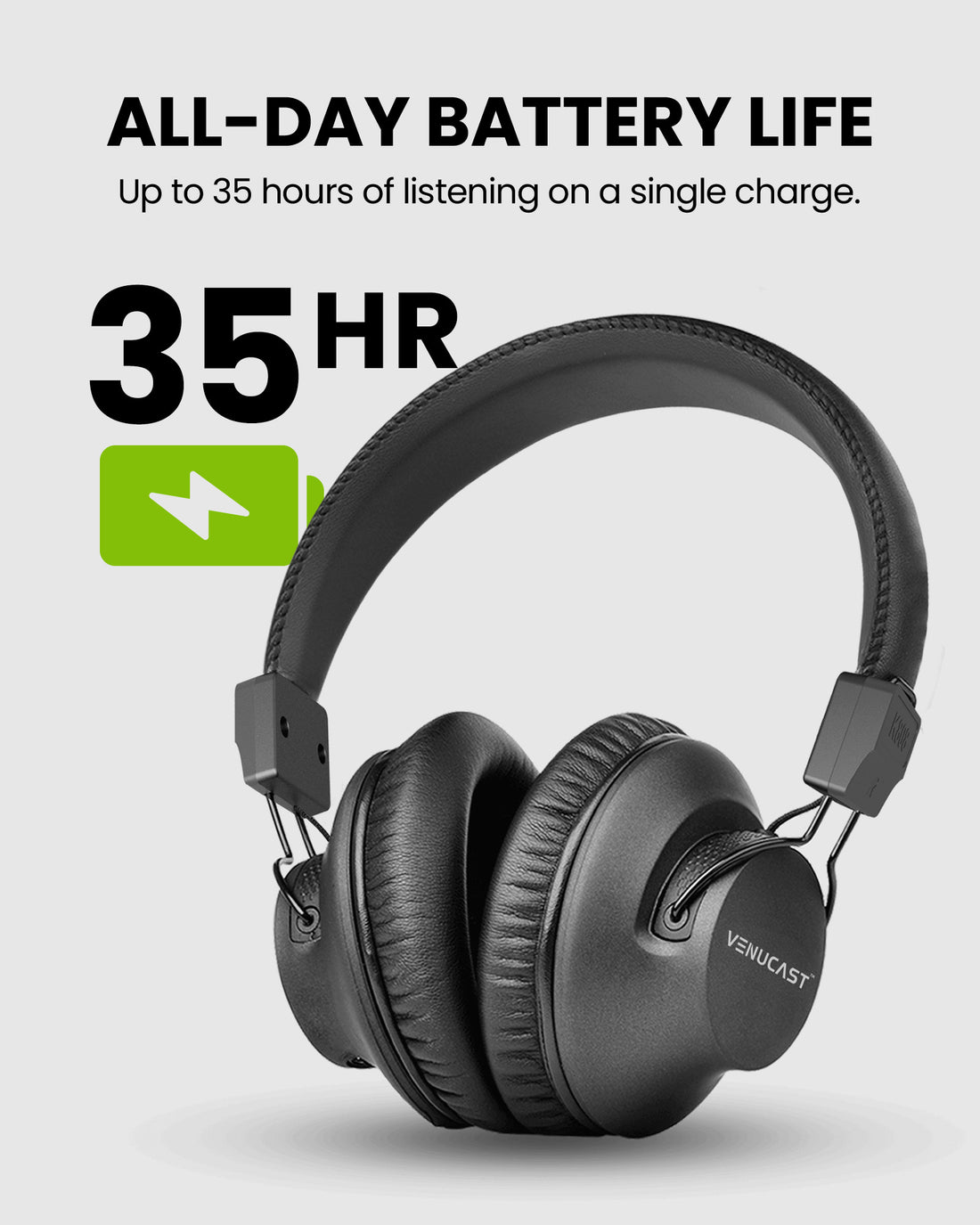
  • Up to 35 Hours Continuous Use – Supports full-day services, classes, tours, and meetings.
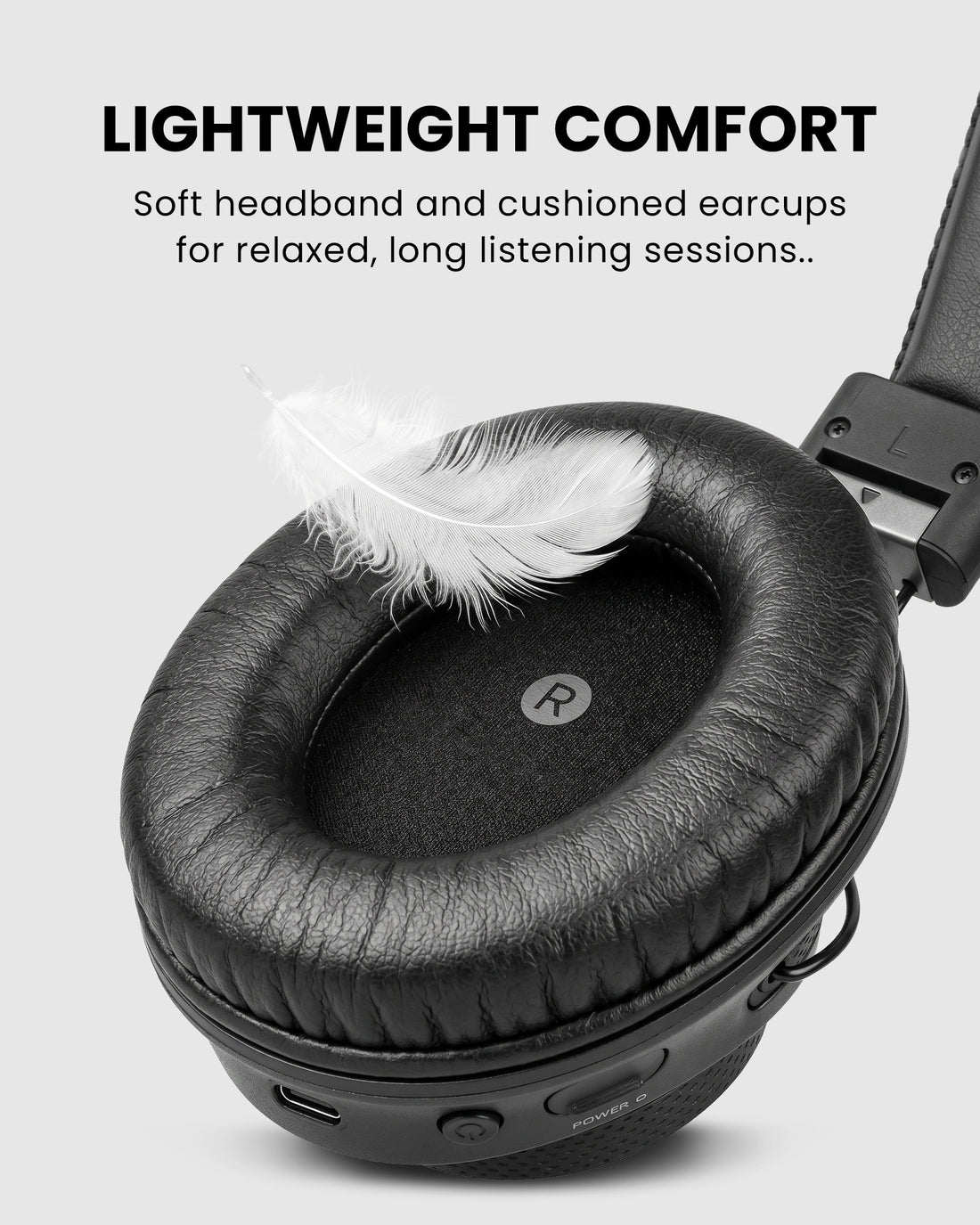
  • Lightweight & Easy to Manage – Comfortable over-ear design with individual USB-C charging.
Lite Aura 4 $299.99

You Don’t Need New Auracast Hearing Aids

VenuCast works with the hearing devices people already use.

  1. Venue Audio
  2. Auracast
  3. Choose how you listen
Modern Auracast hearing aid

Auracast hearing aids

Connect directly to the Auracast broadcast.

Direct Auracast

Traditional hearing aids with an AuraCoil receiver

T-Coil hearing aids

Use AuraCoil to hear through the hearing aid’s T-Coil.

AuraCoil

Traditional Bluetooth hearing aids Aura C receiver connected to a phone

Bluetooth hearing aids

Use Aura C as a bridge for compatible Bluetooth hearing aids.

Aura C

AuraClip Auracast receiver VenuCast wired on-ear headphones

No hearing aids

Use a receiver with headphones or earbuds.

Receiver + Headphones

Bottom line: One Auracast broadcast can serve many different listeners.

01 · Build your system

View all Add-ons & Accessories

02 · How it works

How it works with your devices

Audio sources

  • Compatible Auracast transmitter
  • Public Auracast broadcast
Find the right cable

Product

Lite Aura 4
Lite Aura 4

03 · Where it fits

Where it fits

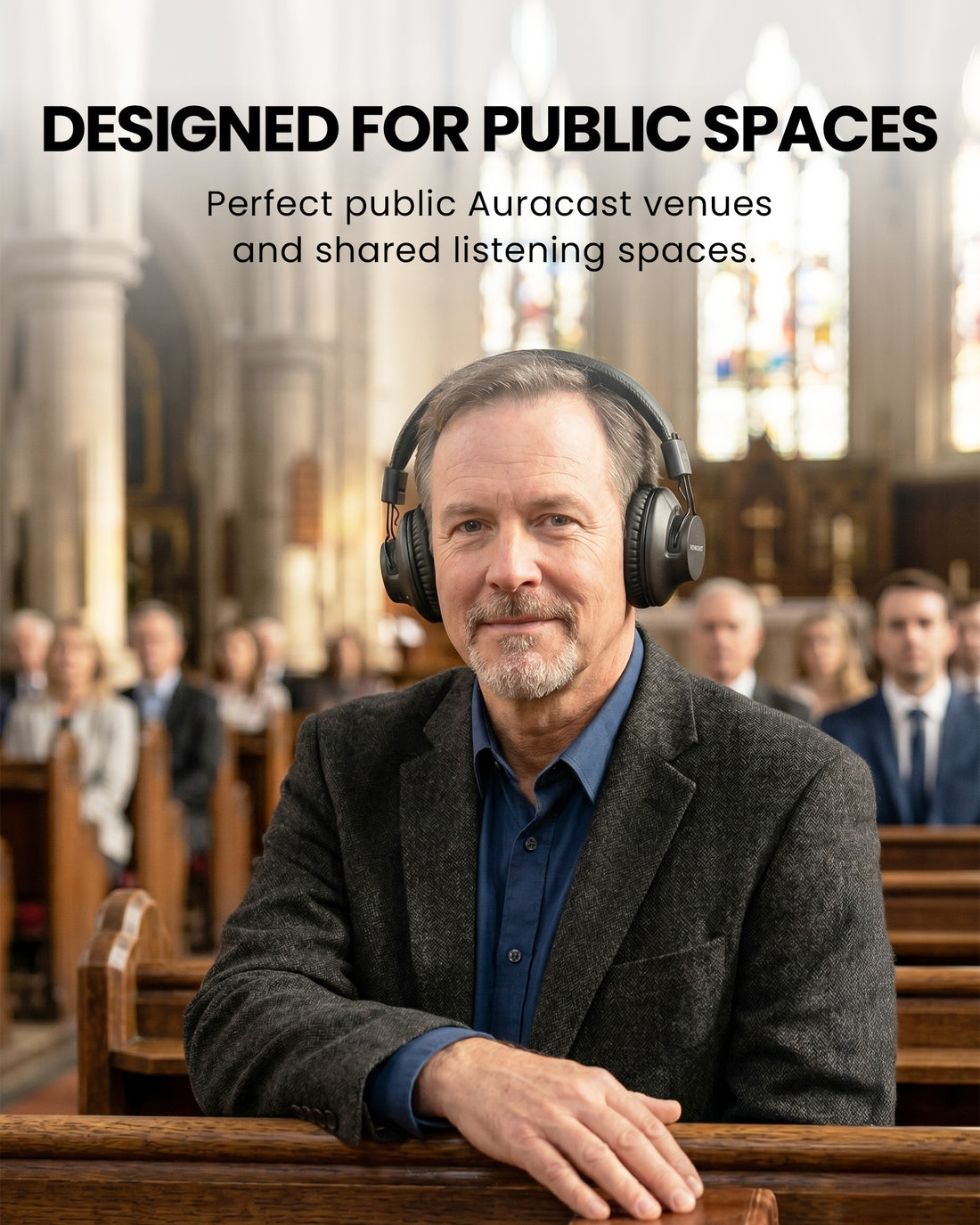
Church & Worship

Church & Worship

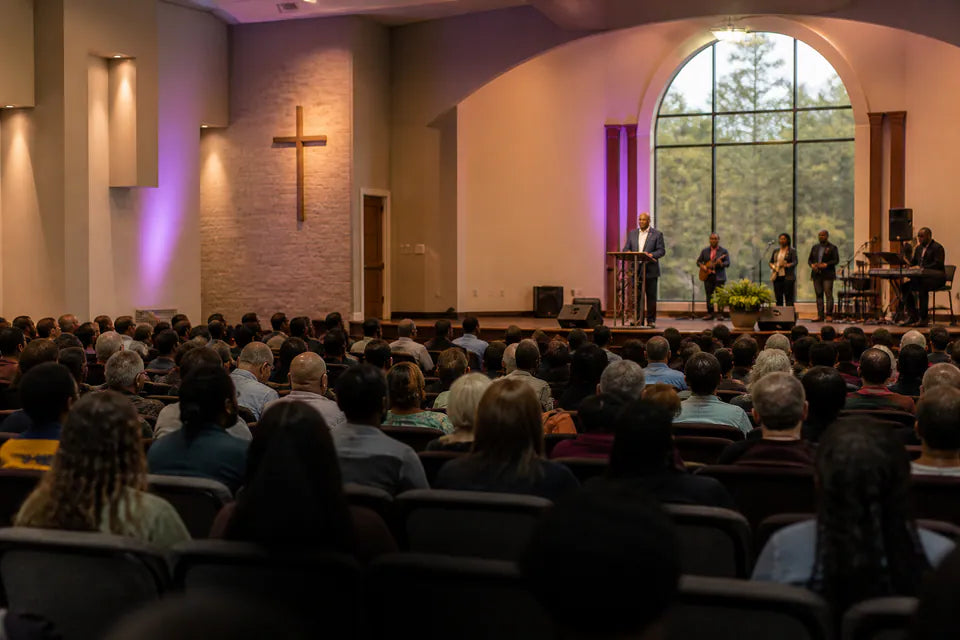
Equip four listeners for services, speech and worship audio.

Classroom & Training

Classroom & Training

Shared classroom audio with independent volume for each listener.

Meetings & Small Groups

Meetings & Small Groups

Four-headphone listening for meetings, workshops and small groups.
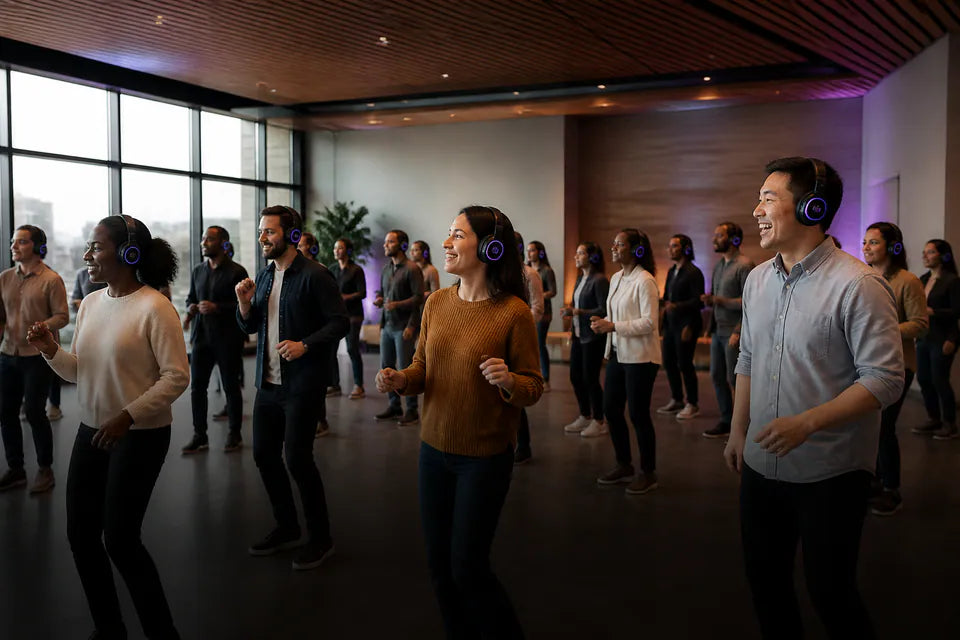
Group & Shared Audio

Group & Shared Audio

A ready group-listening set for compatible public or private broadcasts.

04 · Product details

Product details

Key specifications

Wireless Technology
Bluetooth 5.4 LE Auracast
Wireless Range
Up to 100 m / 330 ft
Audio Codecs
LC3
Audio Latency
LC3 (LE Audio / Auracast): ~50 ms
Frequency Response
20 Hz – 20 kHz
Sound Pressure Level (SPL)
100 dB (1 kHz / 179 mV)
Total Harmonic Distortion (THD)
<0.5% (1 kHz)
Battery Capacity
640 mAh
Operating Time
Up to 35 Hours
Charging Time
2.5 Hours
In the box
  • 4 × Lite Aura Headphones
  • 4 × USB-C Charging Cables

05 · Compare

Compare alternatives

FeatureCurrent productLite AuraAria AuraLoop
Wireless TechnologyQCC AuracastQCC AuracastAuracast / Bluetooth 5.4
Firmware UpdatesYesYesYes
Latency50–220 ms50–220 msLow latency, aptX Adaptive / LC3
Clear Dialogue ModeYesYesVoice Clear EQ
PlaytimeUp to 35 hoursUp to 35 hoursUp to 12 hours
USB-C ChargingYesYesYes
Charging Dock SupportNoYes, dock sold separatelyIncluded
Active Noise CancellationNoNoNo

06 · Common questions

Common questions

What is Lite Aura used for?

Lite Aura is an Auracast headphone that can receive broadcasts directly from compatible transmitters or public Auracast systems. It can also be used as an add-on headphone for group listening.

Can Lite Aura be used for group listening?

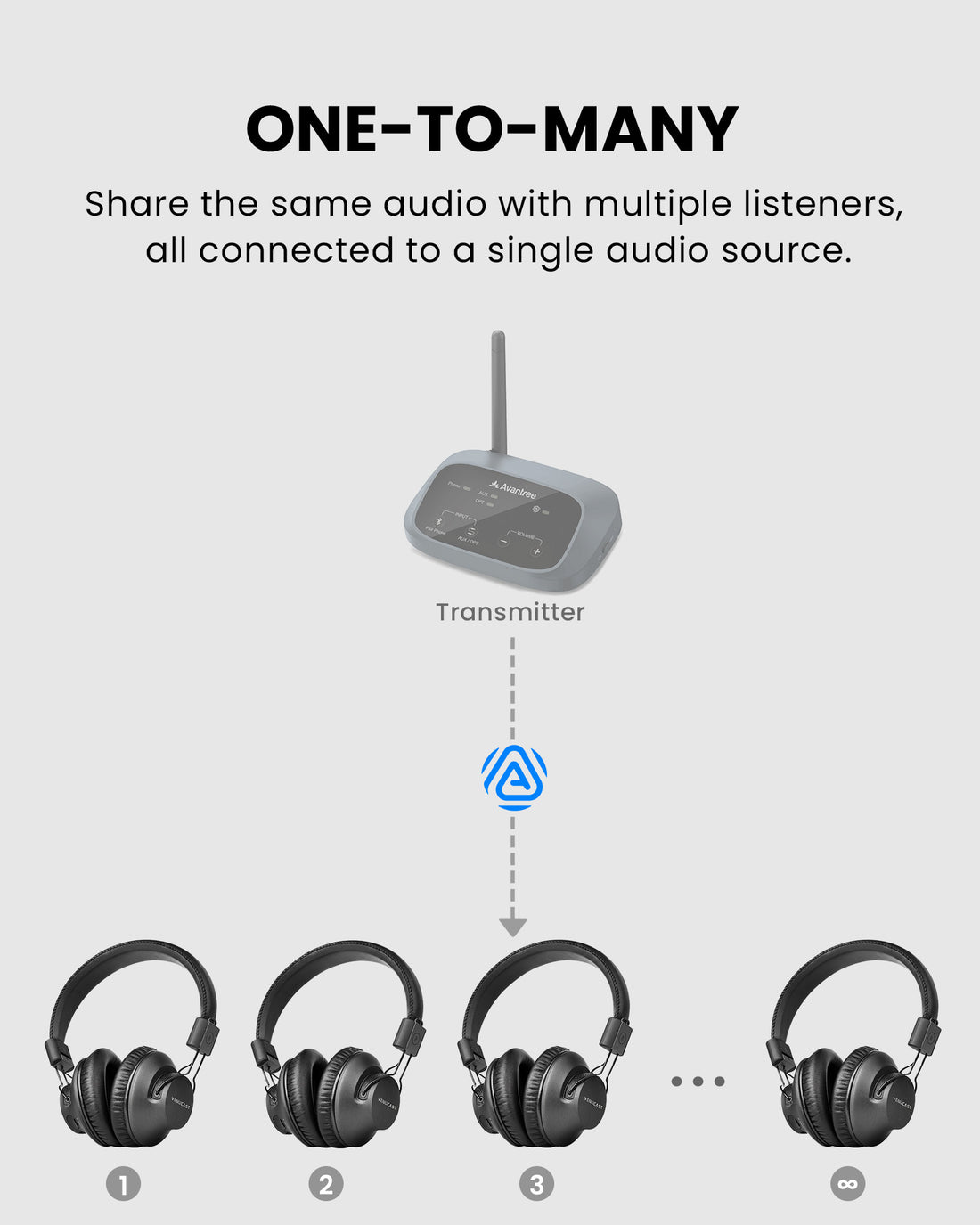
Yes. With a compatible Auracast transmitter, one audio source can broadcast to multiple Lite Aura headphones at the same time, so everyone can listen together at their own preferred volume.

Is Lite Aura compatible with my Oasis Aura?

Yes. Lite Aura works with Oasis Aura and other devices in the Venucast Auracast ecosystem.

Can I switch between different Auracast broadcasts?

Yes. Press and hold the CH button for 3 seconds to leave the current broadcast and join another available Auracast broadcast.

Designed for straightforward installation

Venue Audio Made Simple

No rewiring. No complicated setup. Connect Venucast to the audio system you already have.

Mixer / Soundboard / PA System
Auracast Transmitter
Auracast Hearing Aids / T-Coil Hearing Aids