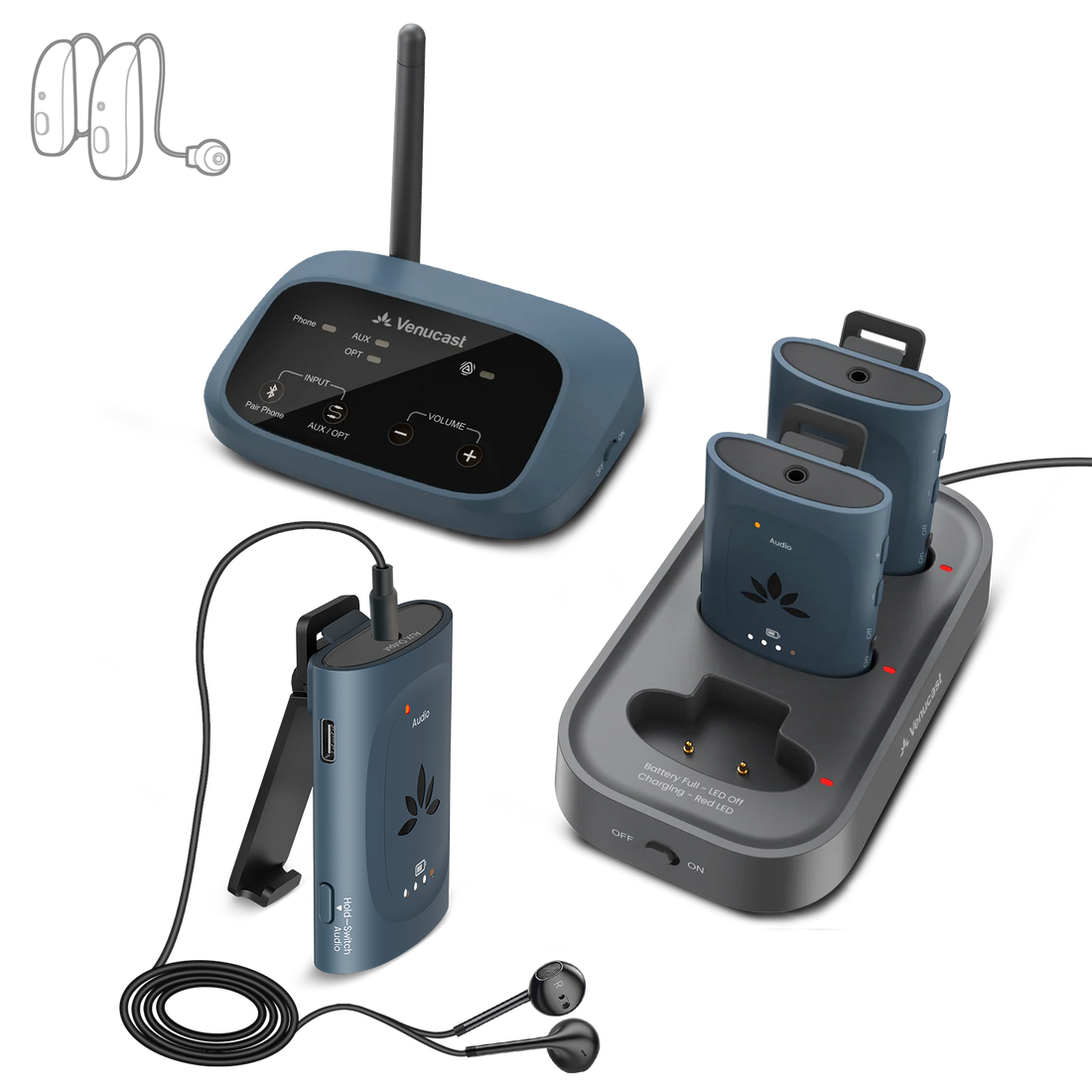
Venue-ready Auracast assistive listening kit with 3 receivers and charging dock

AuraPlex M3

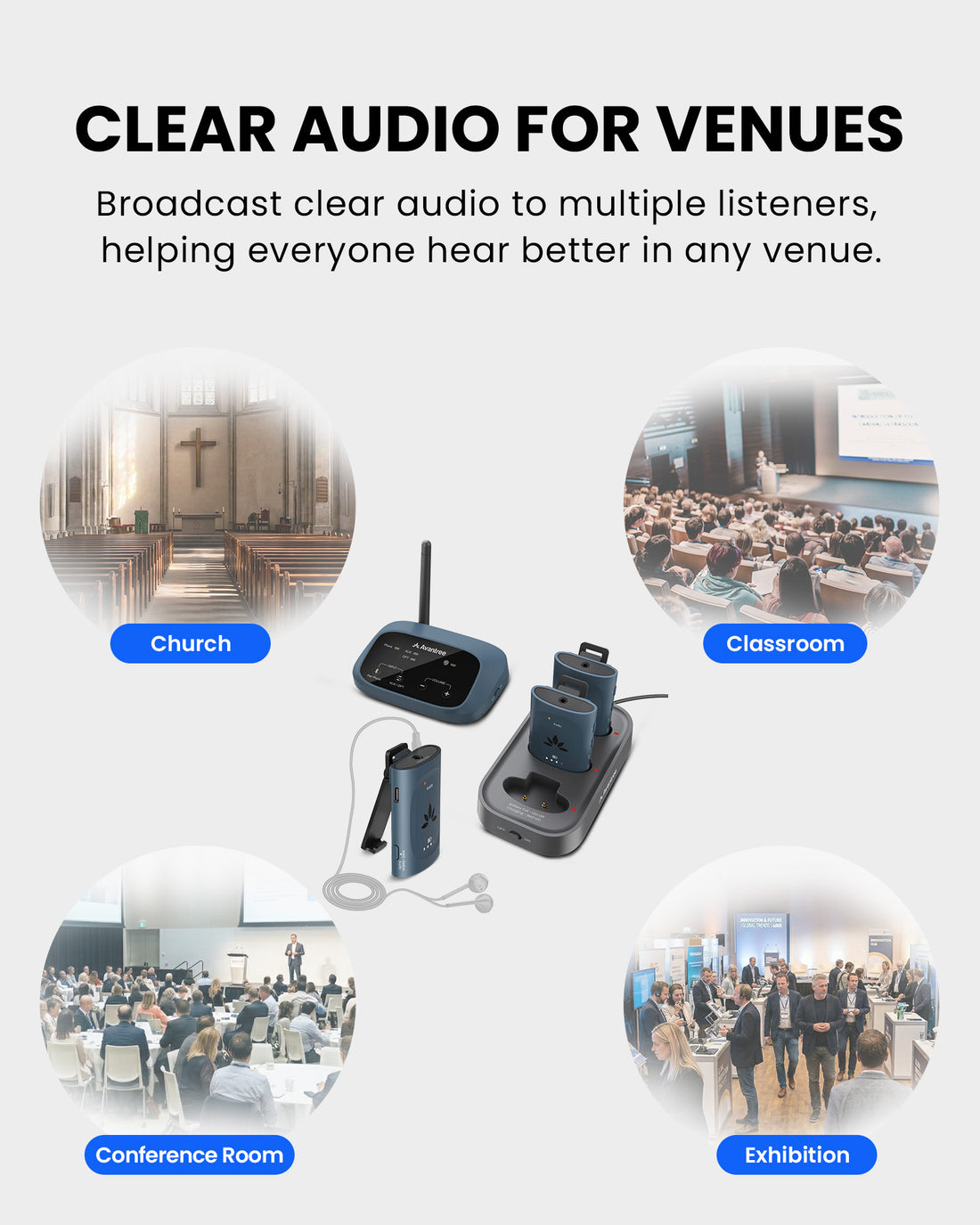
AuraPlex M3 broadcasts clear venue audio to included AuraClip receivers and compatible Auracast hearing aids or headphones. It is designed for churches, classrooms, meeting spaces, and other small to mid-sized public venues.

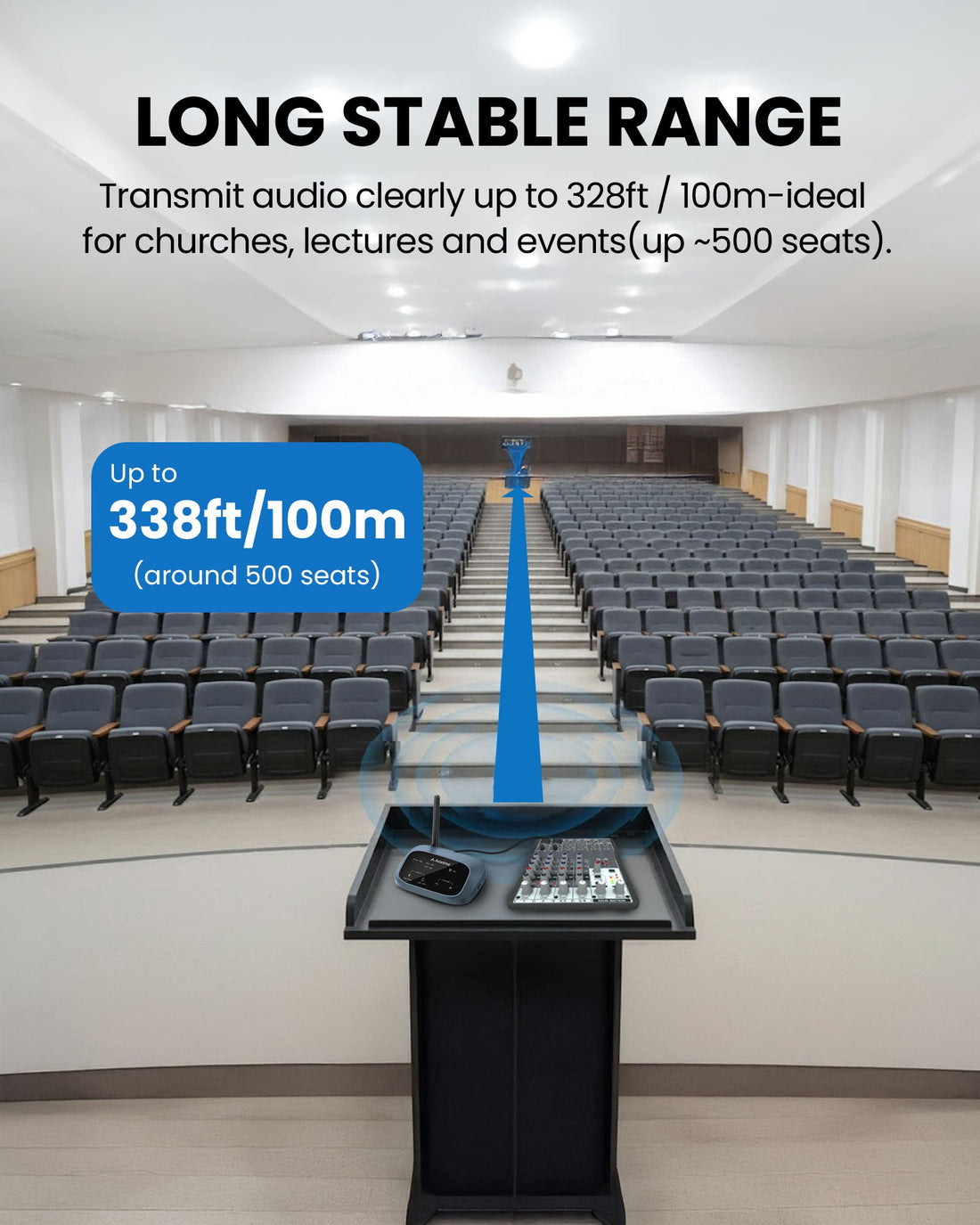
3 included receiversUp to 100m / 328ft line-of-sight coverageUp to about 500 seats recommended venue size
$329.99

Checking the fastest delivery option…

Firmware Update Alerts

Get notified when new AuraPlex M3 firmware is available.

Firmware updates only. No marketing emails.
Fast ShippingReliable Delivery
60-Day Free ReturnsHassle-Free
Bulk DiscountVolume Pricing Available
Free Setup SupportVenue Specialist Included
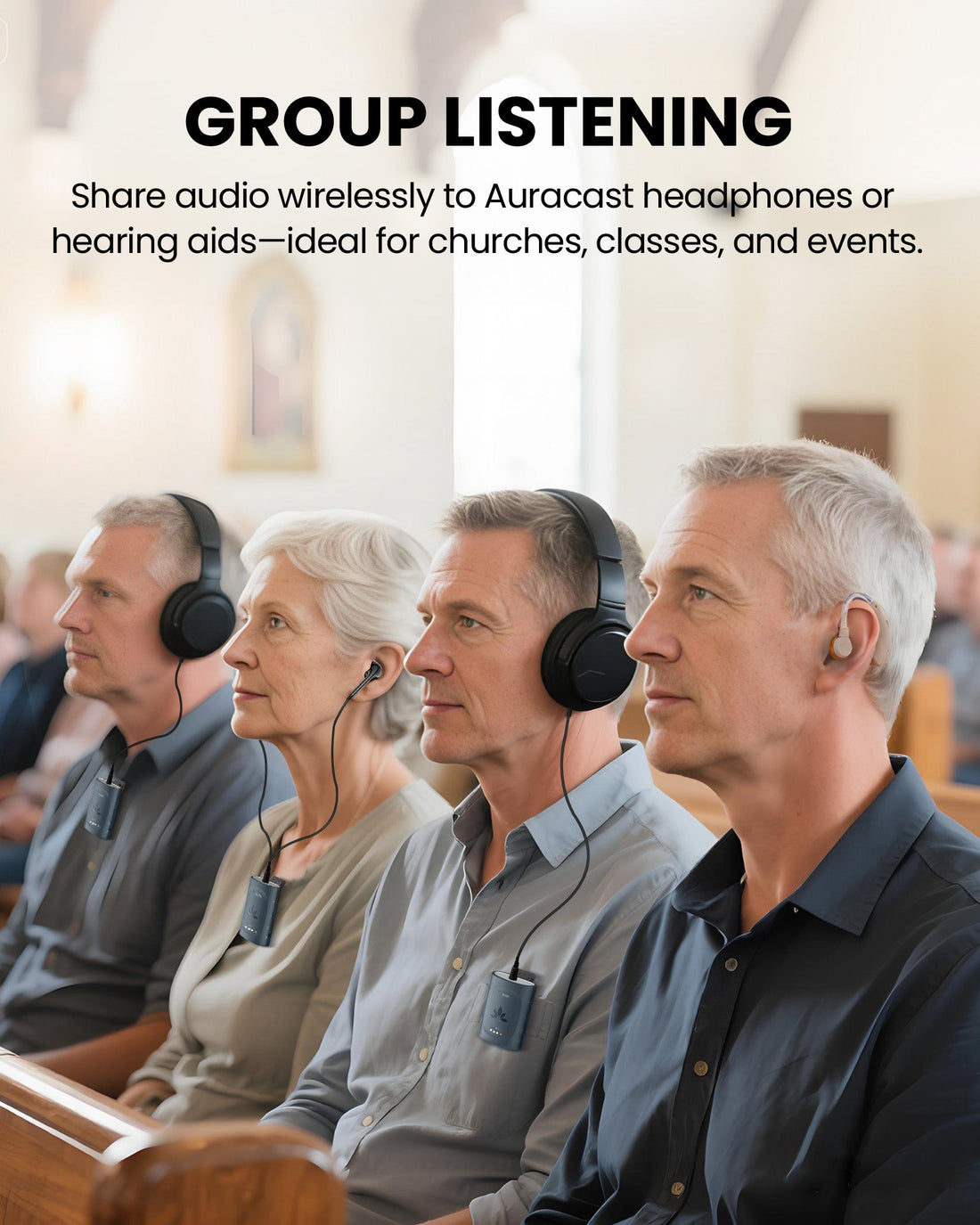
  • Venue-Ready Group Listening – Complete Auracast assistive listening system with one transmitter, three receivers, and a charging dock. Easy to deploy with no specialized Auracast expertise required.
  • Auracast BYOD Support – Guests can use venue receivers or compatible Auracast hearing aids and headphones.
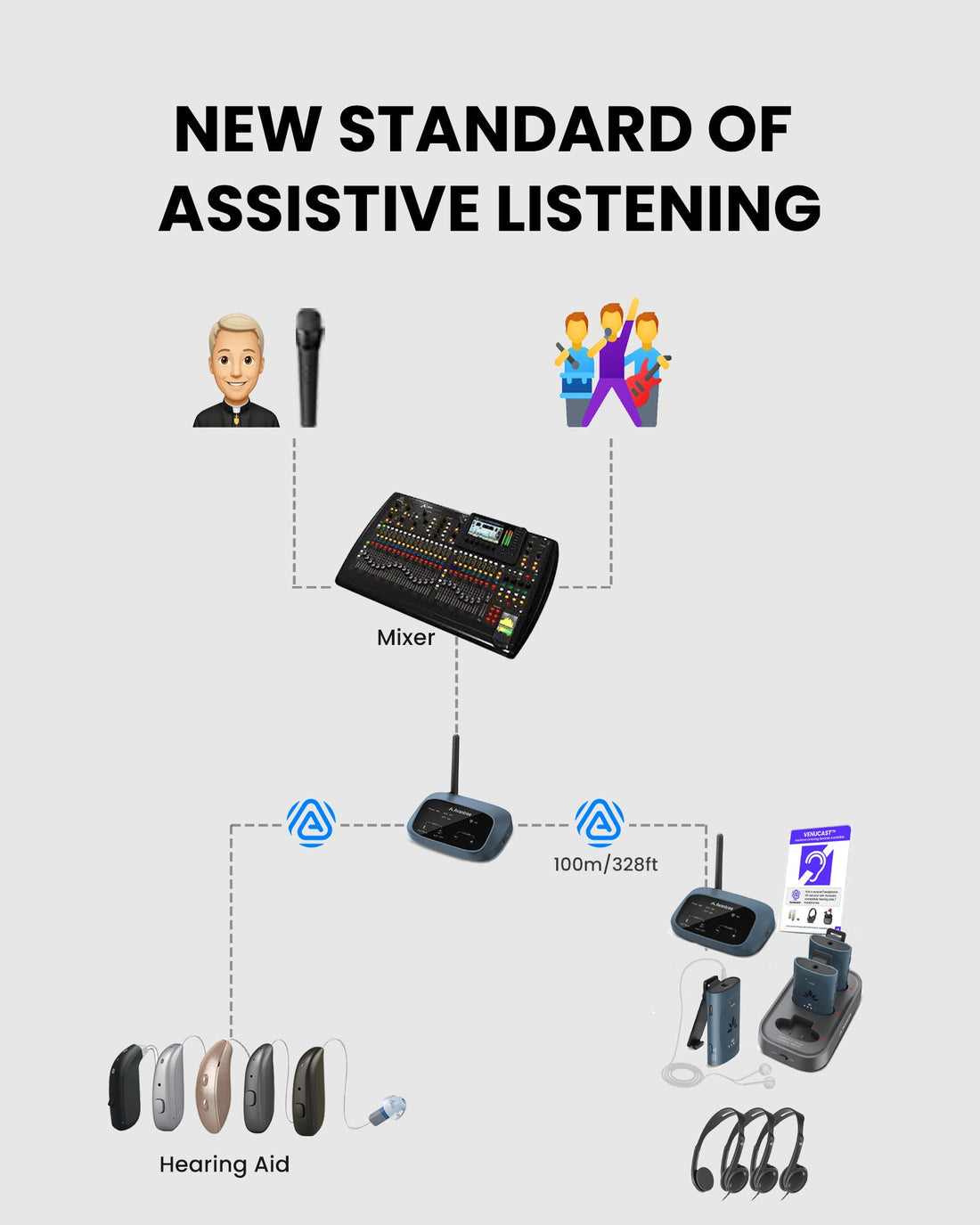
  • Long-Range Coverage – Up to 100m / 328ft line-of-sight receiver coverage for small to mid-sized venues.
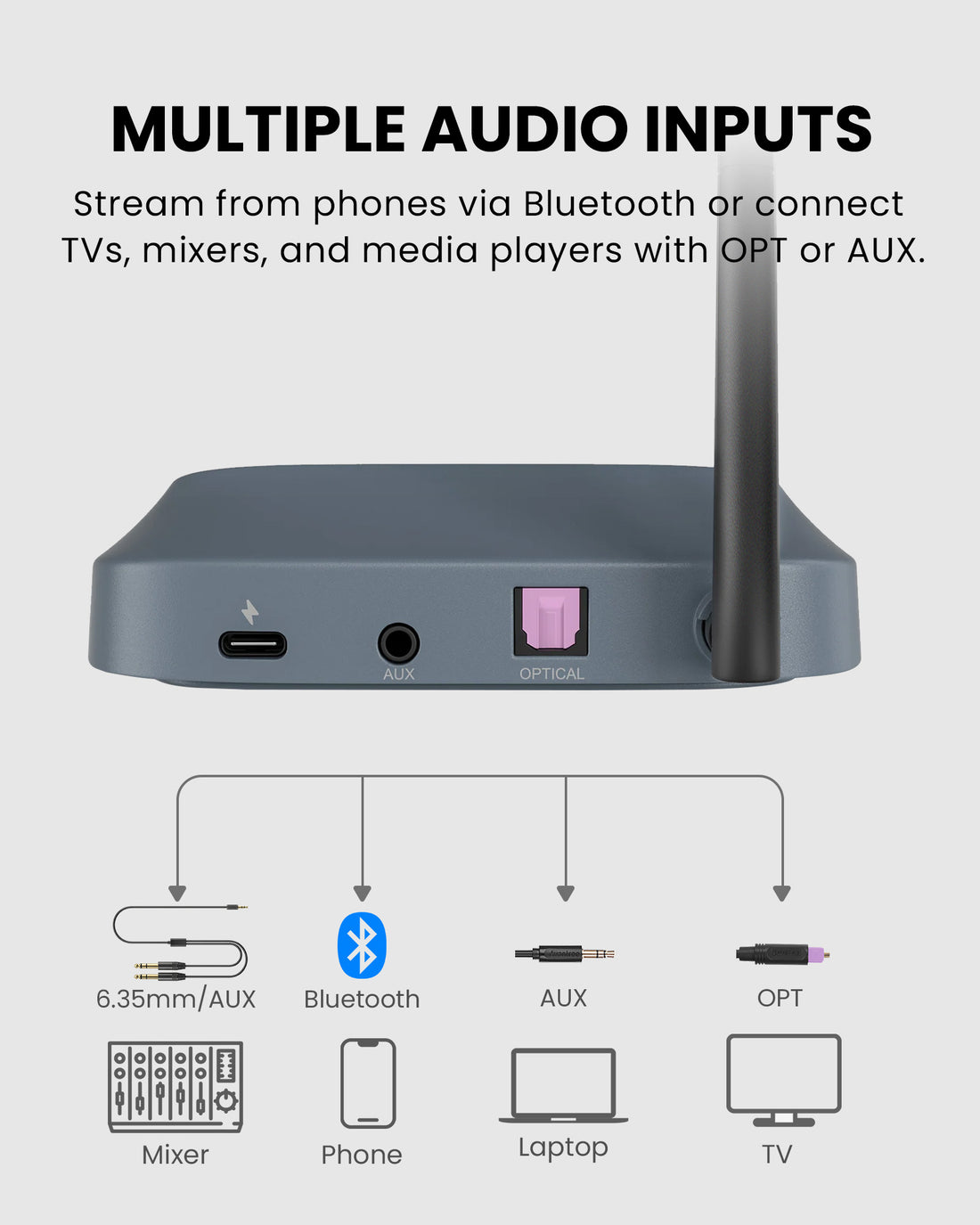
  • Flexible Audio Inputs – Connect mixers, TVs, microphone systems, phones, or computers through AUX, Optical, or Bluetooth.
  • Scalable System – Expand beyond the included three receivers as venue listening needs grow.
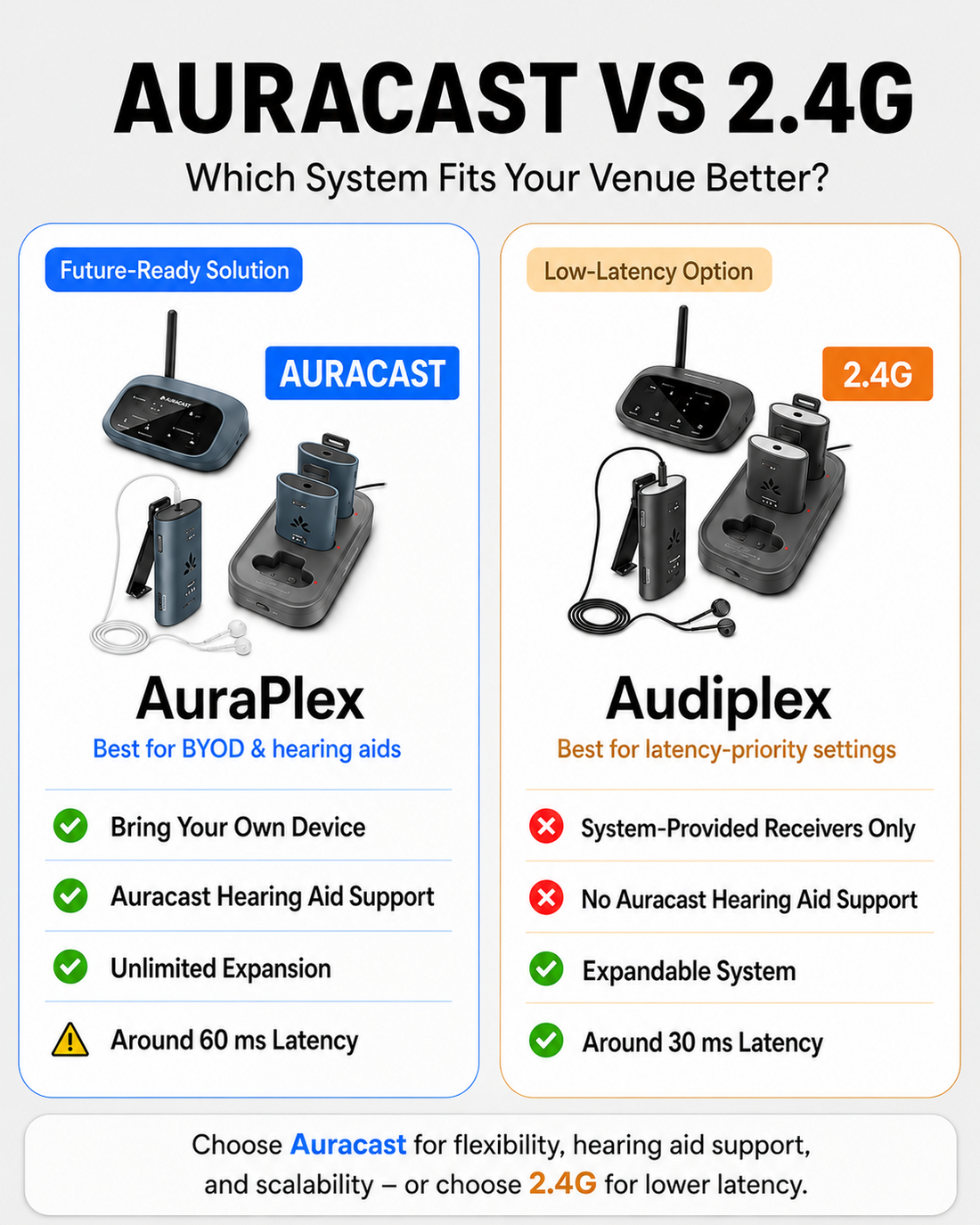
  • Synchronized Listening – Approx. 60ms receiver sync latency supports clear shared speech and program audio.
AuraPlex M3 $329.99

You Don’t Need New Auracast Hearing Aids

VenuCast works with the hearing devices people already use.

  1. Venue Audio
  2. Auracast
  3. Choose how you listen
Modern Auracast hearing aid

Auracast hearing aids

Connect directly to the Auracast broadcast.

Direct Auracast

Traditional hearing aids with an AuraCoil receiver

T-Coil hearing aids

Use AuraCoil to hear through the hearing aid’s T-Coil.

AuraCoil

Traditional Bluetooth hearing aids Aura C receiver connected to a phone

Bluetooth hearing aids

Use Aura C as a bridge for compatible Bluetooth hearing aids.

Aura C

AuraClip Auracast receiver VenuCast wired on-ear headphones

No hearing aids

Use a receiver with headphones or earbuds.

Receiver + Headphones

Bottom line: One Auracast broadcast can serve many different listeners.

01 · Build your system

View all Add-ons & Accessories

02 · How it works

How it works with your devices

Audio sources

  • Venue mixer or microphone system
  • TV or media player
  • Phone, tablet, or computer
Find the right cable

Product

AuraPlex M3
AuraPlex M3

Listener pathways

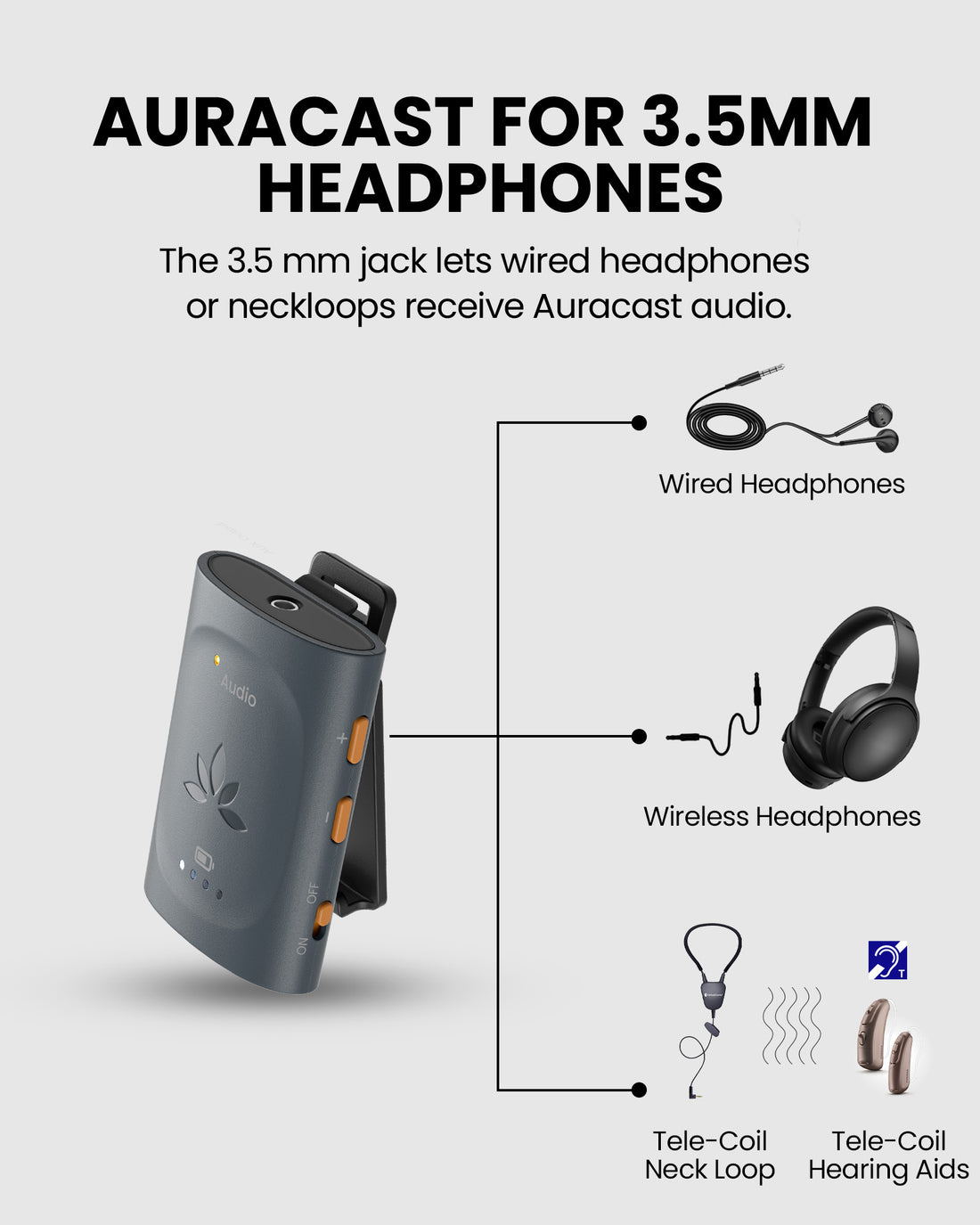
  • Included AuraClip receiversGuests connect wired 3.5mm headphones to the included venue receivers.
  • Auracast hearing aidsCompatible hearing aids can join the venue broadcast through their supported app or assistant.
  • Auracast headphonesCompatible personal Auracast headphones can join the same broadcast without venue-managed pairing.

03 · Where it fits

Where it fits

Church & Worship

Church & Worship

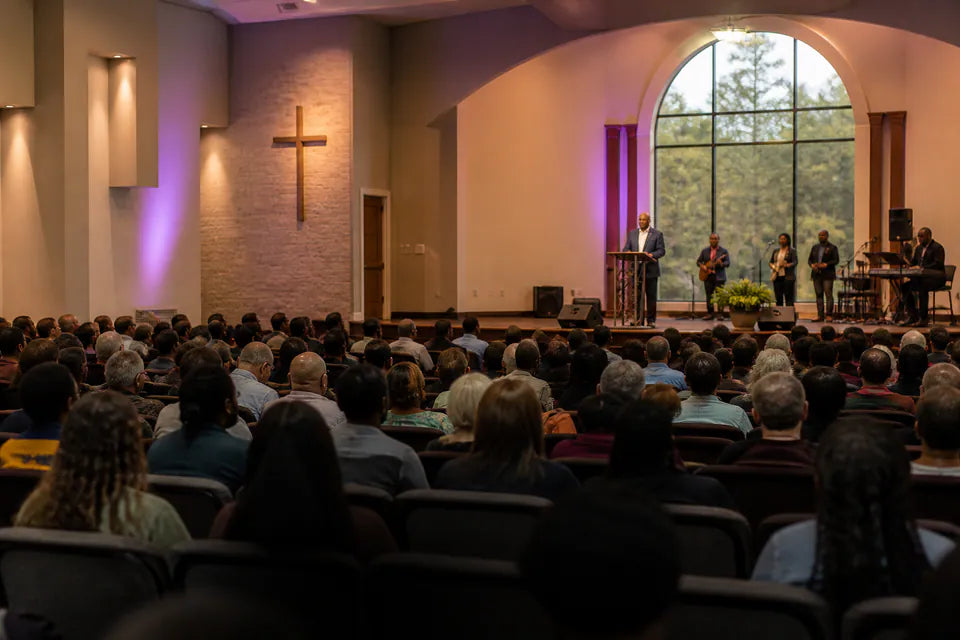
Broadcast sermons, music, and announcements to venue receivers and compatible personal devices.

Classroom & Training

Classroom & Training

Provide synchronized speech and program audio for students and attendees.
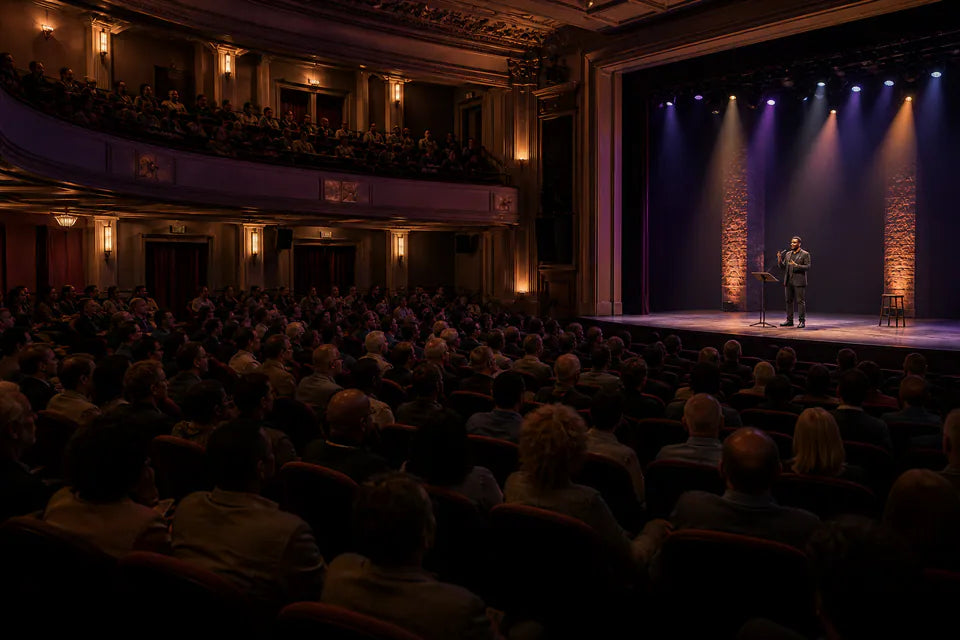
Conference & Theater

Conference & Theater

Support clear shared listening for meetings, presentations, and public programs.

Community & Public Venue

Community & Public Venue

A scalable assistive listening system for community rooms and small to mid-sized venues.

Best suited to indoor small and mid-sized venues with clear line of sight. It is not intended for stadium-scale, outdoor, or ultra-low-latency applications.

04 · Product details

Product details

Key specifications

Wireless connectivity
Bluetooth 5.4 / Auracast
Latency
Approx. 60ms receiver sync latency
Audio inputs
Bluetooth, 3.5mm AUX, Optical
Recommended range
Receiver to transmitter: up to 100m / 328ft; phone or PC to transmitter: up to 10m / 33ft
Max expandability
Supports up to 100 venue receivers plus compatible Auracast personal devices
Transmitter codec
LC3
Transmitter dimensions
114 x 75 x 30mm / 4.5 x 3 x 1.2in
Transmitter weight
90g / 0.2lb
Receiver playtime
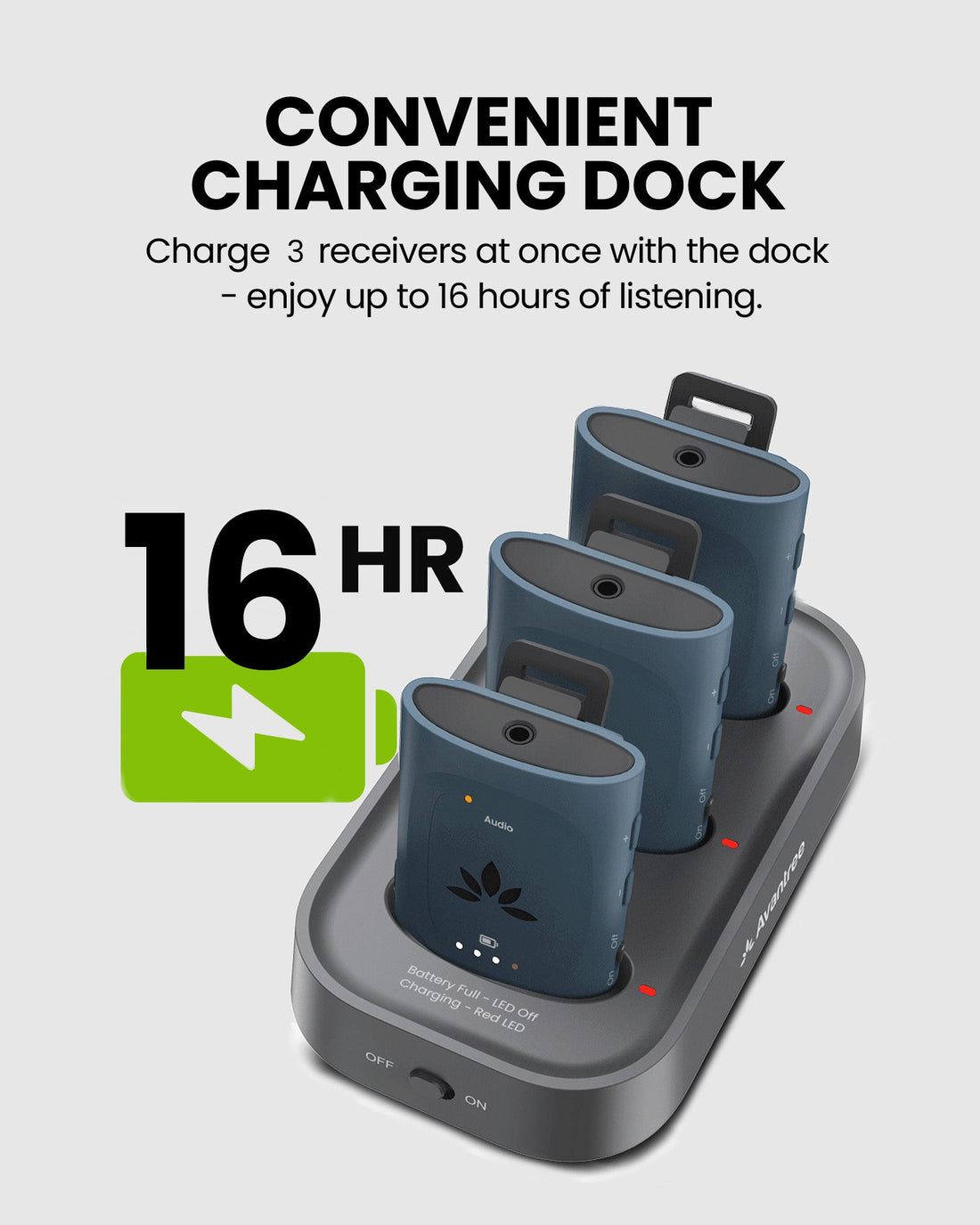
Up to 16 hours
Receiver charging
Approx. 2 hours by USB-C; approx. 3.5 hours with charging base

Simple setup

  1. 1Connect the venue audio sourceConnect a mixer, TV, microphone system, phone, or computer through AUX, Optical, or Bluetooth.
  2. 2Start the Auracast broadcastPower on the transmitter and confirm the broadcast name and audio level.
  3. 3Join listenersUse the included AuraClip receivers or join with compatible Auracast hearing aids and headphones.
In the box
  • 1 x Oasis Aura transmitter
  • 3 x AuraClip receivers
  • 1 x 3-slot charging base
  • 1 x power adapter for charging base
  • 2 x USB-C data and power cables
  • 1 x 3.5mm audio cable
  • 1 x Optical audio cable

05 · Compare

Compare alternatives

FeatureCurrent productAuraPlex M3Audiplex M3Harmony A3Quartet 2
Best forAuracast assistive listeningDedicated low-latency group listeningAuracast audio to speakersSilent events and TV sharing
System expansionVenue receivers plus compatible BYODUp to 100 dedicated receiversCompatible Auracast receivers and speakersUp to 100 compatible 2.4G devices
Works withAuracast hearing aids, receivers and headphonesAudiplex M3 receiversActive speakers and soundbarsQuartet 2 and compatible 2.4G devices
Wireless systemAuracast2.4G RFAuracast2.4G RF
Audio latencyApprox. 60msUnder 30msApprox. 60msUnder 30ms
Audio inputsAUX, Optical, BluetoothAUX, Optical, BluetoothAUX, Optical, BluetoothAUX, Optical, Bluetooth
Typical venuesChurches, classrooms, meetingsChurches, training, toursMulti-room and distributed audioMeetings, classrooms, silent events

06 · Common questions

Common questions

What is AuraPlex M3 designed for?

AuraPlex M3 is a professional Auracast assistive listening system for churches, classrooms, meeting spaces, and other small to mid-sized venues.

How many people can listen at the same time?

The set includes three AuraClip receivers and can expand with more venue receivers. Compatible Auracast hearing aids and headphones can also join the broadcast.

What audio sources can connect to the transmitter?

The transmitter supports 3.5mm AUX, Optical, and Bluetooth audio sources, including mixers, TVs, microphone systems, phones, tablets, and computers.

What is the operating range?

Receiver coverage is up to 100m / 328ft line of sight. Range can vary with walls, people, interference, and installation conditions.

Can guests use Auracast hearing aids?

Yes. Compatible Auracast hearing aids can join the venue broadcast through their supported hearing aid app or Android Auracast assistant.

Is AuraPlex M3 suitable for ultra-low-latency applications?

AuraPlex M3 has approximately 60ms synchronized receiver latency. It is designed for assistive and group listening rather than applications that require ultra-low latency.

What is included in the box?

The set includes one Oasis Aura transmitter, three AuraClip receivers, a 3-slot charging base, base power adapter, two USB-C cables, one 3.5mm audio cable, and one Optical audio cable.

How does the Grouping Function work?

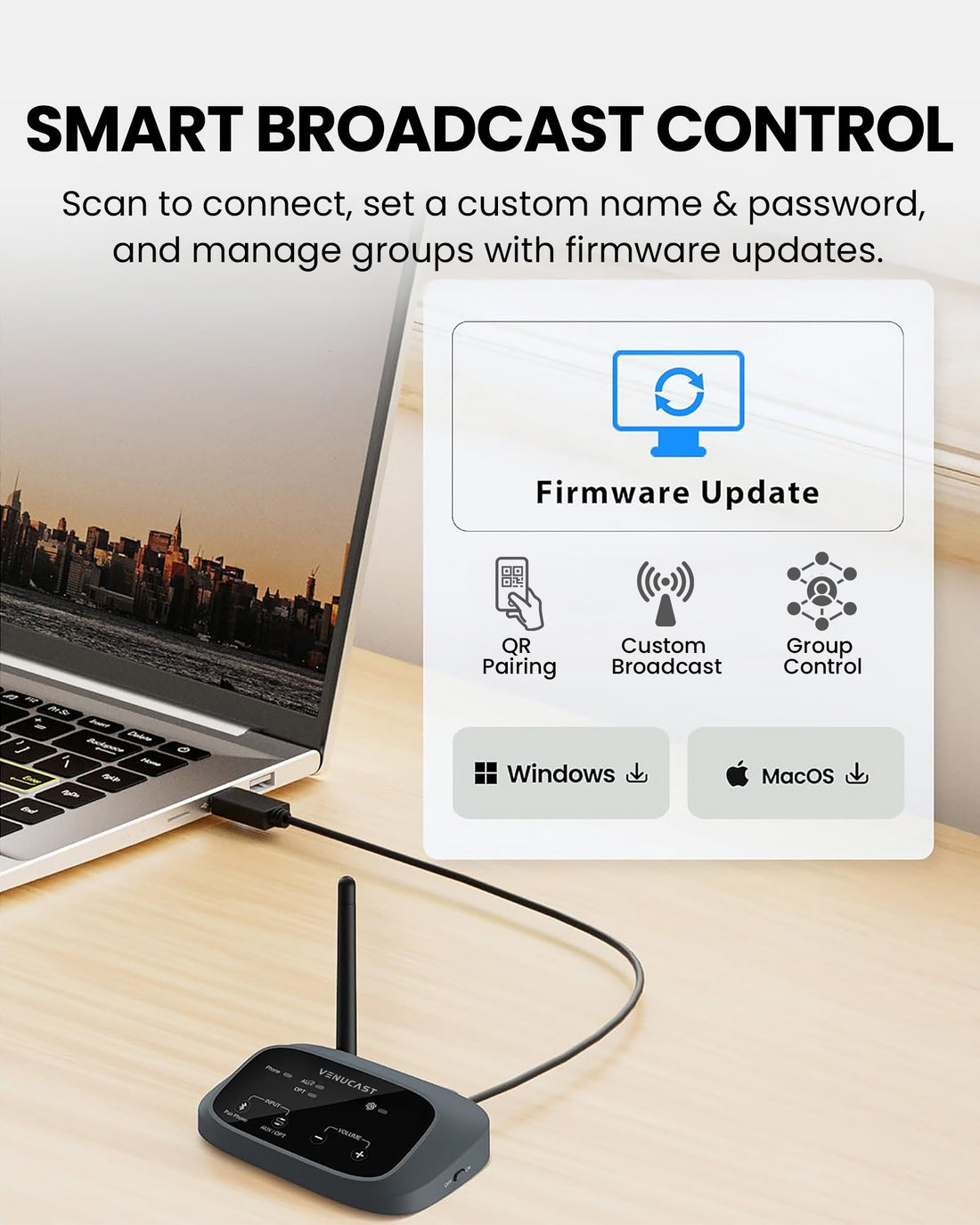
The Grouping Function lets you organize compatible VenuCast devices into one group so they work together in the same room or listening area.

View the step-by-step Grouping Function guide →

Designed for straightforward installation

Venue Audio Made Simple

No rewiring. No complicated setup. Connect Venucast to the audio system you already have.

Mixer / Soundboard / PA System
Auracast Transmitter
Auracast Hearing Aids / T-Coil Hearing Aids
Venucast Church Deployment Best Practices Pack with roll-up banner, Auracast signage, hearing aid connection guide, and onboarding guide

READY FOR SUNDAY

Installing the system is only half the job.

Help worshipers discover the service and connect confidently with a ready-made communication pack for a smoother Auracast rollout.

$149.99 Church Deployment Pack

Pre-order now — estimated to ship in late September 2026.

  • One roll-up banner with stand
  • Two A3 Auracast signage posters
  • One hearing aid connection guide
  • One Church onboarding guide
See what’s included