SPEECH & VIDEO
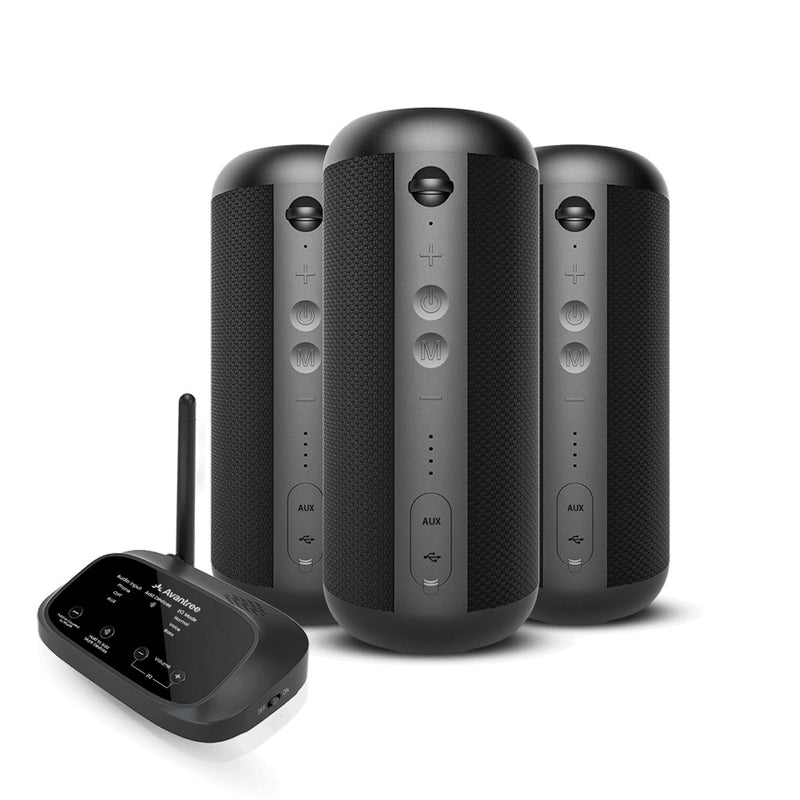
Harmony 2
A dedicated speaker system for presentations, shared TV and indoor program audio.
- 1 transmitter + 3 × 15W speakers
- Dedicated 2.4 GHz


WIRELESS AUDIO FOR YOUR SPACE
Share one audio source across multiple speakers. Choose a complete set, connect speakers you already own, or take group audio on the move.
Wireless audio, planned power. Speakers still need a power connection or a charged battery.
 COMPLETE SPEAKER SET
FIND YOUR SYSTEM
Start with the speakers you need and the way you use your space.
systems shown
A dedicated speaker system for presentations, shared TV and indoor program audio.
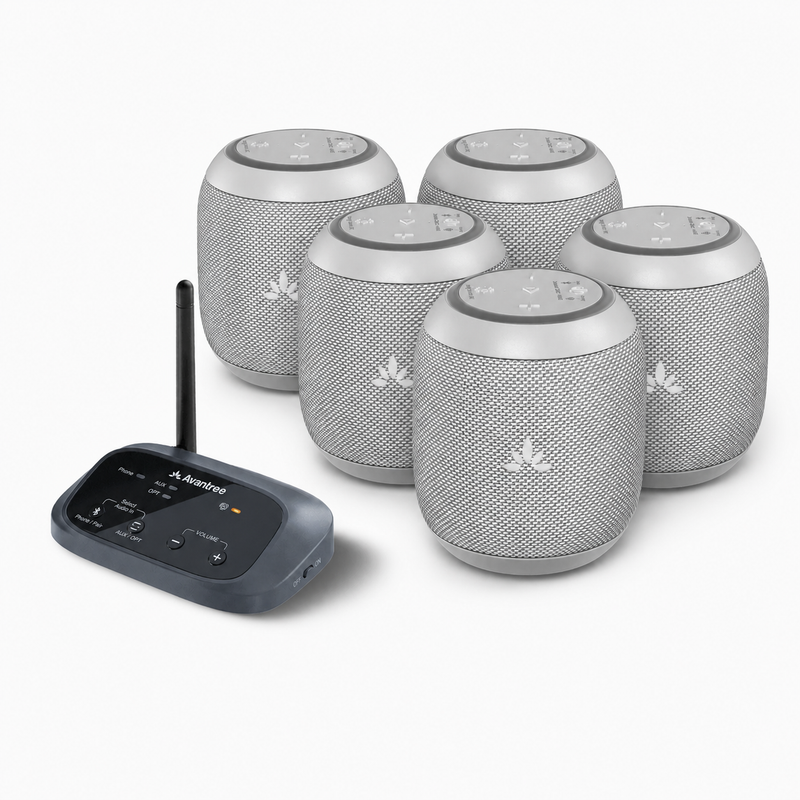
Five compact speakers distribute background audio across tables and smaller shared spaces.
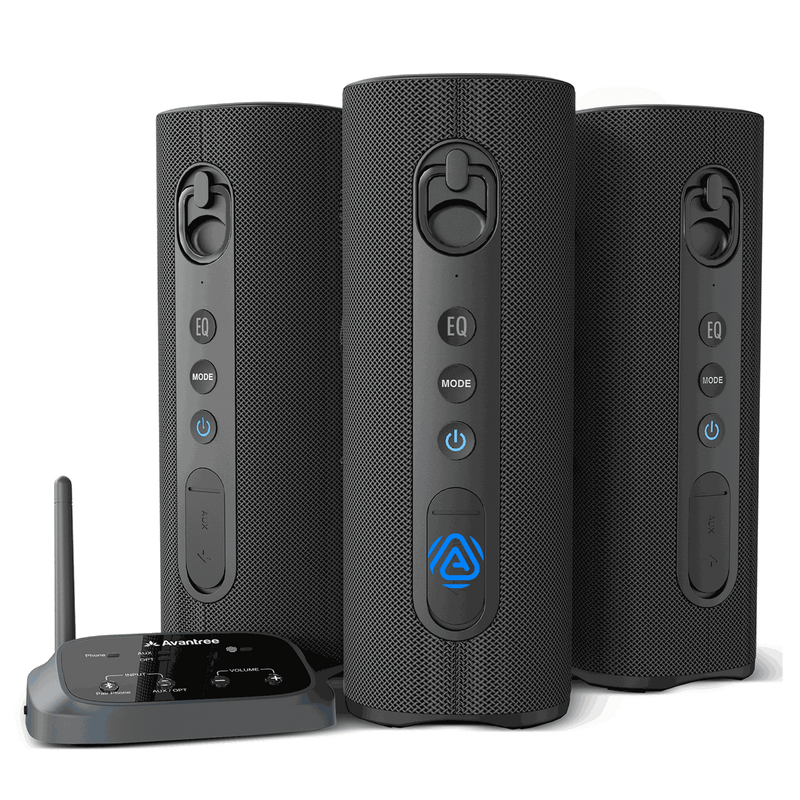
Three speakers for synchronized music and program audio in meeting rooms, cafés and shops.
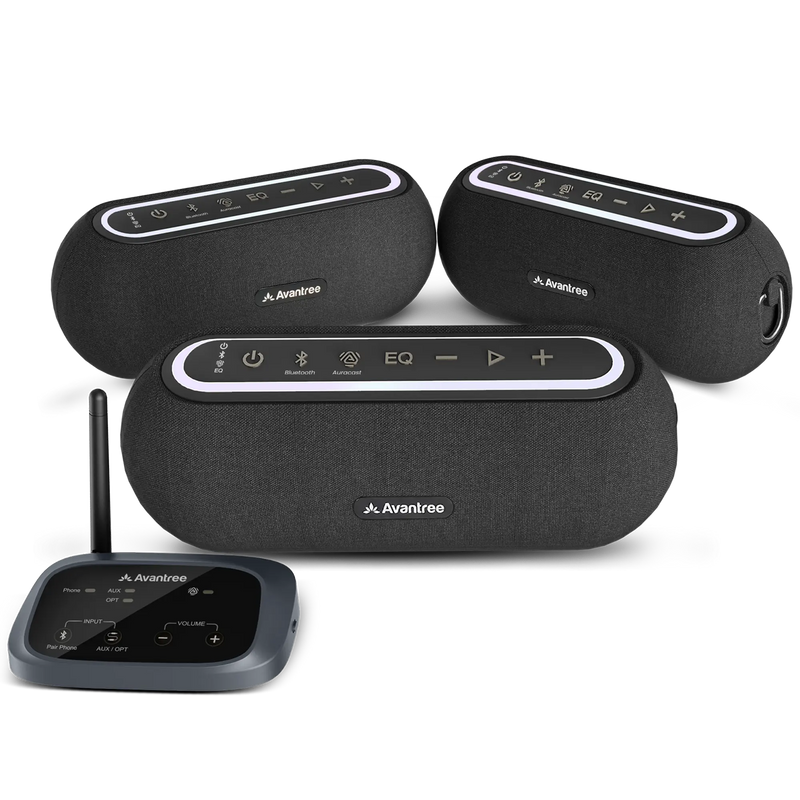
Adjust the sound for your space with Balance, Voice and Bass EQ modes.
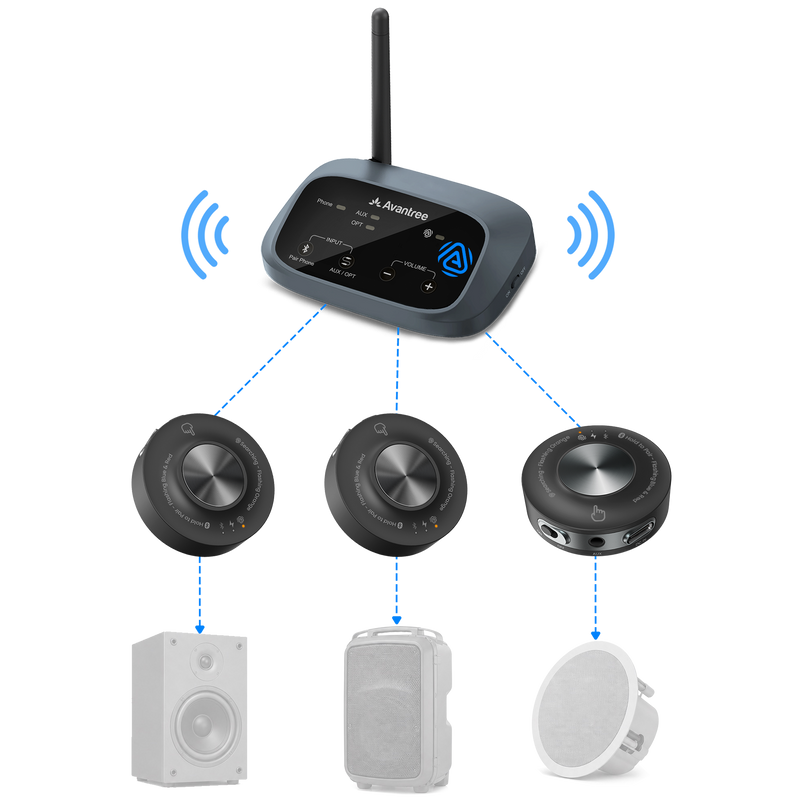
Add wireless audio to powered speakers with AUX or RCA inputs. Speakers are not included.
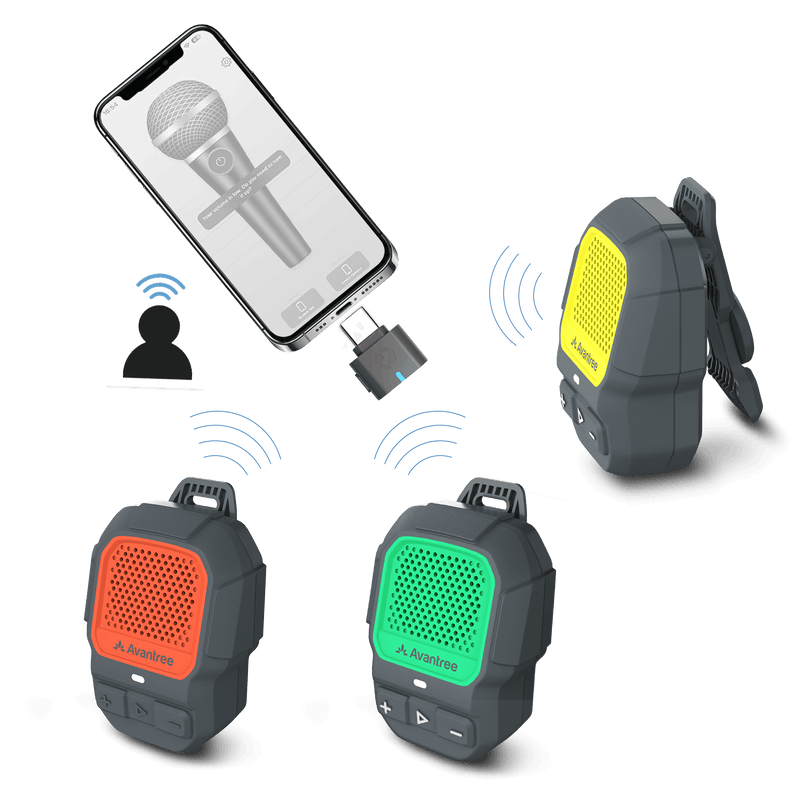
Portable clip-on speakers for group audio, with IP67 protection for the speakers.
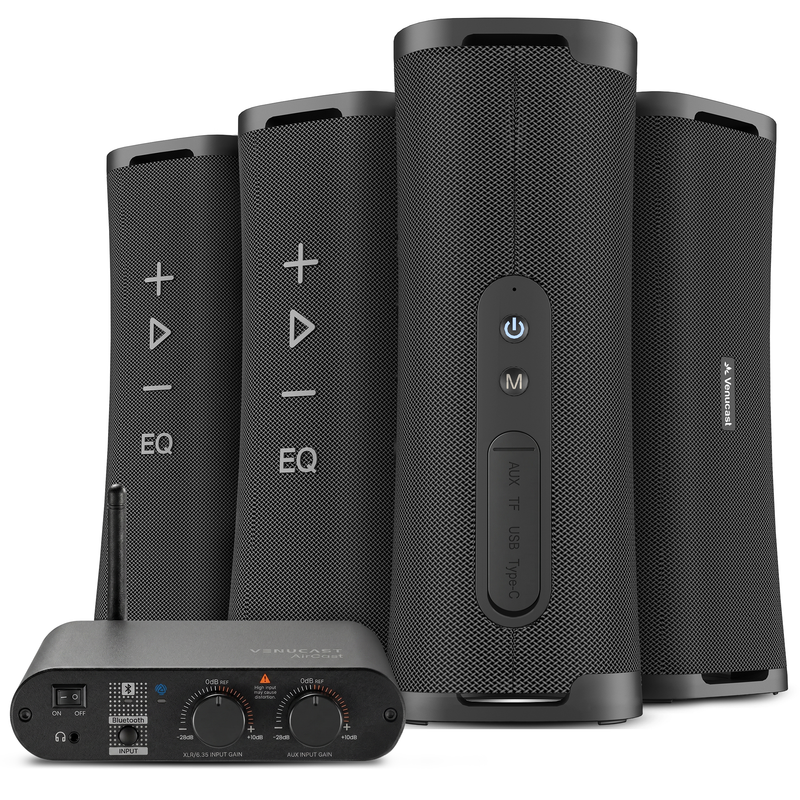
Four higher-output speakers for background music, announcements and shared venue audio.
One transmitter shares one audio program. For different audio in different areas, plan separate sources and transmitters.
SIDE BY SIDE
Match the included devices, audio inputs and power requirements to your space.
Scroll sideways to see all details
| System | What is included | Audio inputs | Power / charging | Published latency | Expansion / compatibility |
|---|---|---|---|---|---|
| Harmony 2 | 1 transmitter + 3 × 15W speakers | Optical, AUX, Bluetooth | Rechargeable speakers; USB-C charging | Approx. 30 ms | Harmony 2 speakers only; up to 100 |
| Harmony A0 | 1 transmitter + 5 × 9W speakers | Optical, AUX, Bluetooth | Rechargeable speakers; USB charging | Approx. 60 ms | Compatible Harmony Aura speakers |
| Harmony A1 | 1 transmitter + 3 × 20W speakers | Optical, AUX, Bluetooth | Rechargeable speakers; USB charging | Approx. 60 ms | Compatible Auracast speakers |
| Harmony A2 | 1 transmitter + 3 × 20W speakers | Optical, AUX, Bluetooth | Power the speakers; see product details | Approx. 60 ms | Compatible Auracast speakers |
| Harmony A3 | 1 transmitter + 3 receivers; no speakers | Optical, AUX, Bluetooth | Rechargeable receivers; existing speakers need power | Approx. 50–70 ms | Add compatible receivers; powered speakers only |
| ShareCast | 1 USB-C transmitter + 3 clip-on speakers | Compatible USB-C audio source | USB-C source powers transmitter; rechargeable speakers | Confirm for your intended use | Add compatible ShareCast speakers |
| Harmony A4 | 1 AirCast transmitter + 4 × 50W speakers | XLR / 6.35 mm, AUX, Bluetooth | Each speaker requires AC power | Confirm for your intended use | Confirm compatible additions for your venue |
Latency figures are product-published estimates, not a guarantee for every source or setup. Test live microphones and video before use. Coverage depends on walls, people, interference and placement. Compatibility must be confirmed for each product family.
VENUE SETUP FINDER
Tell us about your space, audio source and the speakers you need.
SIMPLE SETUP
Follow your product’s setup guide and check the audio at every speaker location.
COMMON QUESTIONS
Start with your audio source, the space and whether you already own speakers. Choose a complete Harmony speaker set for shared indoor audio, Harmony A3 for existing powered speakers, or ShareCast for portable group listening. Compare power, connections and latency before choosing.
Devices within the same supported system are designed to receive the same audio program. Synchronization between speakers and delay from the original source are different things. Check compatibility before mixing models or brands; Harmony 2 uses its own dedicated speaker link.
No. Wireless describes the audio connection. Some speakers and receivers use rechargeable batteries, while others need external power. Every Harmony A4 speaker requires AC power. With Harmony A3, the existing powered speakers still need their own power supply.
Harmony A3 includes one transmitter and three receivers for powered speakers with compatible AUX or RCA inputs. It does not include speakers. A receiver cannot drive a passive speaker directly; passive speakers need a suitable amplifier.
Match the audio source output to the transmitter input. Harmony 2 and Harmony A0–A3 offer optical, AUX and Bluetooth inputs; Harmony A4 uses AirCast with XLR / 6.35 mm, AUX and Bluetooth inputs. ShareCast uses a compatible USB-C audio source. For live microphones or video, verify the connection and test delay in your setup.
One transmitter normally distributes the same program to its listening devices. To play independent content, plan separate audio sources and transmitters, then assign each group to the appropriate system or broadcast.
The core audio connection does not require venue Wi-Fi. Expansion depends on the model: add confirmed compatible Harmony 2 speakers, Auracast speakers, receivers or ShareCast devices as appropriate. Sharing the same radio frequency does not automatically make products compatible.
ShareCast offers portable speakers with IP67 protection for moving groups; this rating does not apply to every component. Check weather protection, power and coverage for any outdoor installation. Small distributed speakers are not a substitute for a high-output outdoor PA.