Classroom Auracast Kit

FreeMic Classroom 3 Kit

Share a teacher’s voice wirelessly with three included clip-on Auracast speakers, each with individual volume control.

Teacher voice shared with three included speakers Group listening

Firmware Update Alerts

Get notified when new FreeMic Classroom 3 Kit firmware is available.

Firmware updates only. No marketing emails.
Fast Local Delivery1-3 Business Days
60-Day Free ReturnsHassle-Free
Bulk DiscountVolume Pricing Available
Free Setup SupportVenue Specialist Included
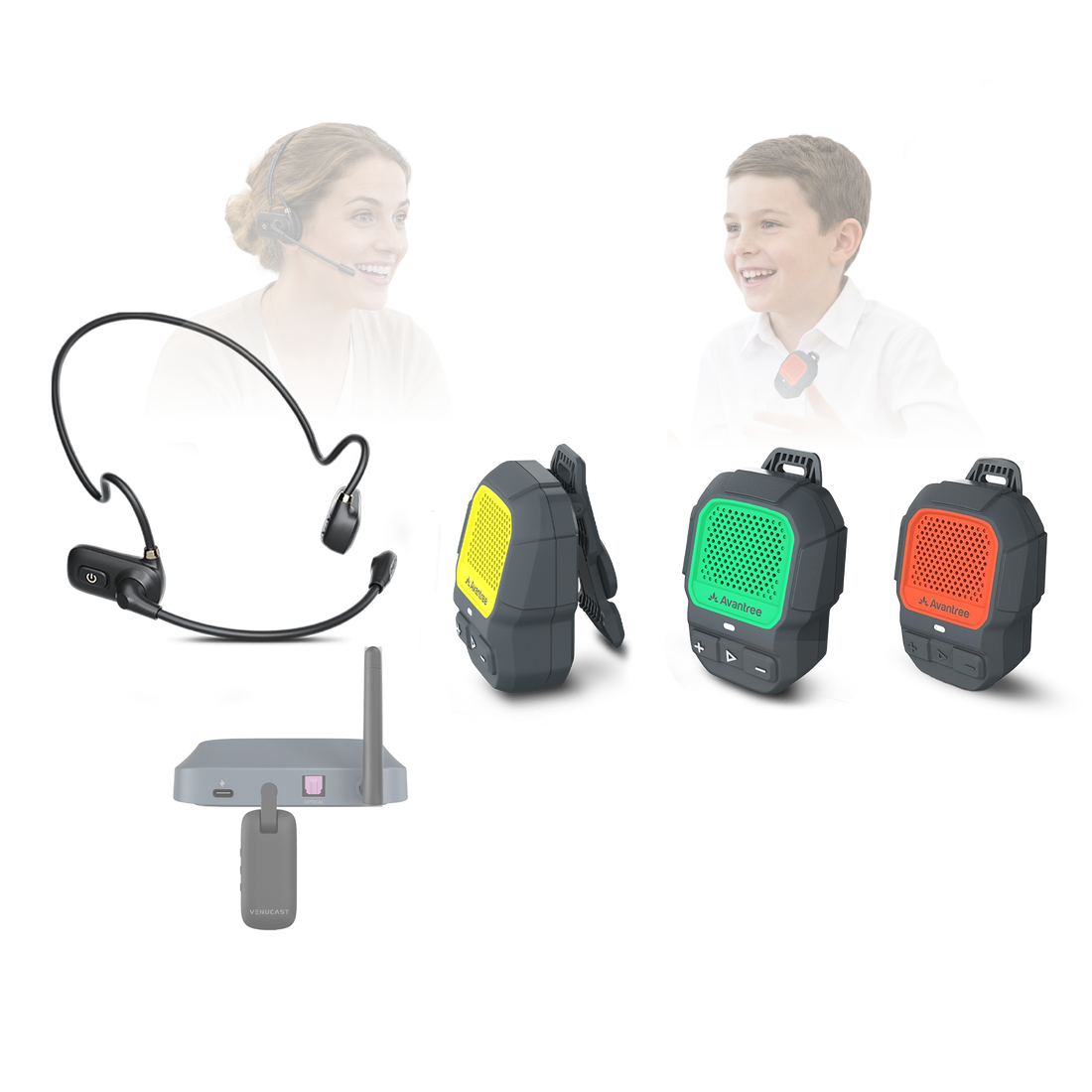
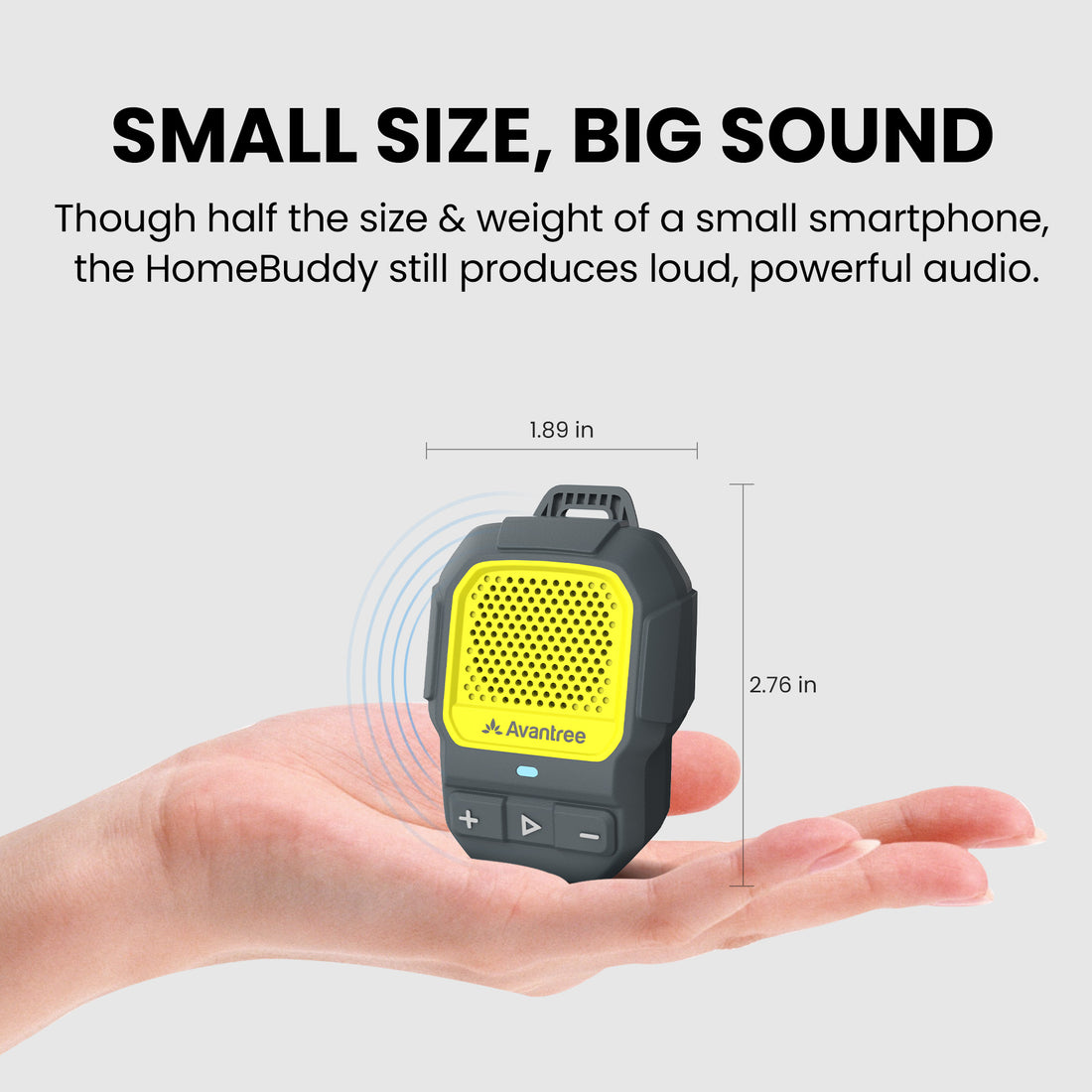
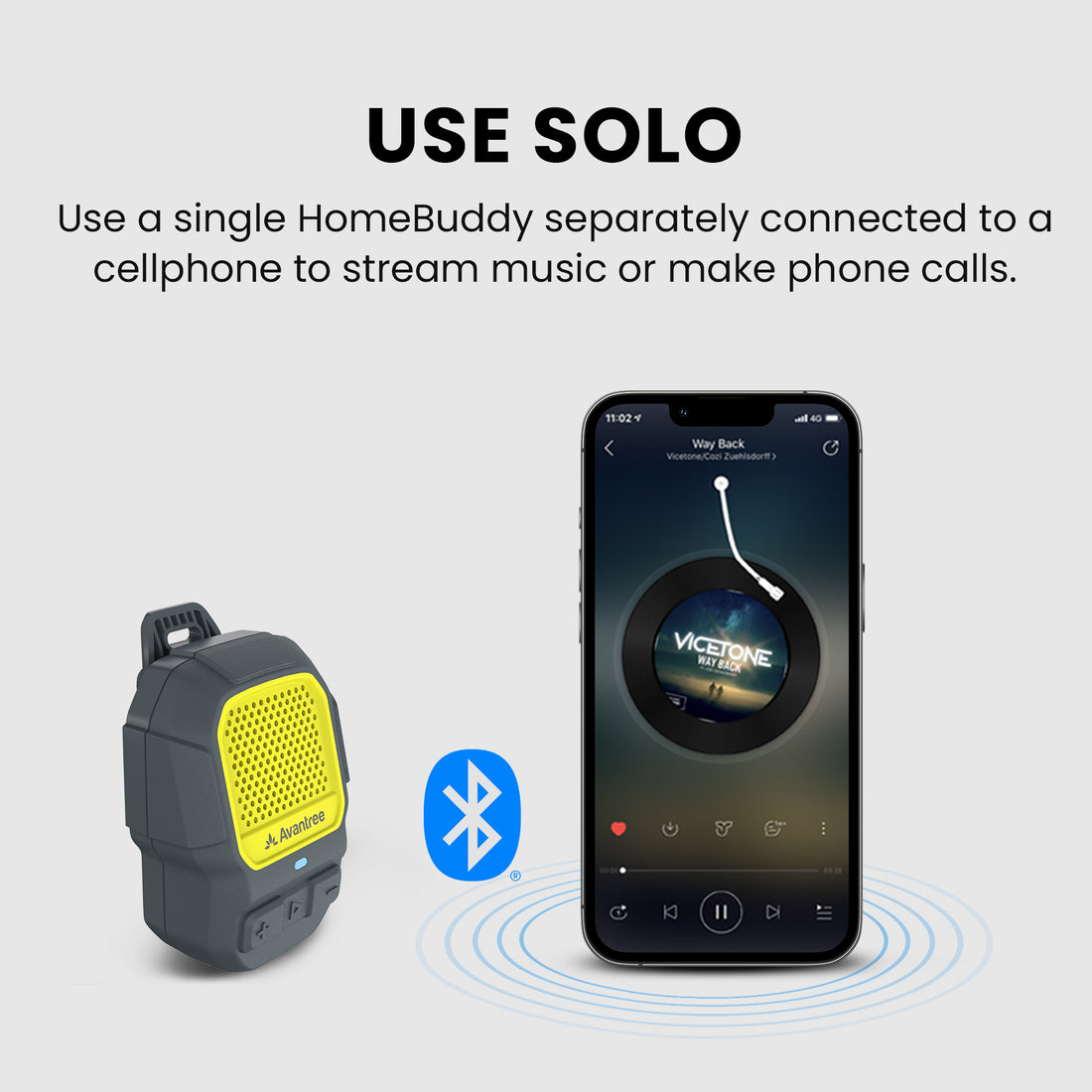
  • Wireless teacher mic + 3 wearable speakers – A complete classroom kit with FreeMic W, Oasis Aura, and three ShareCast Solo speakers.
  • Clear voice across the classroom – Broadcast the teacher’s voice up to 328 ft / 100 m line of sight.
  • Listen without headphones – Students hear clearly through compact wearable speakers.
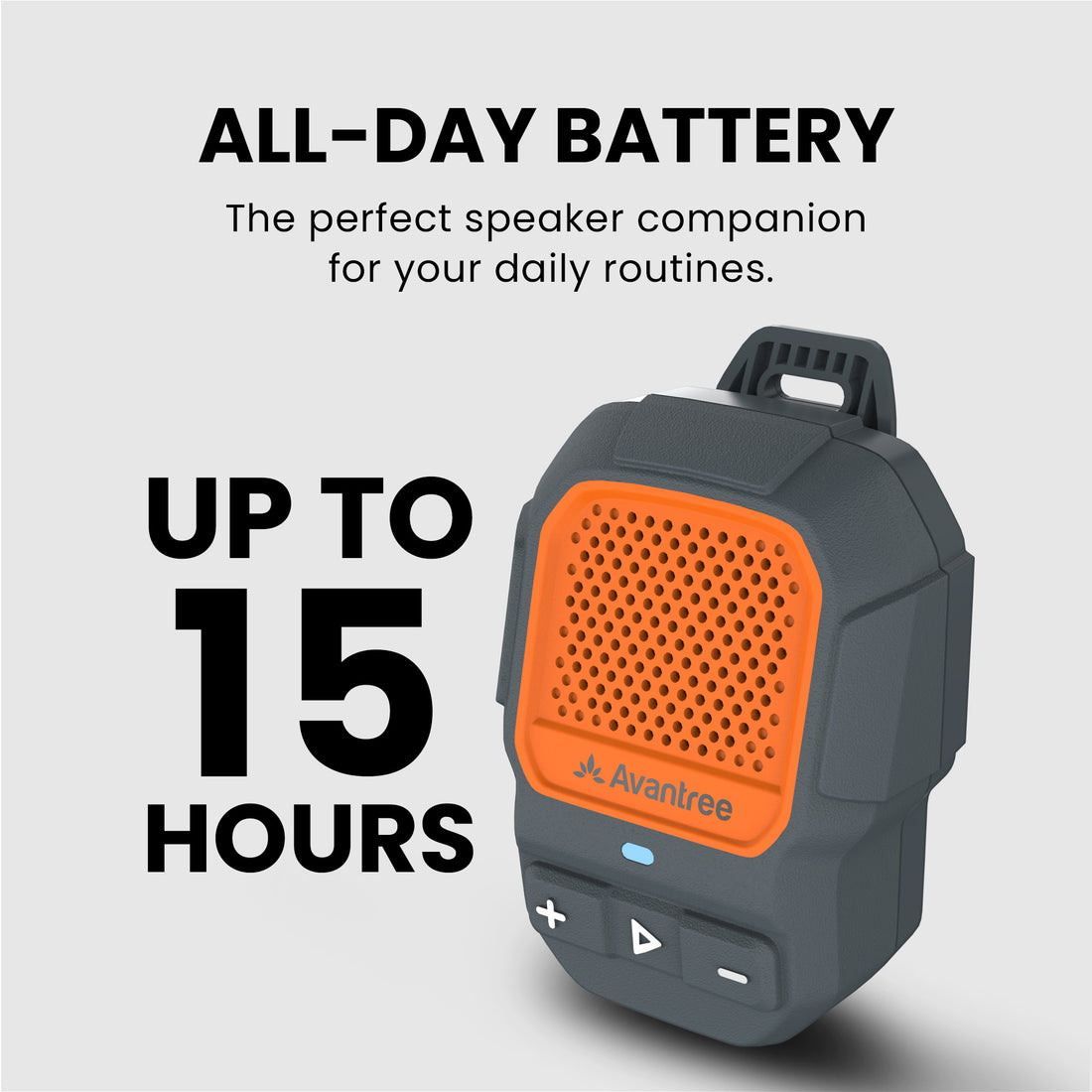
  • Personal volume for every listener – Each student adjusts their own speaker to a comfortable listening level.
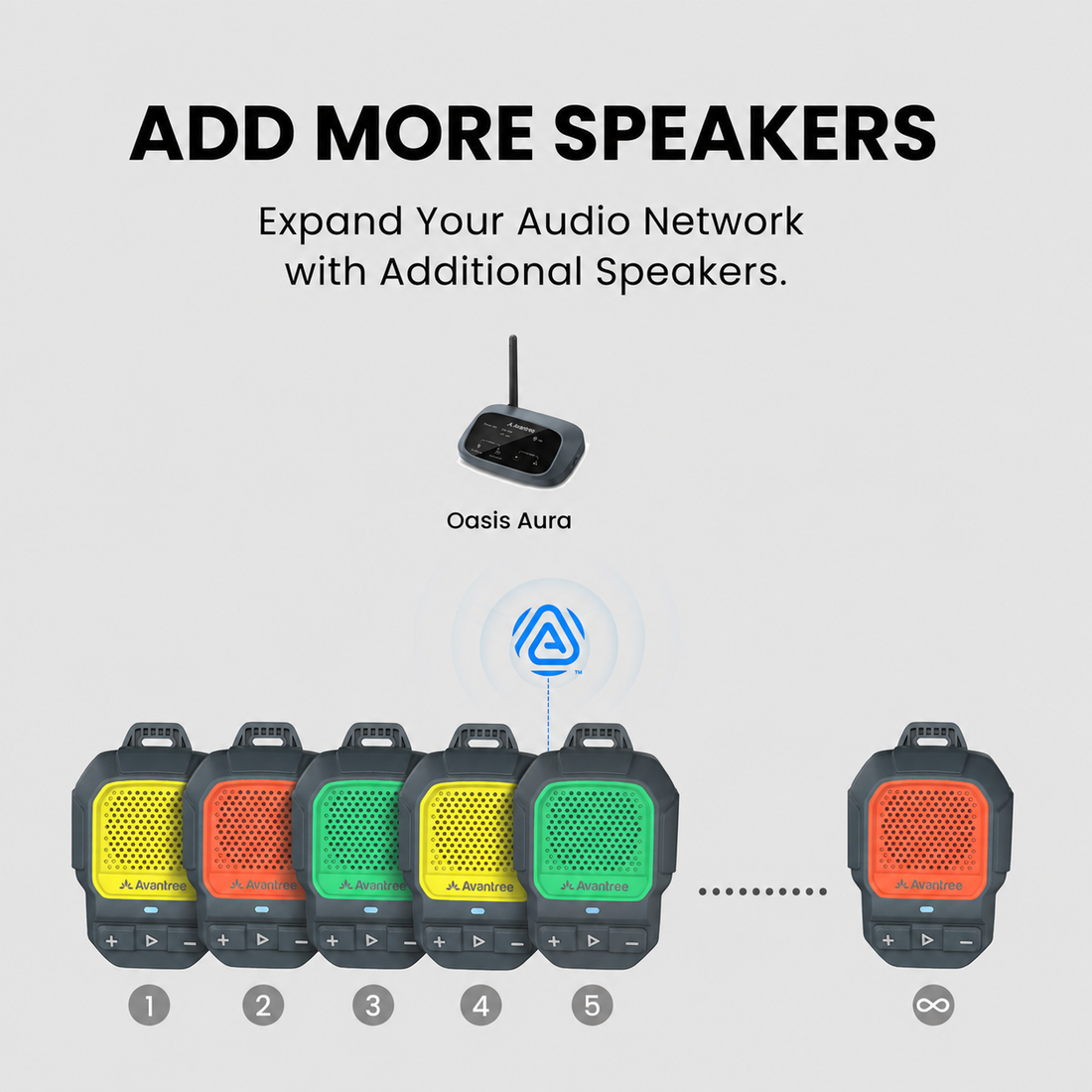
  • Grows with your classroom – Add compatible Auracast speakers, headphones, hearing aids, or receivers as more listeners join.
FreeMic Classroom 3 Kit $299.99

You Don’t Need New Auracast Hearing Aids

VenuCast works with the hearing devices people already use.

  1. Venue Audio
  2. Auracast
  3. Choose how you listen
Modern Auracast hearing aid

Auracast hearing aids

Connect directly to the Auracast broadcast.

Direct Auracast

Traditional hearing aids with an AuraCoil receiver

T-Coil hearing aids

Use AuraCoil to hear through the hearing aid’s T-Coil.

AuraCoil

Traditional Bluetooth hearing aids Aura C receiver connected to a phone

Bluetooth hearing aids

Use Aura C as a bridge for compatible Bluetooth hearing aids.

Aura C

AuraClip Auracast receiver VenuCast wired on-ear headphones

No hearing aids

Use a receiver with headphones or earbuds.

Receiver + Headphones

Bottom line: One Auracast broadcast can serve many different listeners.

01 · Build your system

View all Add-ons & Accessories

02 · How it works

How it works with your devices

Audio sources

  • Wireless headset microphone
  • Optical (TOSLINK)
  • 3.5 mm AUX
  • Bluetooth
Find the right cable

Product

FreeMic Classroom 3 Kit

Listener pathways

  • Included listeners3 × ShareCast Solo clip-on speakers
  • Additional Auracast listenersCompatible speakers, headphones, hearing aids, and receivers

03 · Where it fits

Where it fits

Classroom teaching

Classroom teaching

Share a teacher’s voice clearly with three students without requiring headphones.

Small-group training

Small-group training

Give each participant personal volume control during instruction and demonstrations.
Team activities

Team activities

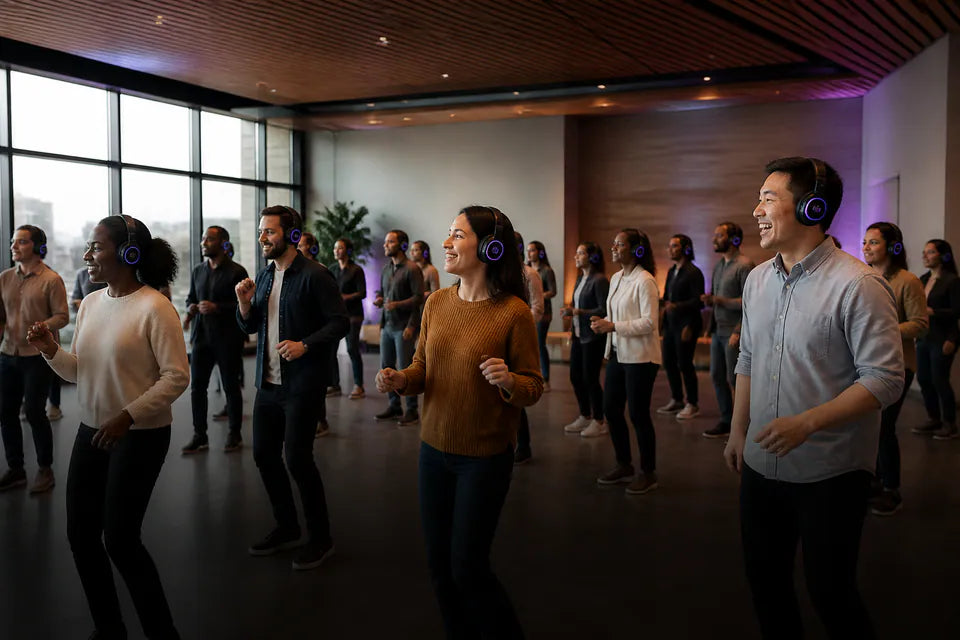
Support clear shared audio during collaborative exercises and group work.

Accessible group listening

Accessible group listening

Connect additional compatible Auracast speakers, headphones, hearing aids, or receivers when needed.

04 · Product details

Product details

Key specifications

Audio technology
Auracast Bluetooth Audio
Supported codec
LC3
Audio inputs
Optical (TOSLINK), 3.5 mm AUX, Bluetooth, wireless headset microphone
Range to speakers
Up to 328 ft / 100 m (line of sight)
Wireless microphone range
Up to 66 ft / 20 m (line of sight)
Bluetooth input range
Up to 33 ft / 10 m from phone or PC
Auracast audio latency
145 ms
Microphone system latency
≤14 ms
Charging port
USB-C
Power input
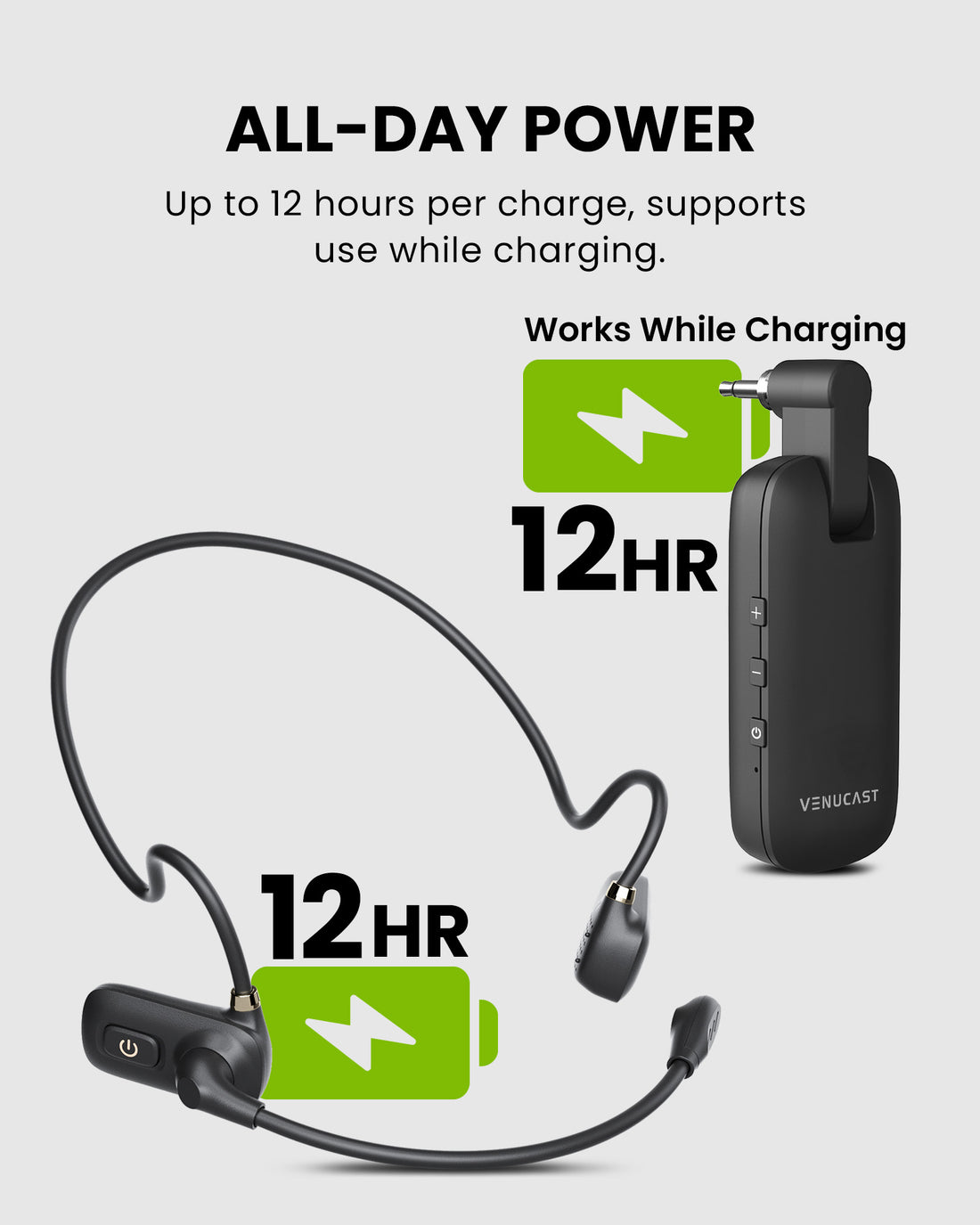
DC 5V / 1A; use while charging supported

Simple setup

  1. 1Connect the teacher microphoneConnect the FreeMic W receiver to the Oasis Aura audio input.
  2. 2Start the Auracast broadcastPower on FreeMic W and Oasis Aura, then select the required audio input.
  3. 3Connect each listenerPower on the three ShareCast Solo speakers and set a comfortable volume for each listener.
In the box
  • 1 × FreeMic W
  • 1 × Oasis Aura
  • 3 × ShareCast Solo
  • 1 × USB-C charging power cable

05 · Common questions

Common questions

What is included in the kit?

The kit includes one FreeMic W wireless headset microphone system, one Oasis Aura transmitter, three ShareCast Solo clip-on speakers, and one USB-C charging power cable.

Do students need to wear headphones?

No. The three included ShareCast Solo speakers provide open listening, so students can hear without wearing headphones.

Can each listener adjust the volume?

Yes. Each ShareCast Solo speaker has individual volume control for its listener.

Can I add more listeners?

Yes. The system can work with additional compatible Auracast speakers, headphones, hearing aids, and receivers.

What is the wireless range?

The range from Oasis Aura to the speakers is up to 328 ft / 100 m line of sight. The FreeMic W microphone range is up to 66 ft / 20 m line of sight.

Which audio sources can I use?

Oasis Aura supports optical, 3.5 mm AUX, Bluetooth, and the included wireless headset microphone system.

Designed for straightforward installation

Venue Audio Made Simple

No rewiring. No complicated setup. Connect Venucast to the audio system you already have.

Mixer / Soundboard / PA System
Auracast Transmitter
Auracast Hearing Aids / T-Coil Hearing Aids
Venucast Church Deployment Best Practices Pack with roll-up banner, Auracast signage, hearing aid connection guide, and onboarding guide

READY FOR SUNDAY

Installing the system is only half the job.

Help worshipers discover the service and connect confidently with a ready-made communication pack for a smoother Auracast rollout.

$149.99 Church Deployment Pack

Pre-order now — estimated to ship in late September 2026.

  • One roll-up banner with stand
  • Two A3 Auracast signage posters
  • One hearing aid connection guide
  • One Church onboarding guide
See what’s included