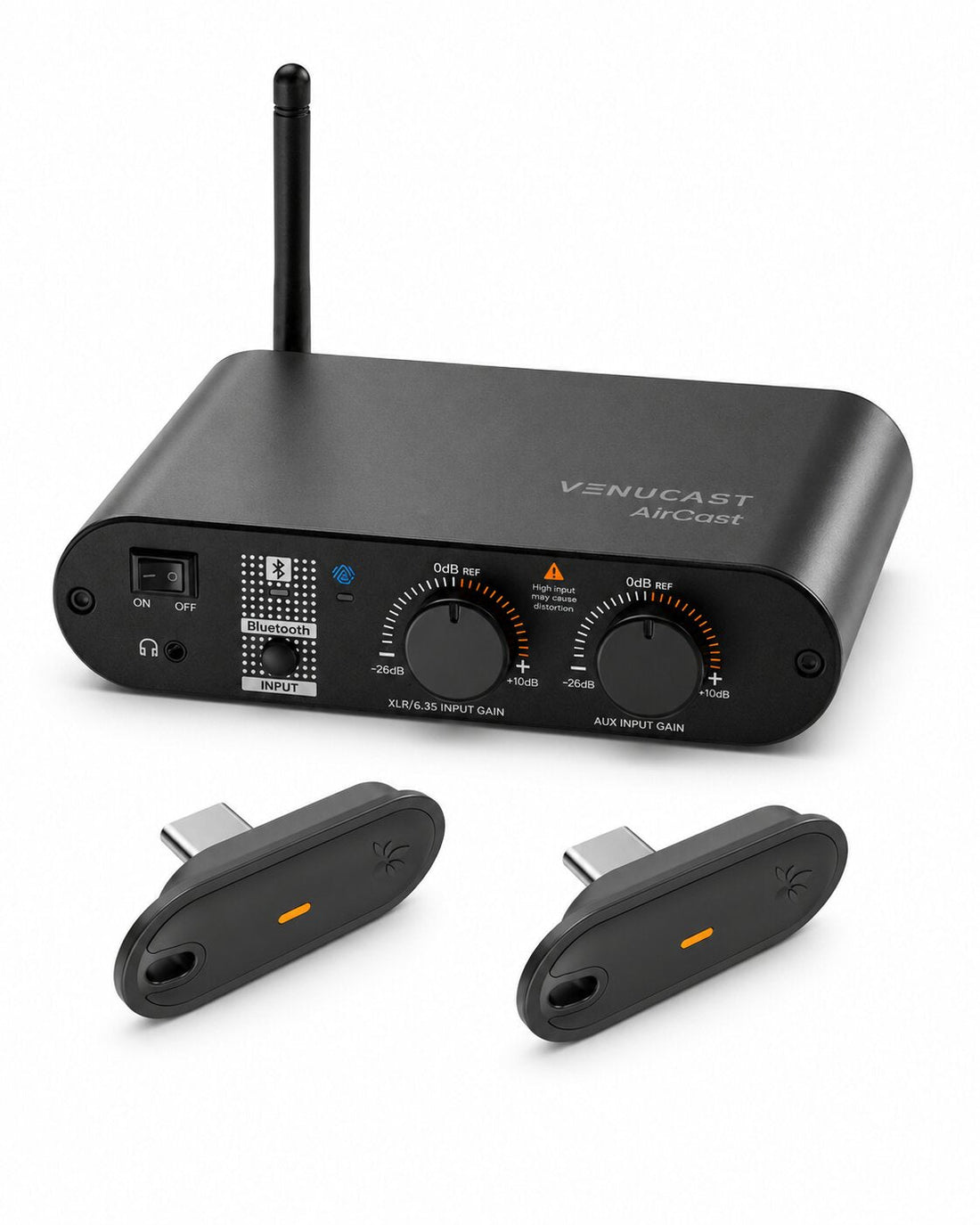
Venue caption display system • 1 AirCast Auracast Transmitter + 2 Aura C Auracast Receivers

AuraCaption Kit

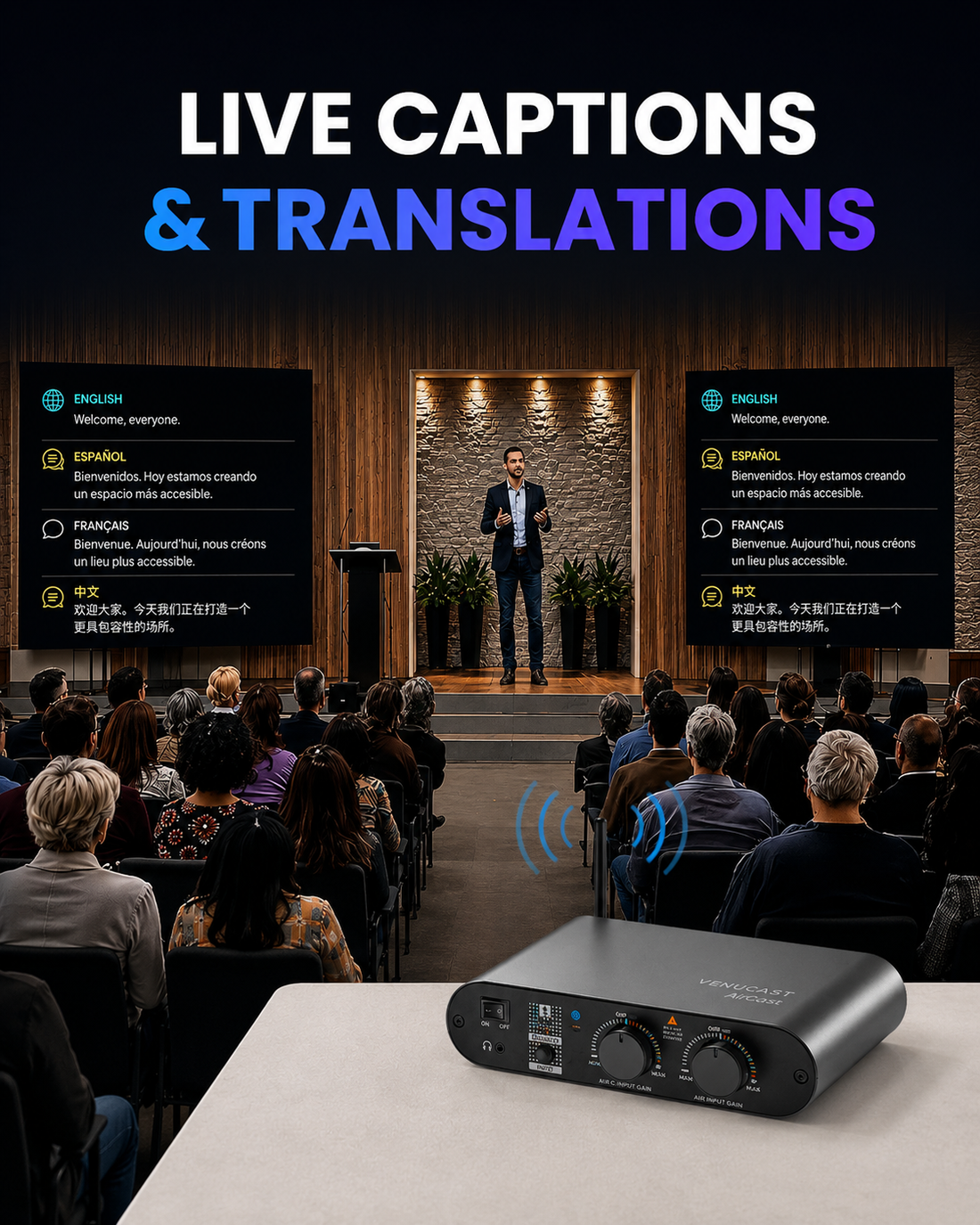
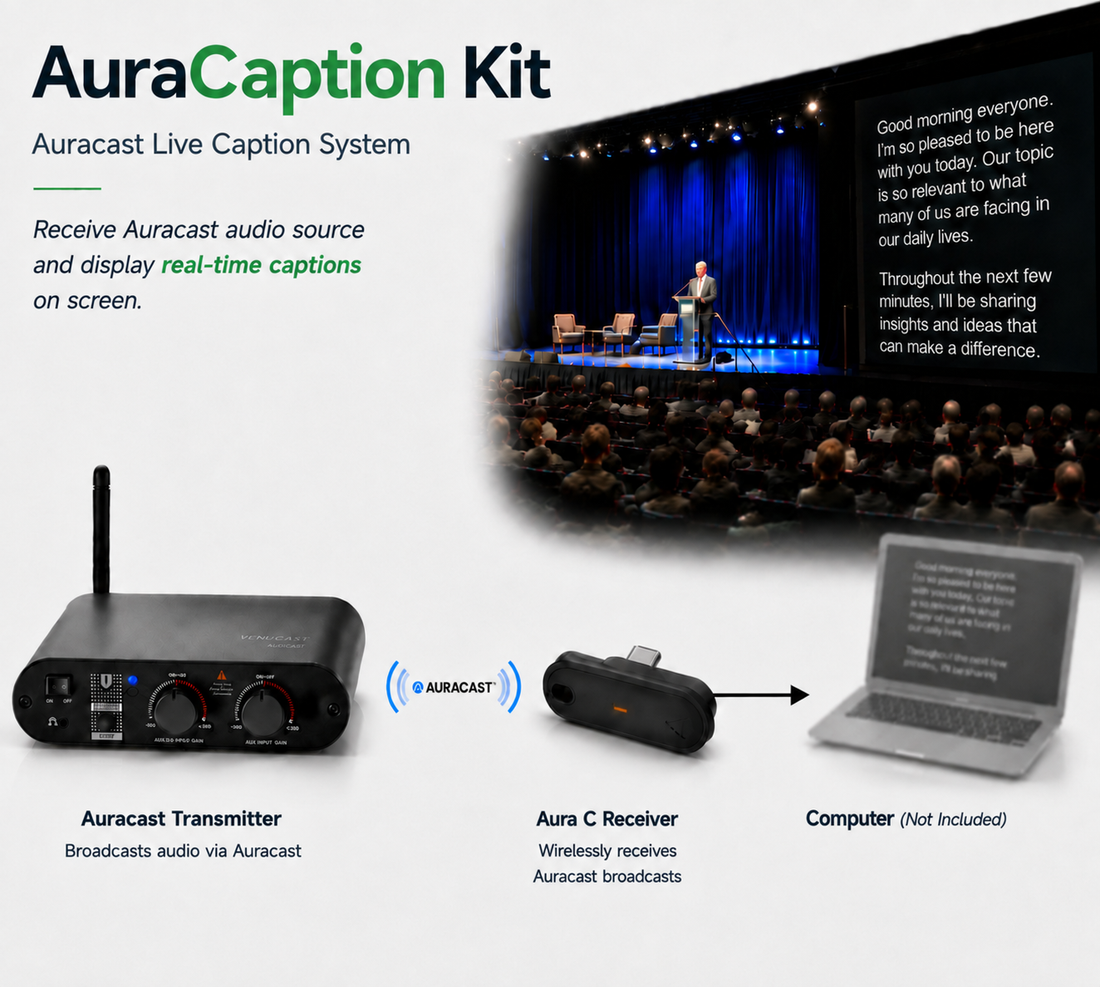
Display real-time captions and optional multilingual translations on venue screens using compatible third-party apps.

No AV Installer Required

Set It Up Yourself

Connect Venucast to your existing mixer, TV, microphone, or audio source and start listening.

  1. Connect Audio
  2. Power On
  3. Start Listening
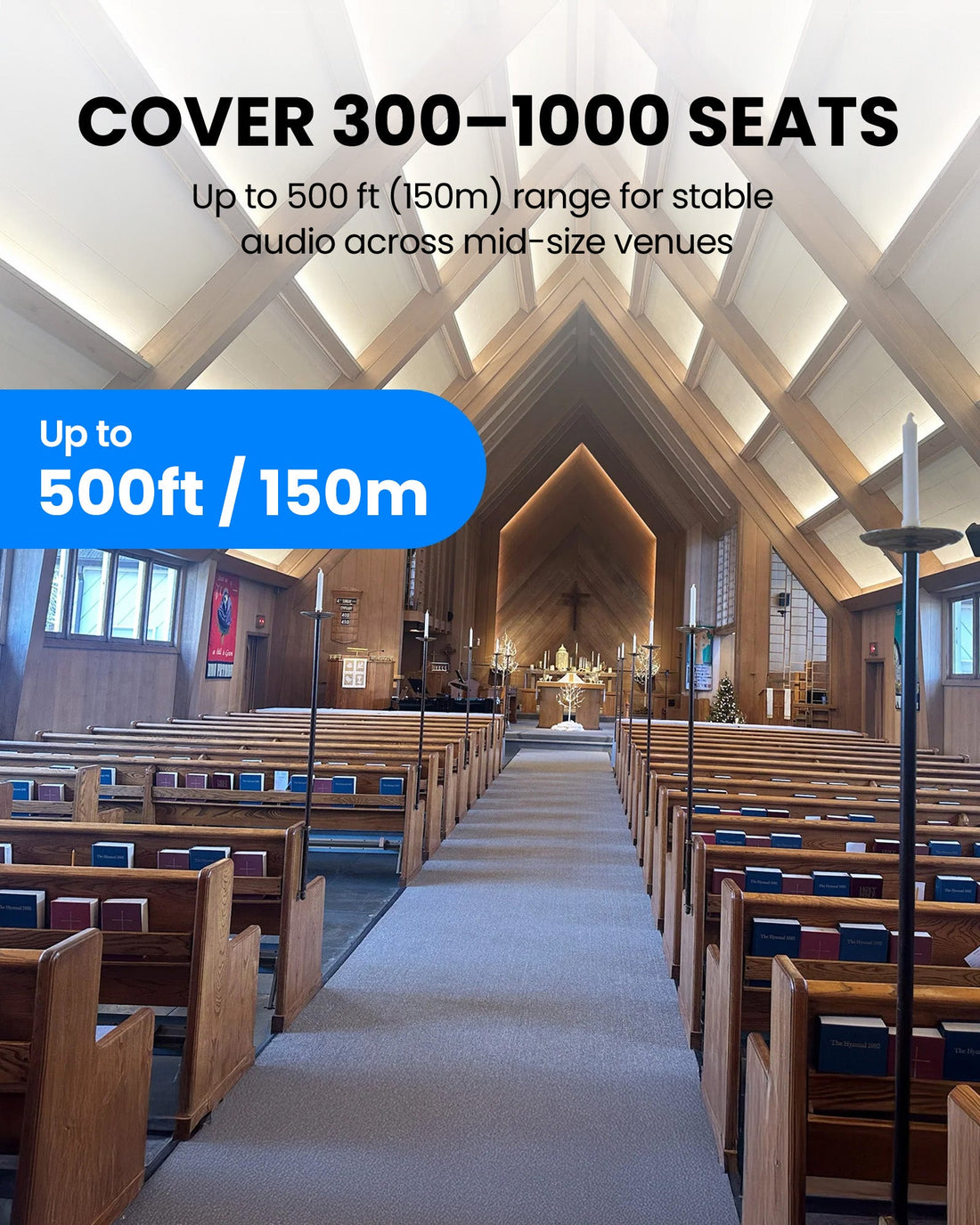
Two Aura C USB Audio paths for caption computers caption workflowUp to 150m / 500ft LOS AirCast broadcast rangeTypically 300-1,000 seats suggested venue size
$449.99

Firmware Update Alerts

Get notified when new AuraCaption Kit firmware is available.

Firmware updates only. No marketing emails.
Fast Local Delivery1-3 Business Days
60-Day Free ReturnsHassle-Free
Bulk DiscountVolume Pricing Available
Free Setup SupportVenue Specialist Included
  • Complete Auracast Caption System – Includes a transmitter and two receivers to deliver real-time captions and assistive listening for venues.
  • Two Computer-to-Display Caption Paths – Plug each Aura C into a compatible computer, generate captions with a compatible third-party app, and send the output to a venue display.
  • Optional Multilingual Captions – Compatible third-party captioning and translation apps can display different languages or layouts on separate screens.
  • Captions and Assistive Listening Together – Compatible Auracast hearing aids, headphones and receivers can join the same broadcast while captions appear on venue screens.
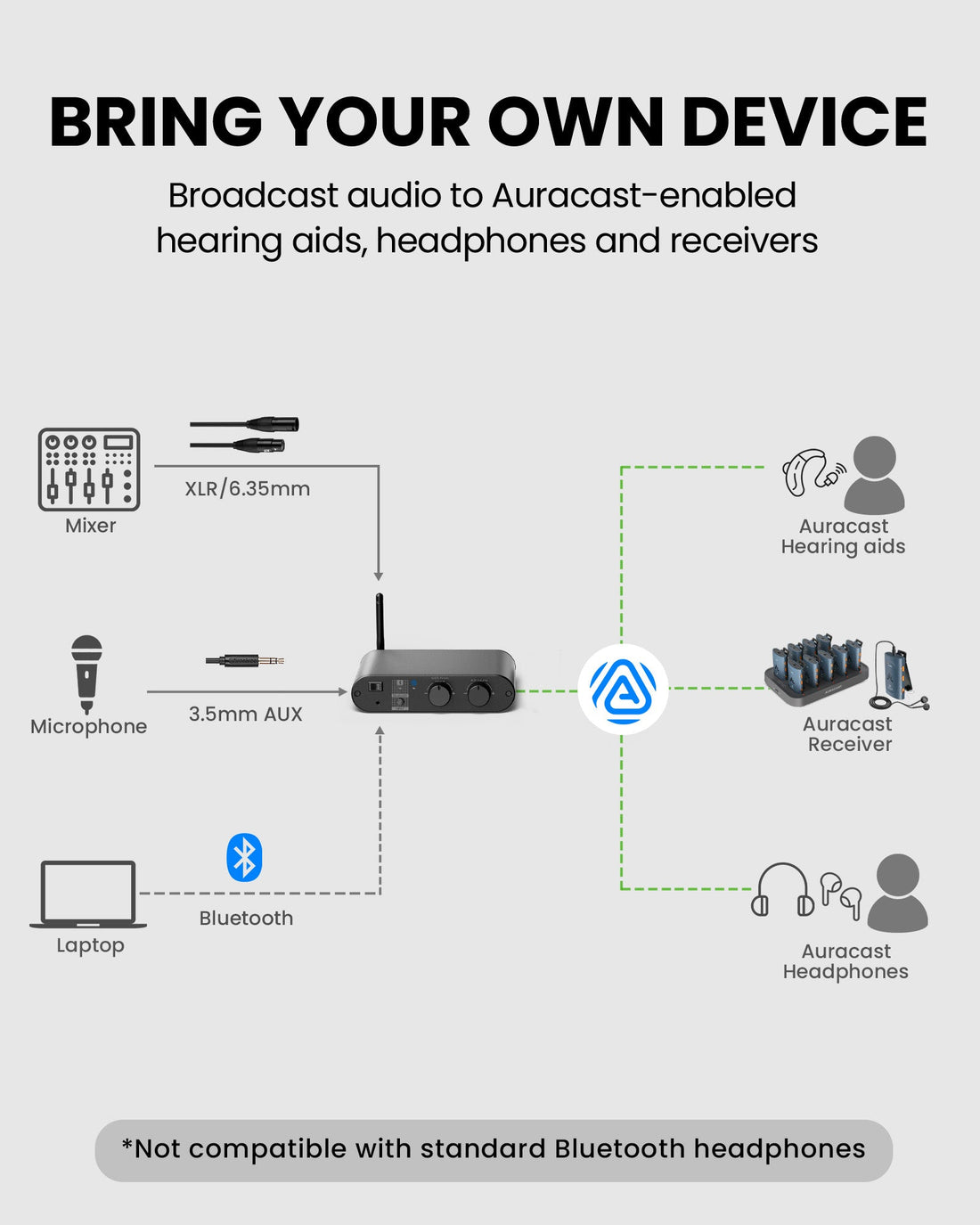
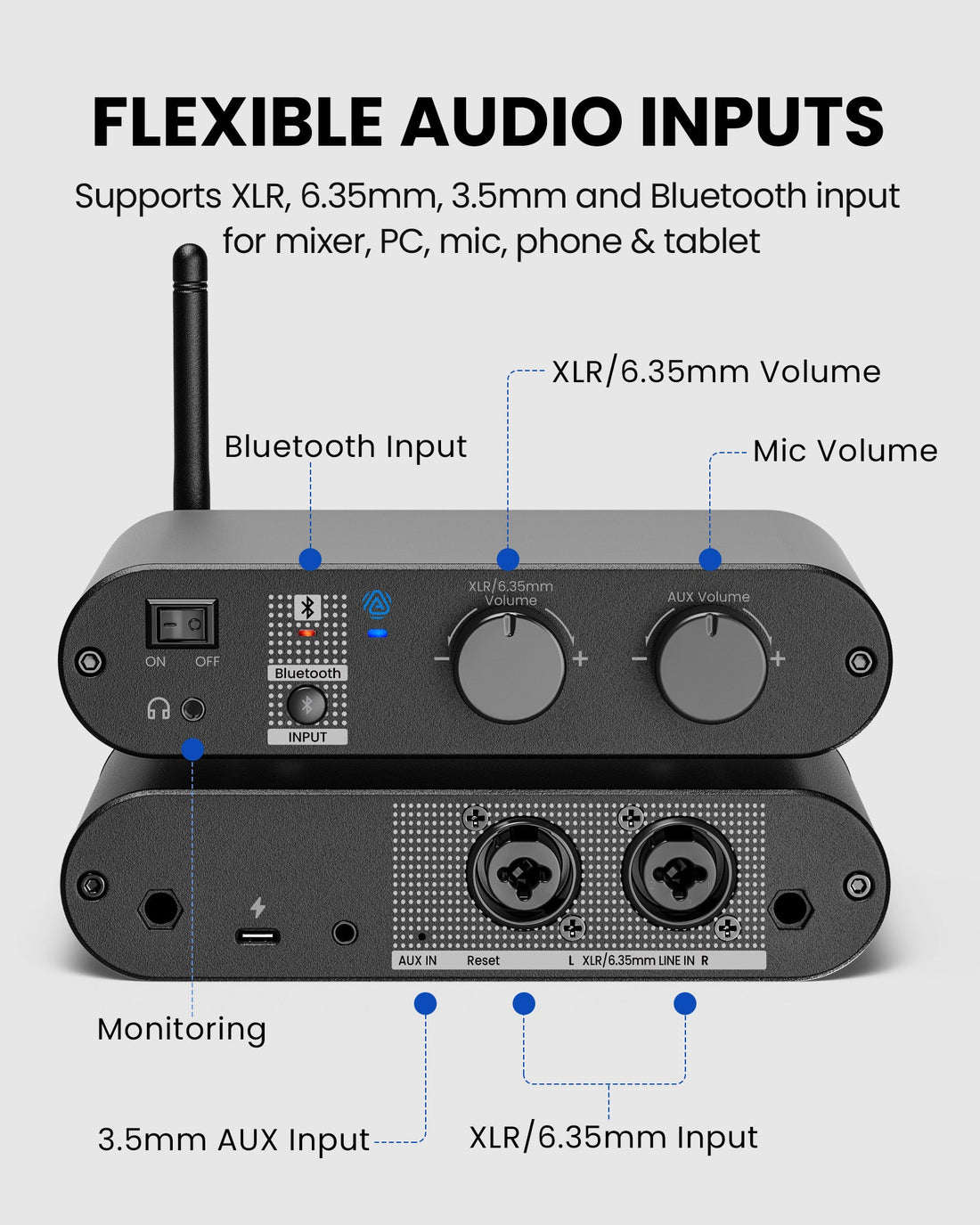
  • Professional Venue Connectivity – Connect mixers, microphone systems, computers and media sources through XLR, 6.35mm, 3.5mm AUX or Bluetooth.
  • Deployment Requirements – Compatible computers, displays and third-party captioning or translation apps are required and not included.
AuraCaption Kit $449.99

01 · How it works

How it works with your devices

Audio sources

  • Mixer / PA
  • Microphone system
  • XLR / 6.35mm line output
  • 3.5mm AUX / media
  • Bluetooth phone / tablet
  • Computer audio source
Find the right cable

Product

AuraCaption Kit
AuraCaption Kit

Listener pathways

  • Two caption computers and venue displaysEach preconfigured Aura C reconnects to the supplied AirCast, sends USB Audio to a compatible computer, and supports a separate caption or multilingual display workflow.
  • Venue-provided Auracast listenersAdd compatible receivers or headphones for managed assistive listening alongside the caption display.
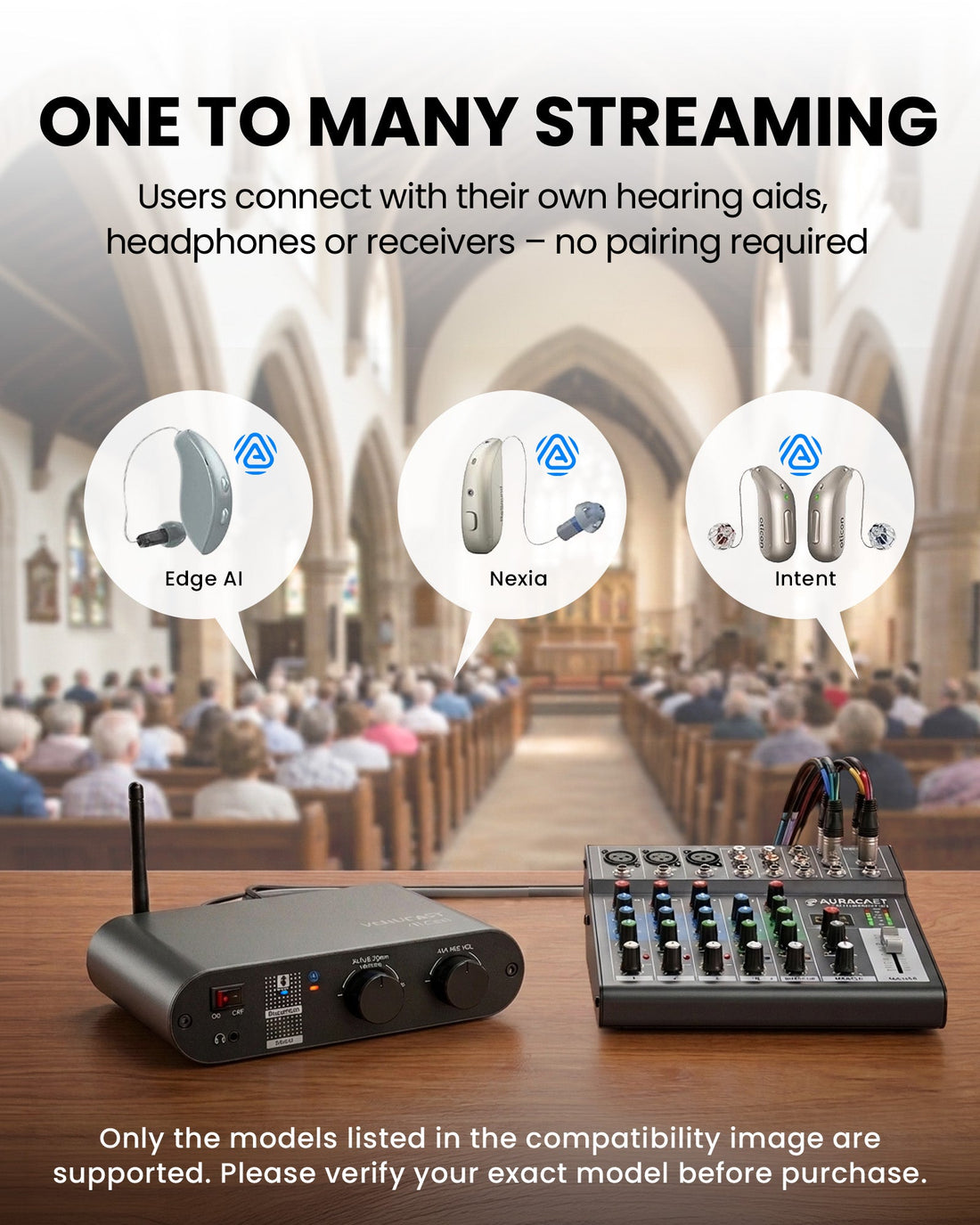
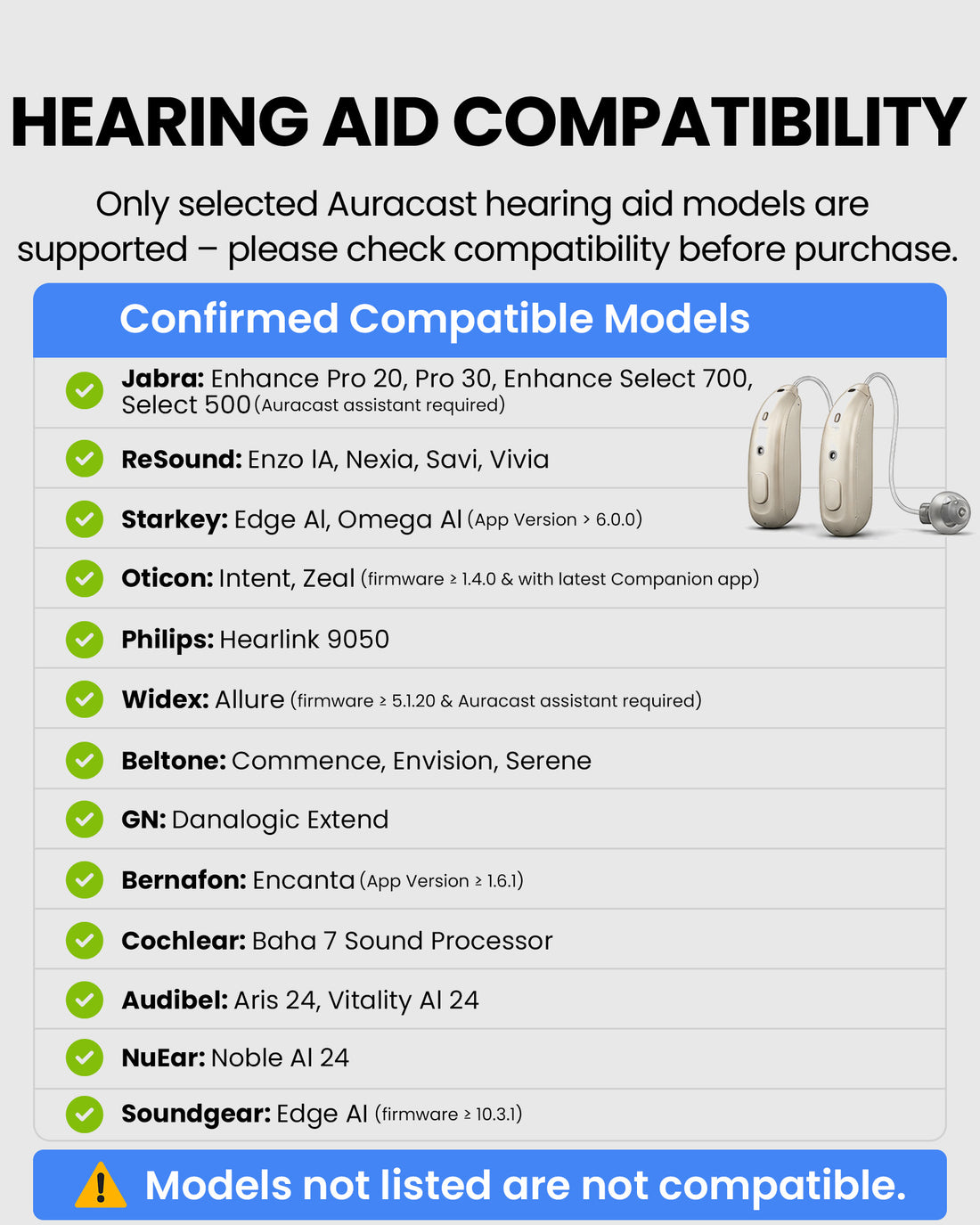
  • Compatible personal Auracast devicesSupported hearing aids, headphones and earbuds can join the same venue broadcast.

02 · Where it fits

Where it fits

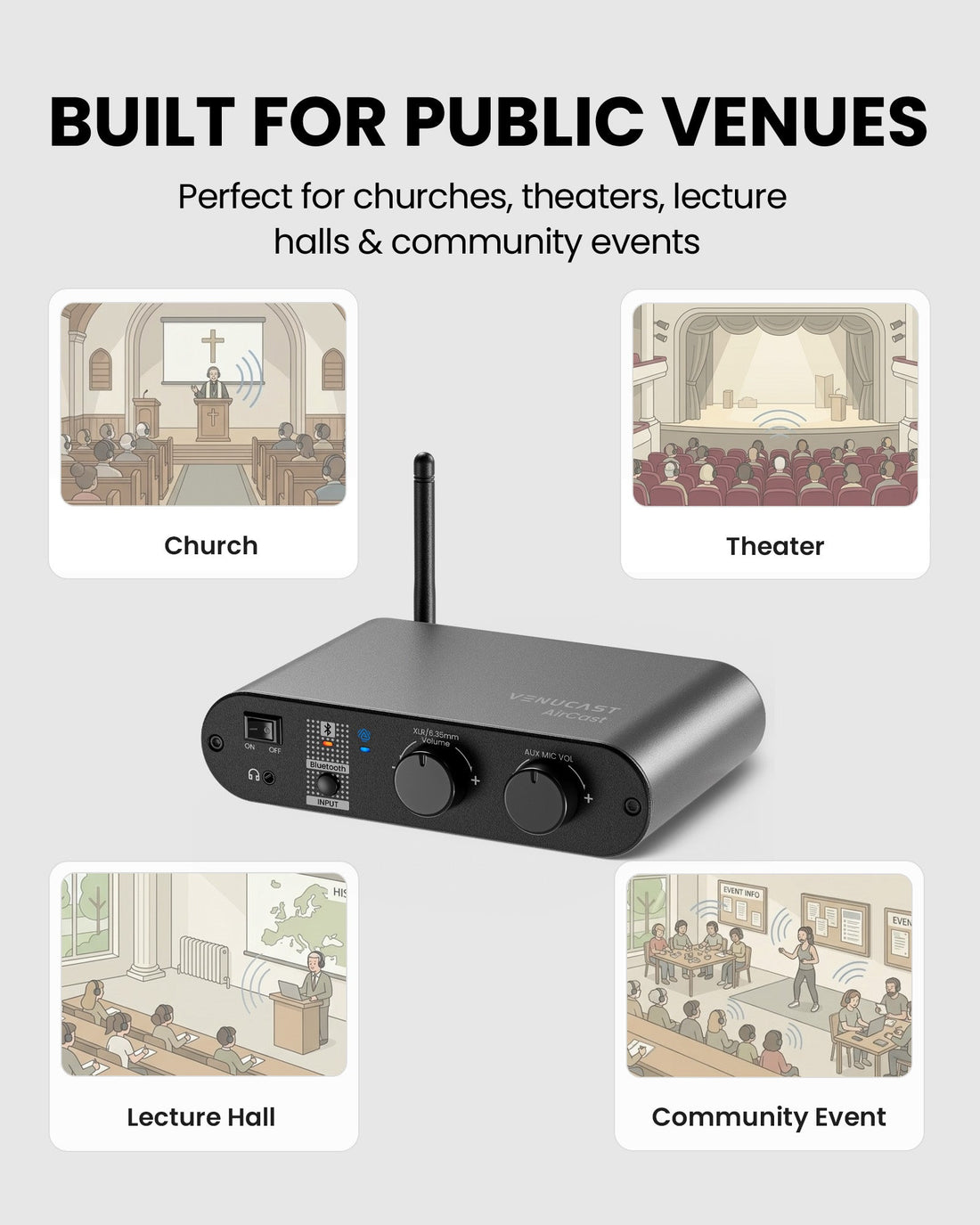
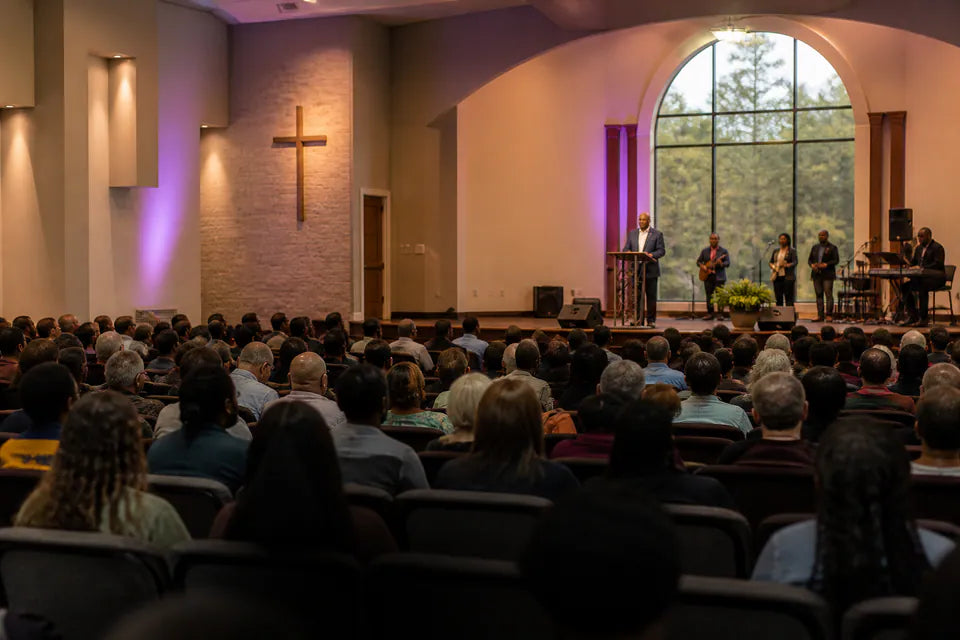
Church & Worship

Church & Worship

Display captions for sermons and announcements while broadcasting accessible audio.

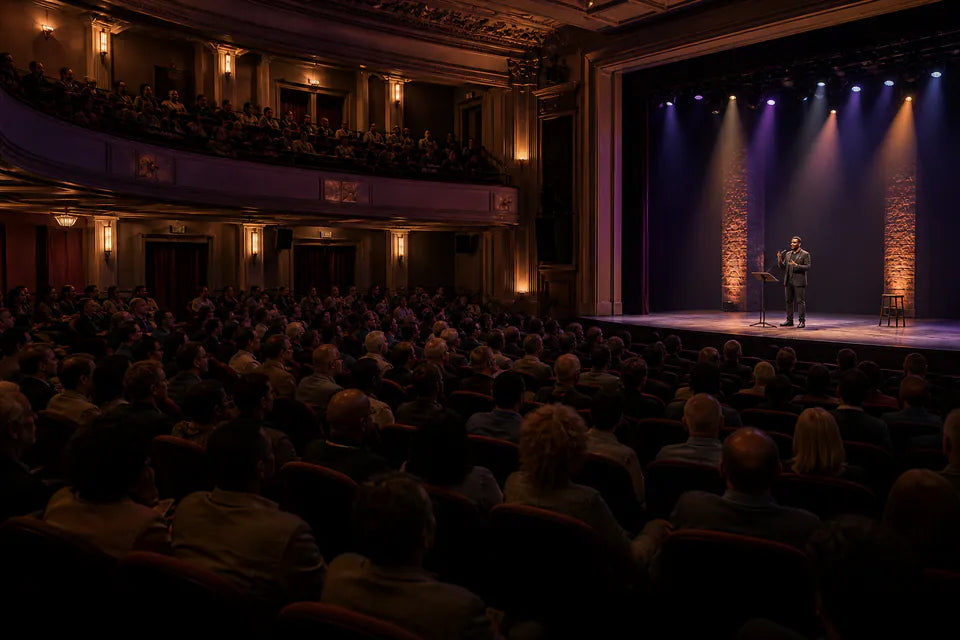
Theater & Performance

Theater & Performance

Provide on-screen captions and shared listening for indoor performances and programs.

Classroom & Lecture

Classroom & Lecture

Turn lectures and presentations into live captions for students and attendees.

Conference & Public Event

Conference & Public Event

Support caption screens and Auracast listening across meetings and indoor events.

Best suited to indoor mid-size and large venues with a suitable audio feed and practical line of sight. It is not intended for stadium-scale, outdoor or ultra-low-latency monitoring applications.

03 · Product details

Product details

Key specifications

System configuration
1 AirCast Auracast Transmitter + 2 Aura C Auracast Receivers
Bluetooth version
v5.4
Auracast profiles
PBP, TMAP
Broadcast audio codec
LC3
Auracast audio latency
Approx. 50-70ms
AirCast audio inputs
XLR, 6.35mm, 3.5mm AUX, Bluetooth
AirCast-to-receiver range
Up to 150m / 500ft line of sight
Phone/PC-to-AirCast range
Up to 30m / 100ft
AirCast power
DC 5V / 1A by USB-C
AirCast firmware upgradable
Yes (DFU support)

Simple setup

  1. 1Connect the venue audio sourceConnect a mixer, microphone system, computer or media source to AirCast through XLR, 6.35mm, 3.5mm AUX or Bluetooth.
  2. 2Power the preconfigured broadcastPower AirCast and confirm the program audio. The two supplied Aura C receivers are configured for Auto Reconnect before shipping.
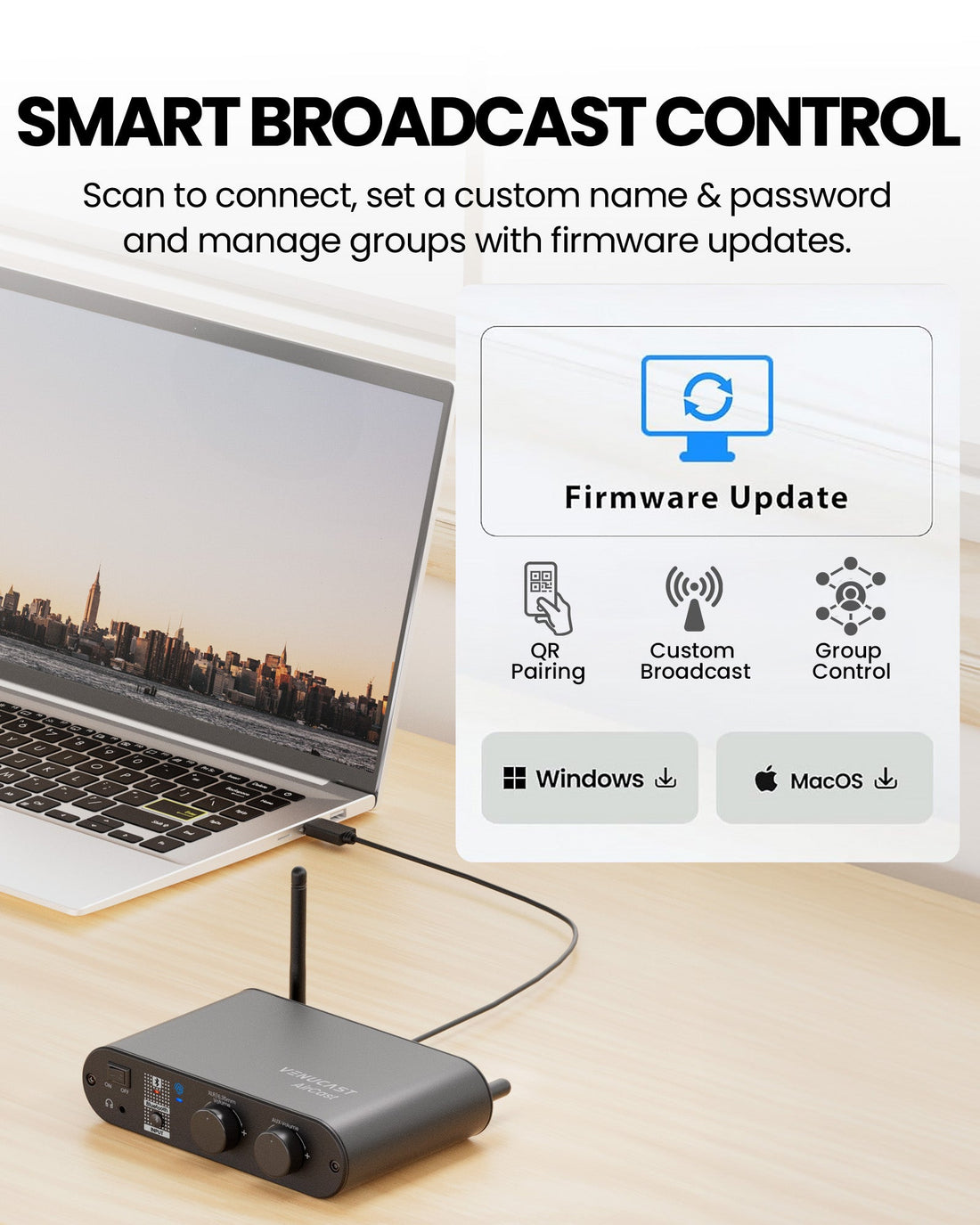
  3. 3Connect both Aura C receivers to computersPlug each preconfigured Aura C into a compatible computer. For standard setup, no mobile app download is required; each receiver automatically reconnects to the supplied AirCast broadcast.
  4. 4Enable captions and venue displaysSelect each Aura C as the computer audio input, use compatible third-party captioning or translation software, and send each caption view to a venue screen.
In the box
  • 1 x AirCast Auracast Transmitter
  • 2 x Aura C Auracast Receivers
  • 1 x USB-C Cable and Adapter
  • 2 x XLR Male to XLR Female Cables
  • 1 x 3.5mm AUX Audio Cable

04 · Common questions

Common questions

What is AuraCaption Kit designed for?

AuraCaption Kit is an indoor live-caption and Auracast assistive-listening system for churches, theaters, classrooms, conferences and public venues.

How does AuraCaption Kit create live captions?

AirCast broadcasts the venue audio over Auracast. Each preconfigured Aura C receives that broadcast and sends USB Audio to a compatible computer, where a compatible third-party captioning or translation app generates text for a connected venue display.

What is included in the kit?

The independently packaged kit includes one AirCast Auracast Transmitter, two preconfigured Aura C Auracast Receivers, one USB-C cable and adapter, two XLR male-to-female cables, one 3.5 mm AUX cable, and one wall-mount and tripod bracket.

Which audio sources can connect?

AirCast accepts XLR, 6.35mm, 3.5mm AUX and Bluetooth audio from compatible venue mixers, microphone systems, computers, phones and media sources.

Can guests listen as well as read the captions?

Yes. Compatible Auracast hearing aids, receivers, headphones and earbuds can join the same venue broadcast while Aura C supplies audio to the caption computer.

What is the expected wireless range?

AirCast has a published broadcast range of up to 150m / 500ft line of sight. Aura C has a published reception range of up to 100m / 328ft line of sight. Walls, people, interference and venue layout can reduce usable range.

Are the computers, displays and captioning apps included?

No. Compatible computers, venue displays, and third-party captioning or translation apps are required and not included. Caption accuracy, supported languages, internet access, and subscription requirements depend on the selected app.

Do customers need the mobile app to set up the receivers?

Not for standard use of the supplied kit. Before shipping, we connect both Aura C receivers to the included AirCast with the mobile app and enable Auto Reconnect. Customers can then plug each Aura C into a compatible computer and receive the matching broadcast without downloading the app.

Venucast Church Deployment Best Practices Pack with roll-up banner, Auracast signage, hearing aid connection guide, and onboarding guide

READY FOR SUNDAY

Installing the system is only half the job.

Help worshipers discover the service and connect confidently with a ready-made communication pack for a smoother Auracast rollout.

$149.99 Church Deployment Pack

Pre-order now — estimated to ship in late September 2026.

  • One roll-up banner with stand
  • Two A3 Auracast signage posters
  • One hearing aid connection guide
  • One Church onboarding guide
See what’s included