
Auracast hearing aids
Connect directly to the Auracast broadcast.
Direct Auracast


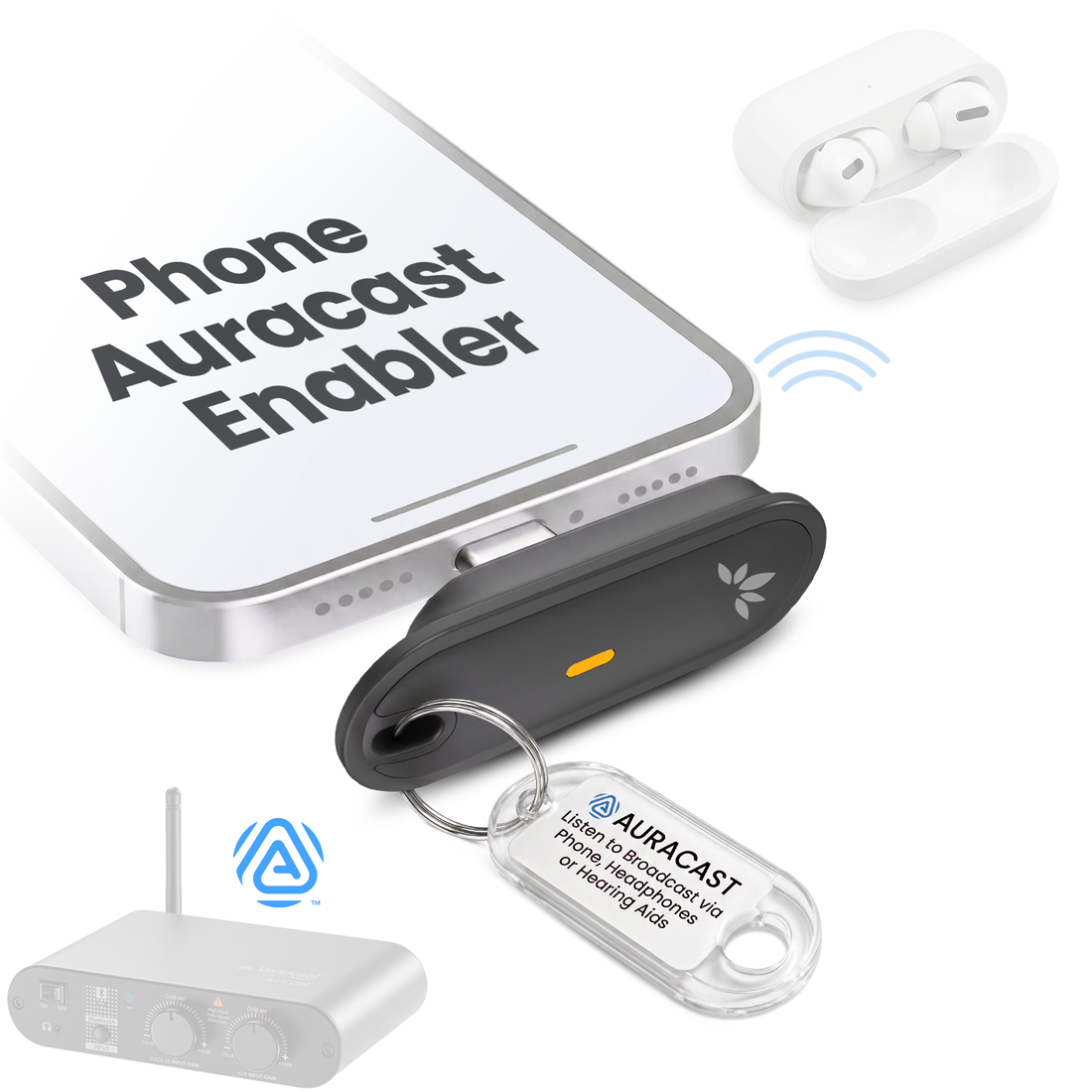


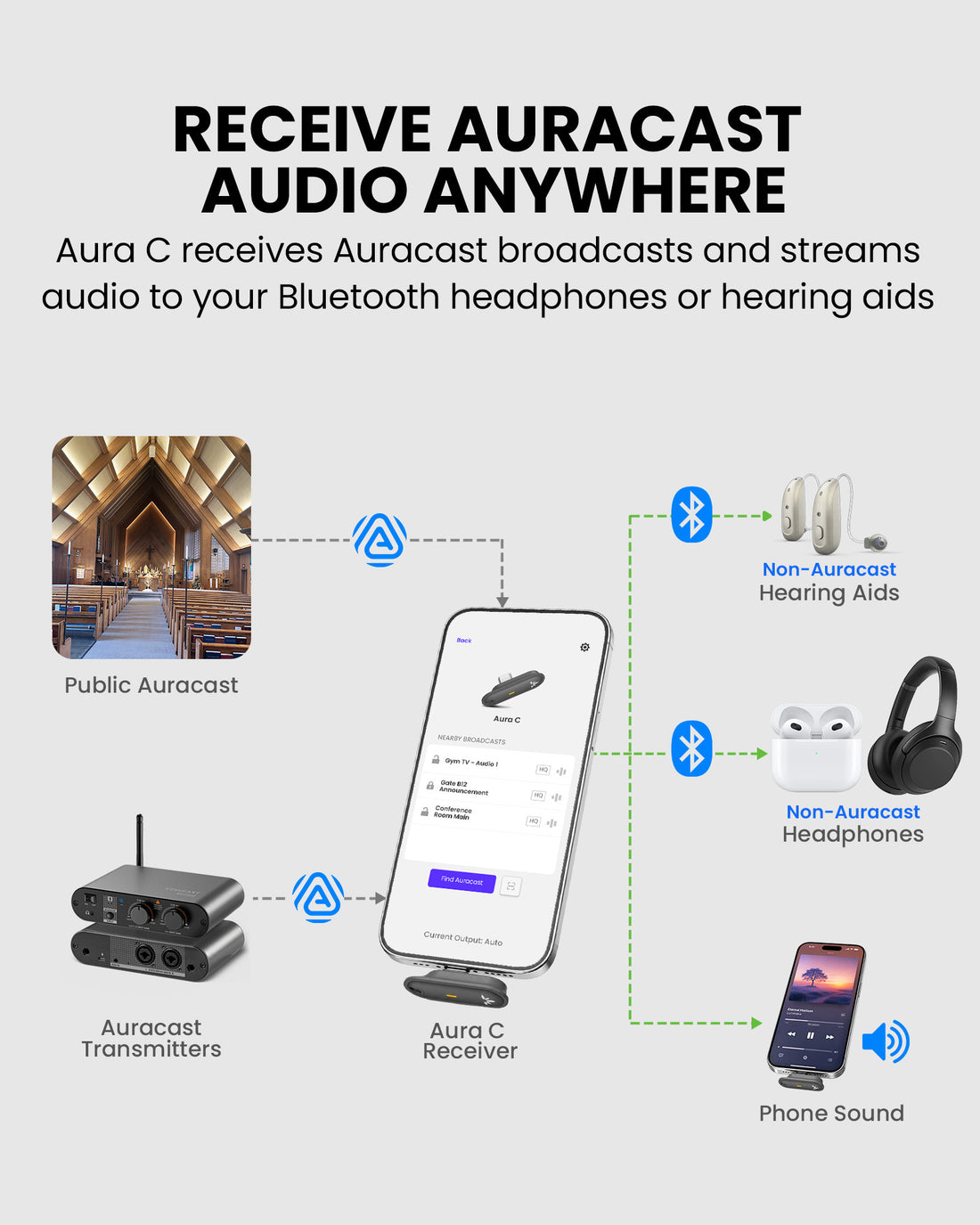
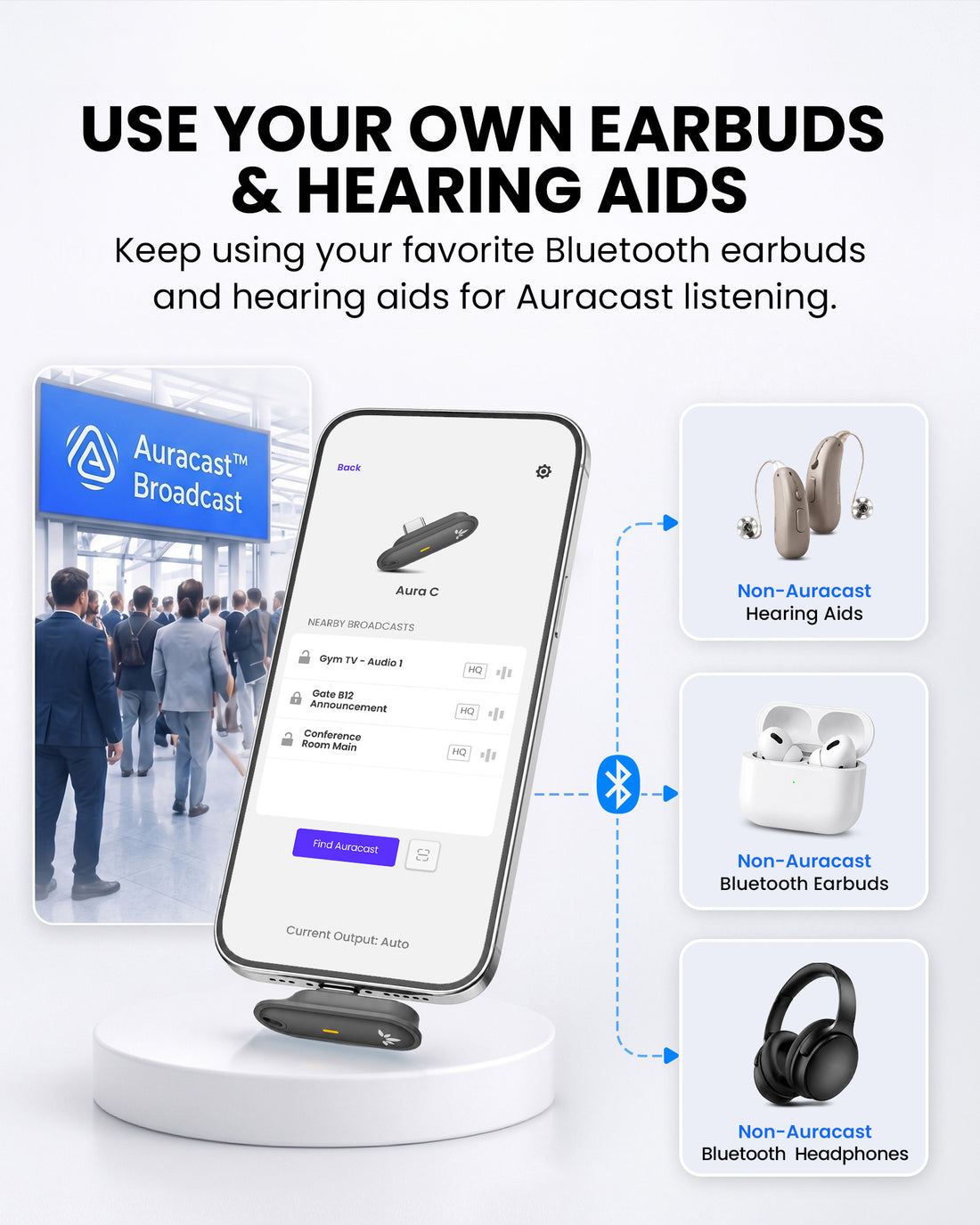
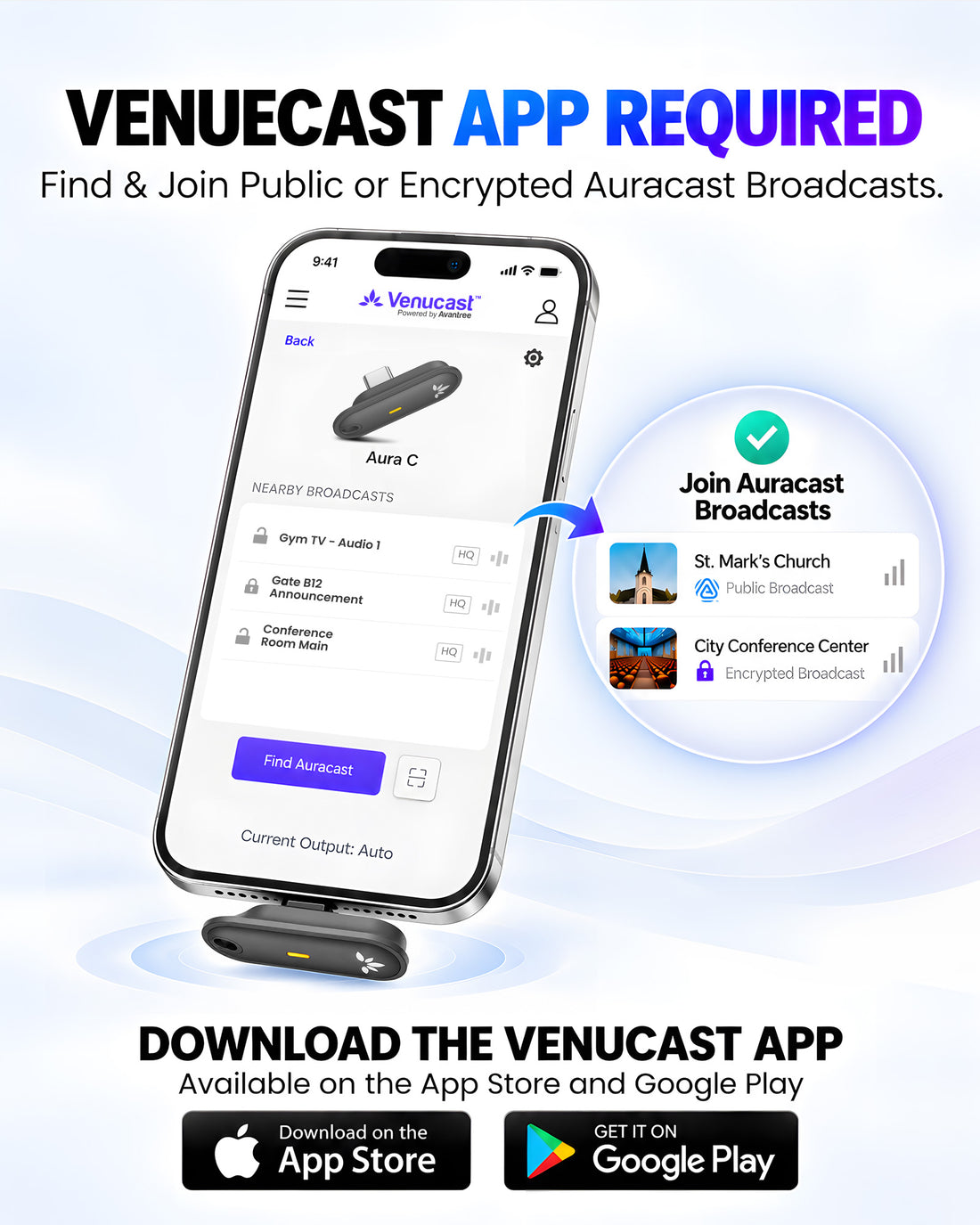
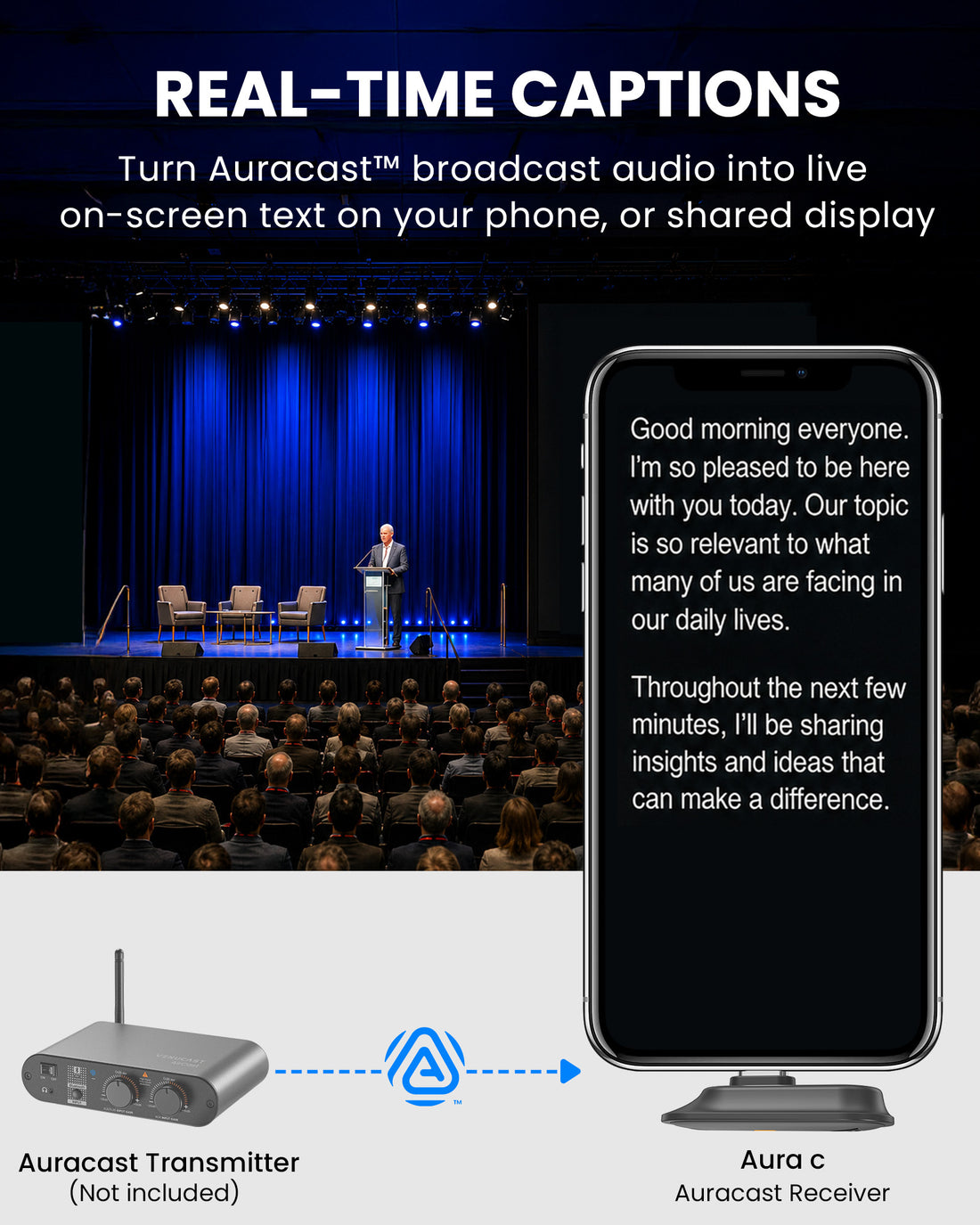
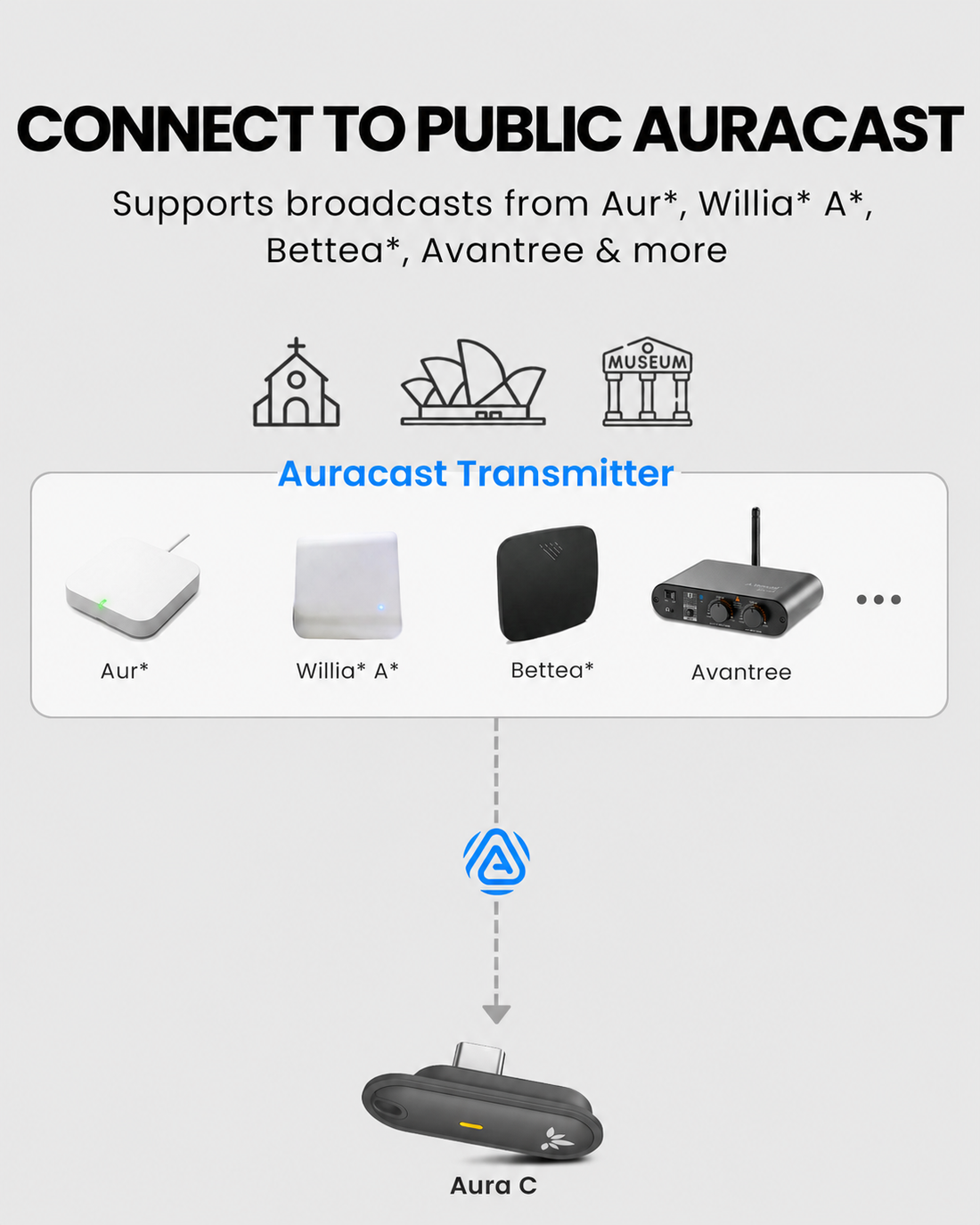
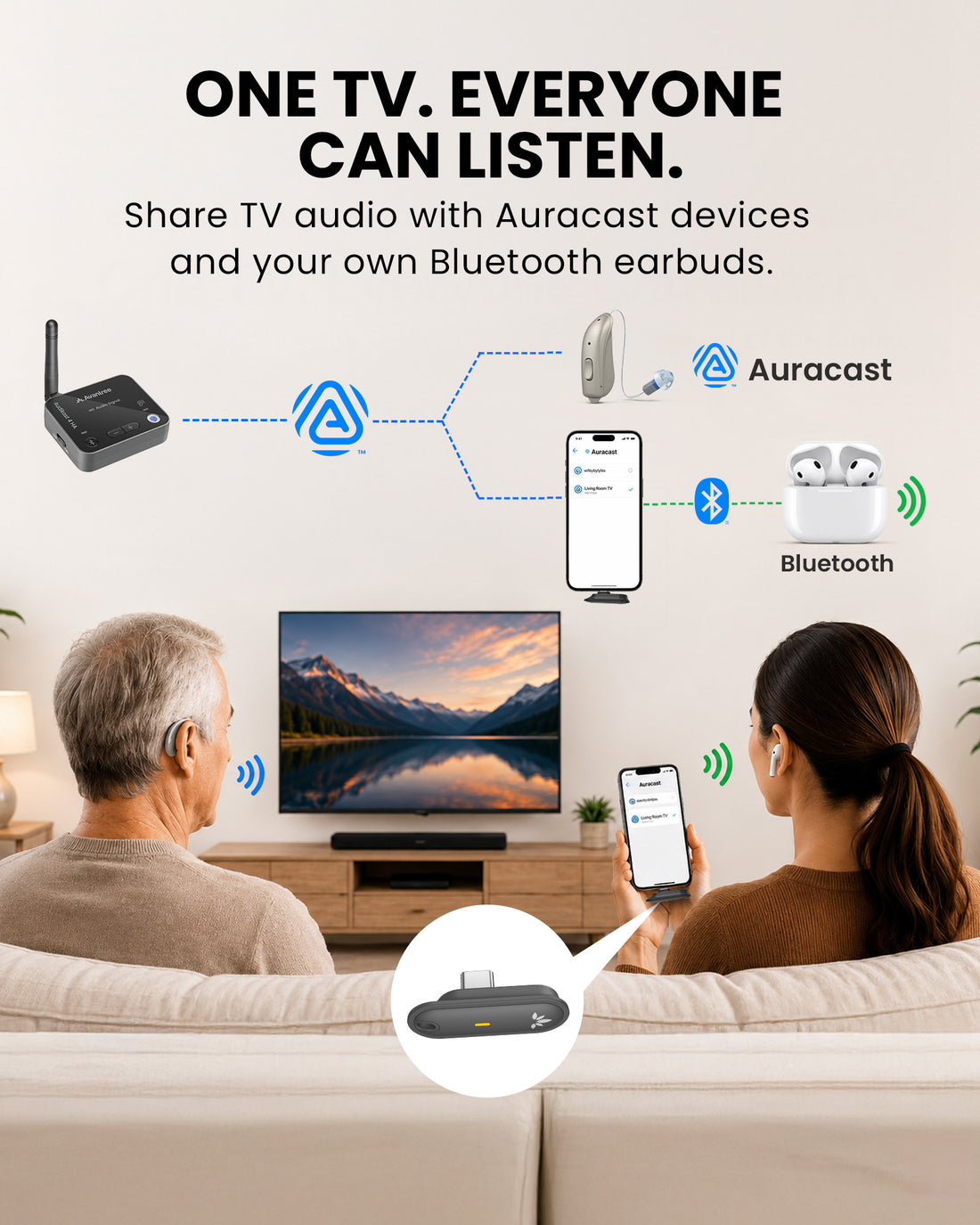
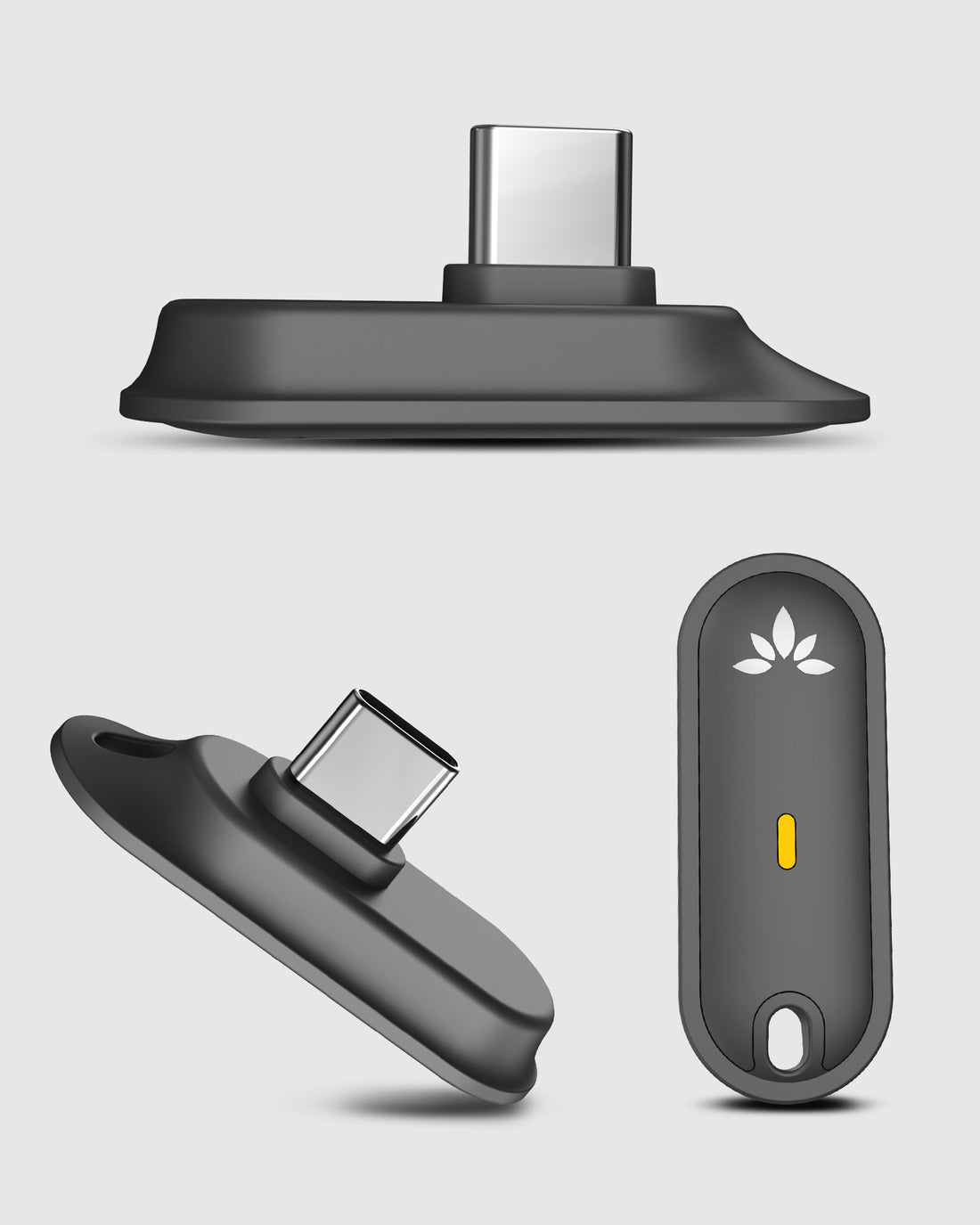
Aura C lets a compatible USB-C phone join Auracast broadcasts and play audio through personal Bluetooth headphones, supported hearing devices or the phone speaker.
Checking the fastest delivery option…
Connect directly to the Auracast broadcast.
Direct Auracast

Use AuraCoil to hear through the hearing aid’s T-Coil.


Use Aura C as a bridge for compatible Bluetooth hearing aids.


Use a receiver with headphones or earbuds.
Receiver + Headphones
01 · Build your system
 Includes Aura C
Aura C 5-PackAuracast USB-C Receivers, 5-Pack. Works with Bluetooth Headphones & Hearing Aids.
Includes Aura C
Aura C 5-PackAuracast USB-C Receivers, 5-Pack. Works with Bluetooth Headphones & Hearing Aids.
 Works with Aura C
AirCastLong-range Professional Auracast Transmitter for Hearing Aids
Works with Aura C
AirCastLong-range Professional Auracast Transmitter for Hearing Aids
 Works with Aura C
Oasis AuraAuracast Assistive Listening Transmitter for Churches & Venues
Works with Aura C
Oasis AuraAuracast Assistive Listening Transmitter for Churches & Venues
 Works with Aura C
Audikast 4HAOptimized for selected Auracast hearing aids
Works with Aura C
Audikast 4HAOptimized for selected Auracast hearing aids
 Works with Aura C
C82 AuraUSB-C Transmitter for Auracast Hearing Aids & Group Listening
Works with Aura C
C82 AuraUSB-C Transmitter for Auracast Hearing Aids & Group Listening
 Works with Aura C
NetCastNetCast delivers two Auracast broadcasts with professional audio inputs, Ethernet, PoE and local Web
Works with Aura C
NetCastNetCast delivers two Auracast broadcasts with professional audio inputs, Ethernet, PoE and local Web
02 · How it works
Audio sources
Product
Listener pathways
03 · Where it fits

Offer a phone-based listening option for guests using personal audio devices.

Route a selected Auracast TV channel through a compatible phone to personal headphones.

Support small groups using their own phones and listening devices.

Provide portable access to public or secured Auracast broadcasts.
04 · Product details
05 · Common questions
Yes, if they can already play audio from your phone via Bluetooth. Pair them with the phone first. Aura C connects to the phone, not directly to USB-C headphones.
The phone-speaker path adds about 60–80 ms. Bluetooth headphones or hearing aids may add another 180–280 ms with SBC, for about 240–360 ms total.
aptX or aptX Adaptive may reduce the delay. Lip-sync is not guaranteed, and live venue sound may cause an echo.
Yes. Use a compatible Lightning-to-USB-C cable or adapter that supports USB data and audio. Charge-only cables will not work, and the adapter is not included.
Yes, unless the venue or location already provides an Auracast broadcast. Aura C only receives broadcasts; it does not create them.
One Aura C supports one phone and its selected audio output. For multiple listeners, each person needs their own Aura C setup or another compatible Auracast receiver.
Connected Bluetooth headphones or hearing aids are used automatically. If none are connected, sound plays through the phone speaker.
On Android, you can also select the output manually in Aura C settings. On iPhone, output selection is automatic.