Auracast TV transmitter for compatible hearing aids

Audikast 4HA

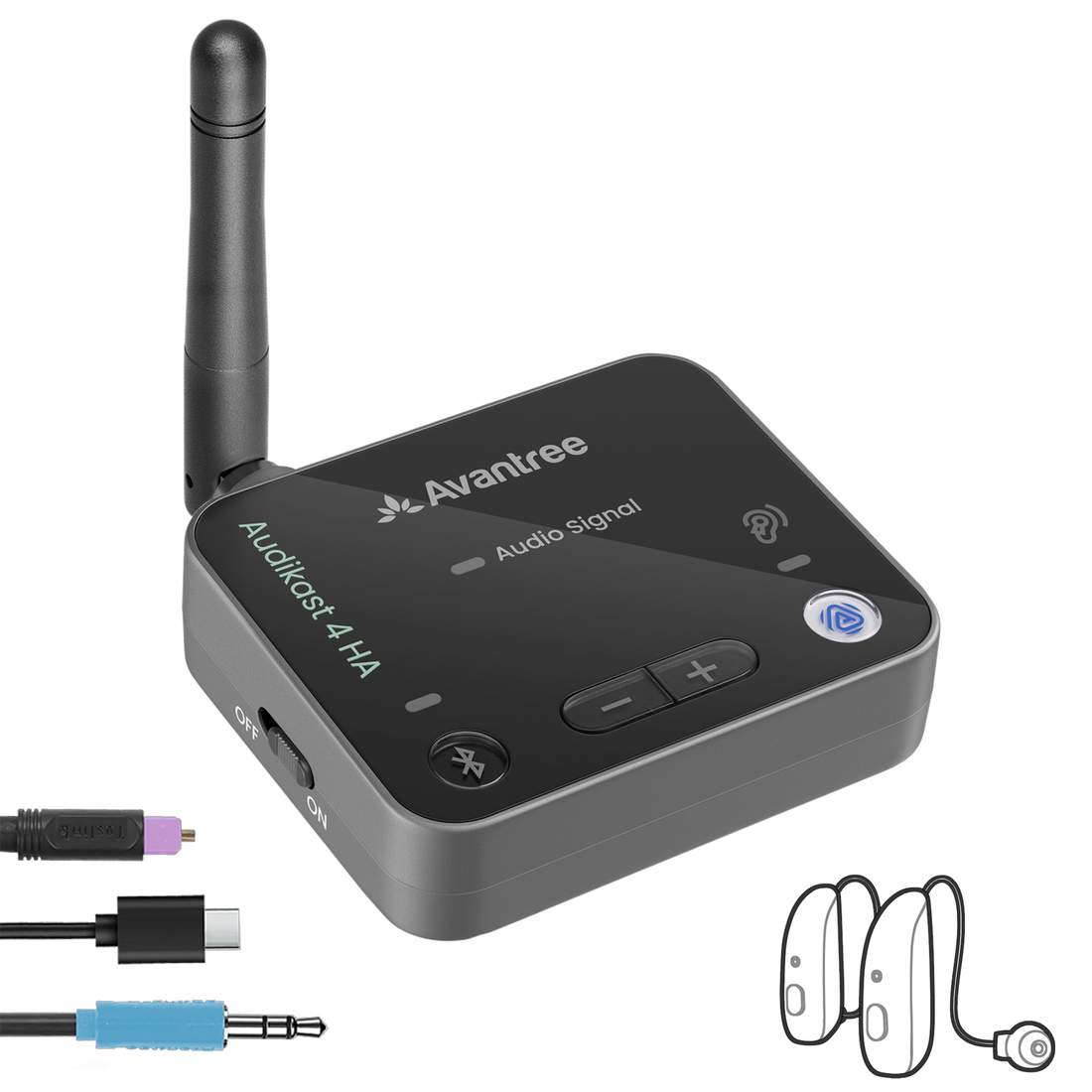
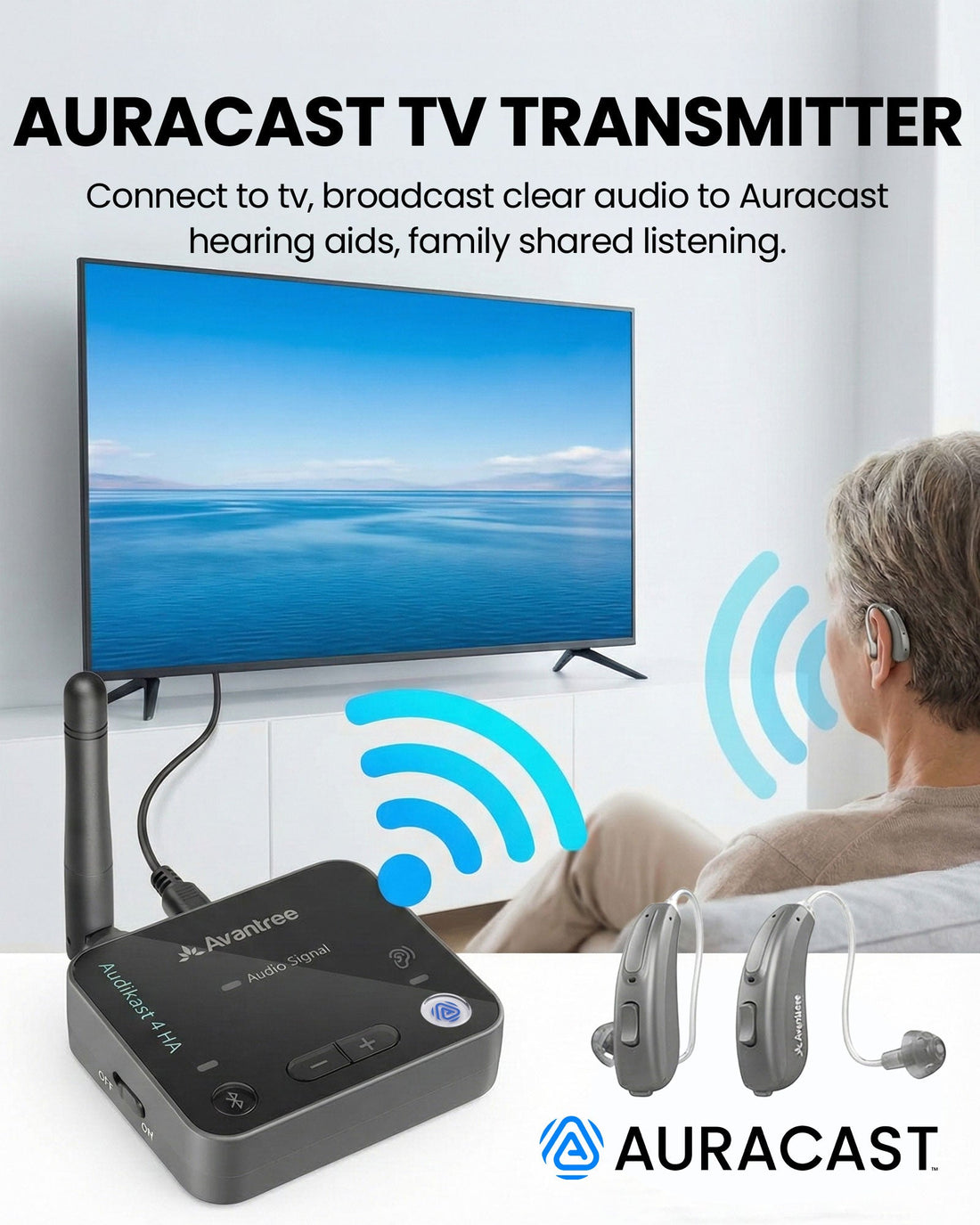
Audikast 4HA sends optical or AUX television audio to compatible Auracast hearing aids and supported listening devices.

Optical and 3.5mm AUX TV inputsUp to 25m / 82ft LOS published rangeCompatible Auracast hearing aids listening devices
$79.99

Checking the fastest delivery option…

Firmware Update Alerts

Get notified when new Audikast 4HA firmware is available.

Firmware updates only. No marketing emails.
Fast ShippingReliable Delivery
60-Day Free ReturnsHassle-Free
Bulk DiscountVolume Pricing Available
Free Setup SupportVenue Specialist Included
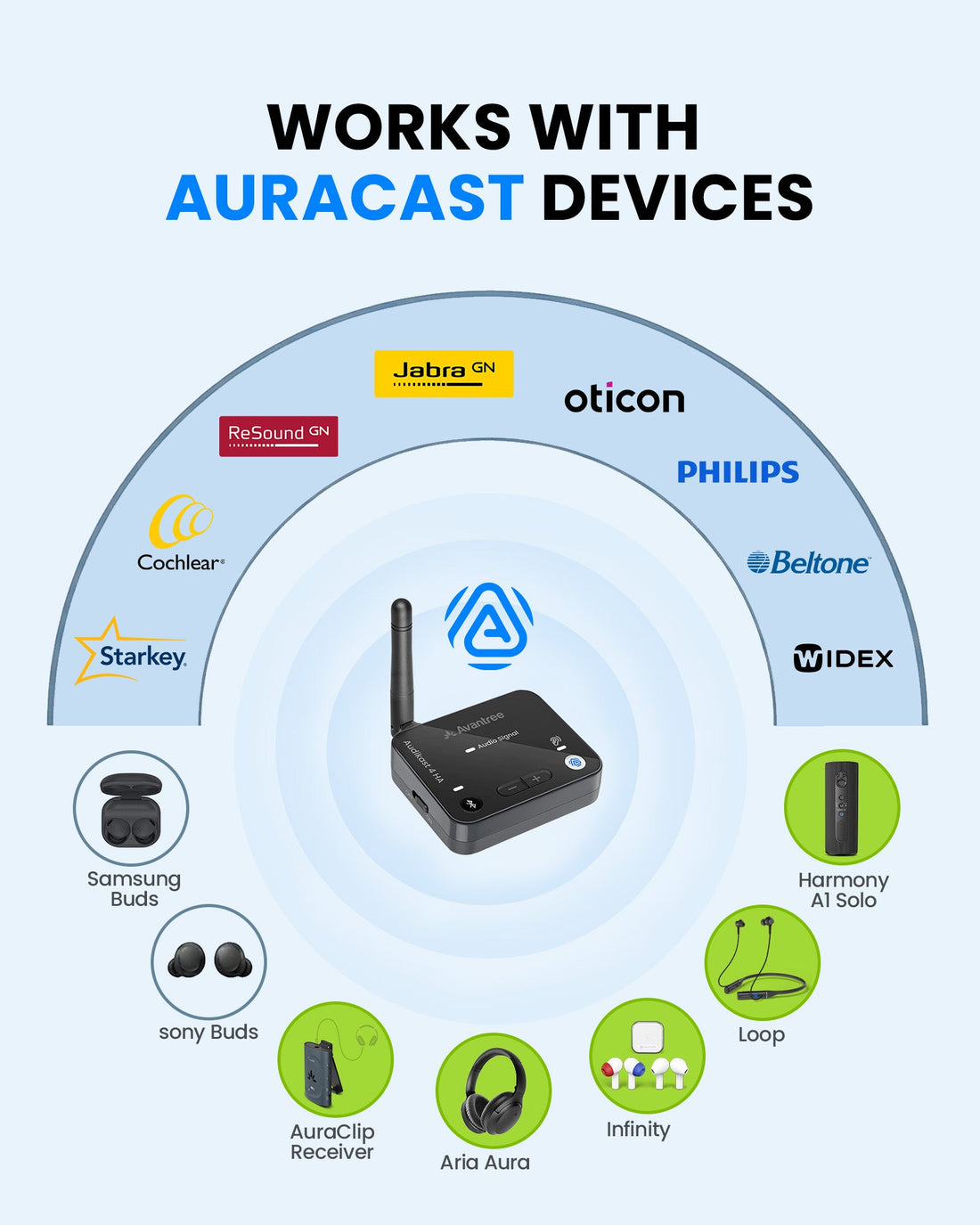
  • For Compatible Auracast Hearing Aids – Stream TV audio directly to supported hearing aids and Auracast listening devices.
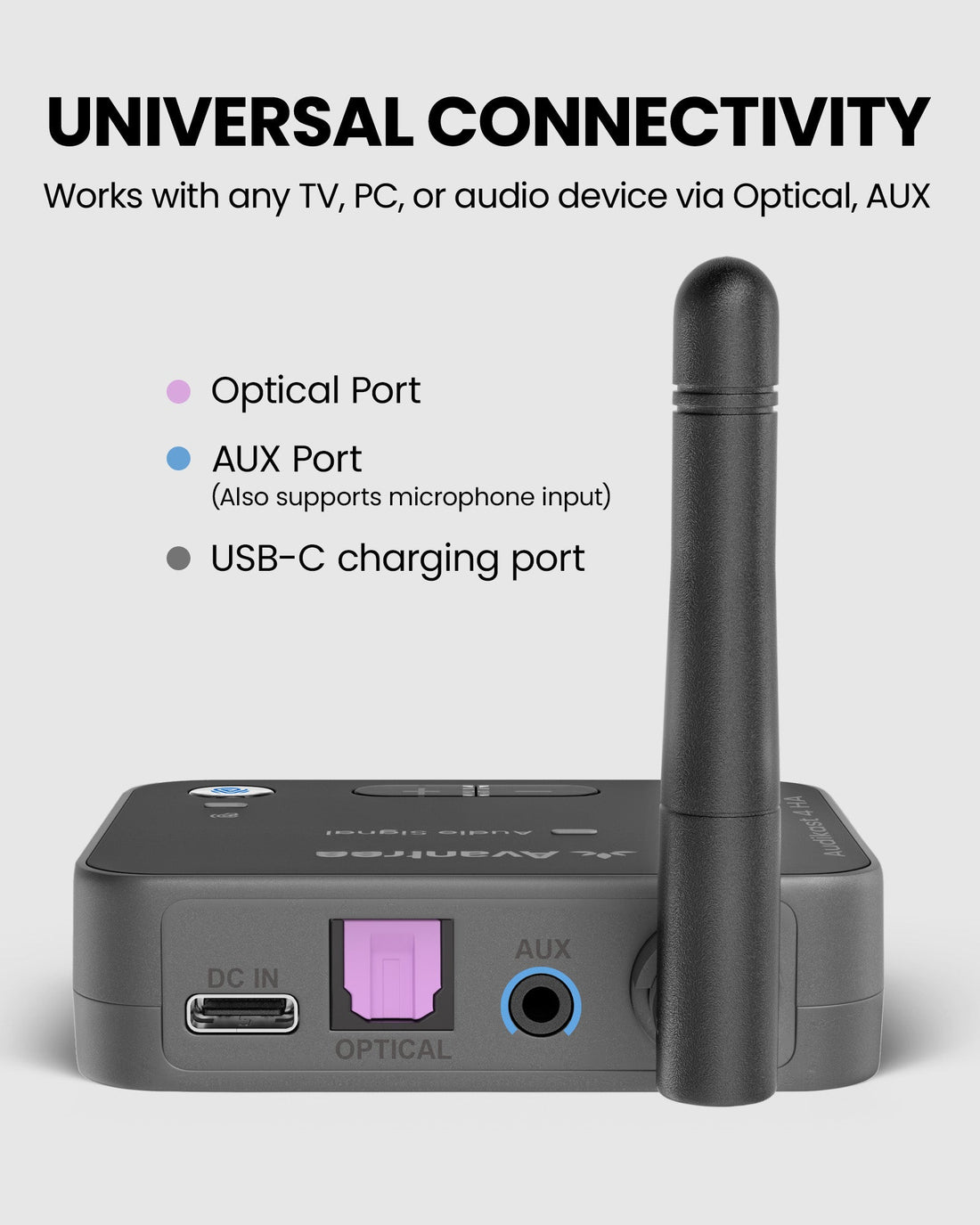
  • Optical & AUX TV Inputs – Connect common PCM optical and 3.5mm television audio outputs.
  • Listen at Your Own Volume – Adjust the listening level through the hearing aid or its companion app.
  • Named & Protected Broadcasts – Use supported firmware tools to customize the broadcast name and passcode.
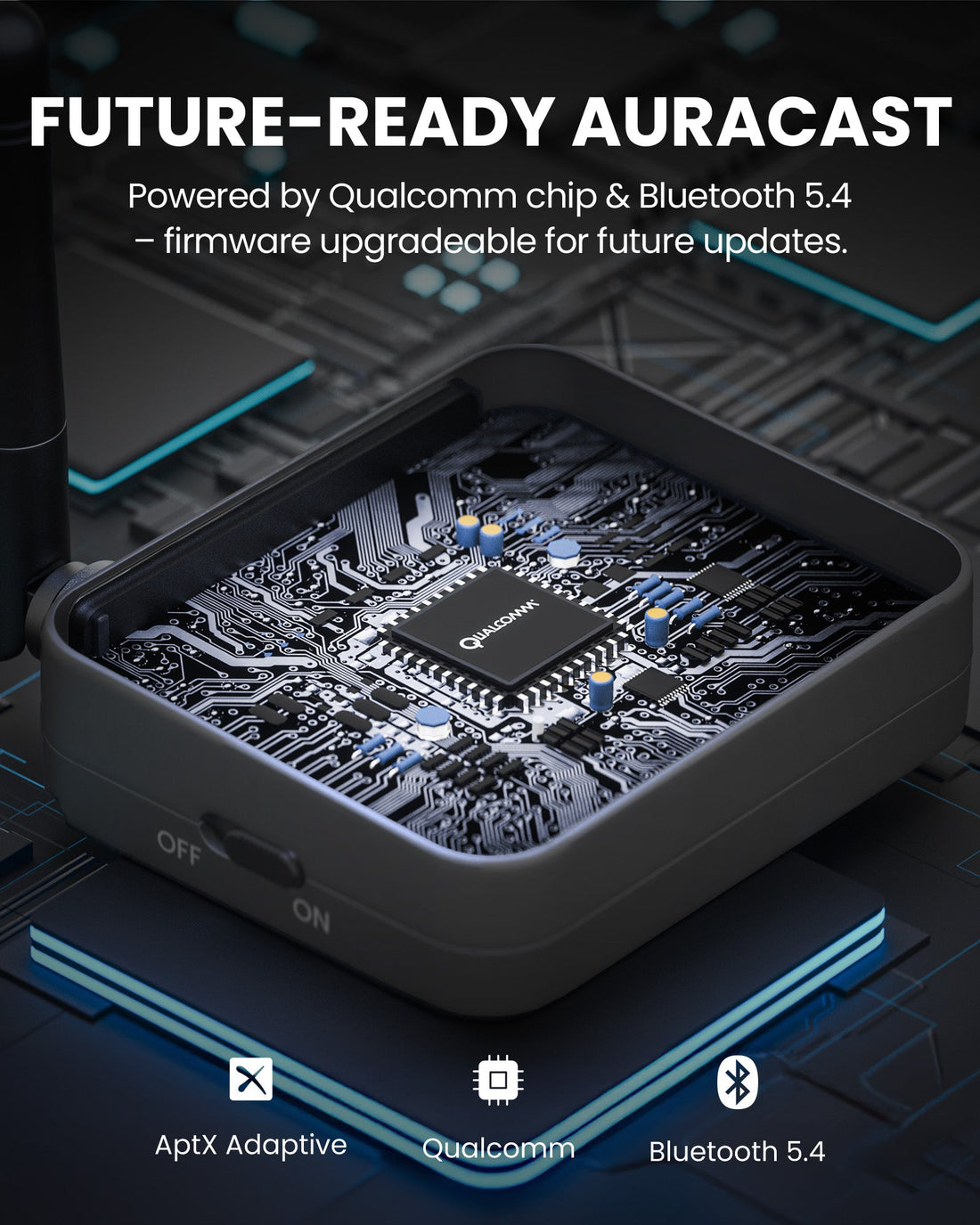
  • Firmware Upgradable – Update through USB-C as supported compatibility and features evolve.
  • Compatibility Check Required – Non-Auracast hearing aids cannot join the broadcast.
Audikast 4HA $79.99

You Don’t Need New Auracast Hearing Aids

VenuCast works with the hearing devices people already use.

  1. Venue Audio
  2. Auracast
  3. Choose how you listen
Modern Auracast hearing aid

Auracast hearing aids

Connect directly to the Auracast broadcast.

Direct Auracast

Traditional hearing aids with an AuraCoil receiver

T-Coil hearing aids

Use AuraCoil to hear through the hearing aid’s T-Coil.

AuraCoil

Traditional Bluetooth hearing aids Aura C receiver connected to a phone

Bluetooth hearing aids

Use Aura C as a bridge for compatible Bluetooth hearing aids.

Aura C

AuraClip Auracast receiver VenuCast wired on-ear headphones

No hearing aids

Use a receiver with headphones or earbuds.

Receiver + Headphones

Bottom line: One Auracast broadcast can serve many different listeners.

01 · Build your system

View all Add-ons & Accessories

02 · How it works

How it works with your devices

Audio sources

  • TV optical PCM
  • 3.5mm AUX
  • Computer / media player
Find the right cable

Product

Audikast 4HA
Audikast 4HA

Listener pathways

  • Auracast hearing aidsJoin the TV broadcast from a compatible hearing-aid app or supported device.
  • Auracast receivers and headphonesCompatible Auracast listening products can join the same broadcast.
  • Bluetooth headphonesBluetooth Classic mode supports compatible headphones when hearing aids are not in use.

03 · Where it fits

Where it fits

TV Listening

TV Listening

Send optical or AUX television audio directly to compatible Auracast hearing aids.

Shared Home Audio

Shared Home Audio

Let compatible listeners hear the same program at their preferred volume.

Hearing Aid Support

Hearing Aid Support

Provide a hearing-aid-focused Auracast source for supported models.

Private Broadcasts

Private Broadcasts

Use supported firmware settings for a named or passcode-protected broadcast.

Best suited to home television and personal shared listening. It is not a large-venue transmitter.

Watch the product video

04 · Product details

Product details

Key specifications

Bluetooth version
Bluetooth 5.4
Wireless modes
Auracast LE Audio and Bluetooth Classic
Audio codecs
LC3, aptX Adaptive, aptX HD, SBC
Typical latency
Approx. 60ms LC3 / 40ms aptX Low Latency / 160ms SBC
Audio inputs
Optical PCM and 3.5mm AUX
Published range
Up to 25m / 82ft line of sight
TV audio format
PCM only; Dolby and DTS are not supported
Firmware upgrade
Supported by USB-C DFU

Simple setup

  1. 1Connect the TV audio outputConnect optical PCM or 3.5mm AUX audio and power the transmitter by USB-C.
  2. 2Select the Auracast broadcastUse the compatible hearing-aid app or listener controls to find and join the broadcast.
  3. 3Confirm sound and TV settingsCheck the listening level and confirm whether the TV speakers remain active on the selected output.
In the box
  • 1 x Audikast 4HA Transmitter
  • 1 x USB-C Data & Power Cable
  • 1 x 3.5mm Audio Cable
  • 1 x Optical Audio Cable

05 · Compare

Compare alternatives

FeatureCurrent productAudikast 4HAOasis Aura
Bluetooth technologyAuracast + Bluetooth transmitterAuracast transmitter
Listening devicesAuracast hearing aids and compatible headphonesAuracast hearing aids and receivers
Primary useHome TV listeningPublic and small-venue listening
Audio inputsOptical and 3.5mm AUXBluetooth, optical, 6.35mm and 3.5mm AUX
Broadcast name / passcodeSupported through firmware toolsSupported through PC setup tool
Firmware updatesYesYes

06 · Common questions

Common questions

What is Audikast 4HA designed for?

Audikast 4HA sends TV audio to compatible Auracast hearing aids and supported Auracast listening devices through optical or AUX input.

What is included in the box?

The box includes the Audikast 4HA transmitter, a USB-C data and power cable, a 3.5mm audio cable and an optical audio cable.

Will it work with my hearing aids?

It works only with hearing aids that support Auracast. Check the compatibility information before purchase.

Can my family still hear the TV speakers?

It depends on the TV. Some models can use speakers and optical or AUX simultaneously, while others mute their speakers.

What if my TV only has HDMI ARC?

A compatible HDMI ARC audio extractor may be required to provide optical or AUX audio.

Does it pair like regular Bluetooth?

In Auracast mode, select the broadcast through the hearing-aid app or compatible listening device rather than using traditional Bluetooth pairing.

Designed for straightforward installation

Venue Audio Made Simple

No rewiring. No complicated setup. Connect Venucast to the audio system you already have.

Mixer / Soundboard / PA System
Auracast Transmitter
Auracast Hearing Aids / T-Coil Hearing Aids