AuraCoil

Auracast Receiver with Built-In T-Coil Neckloop

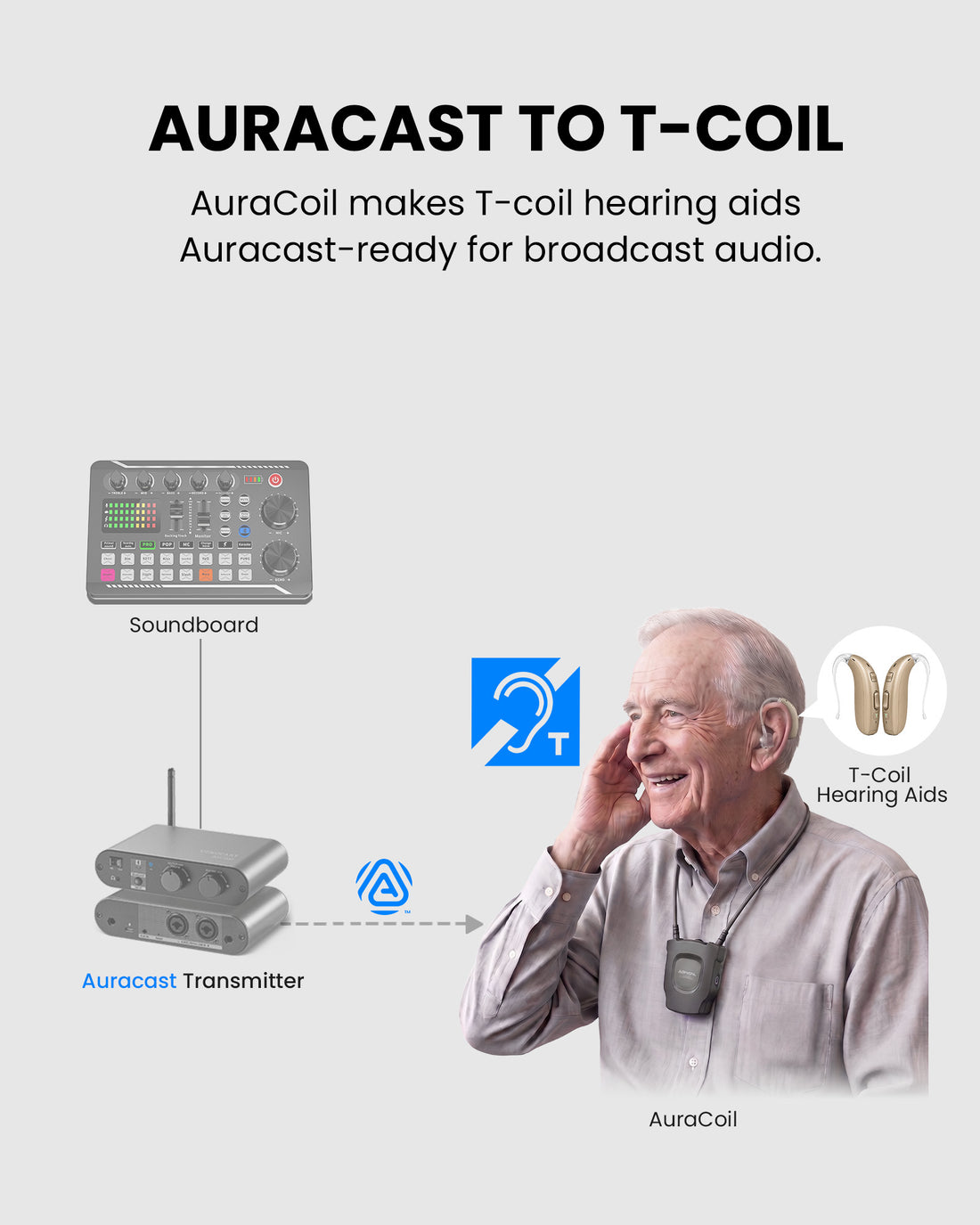
AuraCoil receives compatible Auracast broadcasts and sends clear audio through its built-in neckloop to telecoil hearing aids.

Checking the fastest delivery option…

Fast ShippingReliable Delivery
60-Day Free ReturnsHassle-Free
Bulk DiscountVolume Pricing Available
Free Setup SupportVenue Specialist Included
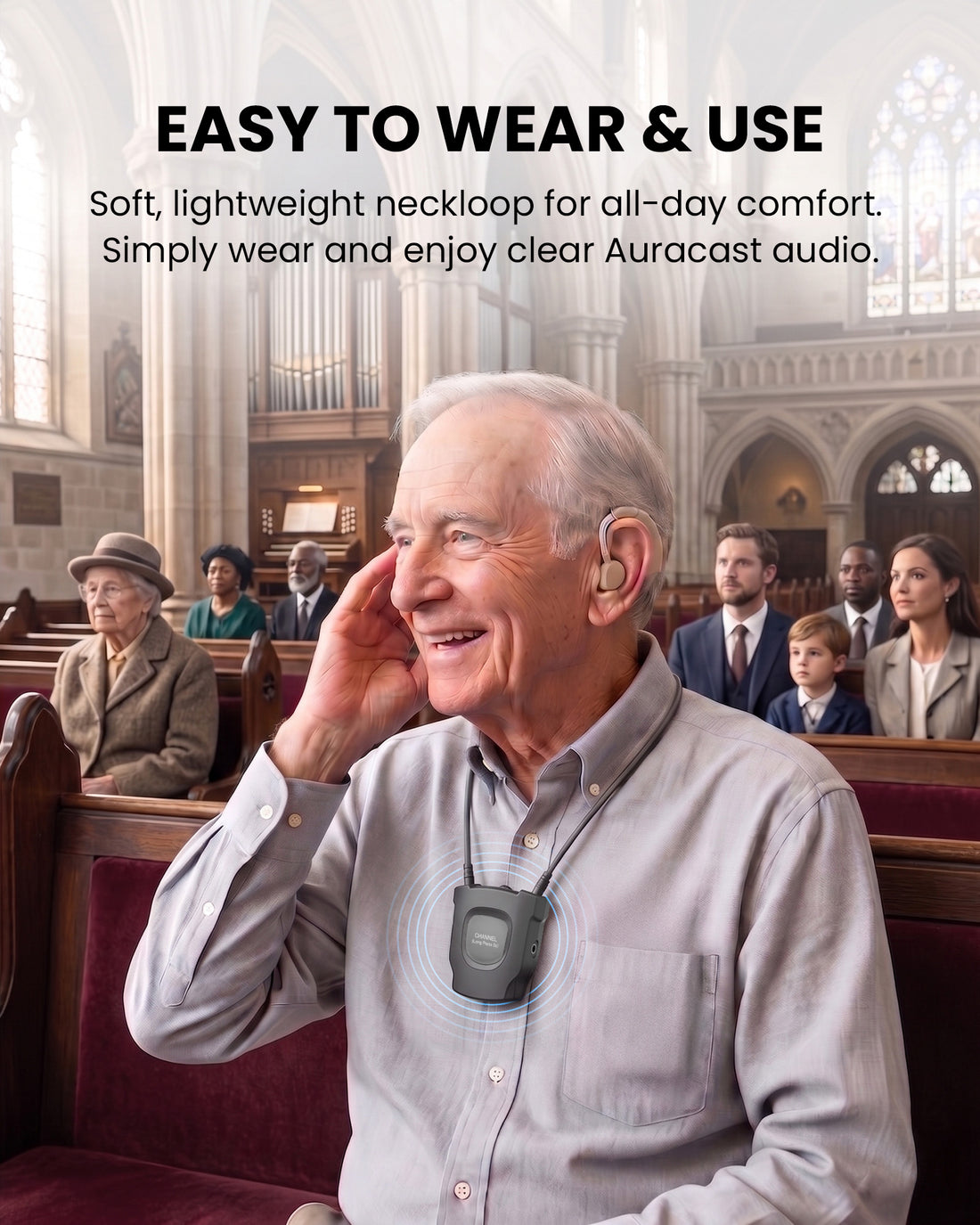
  • Built-In T-Coil Neckloop – Sends the selected Auracast broadcast directly to compatible telecoil hearing aids.
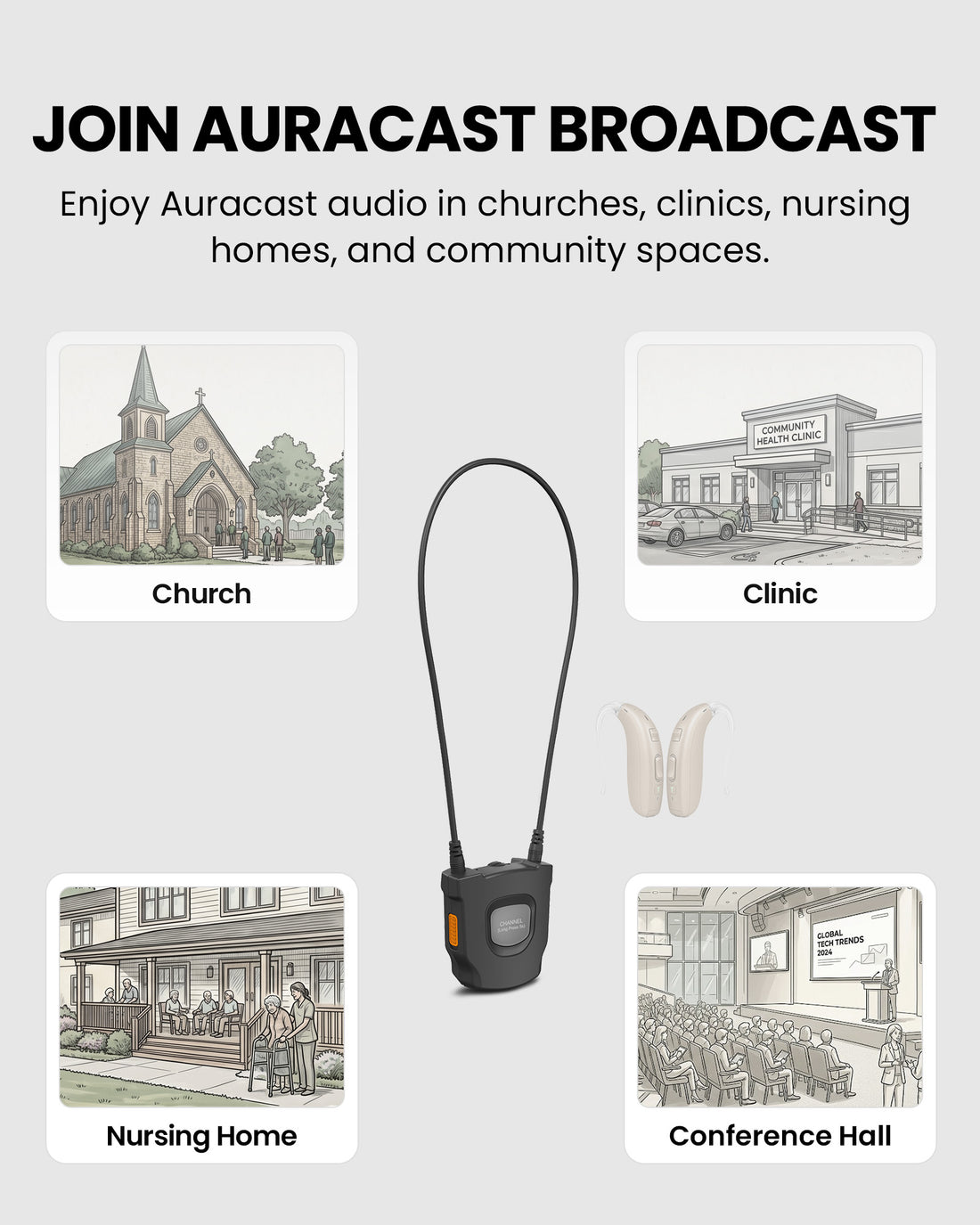
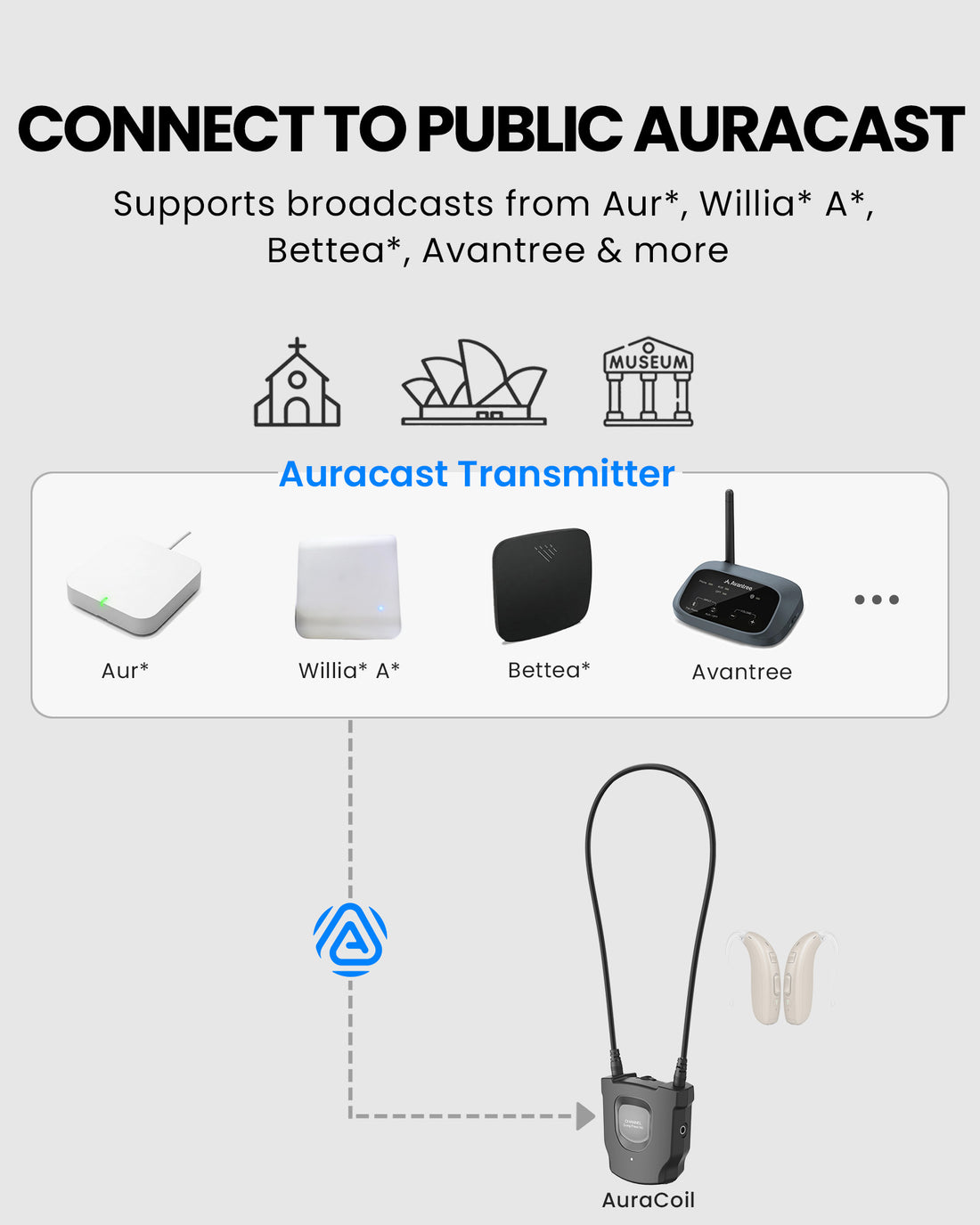
  • Public Auracast Listening – Joins compatible venue broadcasts in churches, theaters, classrooms and public spaces.
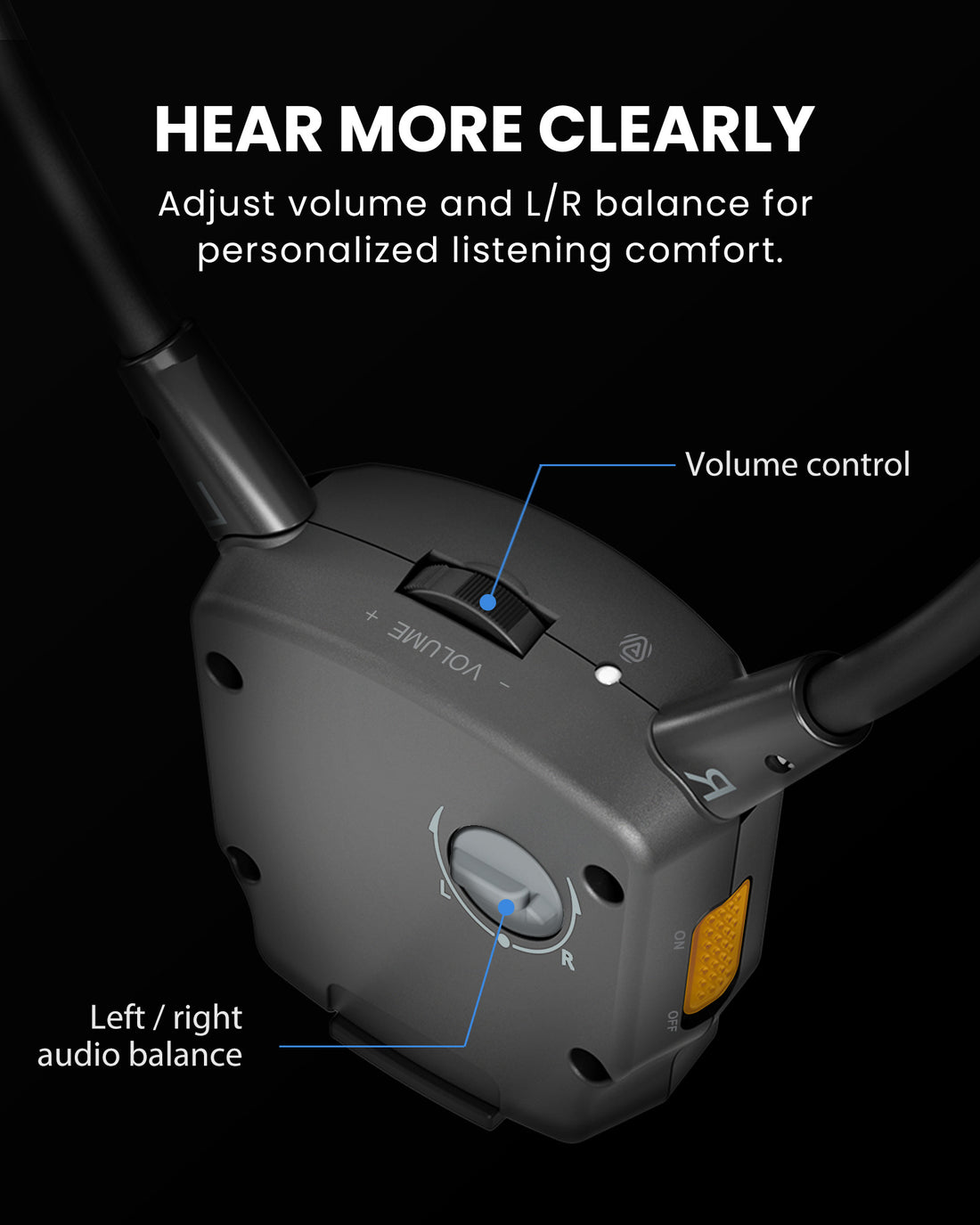
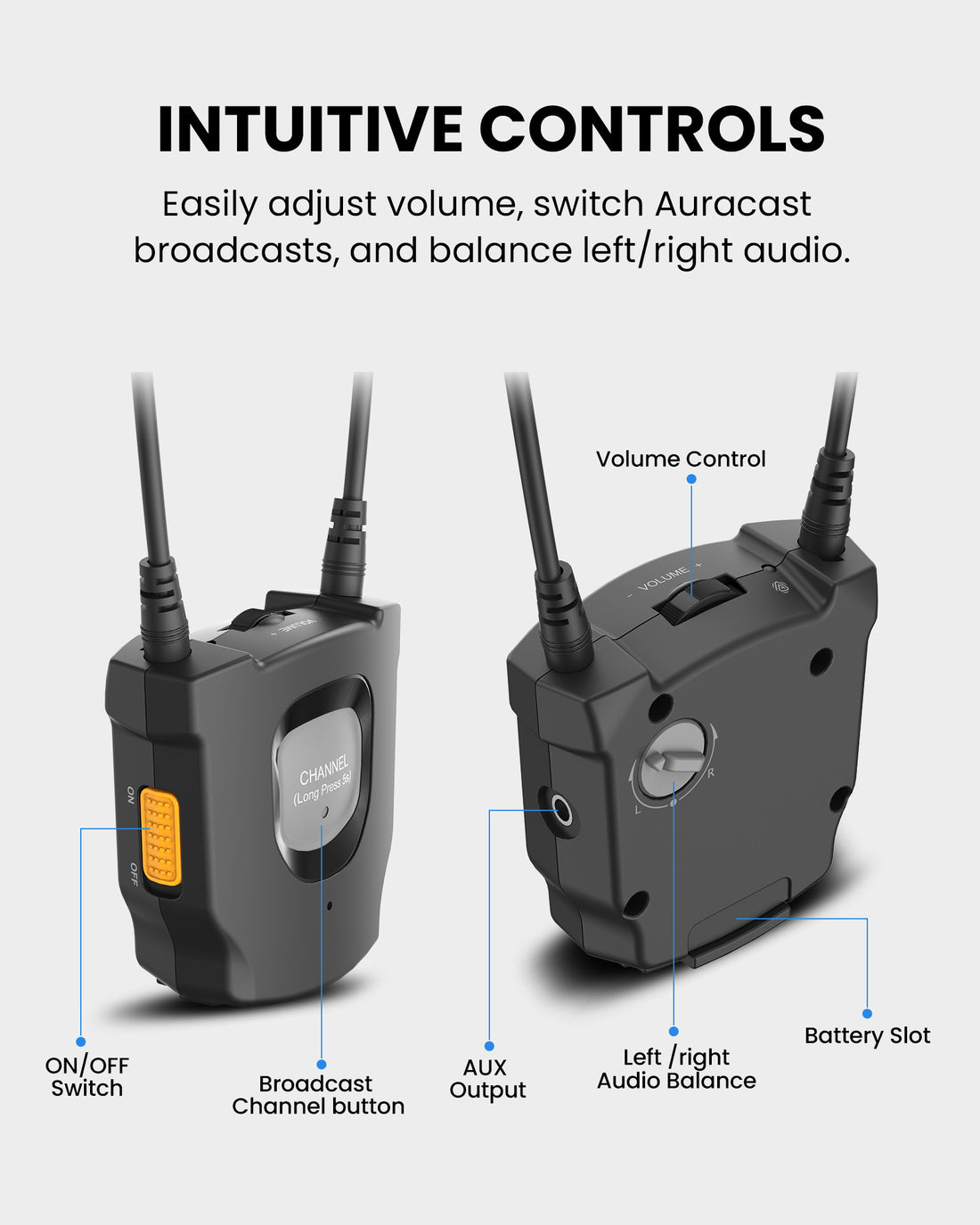
  • Personal Sound Control – Lets each listener adjust volume and left/right balance on the receiver.
  • Easy to Wear – Uses a soft, lightweight neckloop for comfortable personal listening.
  • Up to 20 Hours – Supports extended listening sessions between charges.
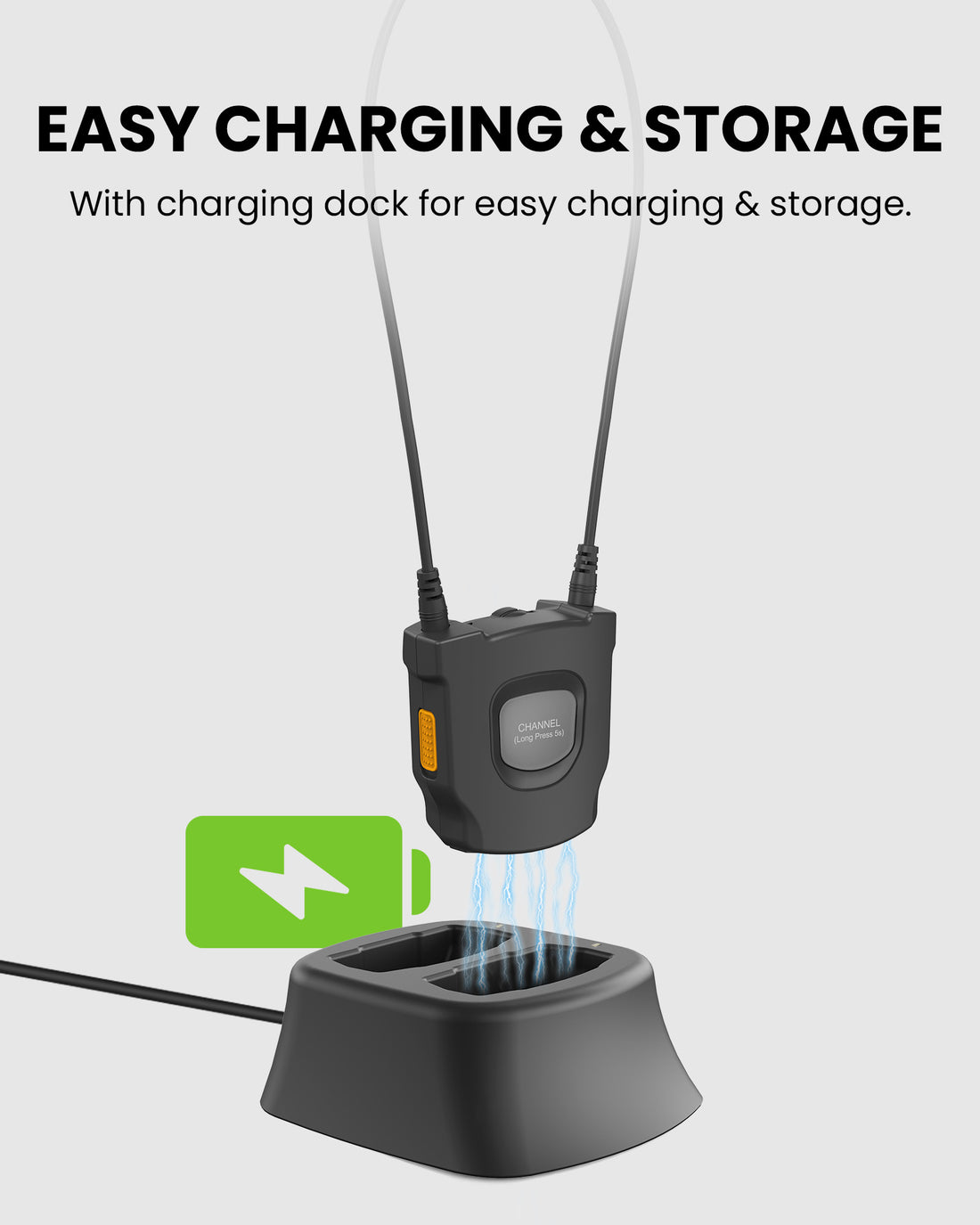
  • Charging Dock Included – Keeps AuraCoil charged, stored and ready for the next session.
AuraCoil – Auracast Neckloop Receiver for Telecoil Hearing Aids $179.99

01 · Best for

Best For

Personal Telecoil listening across public venues

  • Church & WorshipPersonal listening to sermons, music and announcements from a compatible venue broadcast.
  • Senior & Community VenuesSupport Telecoil hearing-aid users with individual volume and left/right balance.
  • Lectures & EventsUse personal assistive listening during talks, lessons and public programs.
  • Museums & Public ToursProvide compatible Telecoil users with personal access to shared program audio.

Before buying

Compatibility

Check the audio source feeding AuraCoil – Auracast Neckloop Receiver for Telecoil Hearing Aids and how each listener will hear the broadcast.

A. Audio source compatibility

A compatible public Auracast broadcast is required

  • Compatible public Auracast broadcast
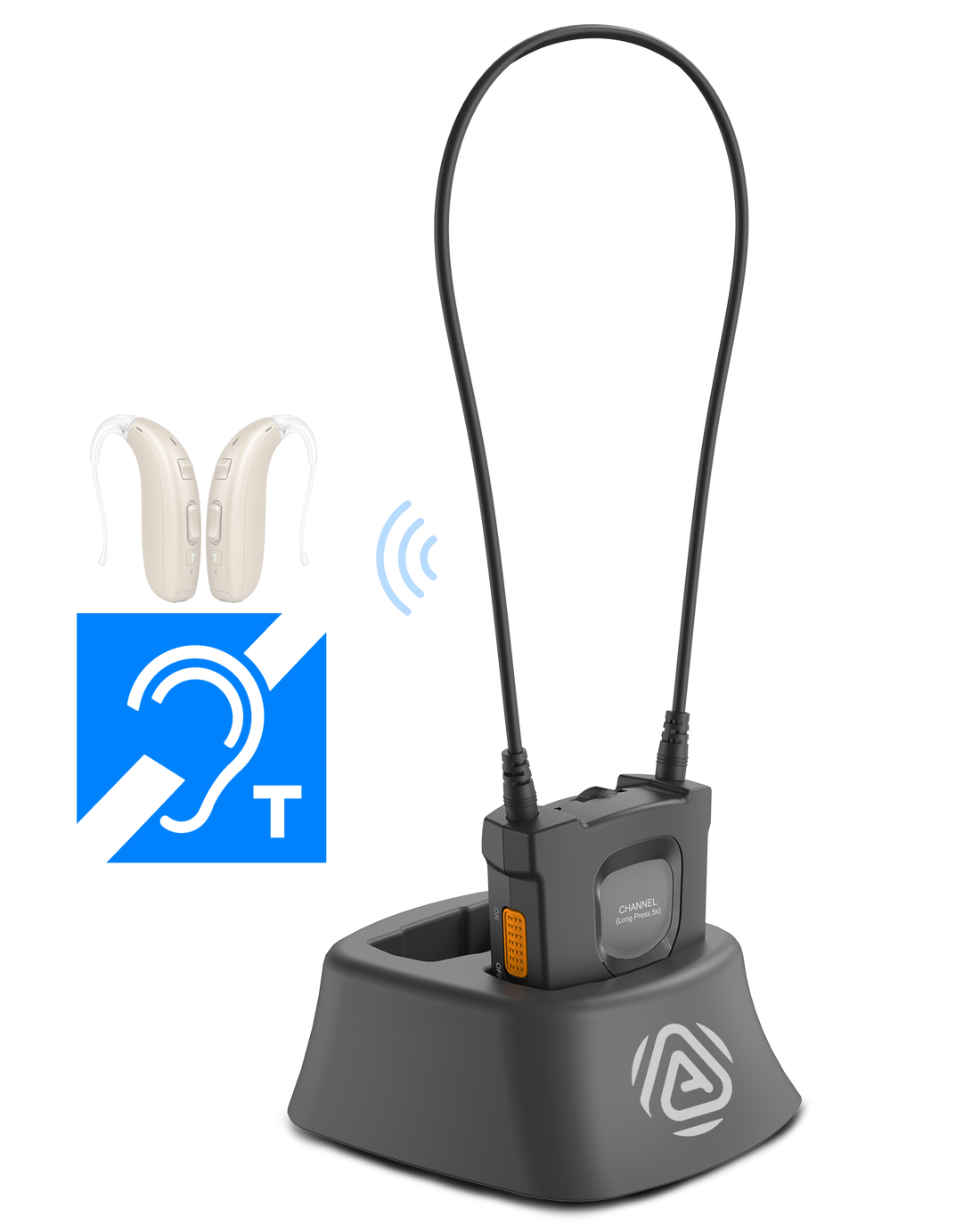
B. Listening device compatibility

Choose a direct or receiver-assisted path

Telecoil hearing aids
Enable the hearing aid Telecoil or T-Coil program and use the built-in neckloop.
Personal volume and balance
Each listener can adjust their own volume and left/right balance.
Auracast reception
This receiver joins a compatible public broadcast; it does not use standard phone or TV Bluetooth pairing.
Check Compatibility
Need help choosing AuraView 4-Pack for your venue? Find My Setup

Choose a compatible public Auracast broadcast. For neckloop listening, the guest must have an enabled T or MT hearing aid program. A venue transmitter is sold separately.

02 · Addons & Accessories

Expand Your System

Compatible transmitters and listening accessories

View all add-ons & accessories

03 · Product Details

What's Included

  • 1 × AuraCoil receiver with built-in T-Coil neckloop
  • 1 × Charging dock

How It Works

Simple by design

Charge, join a broadcast, set your listening level

AuraCoil receives Auracast broadcast audio; it does not use classic Bluetooth pairing with a phone or TV.

  • 1 personal receiver
  • Built-in T-Coil neckloop
  • Individual volume and balance
1
Charge the receiver Place AuraCoil in the included charging dock and charge it before use.
2
Select the Auracast broadcast Power on AuraCoil and use its channel control to choose the intended compatible public broadcast.
3
Listen through your hearing aids Wear the built-in neckloop, activate the telecoil program on compatible hearing aids, then adjust volume and left/right balance as needed.

Technical Specifications

Wireless technology
Auracast broadcast audio
Audio output
Built-in T-Coil neckloop and 3.5mm wired listening support
Controls
Power, Auracast channel selection, volume and left/right balance
Battery life
Up to 20 hours per full charge. Actual listening time varies with volume, use and battery condition. Recharge the receiver in its dock between sessions.
Charging
Included charging dock
SKU
VRC-390
Package dimensions
32.55 × 16.2 × 4.6 cm
Packaged weight
407 g
Net weight
73 g

04 · Setup & Config

User Guide

Official AuraCoil setup, hearing-aid listening and operation guide.

Open guide

Troubleshooting

AuraCoil setup, broadcast connection and listening FAQs.

Get help

Common Questions

AuraCoil FAQ

Does our venue need a transmitter?

AuraCoil needs a compatible public Auracast broadcast. If your venue already provides one, select it on the receiver. To broadcast from a mixer or PA, add a compatible Auracast transmitter, sold separately.

Will it work with my hearing aids?

Check for an enabled T or MT program. AuraCoil receives the broadcast and sends the sound through the neckloop to your telecoil. Ask your hearing care provider if you cannot find T or MT.

Can I pair it with a phone or TV?

The source must provide a compatible public Auracast broadcast. Standard Bluetooth audio pairing alone will not work.

Can guests adjust their own volume?

Yes. Each guest can adjust volume and left/right balance on their own receiver.

How do staff charge the receiver?

Return it to the compatible charging dock after an event. Listening time is up to 20 hours per receiver per charge.