
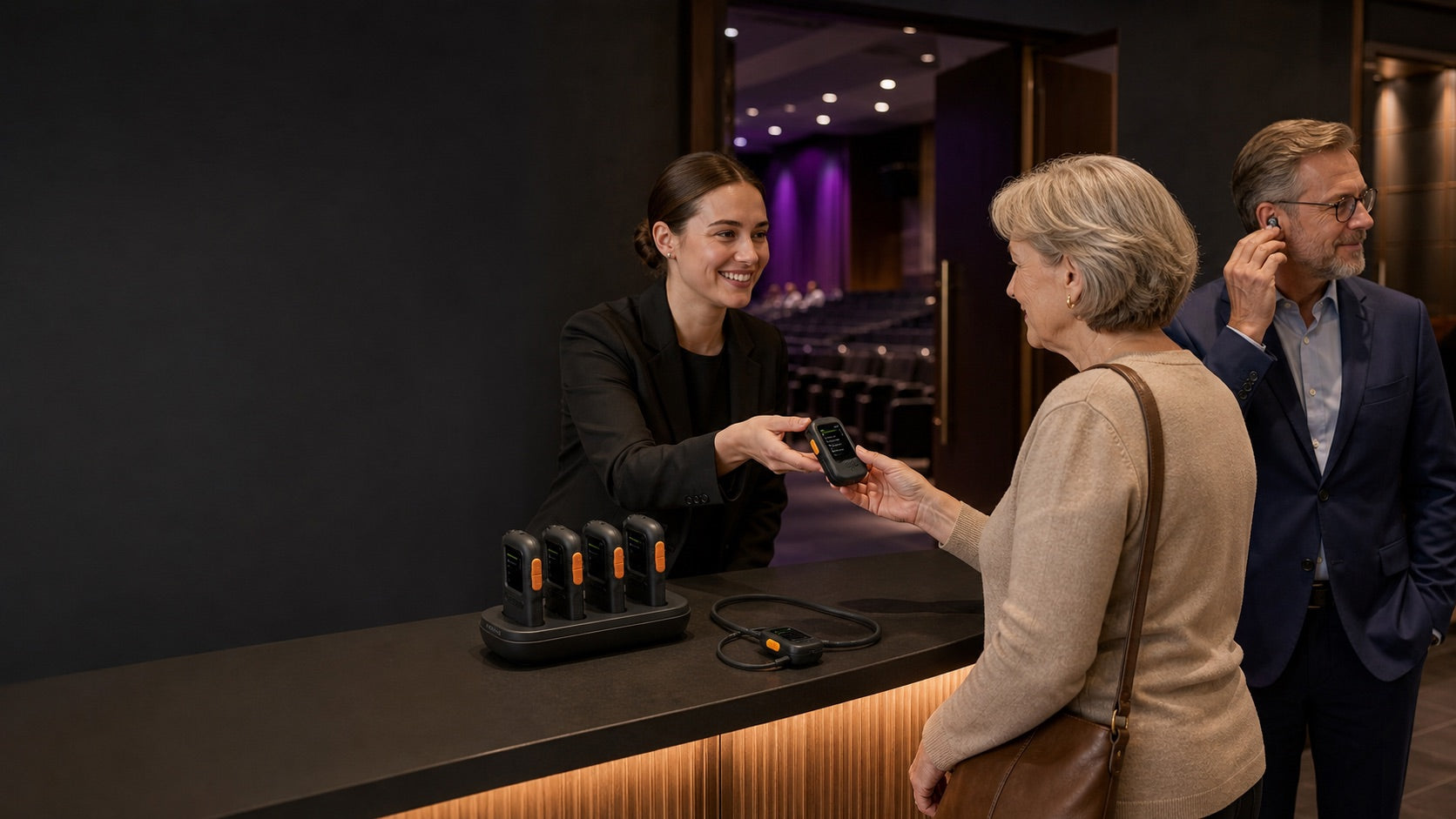
Send audio through a neckloop
Choose AuraCoil when guests use hearing aids with a T-Coil program. Its built-in neckloop, volume and left/right balance controls make it a complete lending option.
Pre-order →
Auracast receivers
Choose T-Coil, wired, USB-C or speaker receivers to match how guests listen.
Choose by listener
The right receiver depends on the listener’s device and whether the venue needs simple lending, visible channel selection, phone-based listening or a speaker output.
Choose AuraCoil when guests use hearing aids with a T-Coil program. Its built-in neckloop, volume and left/right balance controls make it a complete lending option.
Pre-order →
Choose AuraClip 3RX for a compact clip-on receiver that turns wired headphones, earbuds or an external T-Coil neckloop into an Auracast listening device.
Shop now →
Choose AuraView when multiple broadcasts may be available. Its OLED display can show up to 10 channels, with large controls and a charging dock for venue management.
Pre-order →
Choose Aura C when guests want to listen through a compatible USB-C phone using their existing Bluetooth headphones, hearing devices or phone speaker.
Pre-order →
Choose AuraLink to connect a compatible Auracast broadcast to powered speakers or an audio system through 3.5 mm AUX or RCA.
Shop now →Receiver collection
Compare Auracast receivers for assistive listening by connection, channel selection and venue role. Choose one type or combine several for different listening devices.
Built-in T-Coil neckloop with charging dock, volume control and independent left/right balance.
Clip-on receiver with a 3.5 mm output and simple three-channel switching.
OLED-guided channel selection, large controls, charging dock and support for 3.5 mm listening devices.
Speaker-system receiver with 3.5 mm AUX and RCA outputs for installed or portable audio.
USB-C phone receiver that lets guests continue listening through compatible personal audio devices.
Clip-on receiver with a 3.5 mm output and simple three-channel switching.
OLED-guided channel selection, large controls, charging dock and support for 3.5 mm listening devices.
Side-by-side
Choose by listening endpoint first, then by channel visibility and how the venue will lend or install the device.
| Model | Best for | Listener connection | Channel experience | Typical venue role |
|---|---|---|---|---|
| AuraCoil | Guests with T-Coil hearing aids | Built-in T-Coil neckloop | On-device channel and personal audio controls | Complete T-Coil lending option |
| AuraClip 3RX | Wired headphones, earbuds or neckloops | 3.5 mm output | Simple three-channel switching | Compact general-purpose loan receiver |
| AuraView | Venues with several broadcasts | 3.5 mm headphones, earbuds or neckloops | OLED display shows up to 10 channels | Managed multi-channel loan inventory |
| Aura C | Guests using a compatible USB-C phone | Phone to personal Bluetooth audio or phone speaker | Phone-based listening path | Personal-device listening option |
| AuraLink | Powered speakers and audio systems | 3.5 mm AUX or RCA | Joins a compatible Auracast broadcast | Distributed speaker or overflow-audio feed |
Confirm the listener device, broadcast configuration and required pack size before deployment.
Venue setup finder
Tell us about your venue and how guests need to listen.
A flexible receiver layer
Auracast lets a venue support personal devices and maintain a smaller, more useful receiver pool for guests who still need to borrow equipment.
Use the planner for a fast recommendation or talk with our team about audience mix, channel count, charging and lending workflow.
Choose AuraClip or AuraView for 3.5 mm headphones, AuraCoil for T-Coil hearing aids, Aura C for compatible USB-C phones, or AuraLink for powered speakers.
Only if your venue doesn’t already provide a compatible Auracast broadcast. Other transmitter brands may work—check compatibility and encryption settings first.
AuraClip can join compatible public broadcasts without either. Aura C requires a compatible phone and companion app. Password-protected broadcasts require model-specific compatibility checks.
Yes. Add compatible receivers for more listeners. AuraClip switches between up to three saved public broadcasts; AuraView displays up to ten available channels. Different programs require separate broadcasts.
Battery life varies by model. AuraClip offers up to 16 hours and charges via USB-C or a compatible dock. Aura C draws power from your phone.