Auracast Hearing Aid Guide

Connect Your Auracast Hearing Aid

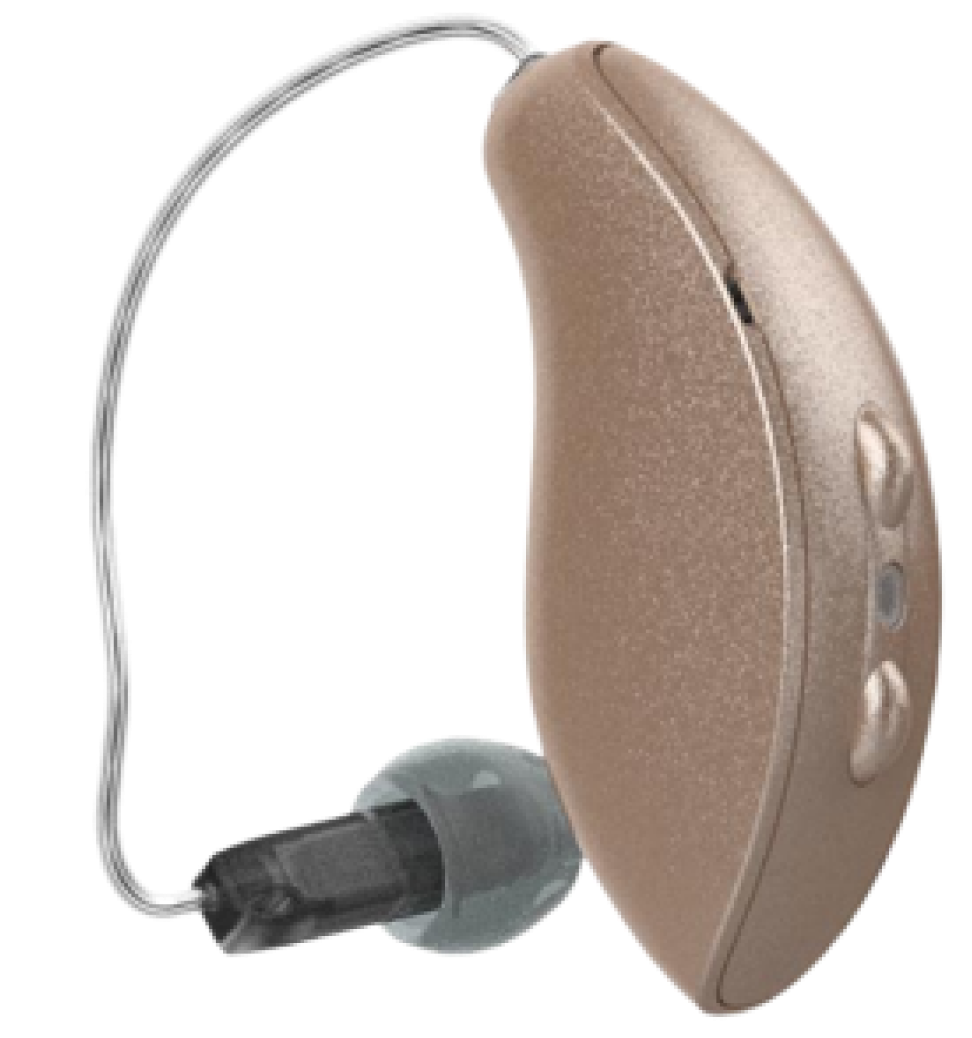
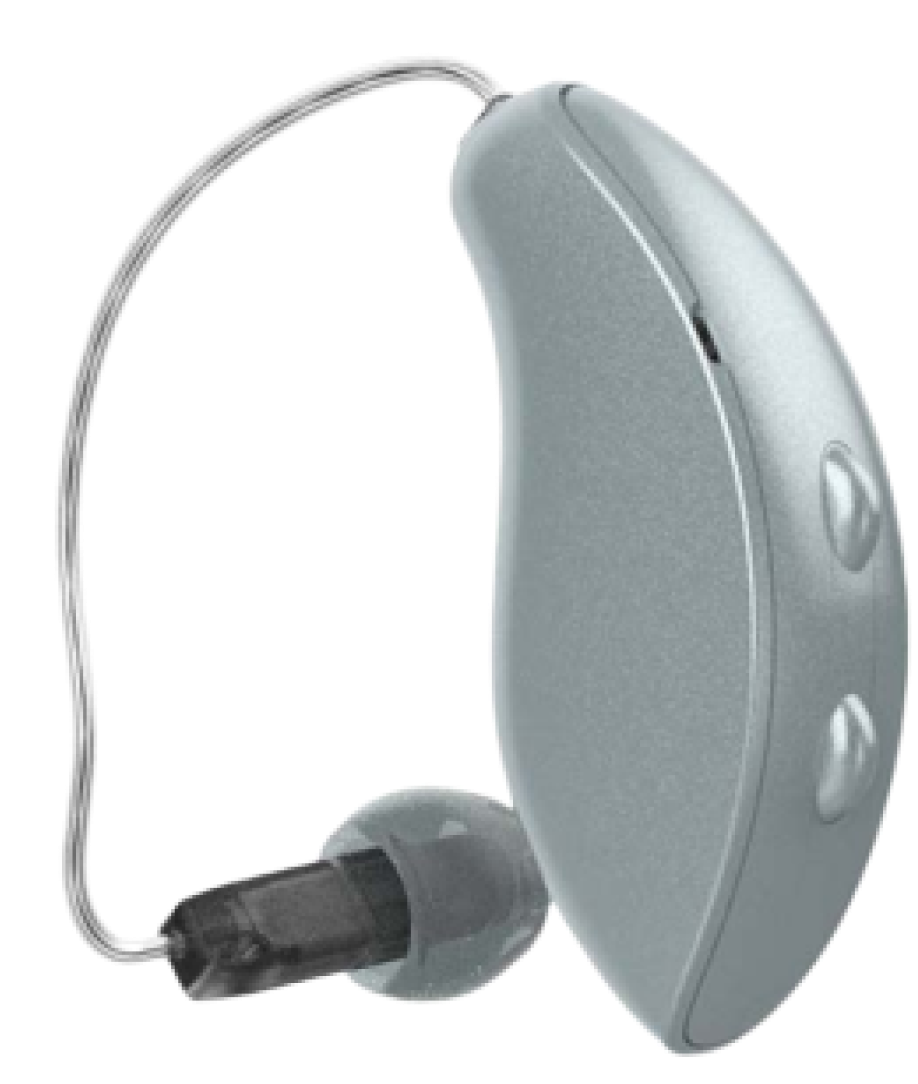
Choose your brand below to get a step-by-step connection guide. Not sure which model you have? Scan the QR code for all options.

Quick Checklist

Before You Start

  • Confirm compatibility: Make sure your hearing aids support Auracast and are listed in the brand guide. Compatibility Checker
  • Update your hearing aids: Install the latest hearing aid firmware and update your brand's mobile app.
  • Turn on Bluetooth: Keep your phone close to your hearing aids and near the VenuCast transmitter.
  • Join the broadcast: Open your hearing aid app or Android Auracast Assistant, then select the venue broadcast name.

FAQ: How Do Different Hearing Aids Work
with Avantree / Venucast Transmitters?

Many hearing aids can receive audio from a TV, sound system, microphone, or venue transmitter. The right Avantree / Venucast solution depends on the type of hearing aids you use.

1. I have newer Auracast™ hearing aids. Can they connect directly?

Yes. Many newer hearing aids released in 2025 or later support Auracast and may connect directly to an Avantree / Venucast Auracast transmitter.

Recommended transmitters include Oasis Aura, AirCast, and NetCast. They can broadcast audio from a TV, sound board, mixer, microphone system, or other audio source.

Tip: For the best experience, make sure your hearing aids are set to the correct Auracast / broadcast listening program. In noisy environments, you may also need to reduce or turn off the hearing aid microphones so you hear more broadcast audio and less room noise. Please check your hearing aid app or ask your audiologist if you are unsure.
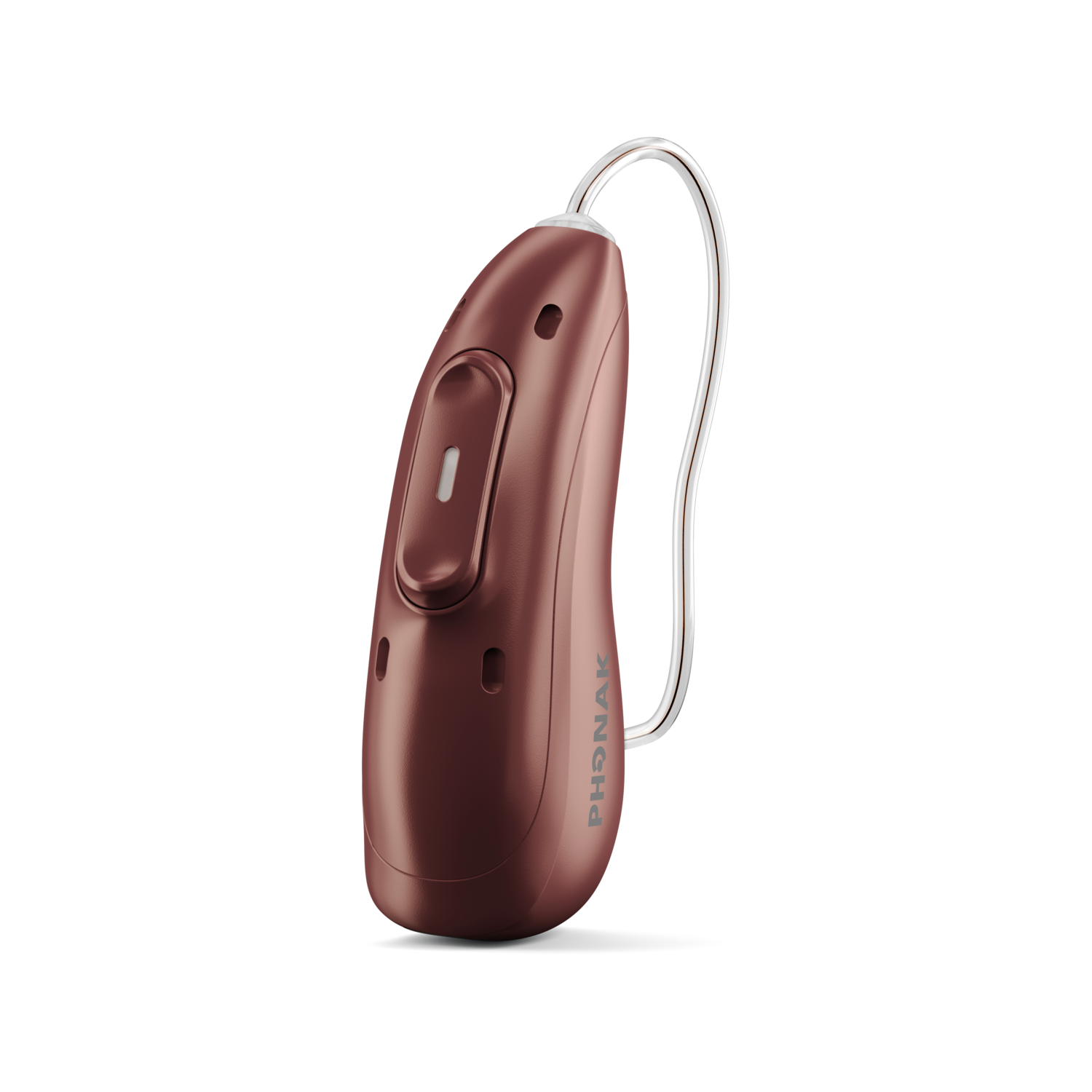
2. I have classic Bluetooth hearing aids, such as Phonak or Unitron. What should I use?

Some hearing aids, especially many Phonak and Unitron models, support classic Bluetooth audio.

These hearing aids usually do not connect directly to Auracast transmitters. Instead, they can often connect to a Bluetooth transmitter such as:

Avantree Orbit Pro, Avantree Oasis Plus 2

This is a good option for home TV listening or personal audio use.

3. I have Bluetooth hearing aids that use MFi or ASHA. What should I use?

Many hearing aids released around 2018 or later connect to phones using iPhone or Android hearing aid Bluetooth systems, such as MFi or ASHA.

These hearing aids usually work well with phones, but may not connect directly to regular Bluetooth transmitters or Auracast transmitters.

For these users, Avantree is developing Aura-C, a USB-C Auracast receiver for phones. Aura-C can receive Auracast audio and send it into the phone, allowing users to listen through their hearing aids or use phone-based features such as captioning or translation, depending on the app.

4. My hearing aids support Telecoil / T-Coil. Can I use them?

Yes. If your hearing aids support Telecoil / T-Coil, you can use an Auracast-to-loop receiver such as AuraCoil.

AuraCoil receives the Auracast broadcast and sends the sound to your hearing aids through a T-Coil loop signal.

Important: Some hearing aids have T-Coil built in, but it may not be turned on by default. You may need to enable it in your hearing aid app or ask your audiologist to activate the T-Coil program.

AuraCoil is planned for release in September 2026.

5. My hearing aids are very old and do not have Bluetooth, Auracast, or T-Coil. What can I use?

If your hearing aids do not support Bluetooth, Auracast, or T-Coil, they cannot receive audio directly from a transmitter.

In this case, you can use an Auracast receiver such as AuraClip with headphones or earbuds. The receiver picks up the broadcast audio and lets you listen through the connected headphones.

This is also a good option for people who do not wear hearing aids but need clearer sound in churches, meetings, classes, or public venues.

Which Solution Is Right for Me?

Hearing Aid Type Best Avantree / Venucast Solution
New Auracast hearing aids Oasis Aura, AirCast, NetCast
Classic Bluetooth hearing aids, such as Phonak / Unitron Avantree Orbit Pro or Avantree Oasis Plus 2
MFi / ASHA Bluetooth hearing aids Aura-C
T-Coil / Telecoil hearing aids AuraCoil
Older hearing aids with no Bluetooth, Auracast, or T-Coil AuraClip with headphones

Not Sure What Type of Hearing Aids You Have?

Please check:

  1. Your hearing aid brand and model name
  2. Whether it supports Auracast, Bluetooth, or T-Coil
  3. Whether the feature is already turned on in your hearing aid app
  4. Your audiologist’s recommendation, if you are unsure
You can also contact us with your hearing aid brand and model, and we will help you choose the right solution.