AirCast

Auracast Transmitter for Venues

Broadcast venue audio to Auracast hearing aids and listening devices.

$349.99
Ask a Question

Checking the fastest delivery option…

Fast ShippingReliable Delivery
60-Day Free ReturnsHassle-Free
Bulk DiscountVolume Pricing Available
Free Setup SupportVenue Specialist Included
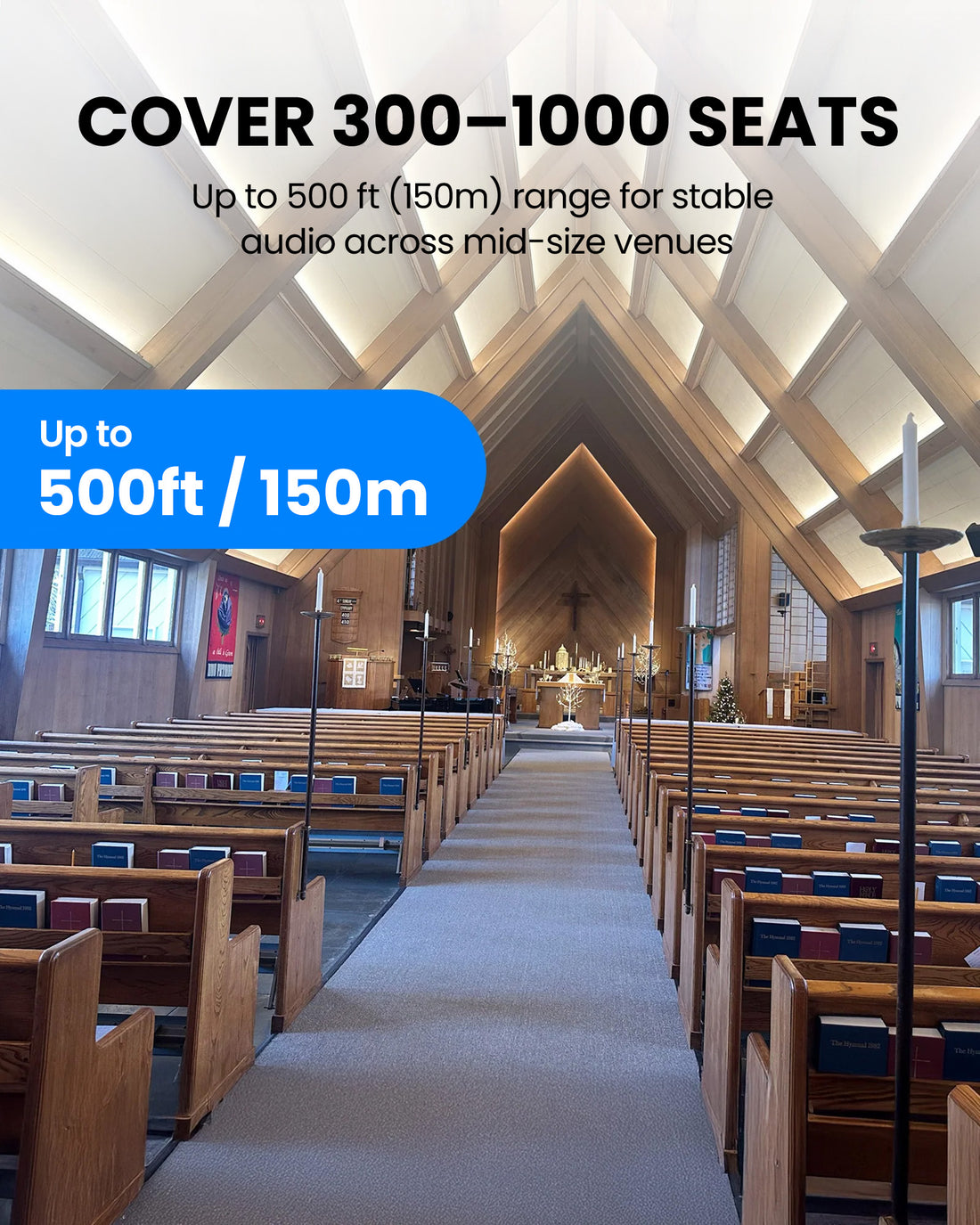
  • Long-range coverageUp to 150m / 492ft line of sight.
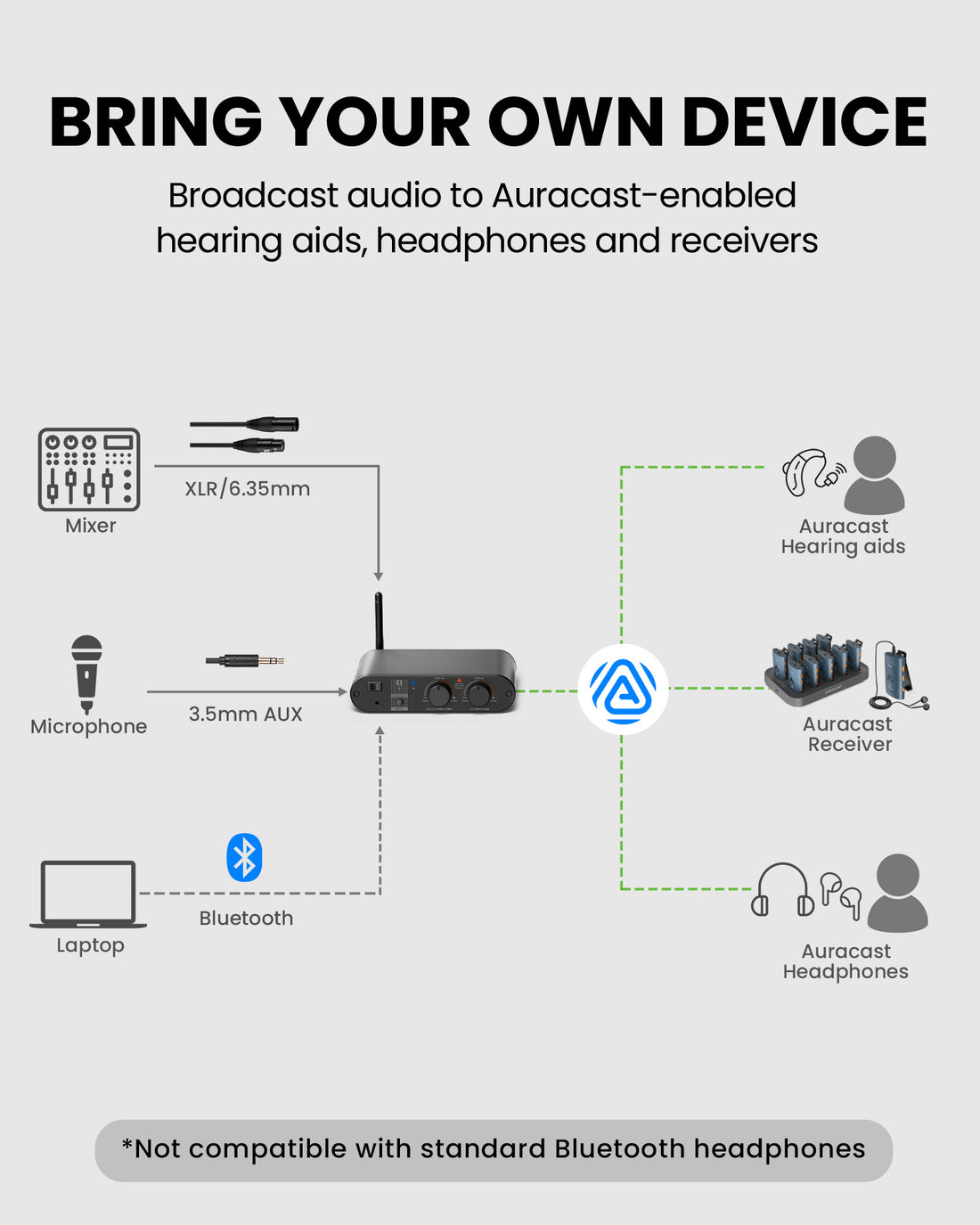
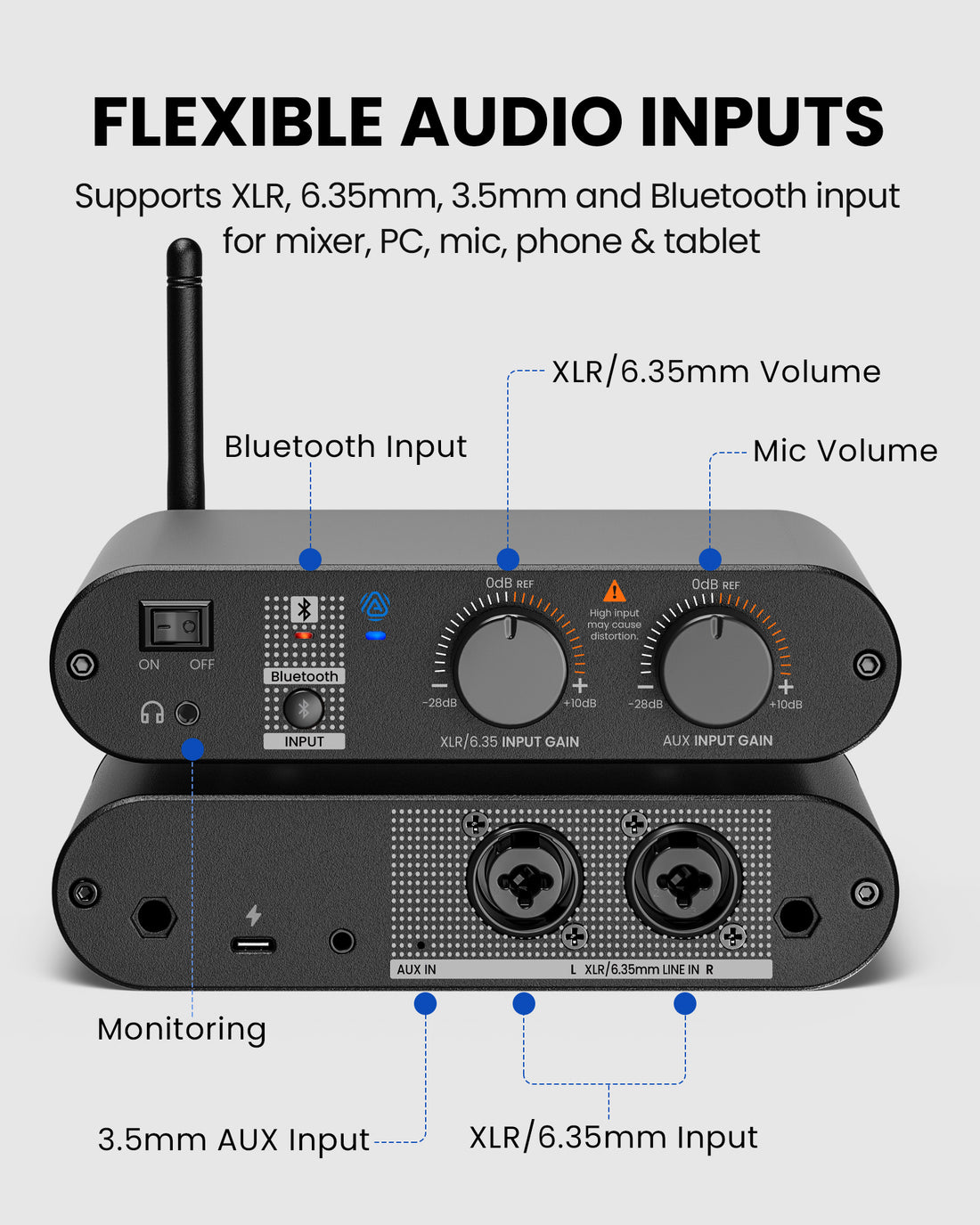
  • Professional audio inputsXLR, 6.35mm, AUX and Bluetooth.
  • Auracast broadcastFor compatible Auracast hearing aids and listening devices.
  • Plug & playConnect to your existing audio output—no professional installation required.
AirCast $349.99

01 · Before you buy

Best For

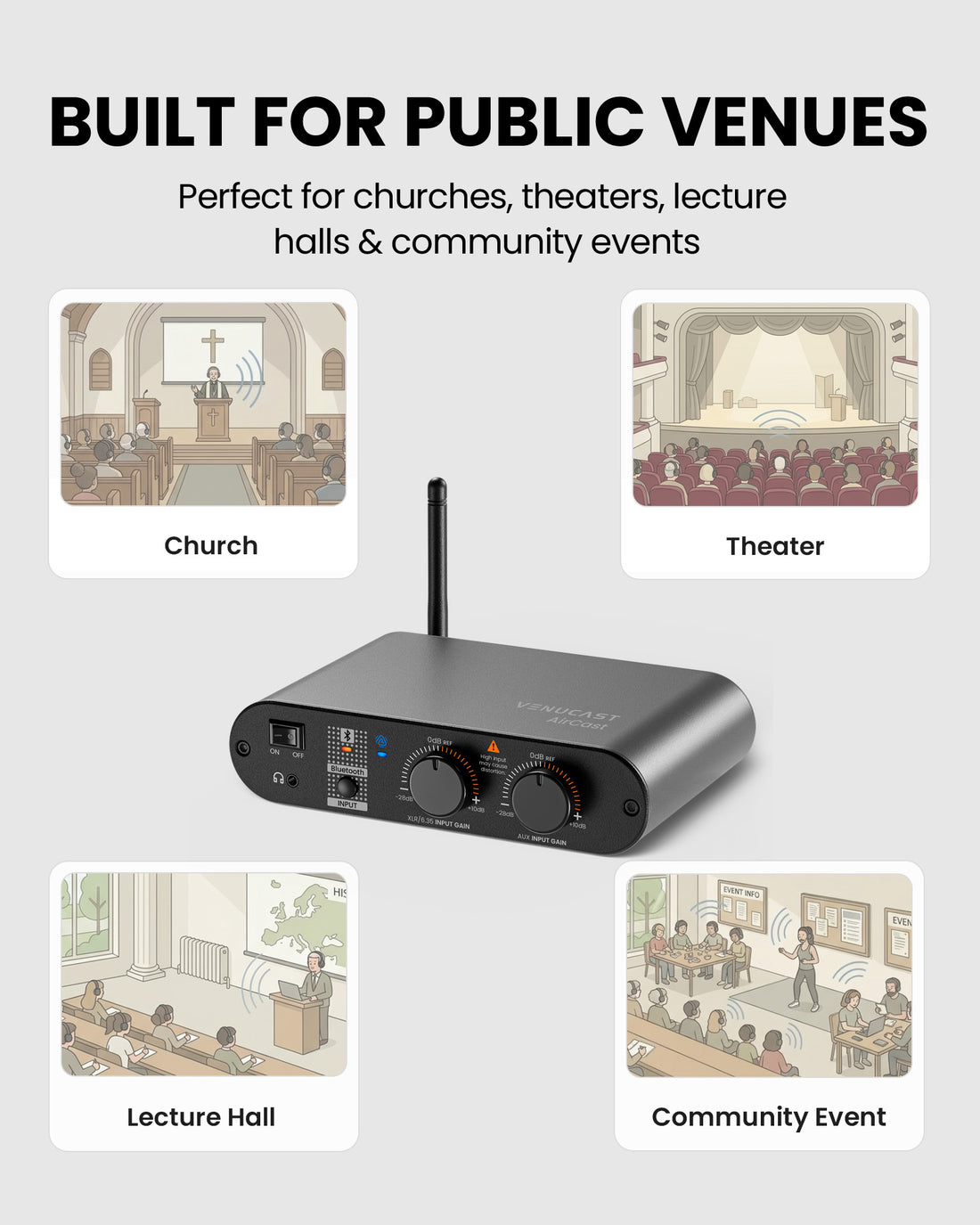
Venues that want simple, scalable listening access

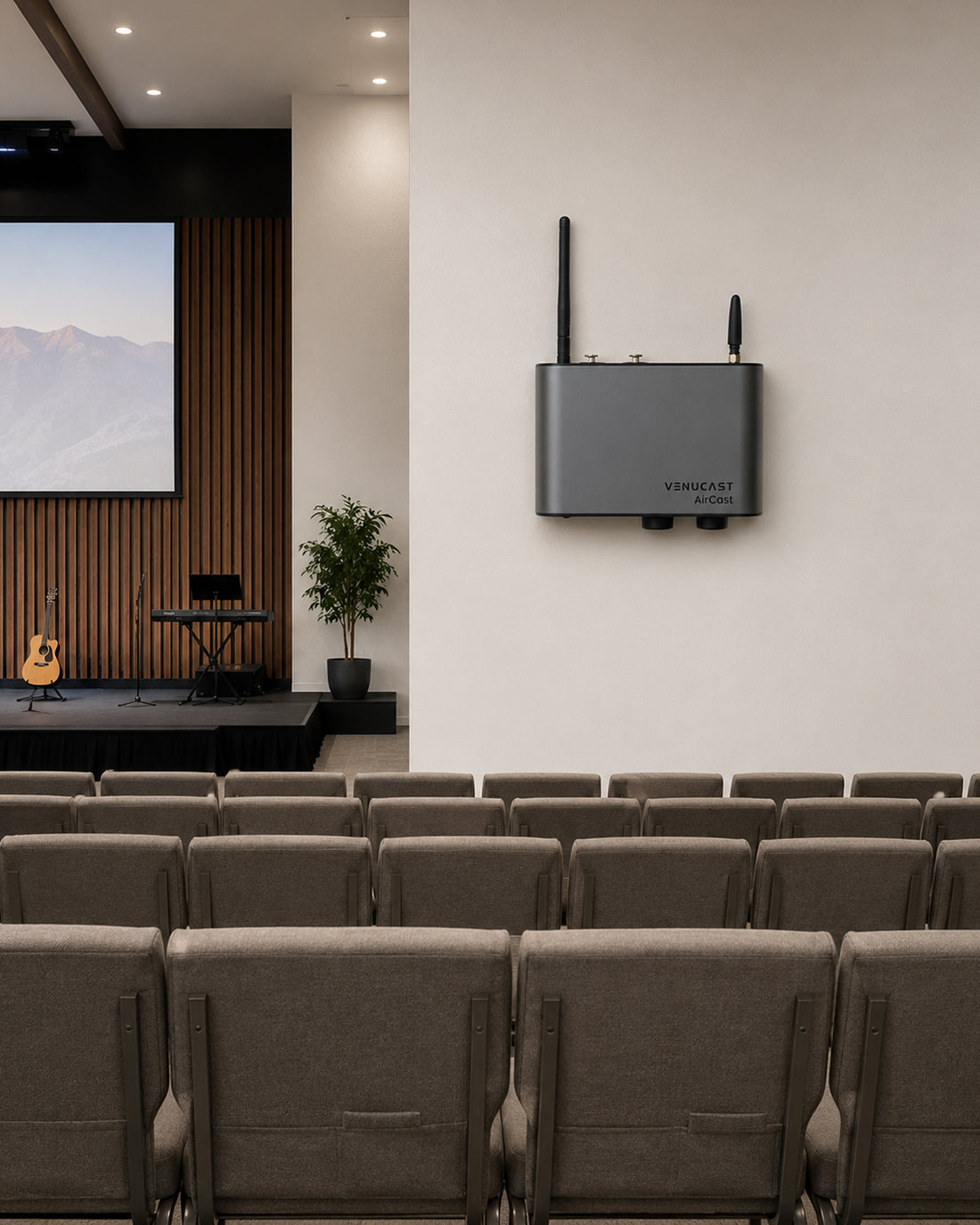
  • Church & WorshipSpeech, music and translation feeds from the sanctuary mixer.
  • Theater & AuditoriumAccessible program audio for performances, talks and events.
  • Museum & ExhibitionGallery media, presentation audio and scheduled programs.
  • Stadium ZonesSuites, concourses and local zones with an available audio feed.

Before buying

Compatibility

Check the audio source feeding AirCast and how each listener will hear the broadcast.

A. Audio source compatibility

Connect your existing venue audio

  • Mixer / PA
  • Microphone*
  • AUX / media
  • Bluetooth
  • Computer
  • Line output
Find the right cable

B. Listening device compatibility

Choose a direct or receiver-assisted path

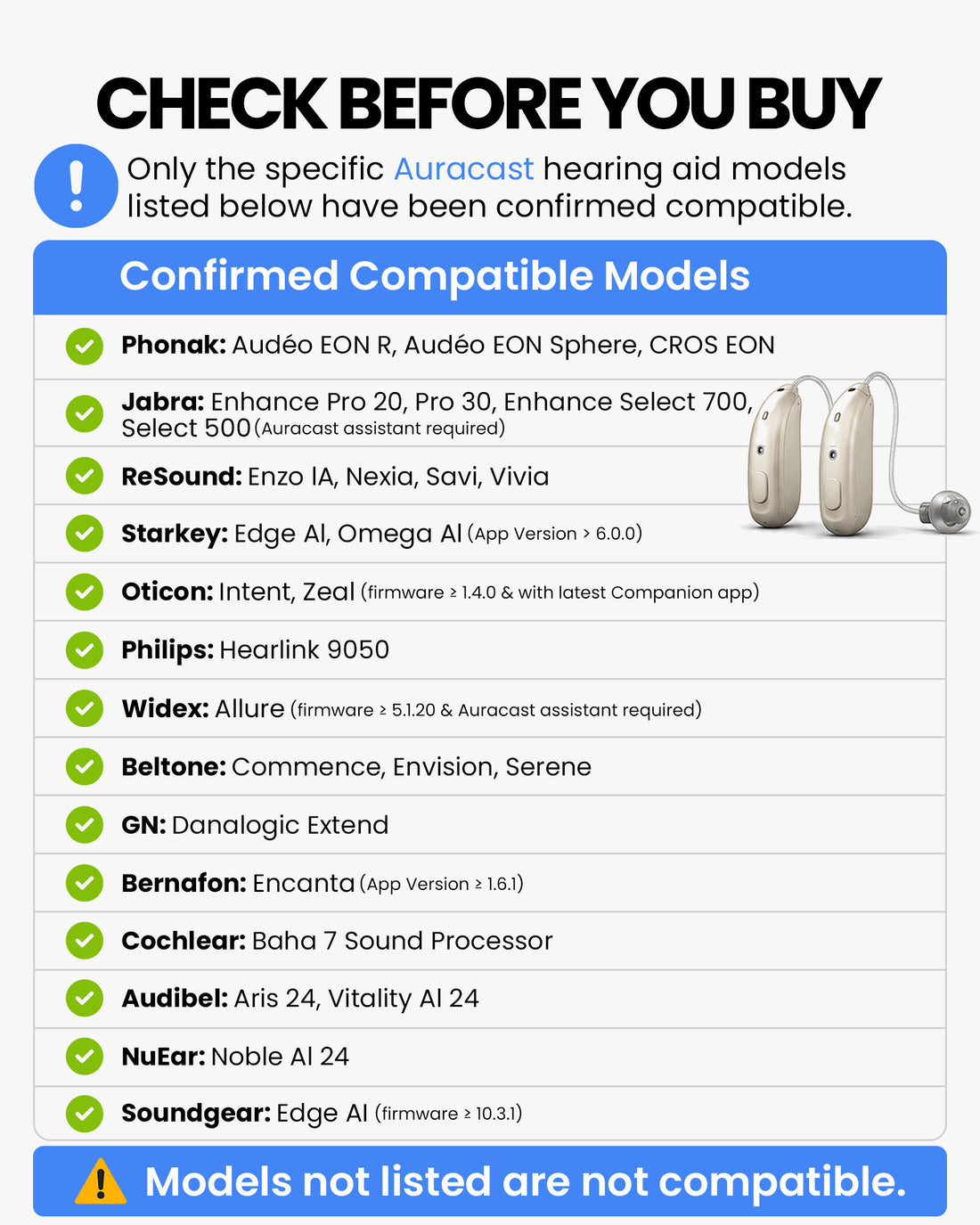
Auracast hearing aids & devices
Connect directly when the hearing aid, earbuds, headphones, receiver or speaker supports Auracast.
T-Coil hearing aids
Use AuraCoil to receive the Auracast broadcast through the hearing aid's T-Coil program.
Wired earbuds & headphones
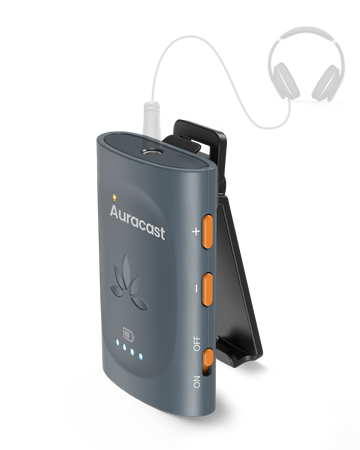
Use AuraClip as the venue-provided Auracast receiver.
Bluetooth headphones & speakers
Use Aura C with a compatible phone, then select the Bluetooth hearing aid, headphones or speaker as the phone's audio output.
Check Hearing Aid Compatibility
Not sure AirCast is right for your venue? Find My Setup

02 · Product Details

What's Included

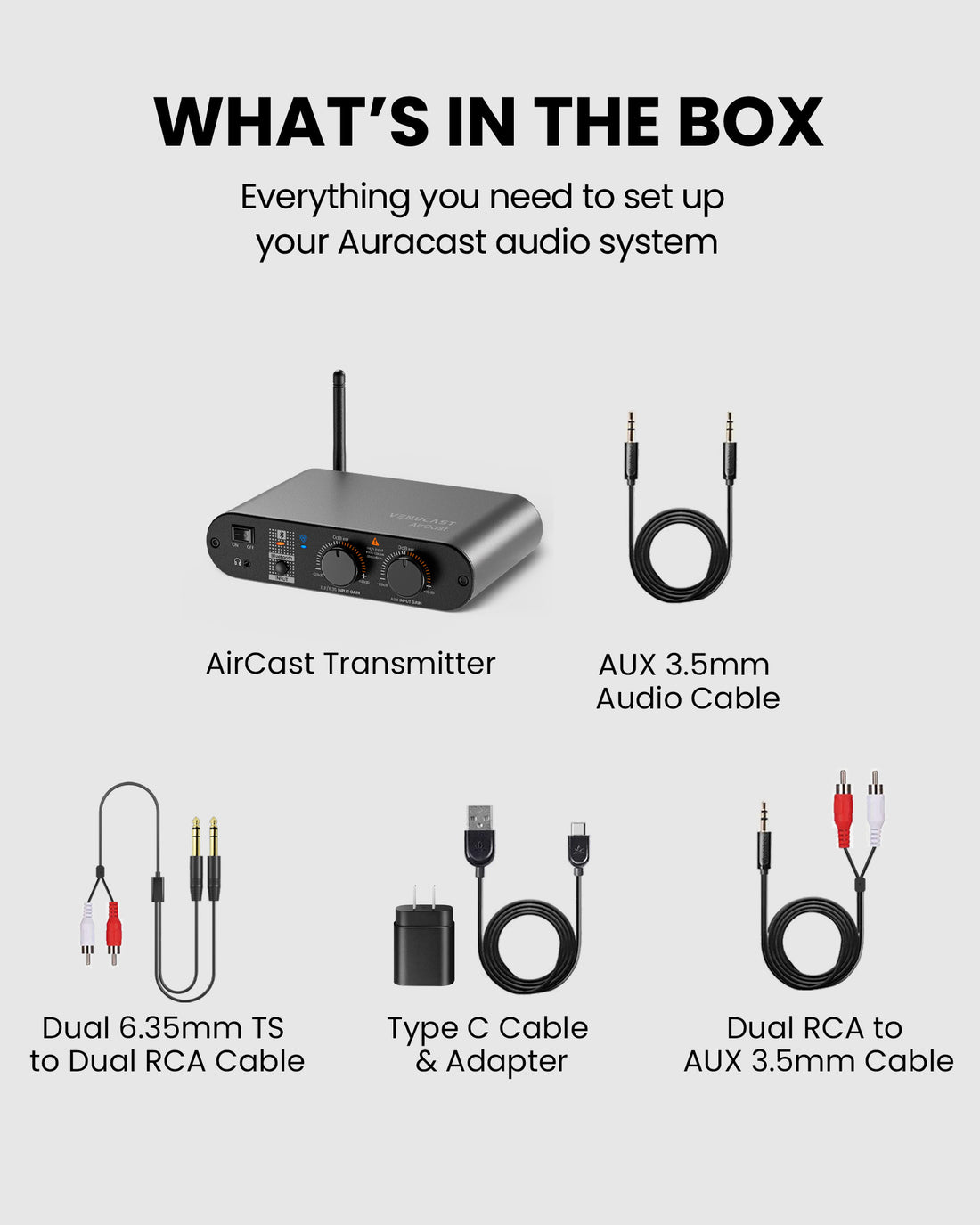
  • 1× AirCast Transmitter
  • 1× USB-C Data & Power Cable (1.5 m)
  • 1× 3.5 mm AUX Cable (1.5 m)
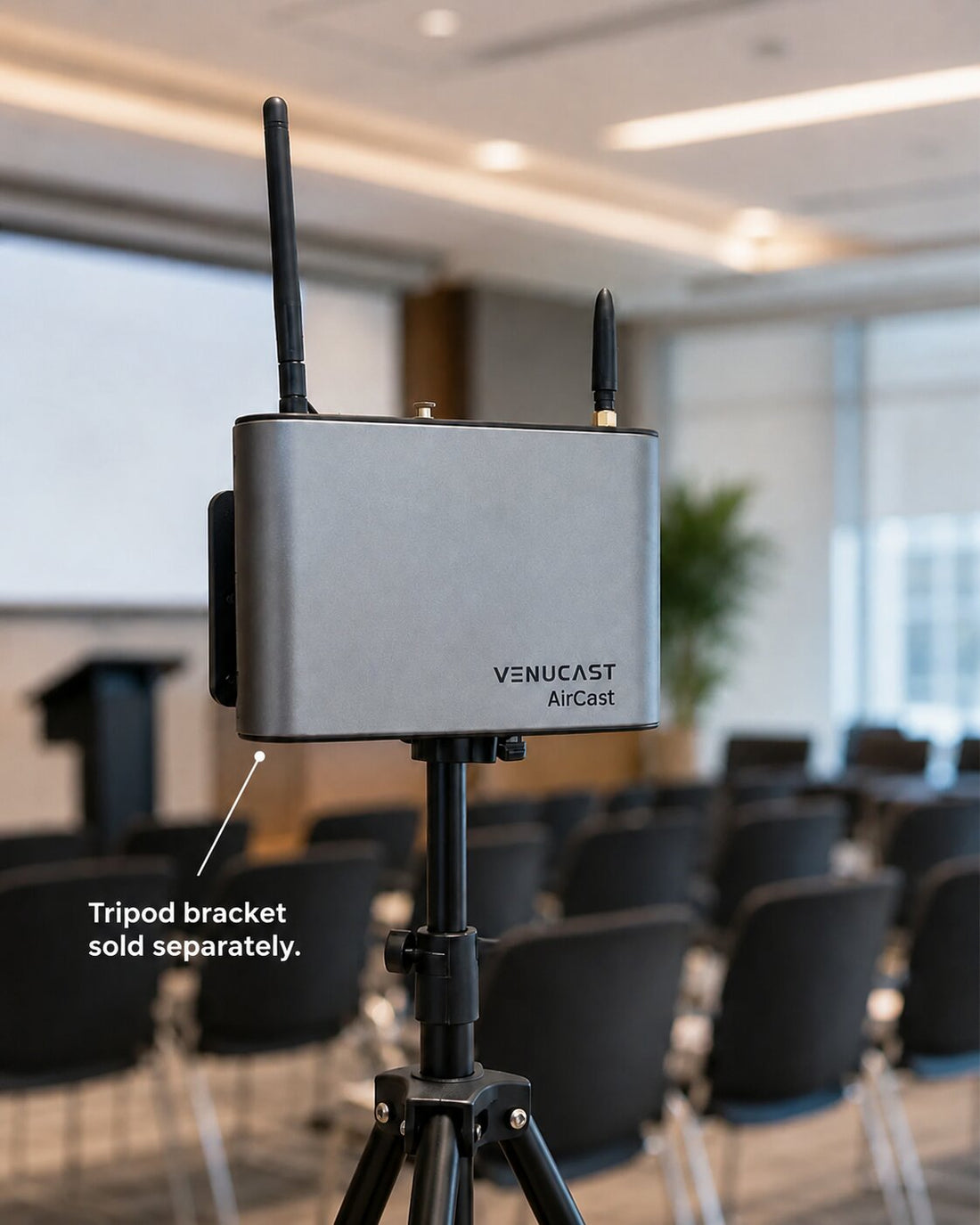
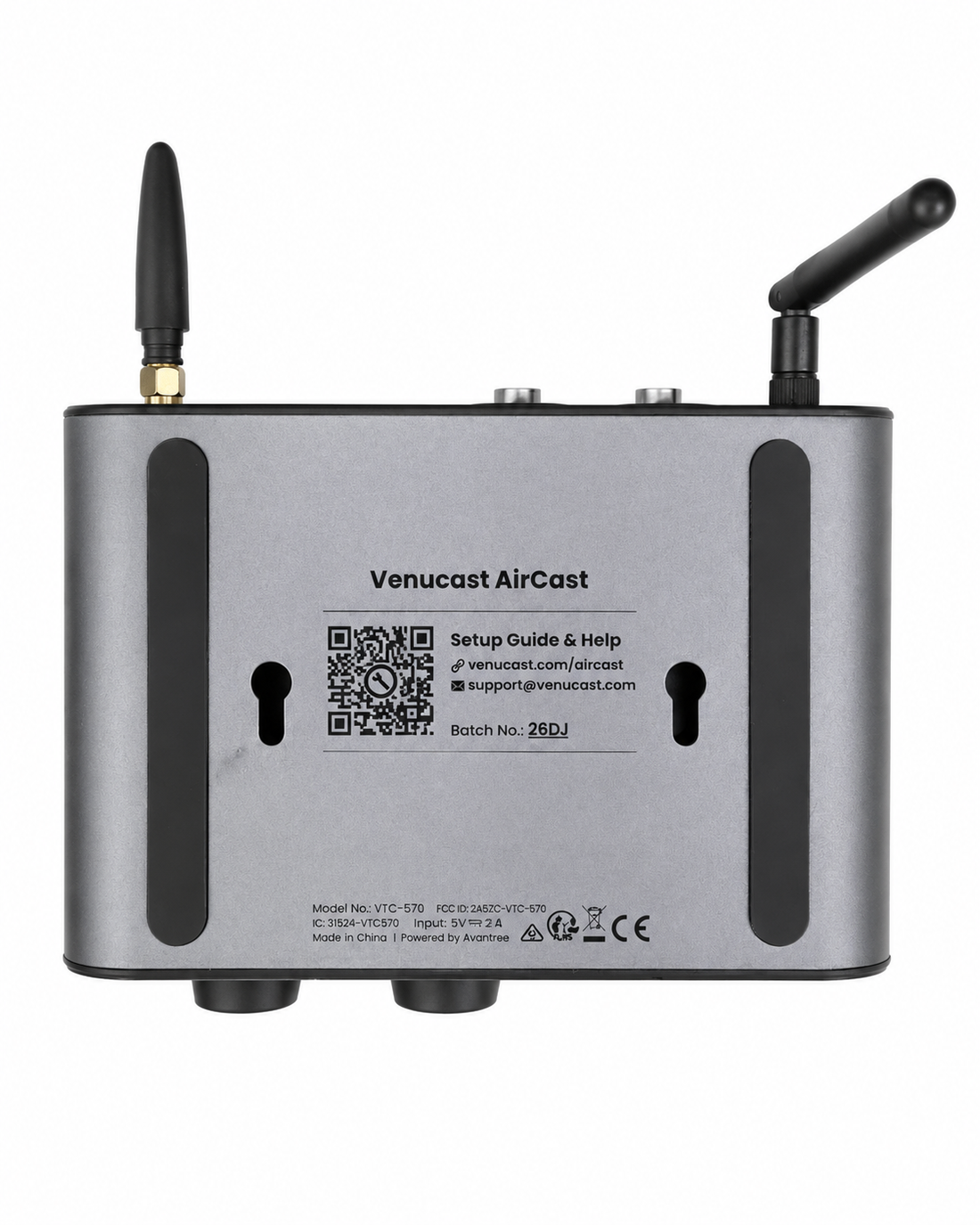
  • 2× M3.5 × 30 mm Screws
  • 2× M6 × 30 mm Screws
  • Note: Starting from batch 26H1, 2× 1 m XLR female-to-male cables are included.

How It Works

Simple by design

No professional installation required

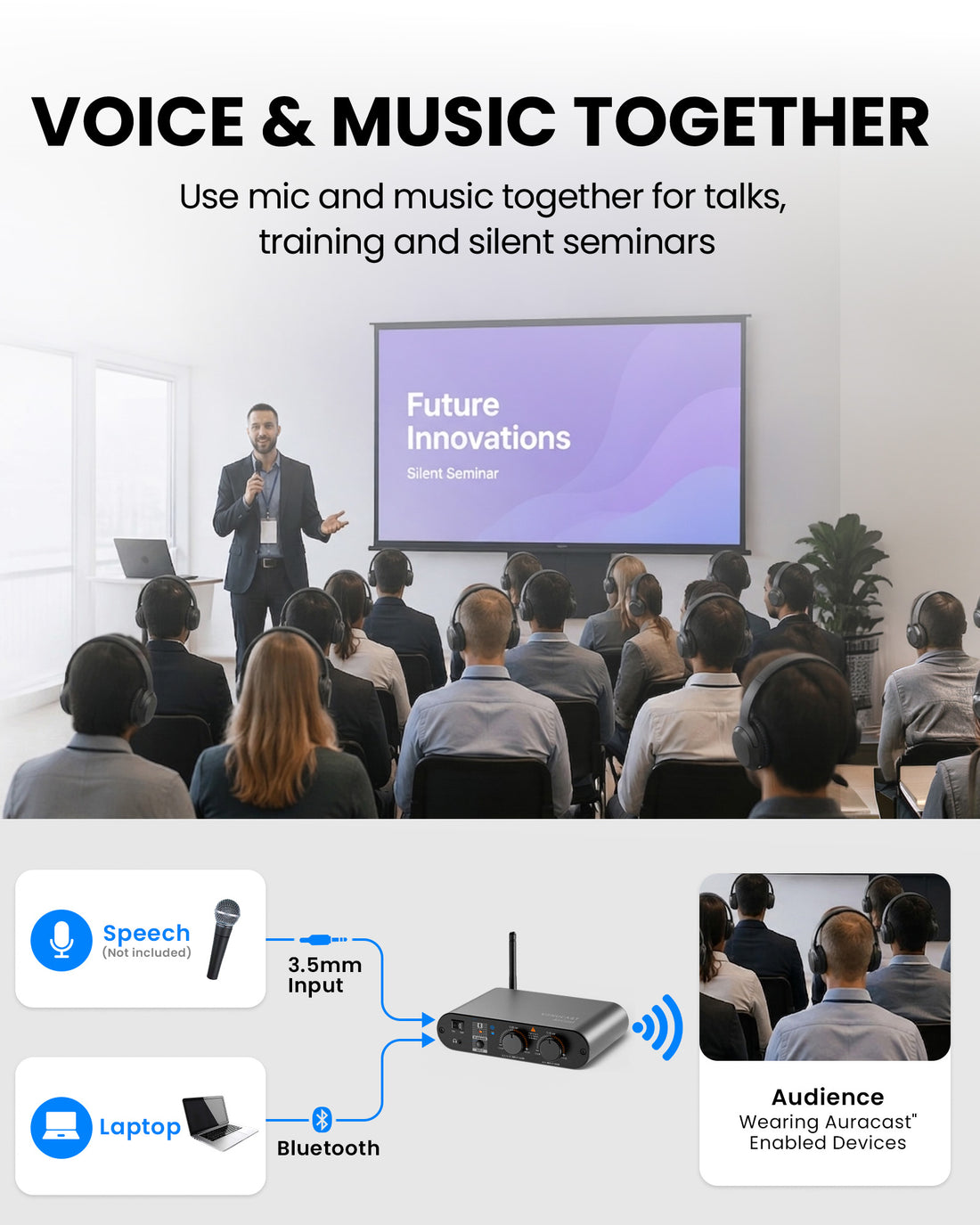
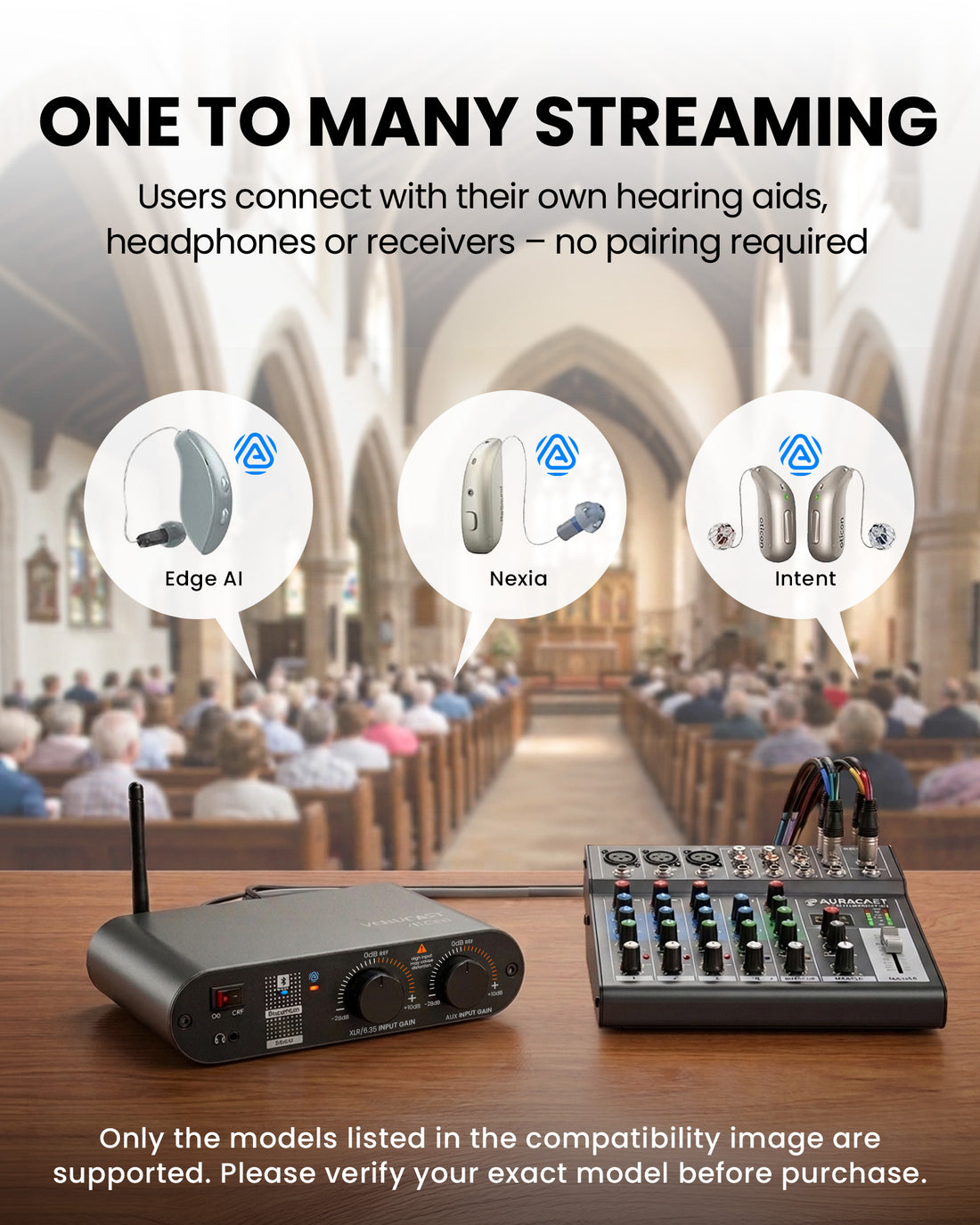
Connect AirCast to your existing audio output, power it on and start the broadcast. Add more compatible listening devices later without replacing the transmitter.

  • Plug & play
  • Uses your existing audio system
  • Add listening devices anytime
1
Venue audio source Connect the venue mixer or audio source.
2
AirCast transmitter Receives venue audio and creates the Auracast broadcast.
3
Auracast broadcast One broadcast can serve multiple compatible listeners.
4
Compatible listening devices Hearing aids, receivers, headphones and speakers.

Technical Specifications

Coverage
Up to 150m / 492ft LOS
Suggested venue size
300–1,000 seats
Inputs
XLR / 6.35mm / AUX / Bluetooth
Broadcast
1 Auracast channel
Audio control
Independent mic & background levels
Monitoring
Built-in 3.5mm headphone port
Typical latency
Approx. 50–70ms
Configuration
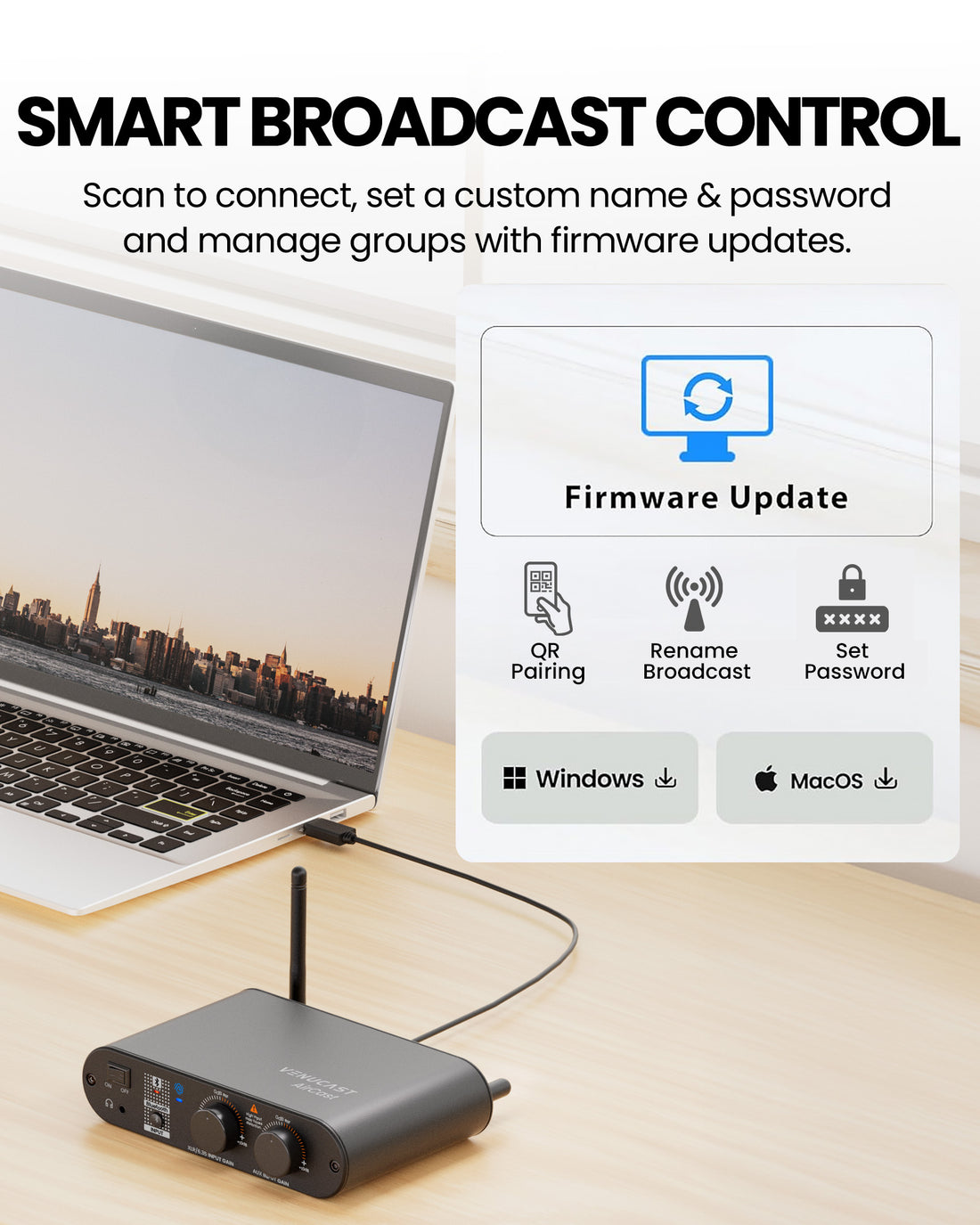
Broadcast name, encryption, firmware & QR via PC Tool; Grouping not available yet — coming soon
Supported audio format
Auracast LC3 (24 / 48kHz), Stereo (L/R channels)
Bluetooth version
5.4
Bluetooth profiles
PBP, A2DP
Supported audio codecs
Auracast LC3; Bluetooth SBC
Sample rate
24 kHz / 48 kHz
Typical audio latency
40–70 ms
Maximum output power
+20 dBm
Input level
Line level, -10 dBu to +4 dBu
Headphone monitor output
20 mW @ 32 Ω, 1 kHz
Phone / PC range
Up to 30 m / 100 ft
Compatible listeners
One-to-many; unlimited Auracast listeners
Power
DC 5V / 1A via USB-C
Dimensions
170 × 110 × 37 mm
Weight
800 g

03 · Setup & Config

User Guide

Connections, setup, operation, and product reference.

Open guide

Firmware & Configuration

Update firmware and configure your AirCast broadcast with the PC tool.

Open PC tool

Setup Downloads

Venue signage, listener materials, and hearing-aid connection guides.

View downloads

Troubleshooting

Fix common sound, connection, firmware, and setup issues.

Get help

04 · Addons & Accessories

Common Questions

AirCast FAQ

Will AirCast work with my hearing aids or listening devices?

AirCast connects directly to Auracast-enabled hearing aids, earbuds, headphones and receivers. Other devices may require an accessory. Check compatibility before ordering.

Which cable do I need for my mixer or soundboard?

Use our Cable Finder. AirCast supports XLR, 6.35 mm and 3.5 mm AUX inputs. The correct cable depends on your equipment’s output.

What can I do with the AirCast PC Tool?

Update AirCast firmware and PC Tool software, rename the broadcast, set a password and generate supported QR codes. Features may vary by version.

Can I group multiple AirCast transmitters and receivers?

NOT AVAILABLE YET — COMING SOON. Grouping will let each AirCast use its own broadcast name and password, then sync that password to supported Venucast receivers. This makes multi-room systems easier to organize and helps prevent receivers from joining the wrong broadcast.

Is AirCast suitable for live music and speech?

Typical latency is approximately 50–70 ms. It is suitable for speech and general venue listening, but not for musicians’ in-ear monitoring. An echo may be noticed when live sound and streamed audio are heard together.

Can guests use ordinary headphones?

Yes, with the right receiver: AuraClip or AuraView for wired headphones, AuraCoil for T-Coil hearing aids, or Aura C with a compatible USB-C phone for Bluetooth headphones.