

 Auracast Listening Guide
for Starkey Hearing Aids
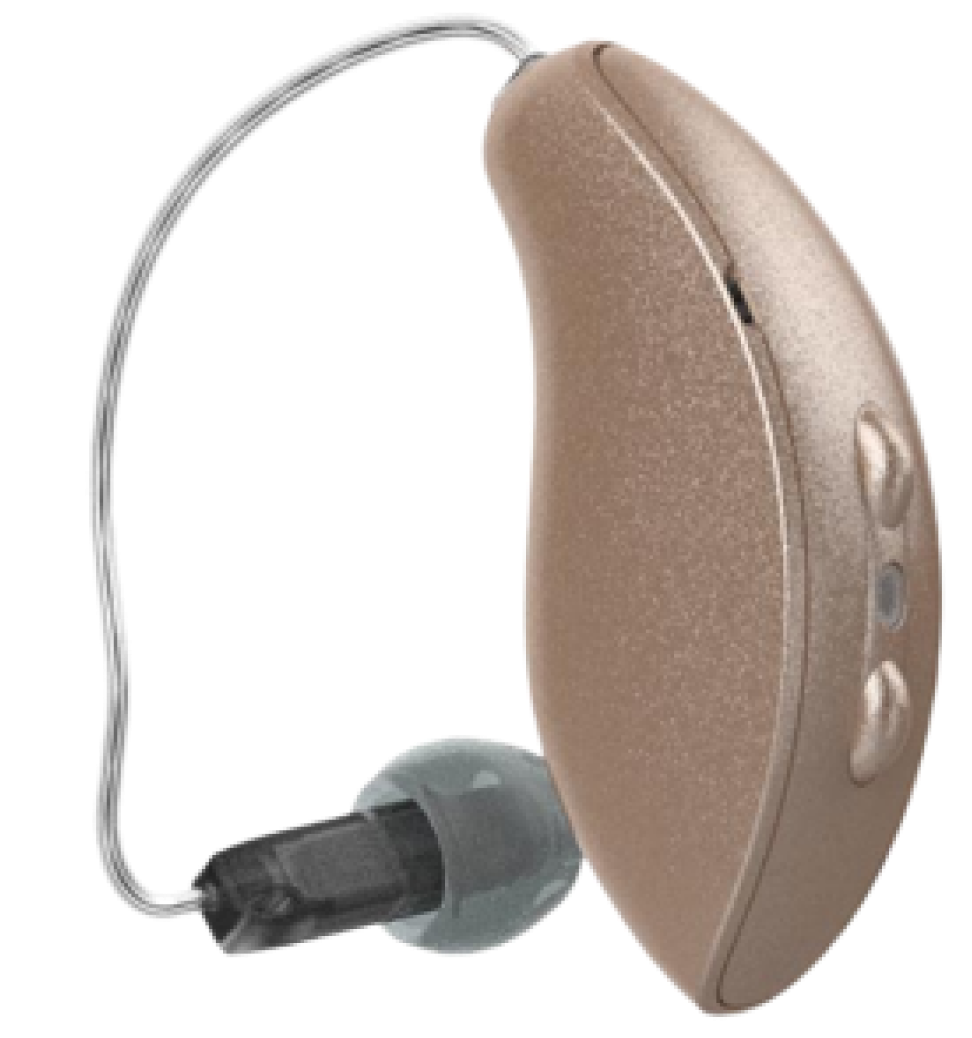
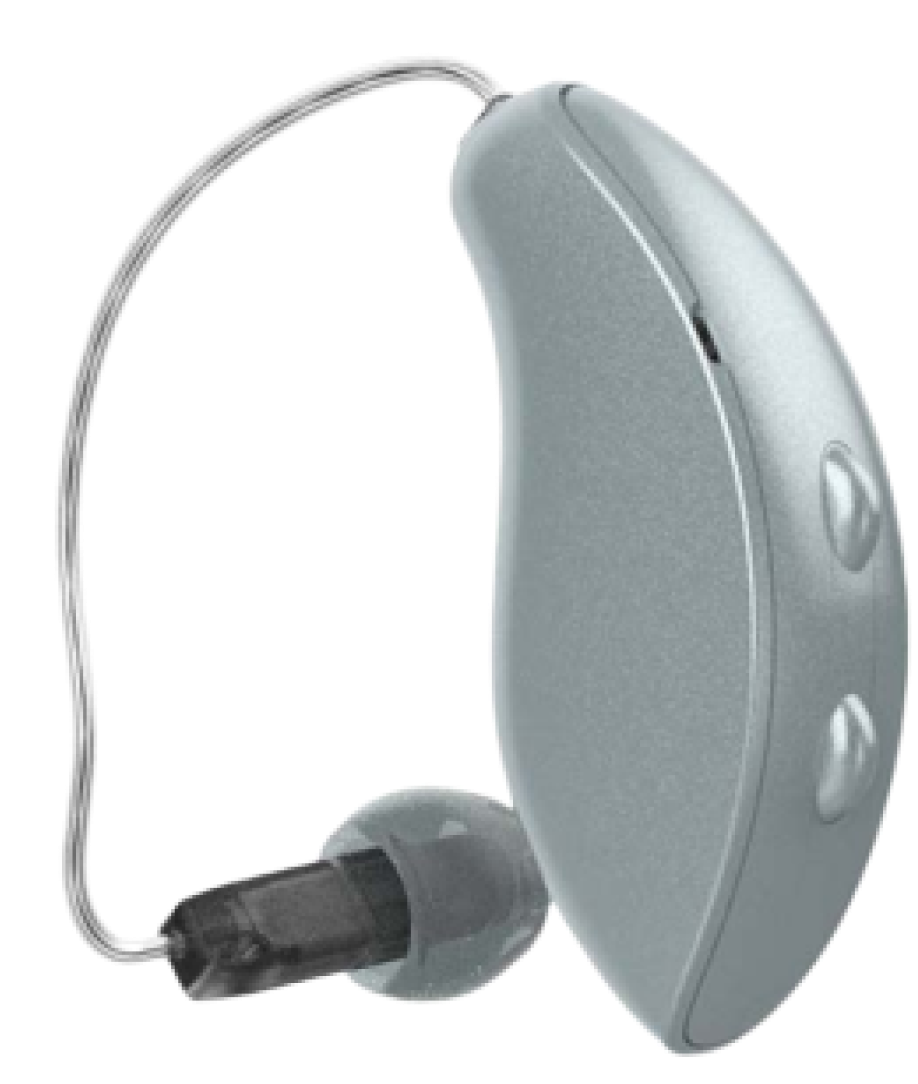 Learn how to listen to Auracast broadcastsStart
 Auracast Listening Guide
for Jabra Hearing AidsLearn how to listen to Auracast broadcastsStart


 Auracast Listening Guide
for Oticon Hearing Aids

 Learn how to listen to Auracast broadcastsStart
Auracast Listening Guide
Learn how to listen to Auracast broadcastsStart
Auracast Listening Guidefor Philips Hearing Aids
 Learn how to listen to Auracast broadcastsStart
Auracast Listening Guide
Learn how to listen to Auracast broadcastsStart
Auracast Listening Guidefor Beltone Hearing Aids

 Learn how to listen to Auracast broadcastsStart
Auracast Listening Guide
Learn how to listen to Auracast broadcastsStart
Auracast Listening Guidefor Danalogic Hearing Aids

 Learn how to listen to Auracast broadcastsStart
Auracast Listening Guide
Learn how to listen to Auracast broadcastsStart
Auracast Listening Guidefor Bernafon Hearing Aids

 Learn how to listen to Auracast broadcastsStart
Auracast Listening Guide
Learn how to listen to Auracast broadcastsStart
Auracast Listening Guidefor Cochlear Hearing Aids
 Learn how to listen to Auracast broadcastsStart
Auracast Listening Guide
Learn how to listen to Auracast broadcastsStart
Auracast Listening Guidefor NuEar Hearing Aids
 Learn how to listen to Auracast broadcastsStartAuracast Listening Guide
for Widex Hearing Aids

 Learn how to listen to Auracast broadcastsStart
Auracast Listening Guide
Learn how to listen to Auracast broadcastsStart
Auracast Listening Guidefor Phonak Hearing Aids
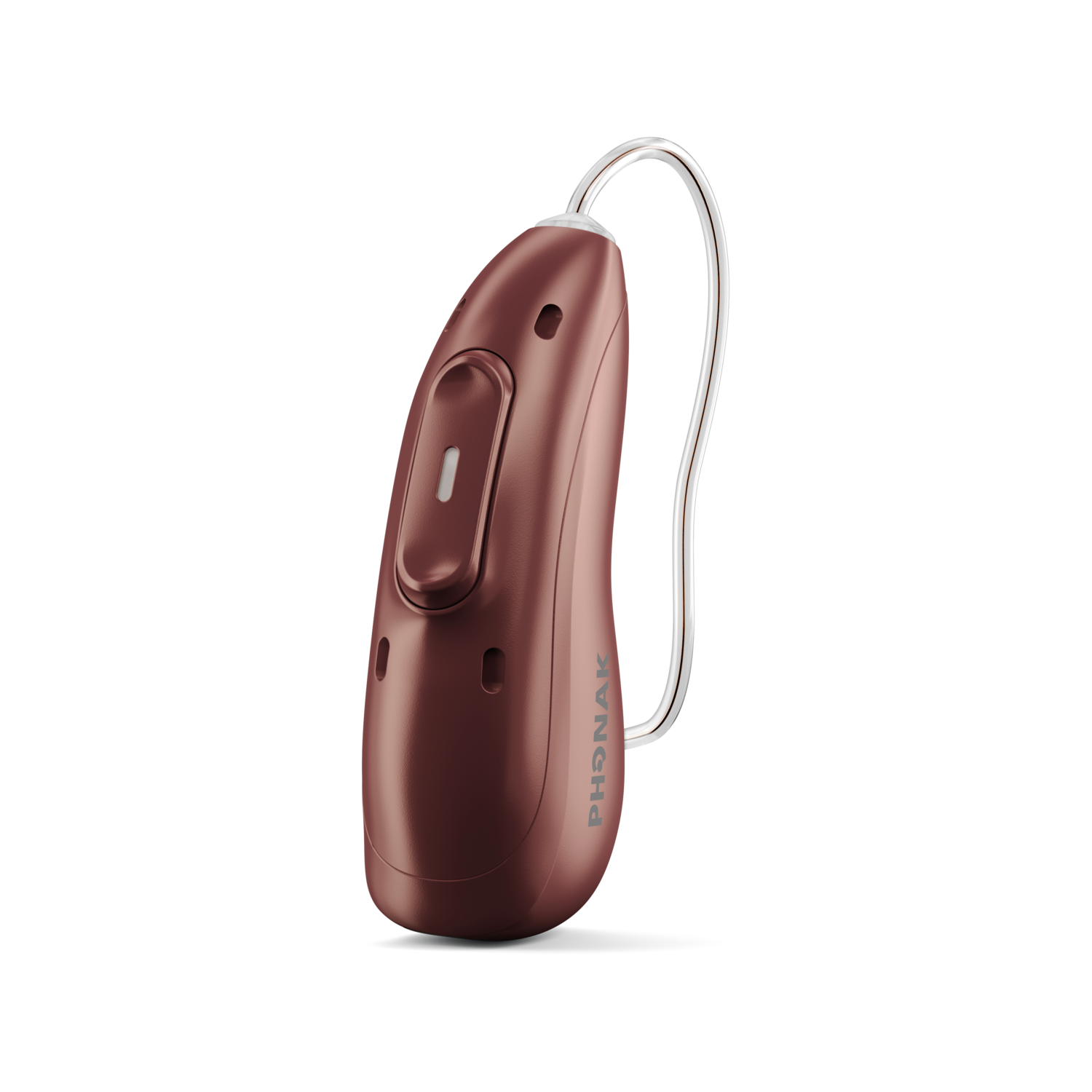 Learn how to listen to Auracast broadcastsStart
Auracast Listening Guide
Learn how to listen to Auracast broadcastsStart
Auracast Listening Guidefor Fortell Hearing Aids
 Learn how to listen to Auracast broadcastsStart
 Auracast Listening Guide
for ReSound Hearing Aids
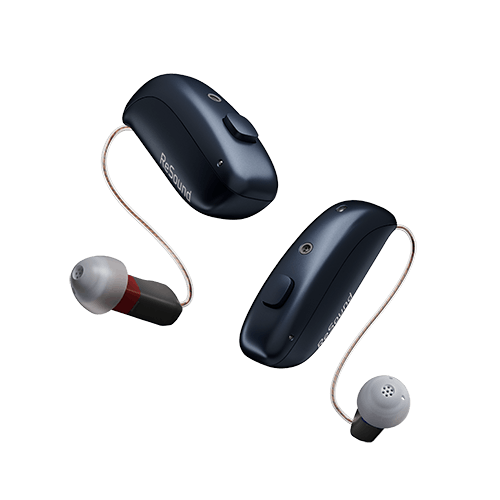 Learn how to listen to Auracast broadcastsStart


