
Auracast hearing aids
Connect directly to the Auracast broadcast.
Direct Auracast


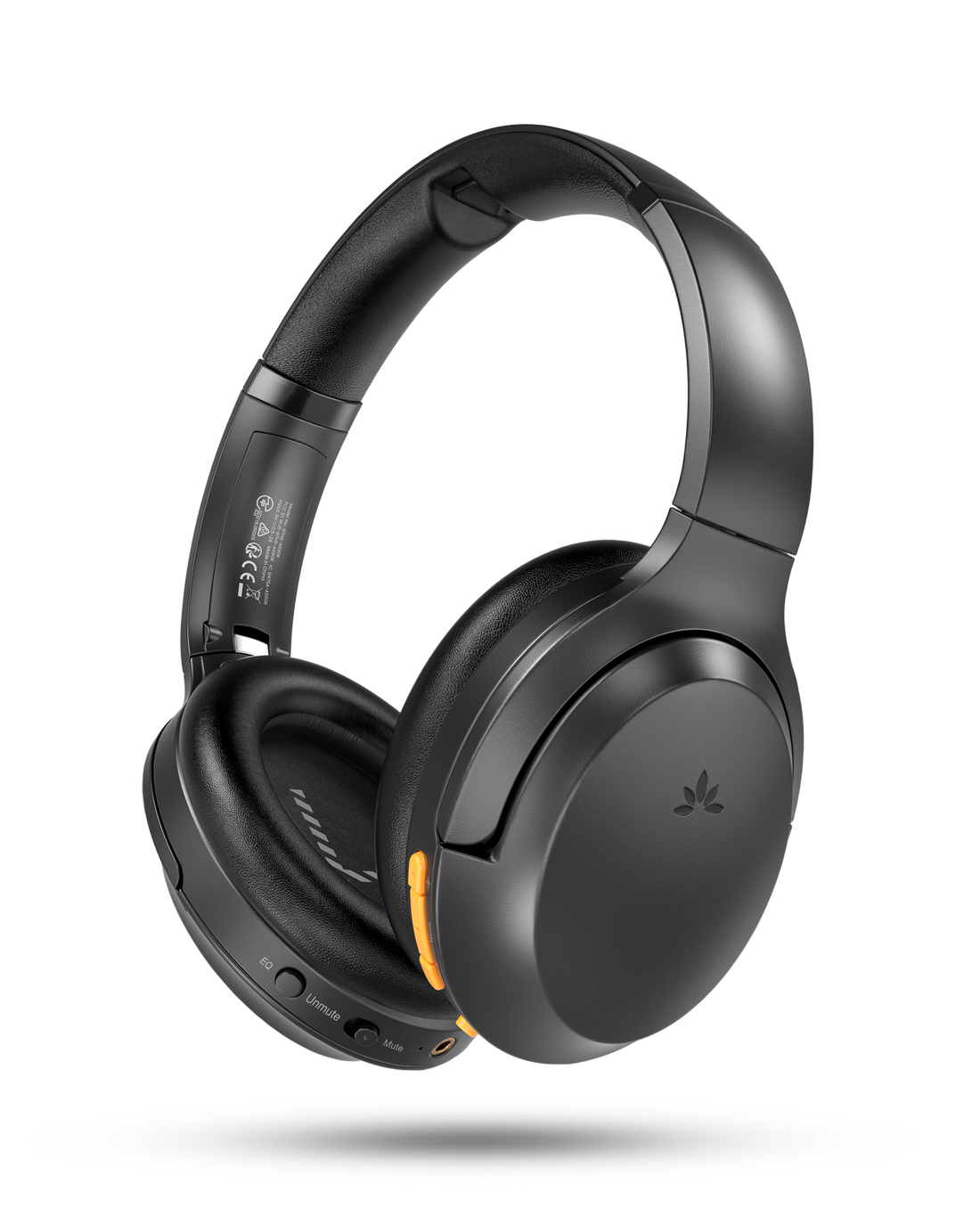

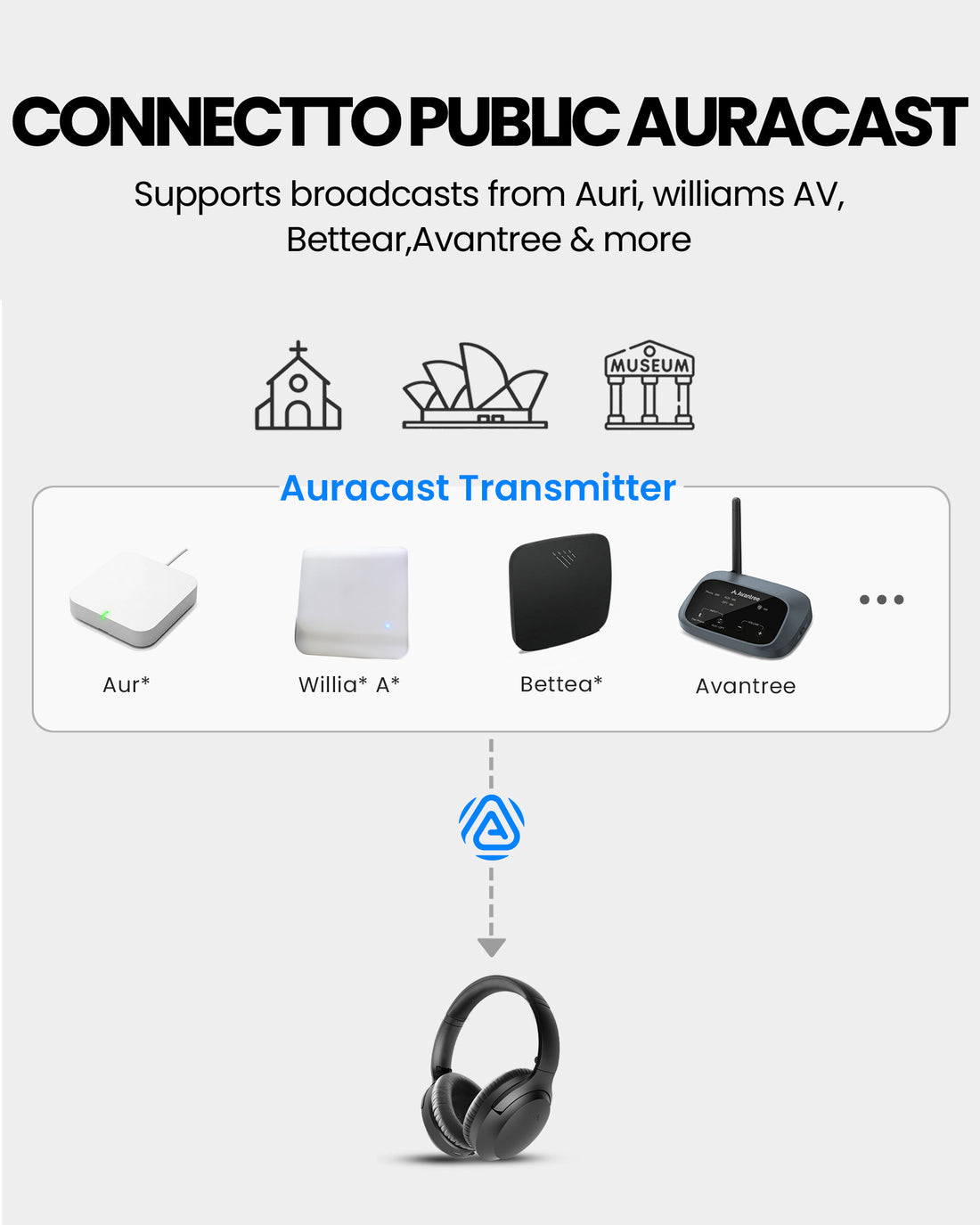
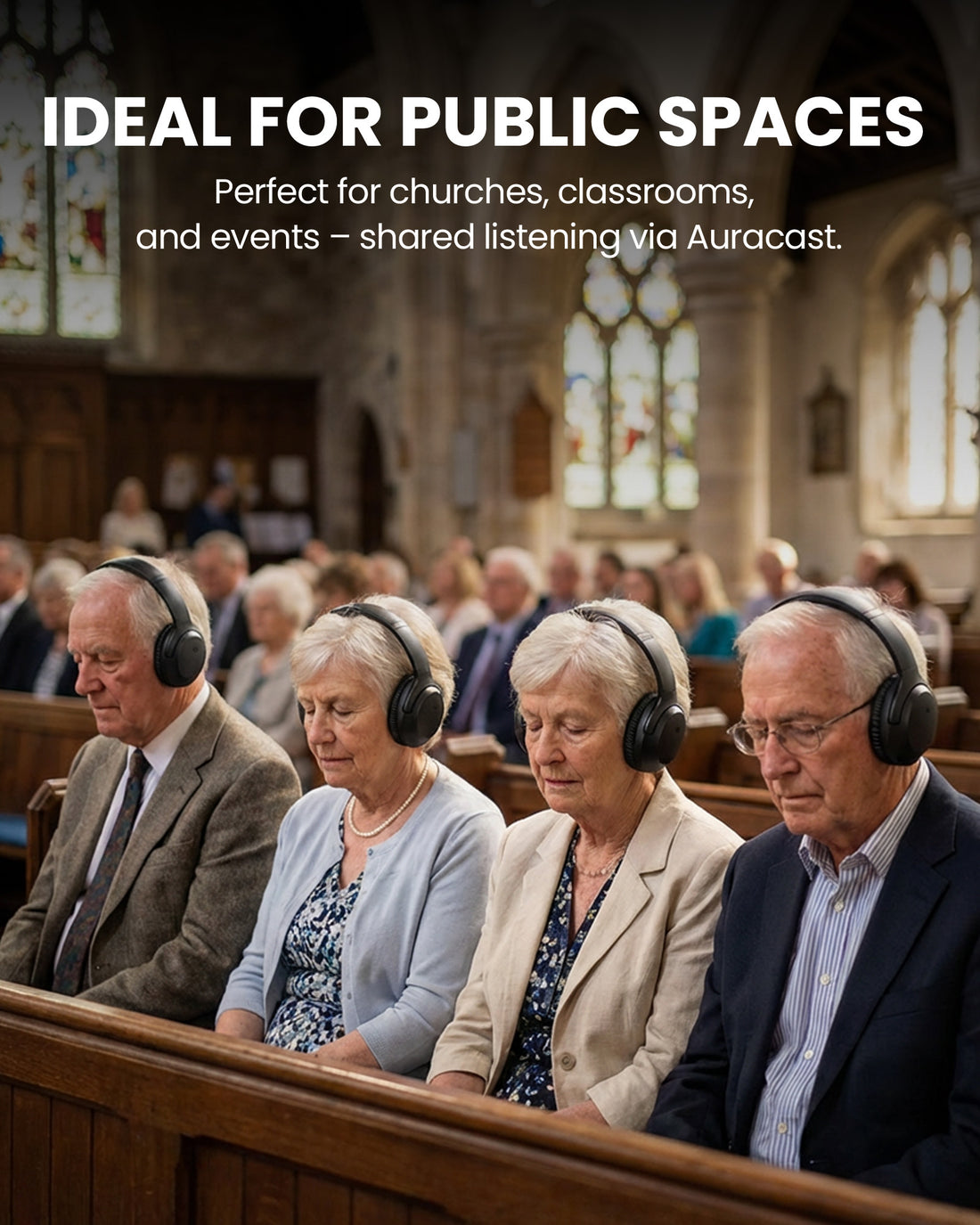
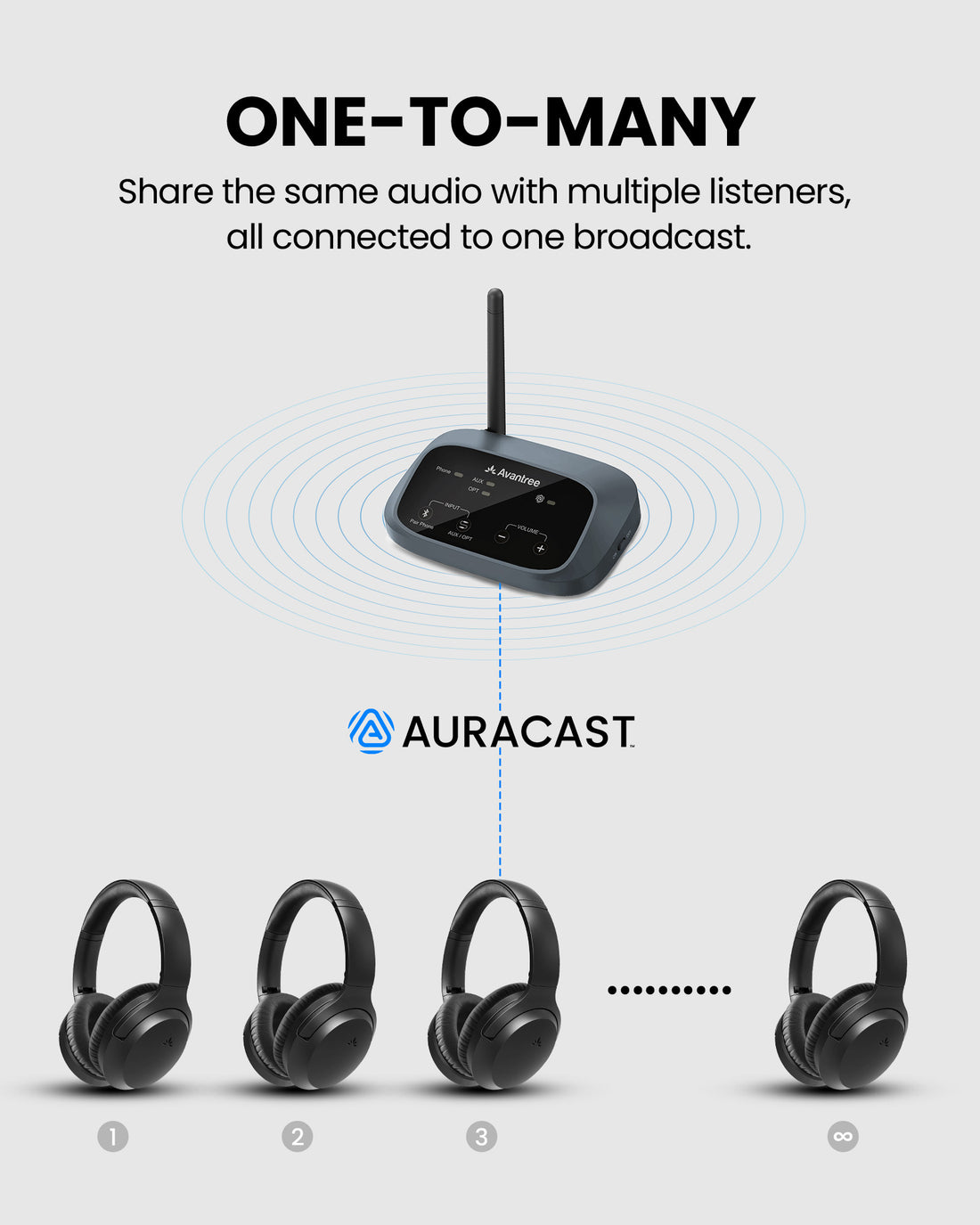
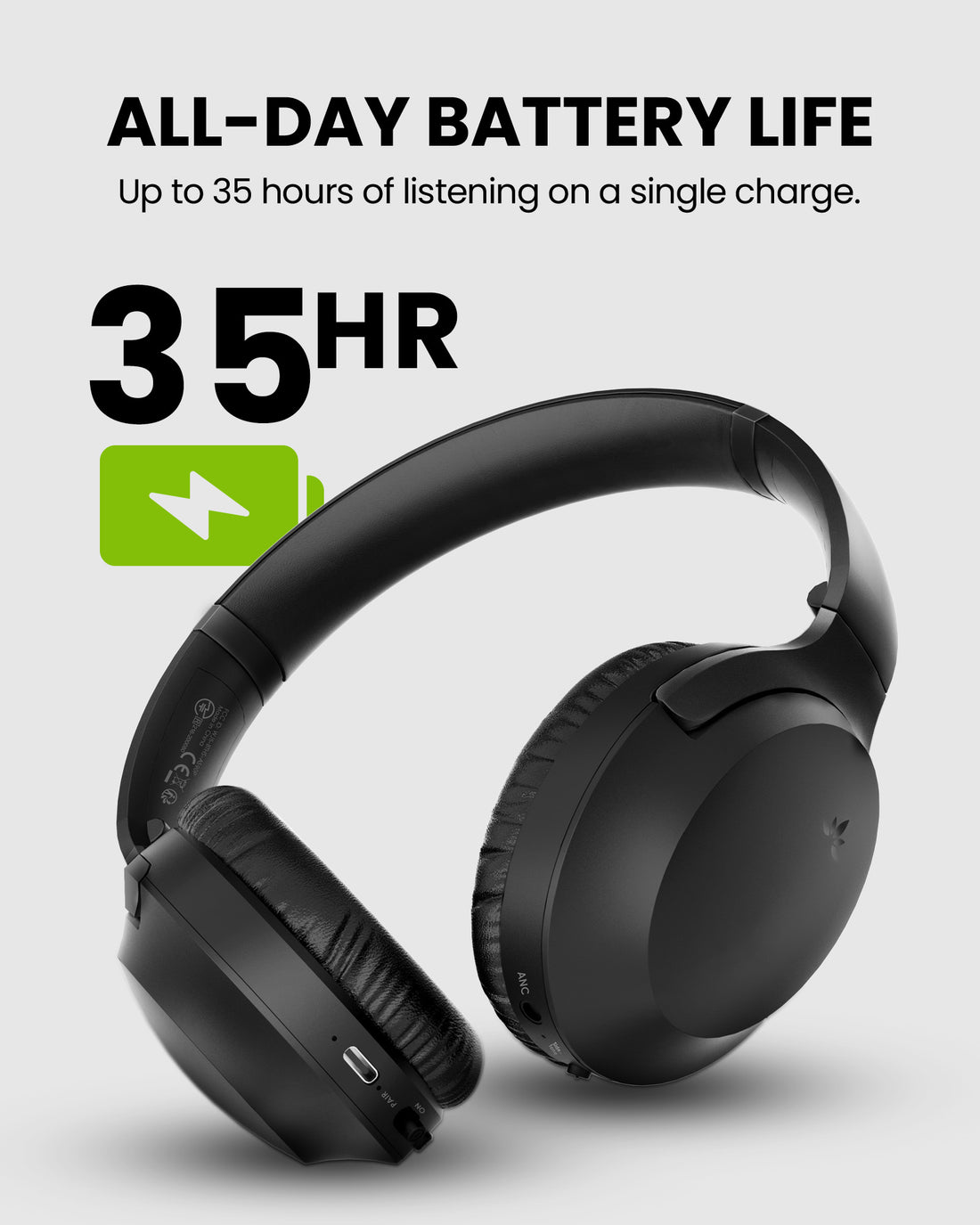
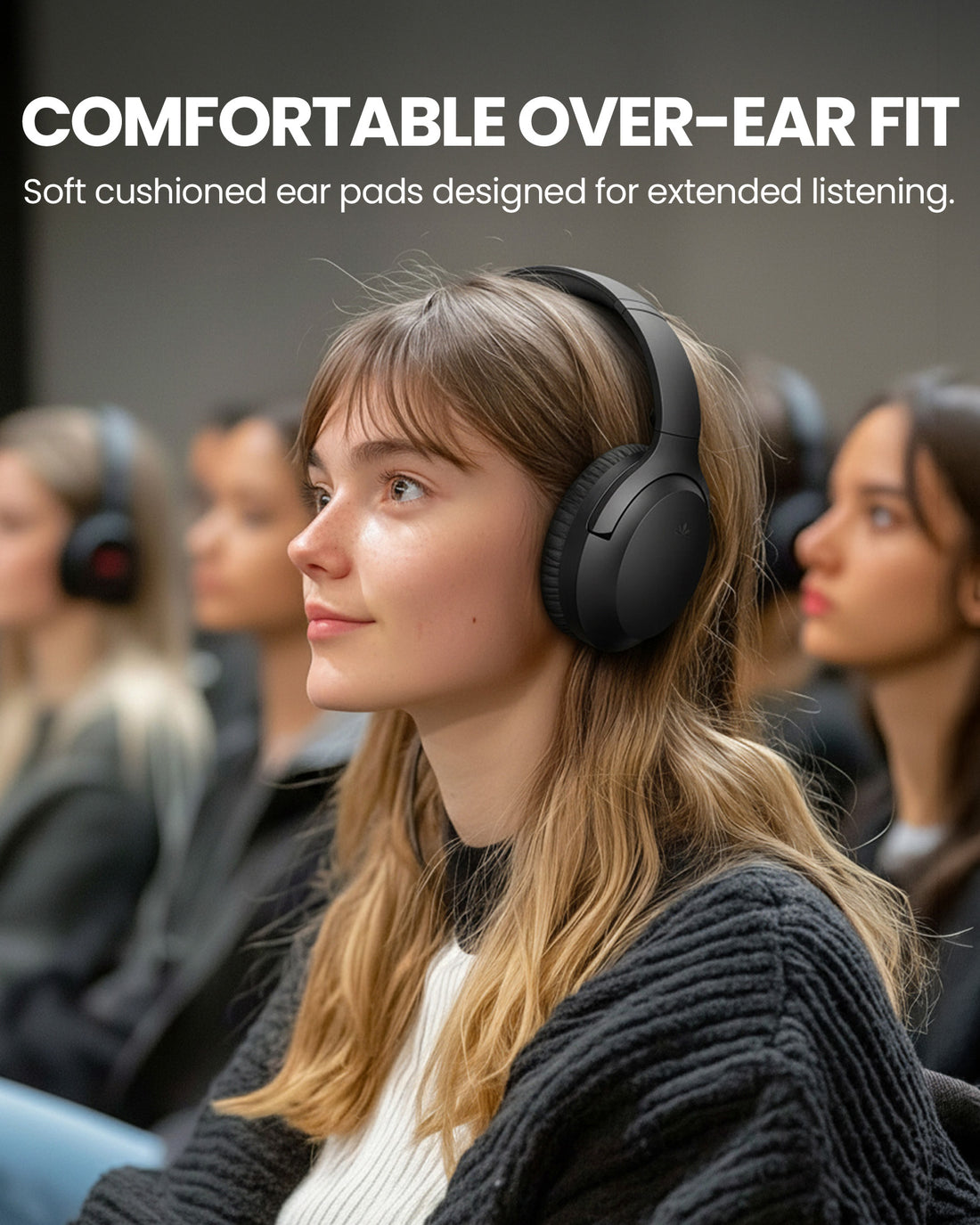
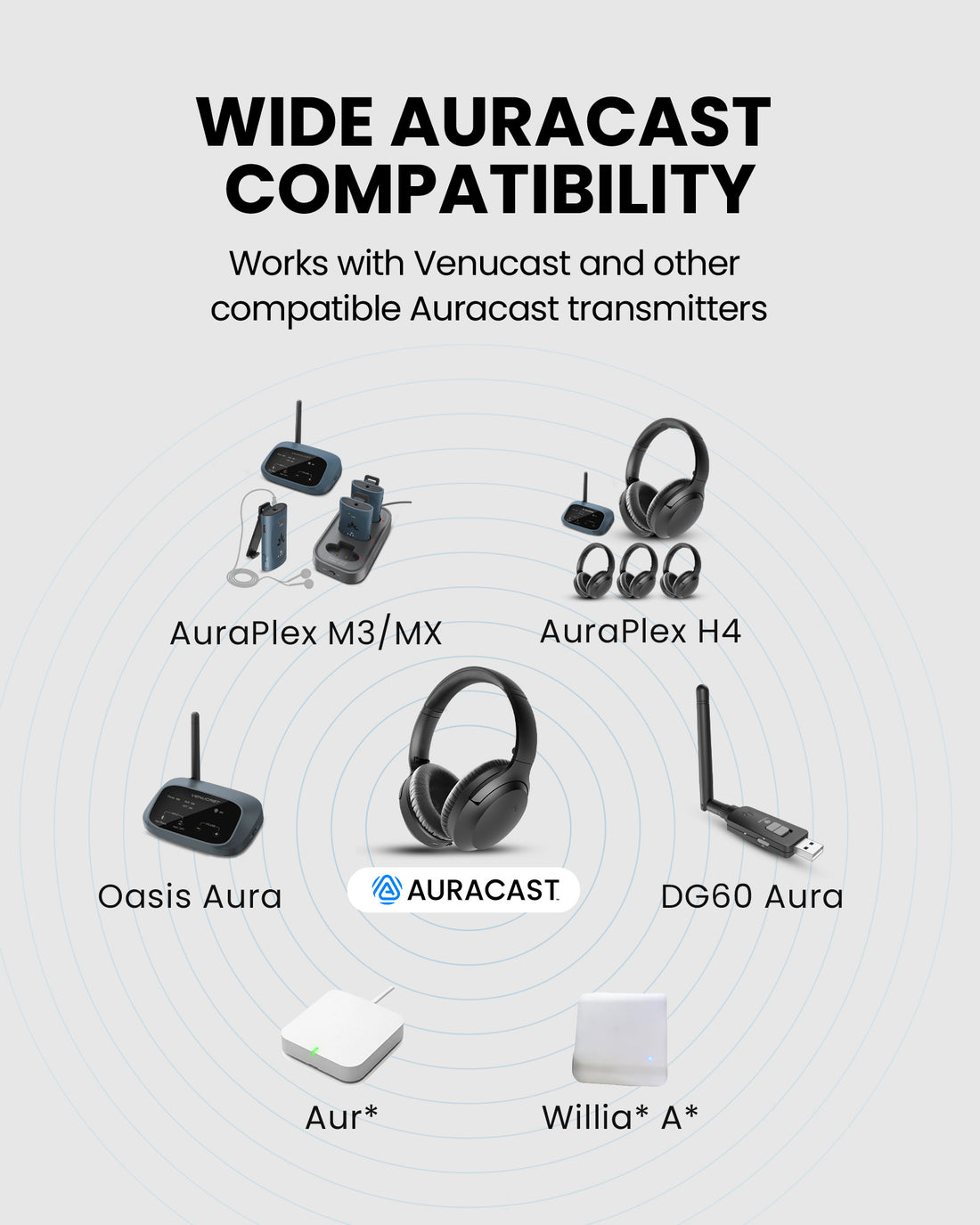
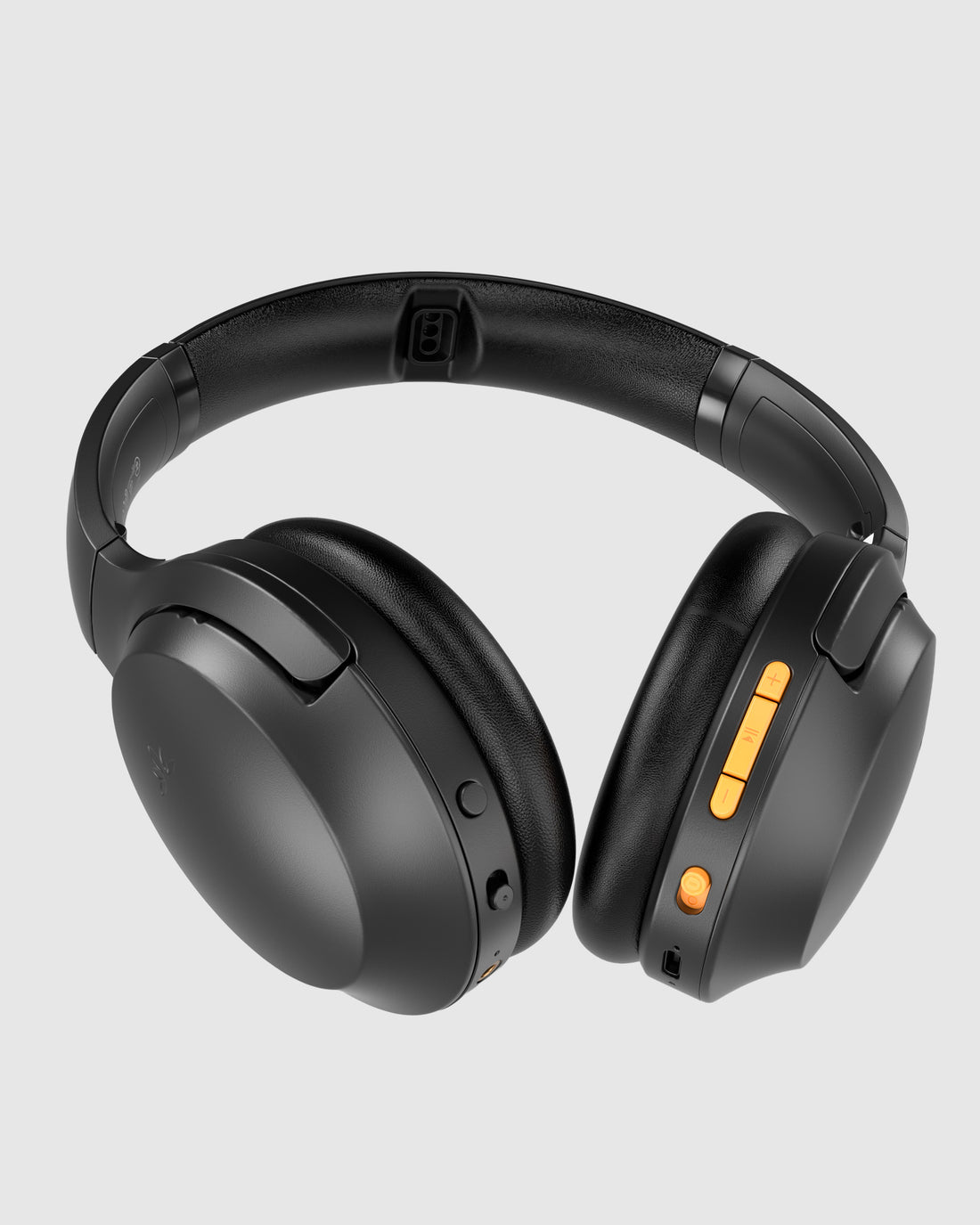
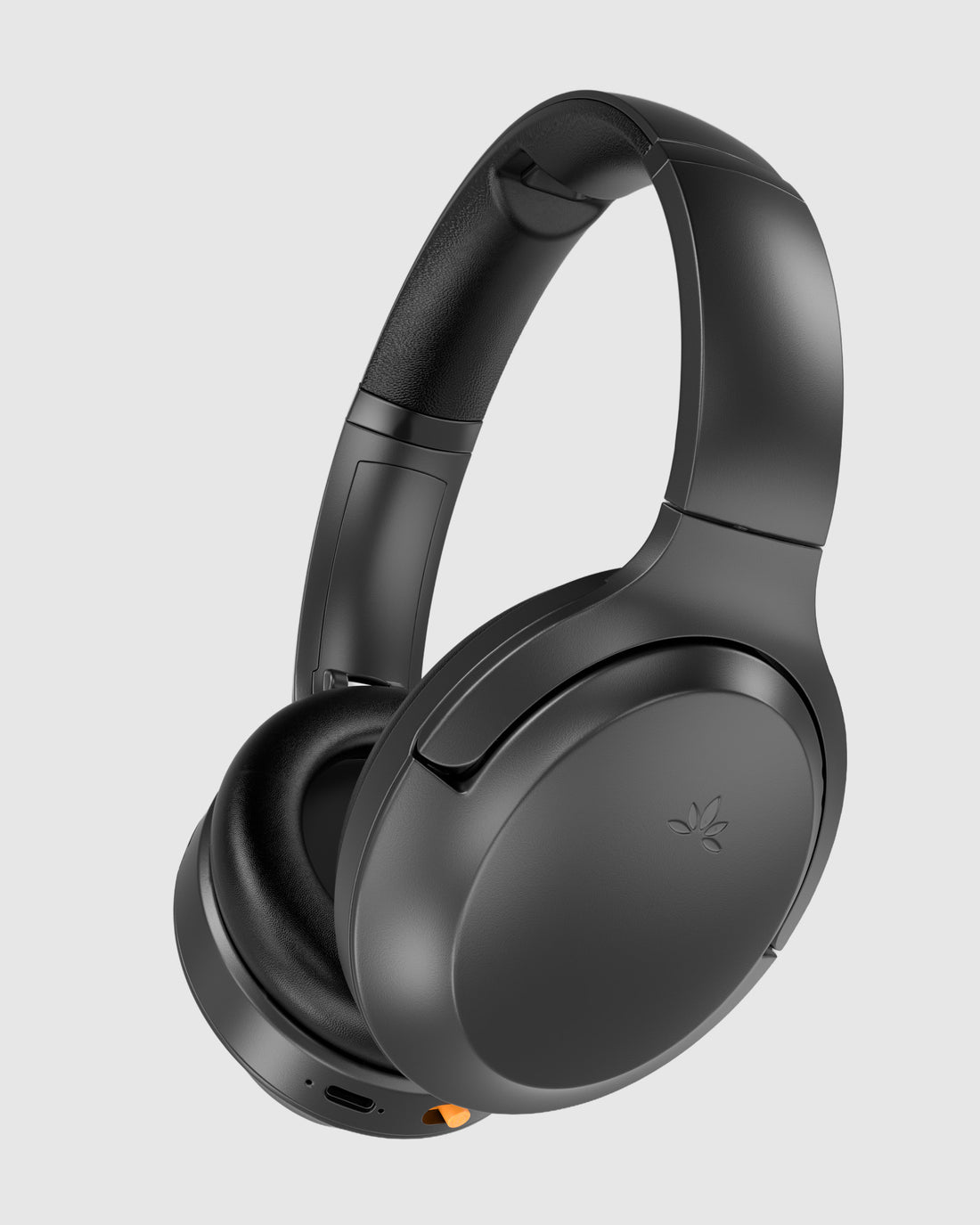
Comfortable over-ear Auracast headphones for public venues, shared listening, and compatible broadcast systems.
Checking the fastest delivery option…
Connect directly to the Auracast broadcast.
Direct Auracast

Use AuraCoil to hear through the hearing aid’s T-Coil.


Use Aura C as a bridge for compatible Bluetooth hearing aids.


Use a receiver with headphones or earbuds.
Receiver + Headphones
01 · Build your system
 Includes Aria Aura
Aria Aura 4Auracast Headphones for Theaters & Public Venues
Includes Aria Aura
Aria Aura 4Auracast Headphones for Theaters & Public Venues
 Includes Aria Aura
Aria Aura 4 ProAuracast Headphones for Churches, Theaters, Classrooms & Meetings
Includes Aria Aura
Aria Aura 4 ProAuracast Headphones for Churches, Theaters, Classrooms & Meetings
 Works with Aria Aura
Oasis AuraAuracast Assistive Listening Transmitter for Churches & Venues
Works with Aria Aura
Oasis AuraAuracast Assistive Listening Transmitter for Churches & Venues
 Works with Aria Aura
DG60 AuraUSB-A Auracast Transmitter for PC, for Auracast Headphones, Hearing Aids & Receivers, Long Range
Works with Aria Aura
DG60 AuraUSB-A Auracast Transmitter for PC, for Auracast Headphones, Hearing Aids & Receivers, Long Range
 Works with Aria Aura
AirCastLong-range Professional Auracast Transmitter for Hearing Aids
Works with Aria Aura
AirCastLong-range Professional Auracast Transmitter for Hearing Aids
 Works with Aria Aura
NetCastNetCast delivers two Auracast broadcasts with professional audio inputs, Ethernet, PoE and local Web
Works with Aria Aura
NetCastNetCast delivers two Auracast broadcasts with professional audio inputs, Ethernet, PoE and local Web
 Works with Aria Aura
Earpads for Aria SeriesA replacement earpad set for Avantree Aria Series headphones. You will need to install the
Works with Aria Aura
Earpads for Aria SeriesA replacement earpad set for Avantree Aria Series headphones. You will need to install the
 Works with Aria Aura
Type C sync & charge cable
Works with Aria Aura
Type C sync & charge cable
02 · How it works
Audio sources
Product

Listener pathways
03 · Where it fits

Provide clear program audio from an existing Auracast broadcast to individual listeners.

Support shared speech and learning audio while each listener controls their own volume.

Deliver clear speech and program audio for performances, meetings, and presentations.

Expand accessible listening in museums, senior centers, and other shared public spaces.
04 · Product details
05 · Compare
| Feature | Current productAria Aura | Eon Aura | Lite Aura |
|---|---|---|---|
| Best for | Everyday Versatility | Premium Listening | Lightweight Listening |
| Design | Professional Style | Premium Full-Size Design | Ultra-Light Design |
| TV Ready | Yes | Yes | - |
| Bluetooth Audio | Yes | Yes | - |
| Auracast Ready | Yes | Yes | Yes |
| Private Auracast | App | App (Coming Soon) | - |
| Voice Clear | Yes | Yes | - |
| ANC | - | Yes | - |
| Replaceable Battery | - | Yes | - |
| Charging Dock Support | Yes | Yes | - |
| Choose If You Want | Most Versatile | Premium Comfort & Features | Lightest & Simple |
06 · Common questions