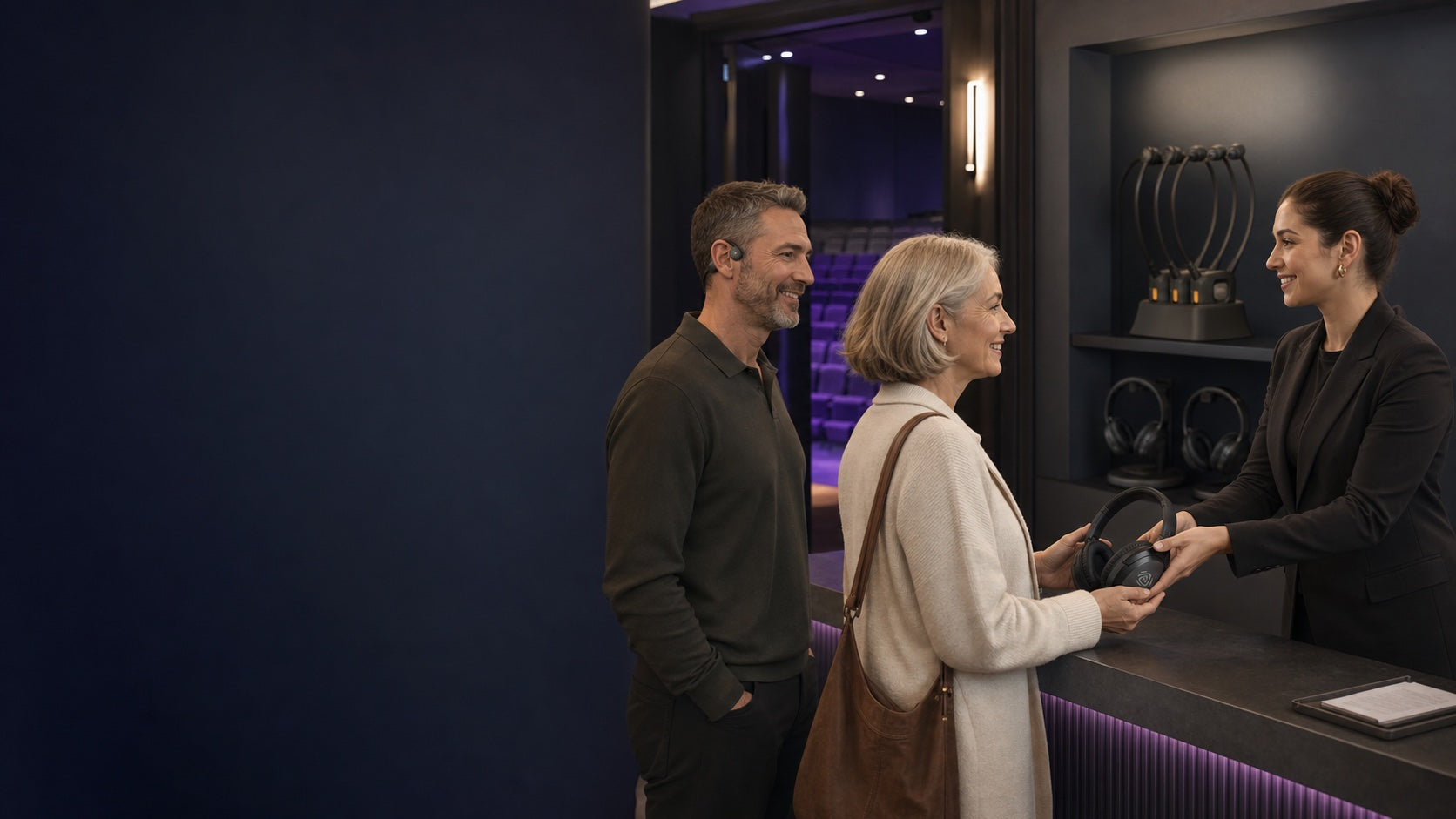
Venue staff lending an over-ear headphone to a guest while another guest uses a personal open-ear listening device

AURACAST HEADPHONES

Auracast Headphones for Every Listener

Listen directly to a compatible Auracast broadcast without traditional Bluetooth pairing. Equip a venue with ready-to-loan headphones, or let guests use their own compatible over-ear, open-ear, neckband or earbud style.

No traditional pairing Independent volume Venue packs + personal options

THE ANSWER FIRST

Choose by who will wear it.

For most venues, start with a four-headphone pack. Add open-ear or premium individual options only when your audience or lending workflow needs them.

SIMPLE VENUE LENDING

The easiest four-listener starting point

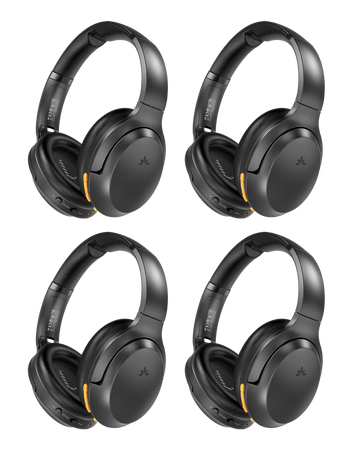
Lite Aura 4 Auracast Headphones for Churches, Classrooms & meetings
ChooseLite Aura 4

Four lightweight headphones, individual volume and up to 35 hours of listening make this the straightforward venue-loan choice.

View product →
SIMPLE VENUE LENDING

More cushioned over-ear comfort

Aria Aura 4
ChooseAria Aura 4

Choose the four-pack when listeners prefer full over-ear coverage, cushioned earcups and dock or USB-C charging.

View product →
OPEN-EAR OPTION

Less isolation for seniors and shared spaces

AuraBand 2-Pack Auracast Wireless Earbuds for Seniors. Assistive Listening for Public Venues. Clear Auracast broadcast audio in churches, nursing homes, senior centers, clinics, and community events.
ChooseAuraBand 2-Pack

The two-pack open-ear format keeps the ear canal open and includes a drop-in charging dock.

View product →
PREMIUM INDIVIDUAL

Longer listening with ANC

Eon Aura T
ChooseEon Aura T / Eon Aura

Choose Eon Aura T when you want a charging dock, or Eon Aura when the dock is not needed. Both offer up to 60 hours and replaceable service parts.

View product →
PERSONAL EARBUDS

Pick ANC, neckband stability or compact size

Loop Auracast Neckband Earbuds with Charging Dock Auracast TV Earbuds with Clear Dialogue & Easy Charging Dock
CompareInfinity NC / Loop / Ace Aura

Infinity NC adds ANC and app controls; Loop adds a secure neckband, voice-focused EQ and dock; Ace Aura is the compact all-purpose earbud.

See personal options →

ALL EIGHT OPTIONS

Venue packs and personal choices.

Every card links to the current product page and current store price. Choose the wearing style first, then compare battery, charging and control features.

Lite Aura 4 Auracast Headphones for Churches, Classrooms & meetings
LIGHTWEIGHT 4-PACK

Lite Aura 4

A simple four-listener venue pack with independent volume and up to 35 hours of listening.

Loop Auracast Neckband Earbuds with Charging Dock Auracast TV Earbuds with Clear Dialogue & Easy Charging Dock
NECKBAND + DOCK

Loop

A secure neckband with voice-focused EQ, Auracast and Bluetooth, a charging dock and up to 12 hours.

SIDE-BY-SIDE

Compare before you buy.

Use this table to narrow the list by lending workflow and wearing style. Follow the product link for complete specifications and compatibility details.

ModelFormat / packBest forKey differenceCurrent price
Aria Aura 4Over-ear headphones / 4Cushioned venue listeningCushioned earcups, dock or USB-C charging, up to 35 hours$379.99
AuraBand 2-PackOpen-ear earbuds / 2Seniors and less isolationOpen-ear fit with a two-unit charging dock$249.99
Eon Aura TOver-ear headphones / 1Premium venue lendingANC, four sound modes, 60 hours, replaceable parts and dock$199.99
Eon AuraOver-ear headphones / 1Premium listening without a dockANC and ambient modes, 60 hours and replaceable parts$169.99
Infinity NCTrue wireless earbuds / 1Personal ANC and app controlANC, custom EQ, app controls and HD calls$79.99
LoopNeckband earbuds / 1Clear dialogue and easy daily chargingVoice-focused EQ, charging dock and up to 12 hours$79.99
Ace AuraTrue wireless earbuds / 1Compact TV, gym and public useAuracast plus Bluetooth with low-latency listening

Prices are rendered from the live product records and may change. Device compatibility depends on the broadcast source, receiving device and current software.

ONE OPEN LISTENING ECOSYSTEM

Loan fewer devices without limiting listener choice.

A venue can keep a practical loan inventory while compatible personal Auracast headphones, earbuds and hearing devices join the same broadcast.

Direct broadcast listeningCompatible devices join an Auracast broadcast without traditional one-to-one Bluetooth pairing.
Venue-owned or personalLoan a four-pack, add specialty formats, or let guests bring their own compatible device.
Personal volume controlEach listener adjusts volume on their own device while the venue shares one program.
NEED A COMPLETE SETUP?

Match the headphones to your venue source.

Tell us your audio connection, room and listener count. The planner will point you to the right transmitter and listening mix.

FAQ

What to confirm before choosing.

Start with who owns the listening device, then confirm comfort, charging and source compatibility.

Shop Auracast transmitters →
Compare separate receivers →
Do these headphones connect directly to an Auracast broadcast?

Yes, when the headphone or earbud and the source are compatible with Auracast. The listener joins the broadcast instead of using traditional one-to-one Bluetooth pairing. Compatibility can depend on the device and current software.

Which option is best for a venue to loan?

Lite Aura 4 is the simple lightweight four-pack. Aria Aura 4 adds fuller over-ear comfort. Eon Aura T is the premium individual option when ANC, longer battery life and a charging dock matter.

Can guests bring their own Auracast headphones or hearing devices?

Yes. Compatible personal Auracast headphones, earbuds or hearing devices can join the same venue broadcast alongside venue-owned listening devices.

Can each listener set a different volume?

Yes. Each listener controls volume on their own headphone, earbud or receiver while everyone listens to the same broadcast program.

Should I choose headphones or a separate receiver?

Headphones are an all-in-one listening device. A separate receiver is better when a venue needs to connect wired headphones, earbuds, a T-coil neckloop or another output device.

Do I also need an Auracast transmitter?

Yes, unless your audio source already creates a compatible Auracast broadcast. Venues normally connect an Auracast transmitter to the mixer, TV, computer or network audio source.