
Send audio through a neckloop
Choose AuraCoil when guests use hearing aids with a T-Coil program. Its built-in neckloop, volume and left/right balance controls make it a complete lending option.
View product →Choose by listener
The right receiver depends on the listener’s device and whether the venue needs simple lending, visible channel selection, phone-based listening or a speaker output.
Choose AuraCoil when guests use hearing aids with a T-Coil program. Its built-in neckloop, volume and left/right balance controls make it a complete lending option.
View product →
Choose AuraClip 3RX for a compact clip-on receiver that turns wired headphones, earbuds or an external T-Coil neckloop into an Auracast listening device.
View product →
Choose AuraView when multiple broadcasts may be available. Its OLED display can show up to 10 channels, with large controls and a charging dock for venue management.
View product →
Choose Aura C when guests want to listen through a compatible USB-C phone using their existing Bluetooth headphones, hearing devices or phone speaker.
View product →
Choose AuraLink to connect a compatible Auracast broadcast to powered speakers or an audio system through 3.5 mm AUX or RCA.
View product →Receiver collection
Compare Auracast receivers for assistive listening by connection, channel selection and venue role. Choose one type or combine several for different listening devices.
Built-in T-Coil neckloop with charging dock, volume control and independent left/right balance.
Clip-on receiver with a 3.5 mm output and simple three-channel switching.
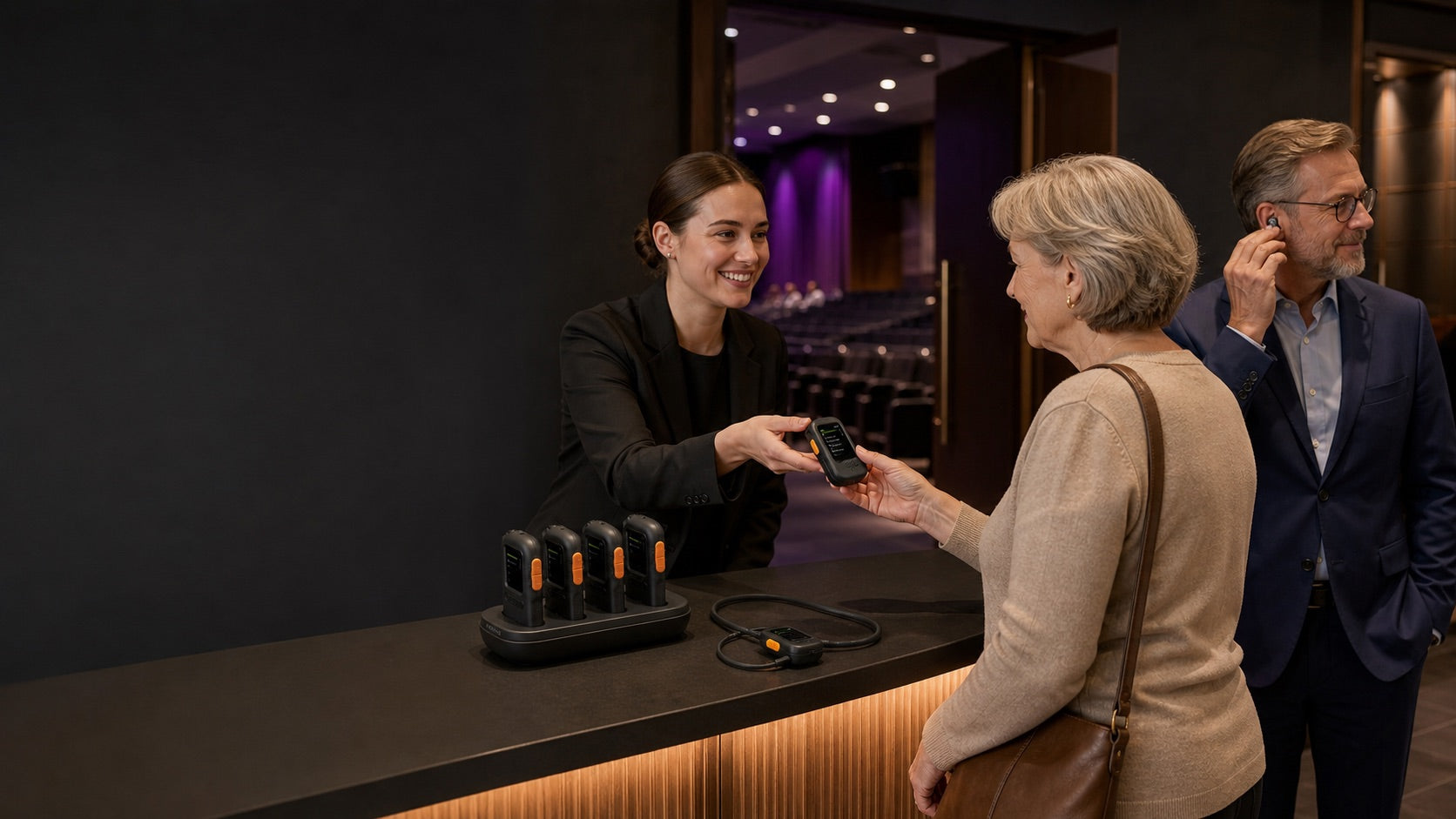
OLED-guided channel selection, large controls, charging dock and support for 3.5 mm listening devices.
Speaker-system receiver with 3.5 mm AUX and RCA outputs for installed or portable audio.
Side-by-side
Choose by listening endpoint first, then by channel visibility and how the venue will lend or install the device.
| Model | Best for | Listener connection | Channel experience | Typical venue role |
|---|---|---|---|---|
| AuraCoil | Guests with T-Coil hearing aids | Built-in T-Coil neckloop | On-device channel and personal audio controls | Complete T-Coil lending option |
| AuraClip 3RX | Wired headphones, earbuds or neckloops | 3.5 mm output | Simple three-channel switching | Compact general-purpose loan receiver |
| AuraView | Venues with several broadcasts | 3.5 mm headphones, earbuds or neckloops | OLED display shows up to 10 channels | Managed multi-channel loan inventory |
| Aura C | Guests using a compatible USB-C phone | Phone to personal Bluetooth audio or phone speaker | Phone-based listening path | Personal-device listening option |
| AuraLink | Powered speakers and audio systems | 3.5 mm AUX or RCA | Joins a compatible Auracast broadcast | Distributed speaker or overflow-audio feed |
Confirm the listener device, broadcast configuration and required pack size before deployment.
A flexible receiver layer
Auracast lets a venue support personal devices and maintain a smaller, more useful receiver pool for guests who still need to borrow equipment.
Use the planner for a fast recommendation or talk with our team about audience mix, channel count, charging and lending workflow.
Receiver FAQ
The fastest decision is to identify the listener’s device, then confirm channel and venue-management needs.
Browse Auracast transmitters →They are designed for compatible Auracast broadcasts. Confirm the broadcast mode, encryption and channel configuration before purchasing for an existing system.
Yes, depending on the receiver. AuraClip and AuraView accept 3.5 mm listening devices; Aura C uses a compatible USB-C phone as the bridge to personal audio; AuraCoil is built for T-Coil hearing aids.
AuraCoil includes its own T-Coil neckloop. AuraClip and AuraView can also be used with a compatible external T-Coil neckloop through their 3.5 mm output.
AuraView is the clearest choice for multi-channel venues because its OLED display can show up to 10 channels. AuraClip provides simpler three-channel switching.
Yes. A venue can maintain different receiver options for T-Coil users, wired-headphone users, phone-based listeners and speaker feeds, then size each pool according to actual demand.
Yes. Compatible receiver packs can be added as loan demand grows. Confirm that new devices support the same broadcast mode, encryption and channel plan used by the venue.
Choose dock-based receiver packs when staff need a consistent return-and-charge workflow. Label receivers by listening type, keep a simple checkout process and test the pool before each event.