
Auracast hearing aids
Connect directly to the Auracast broadcast.
Direct Auracast


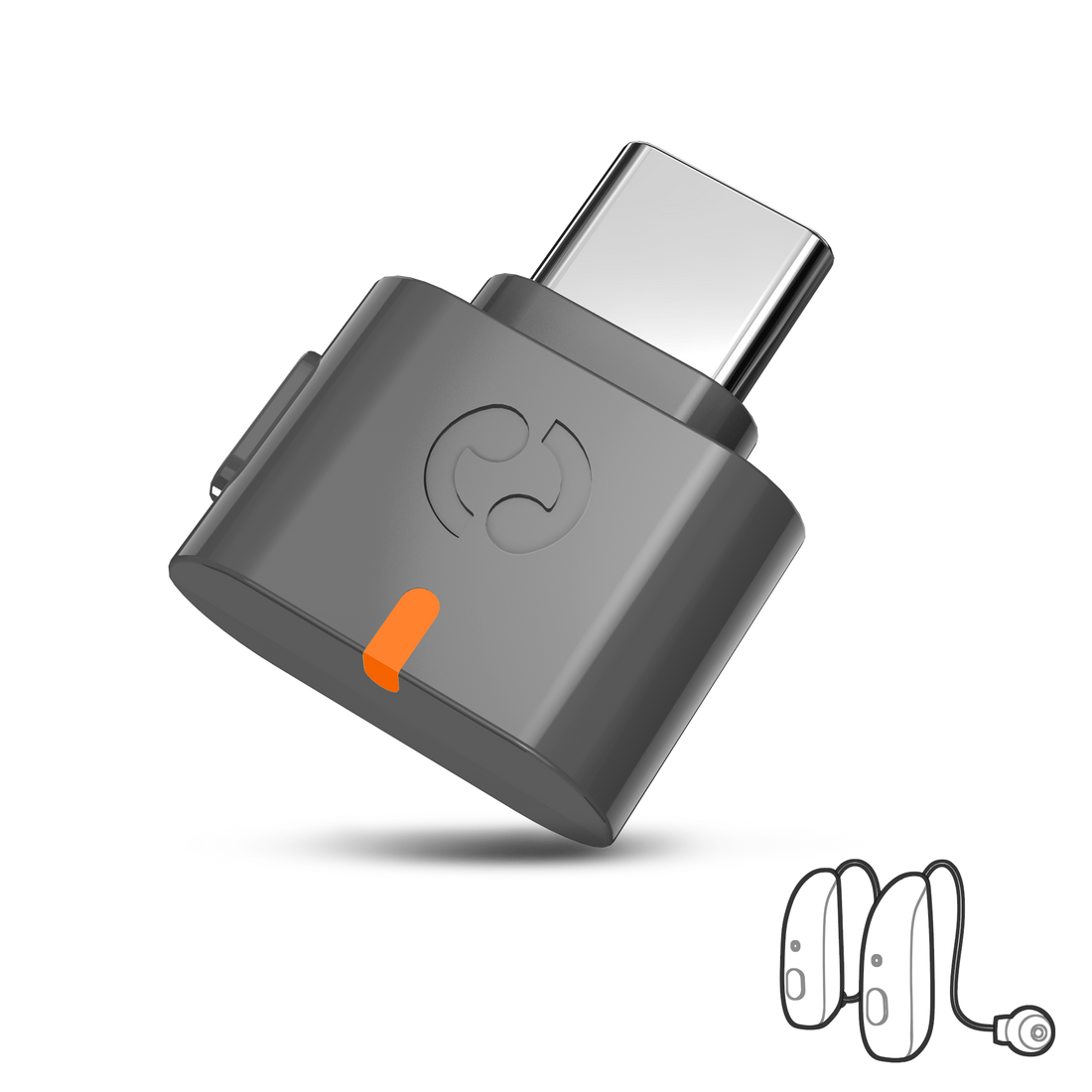
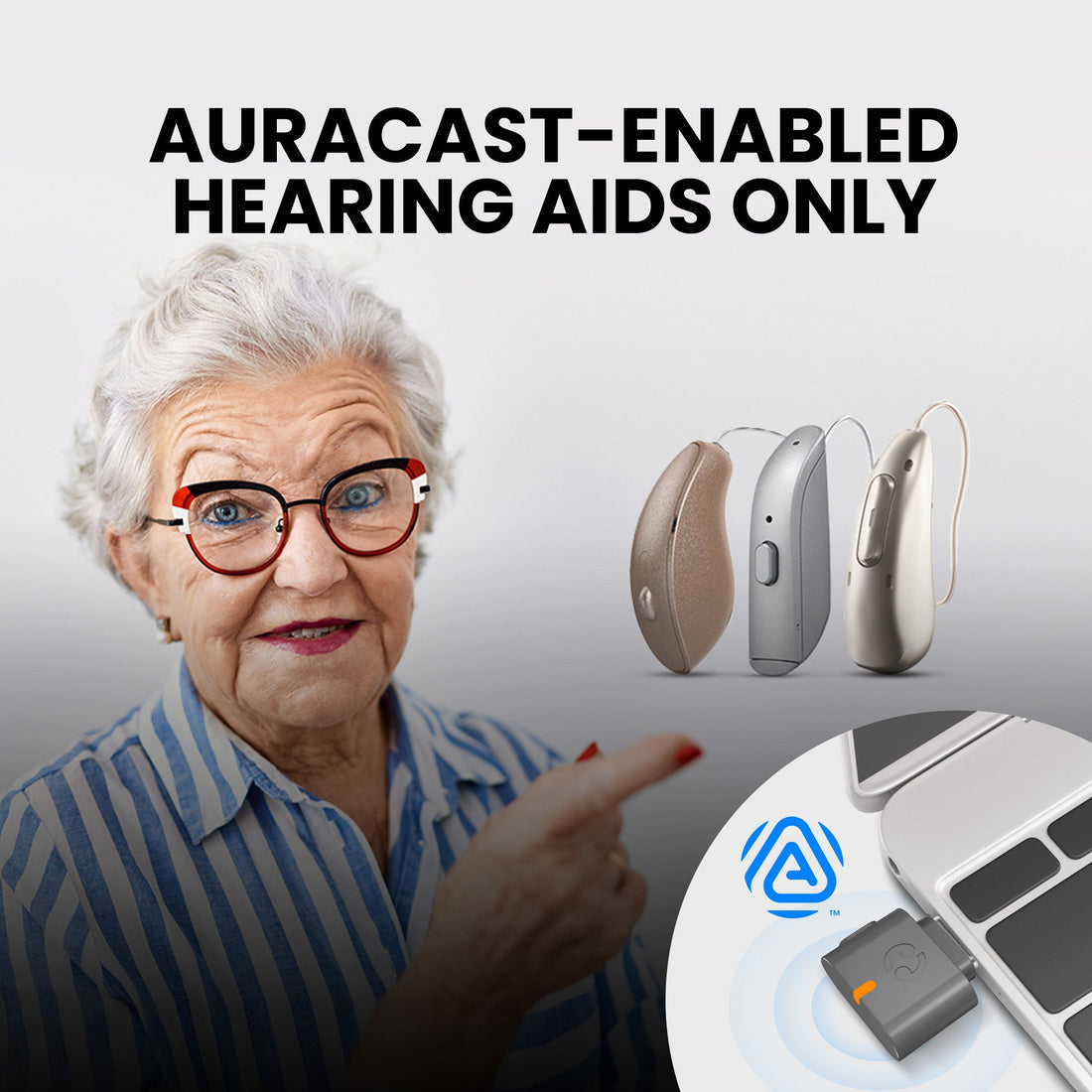
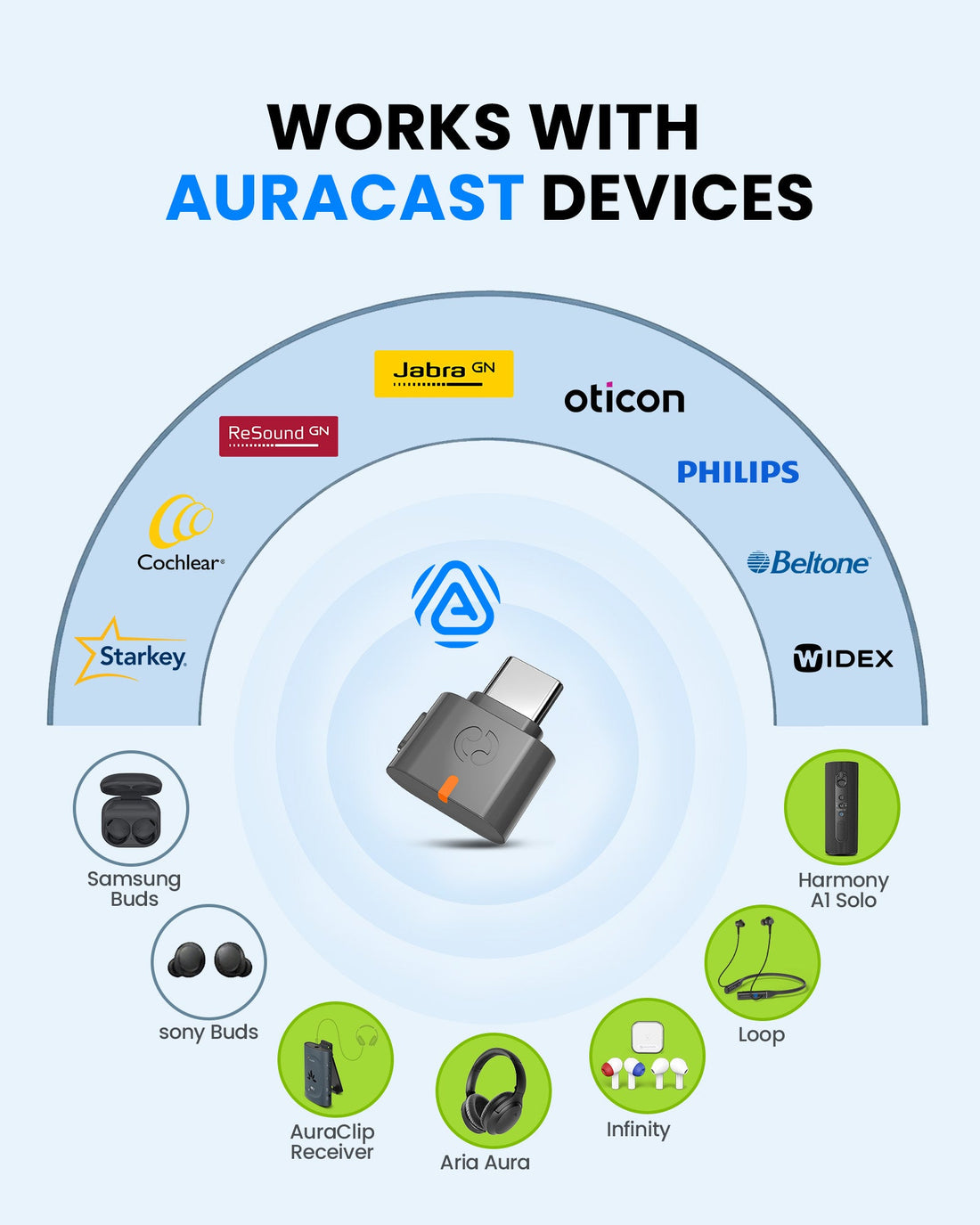

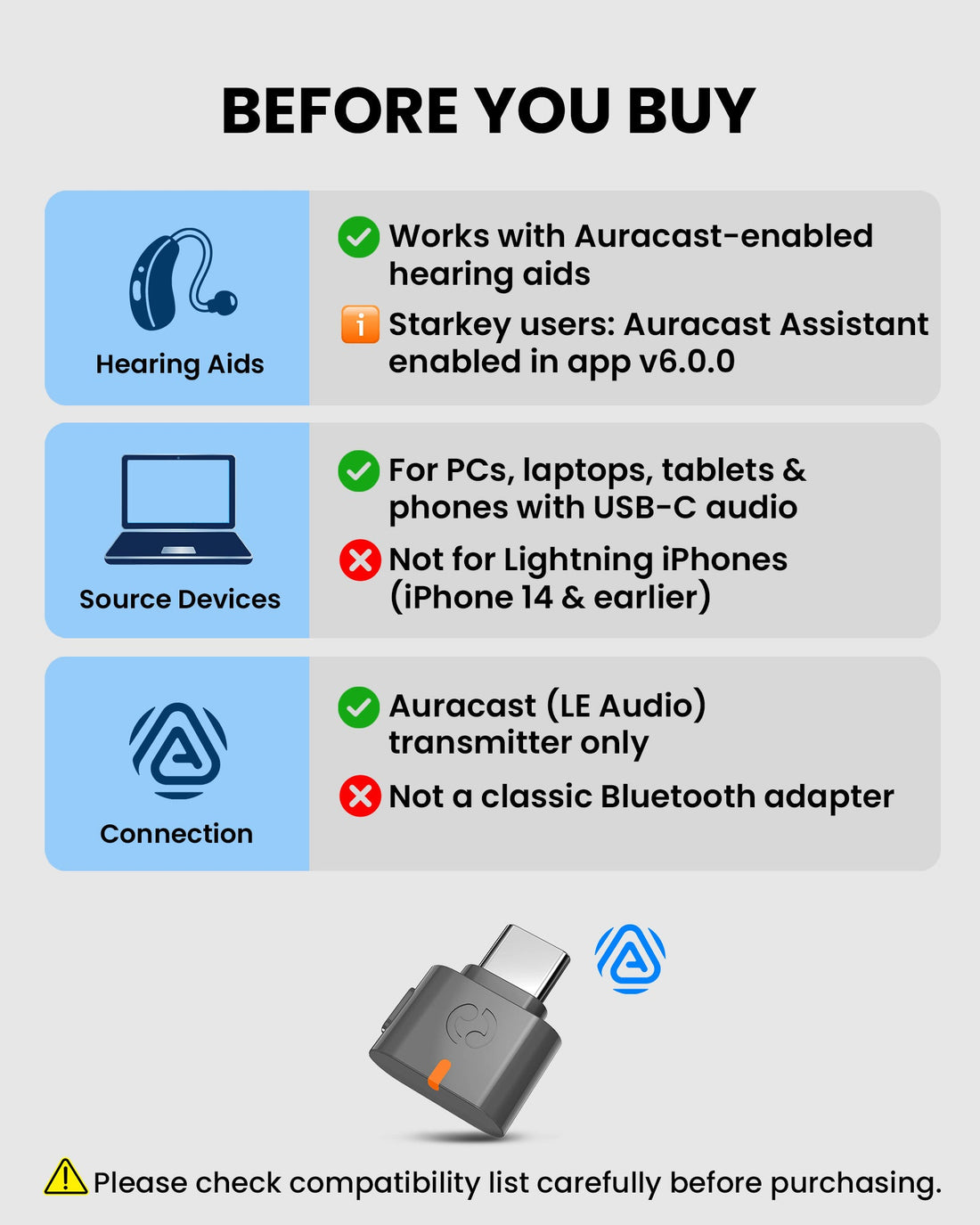
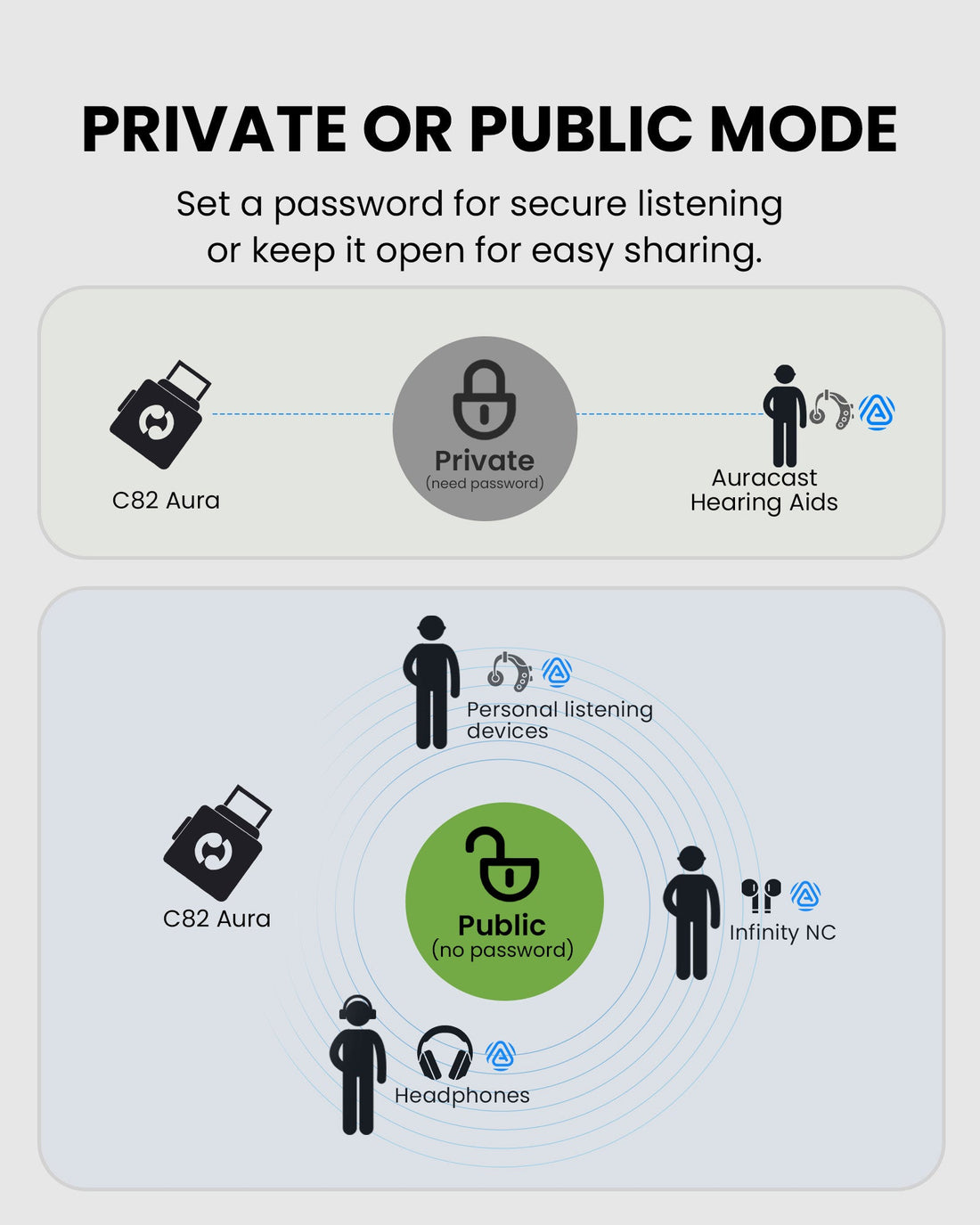
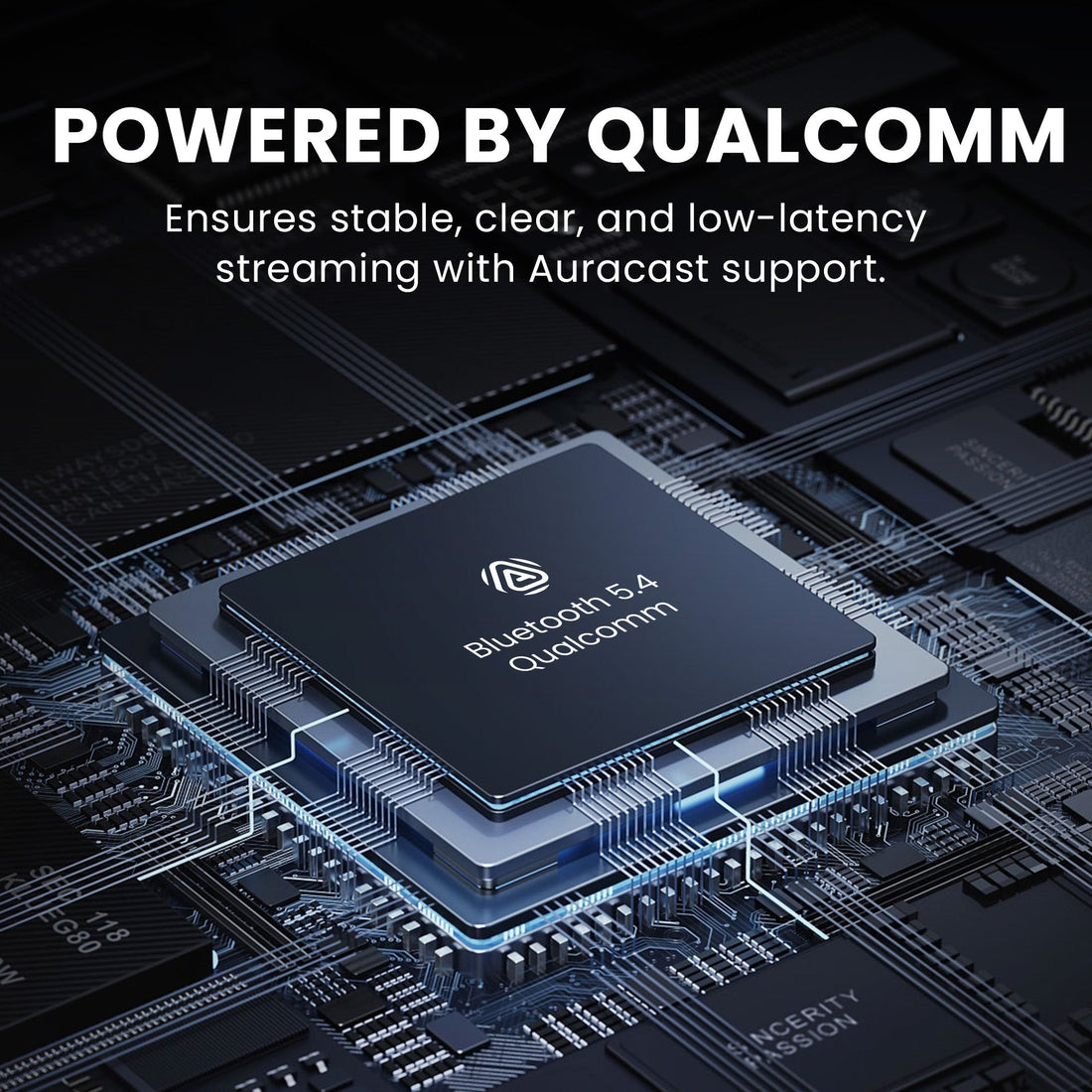
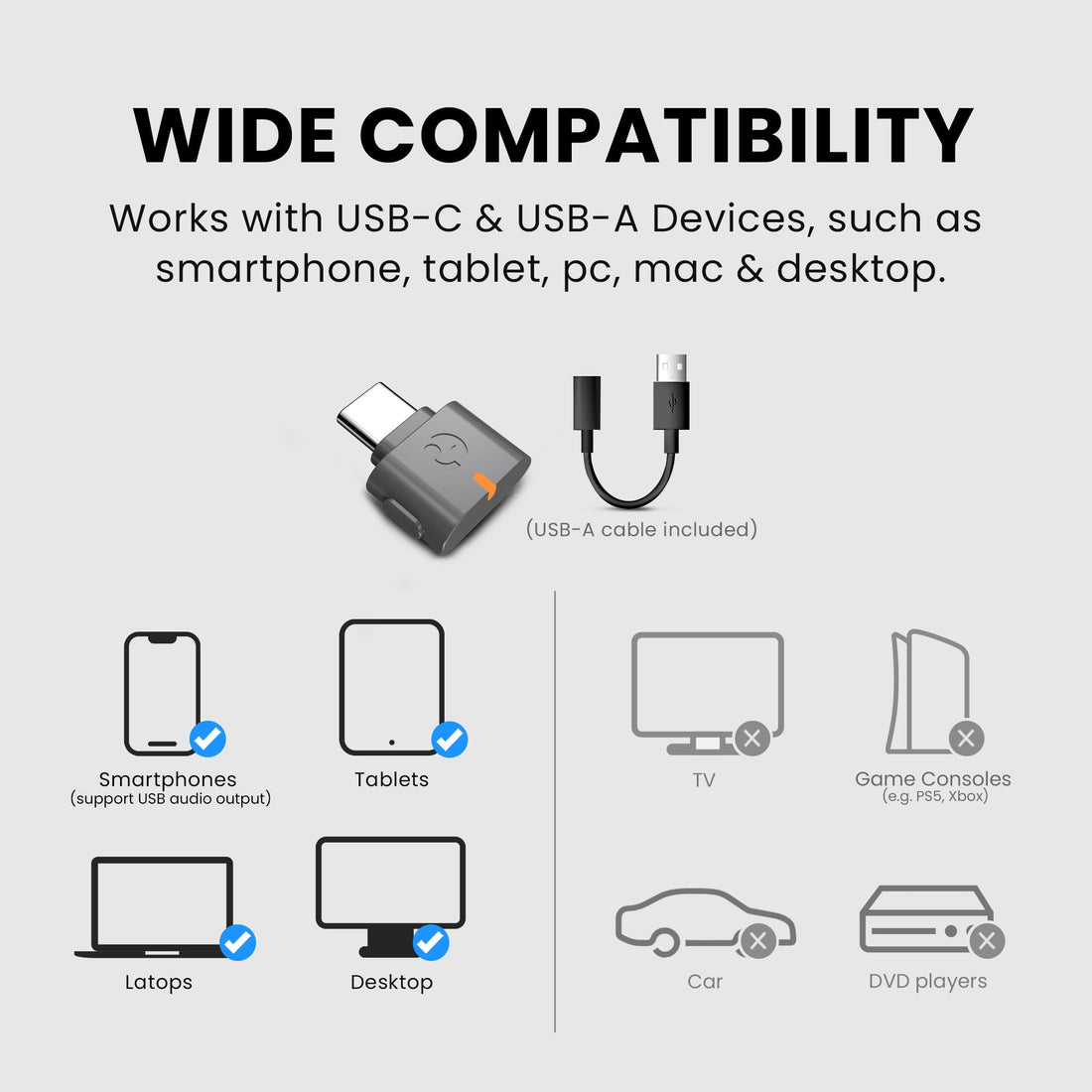
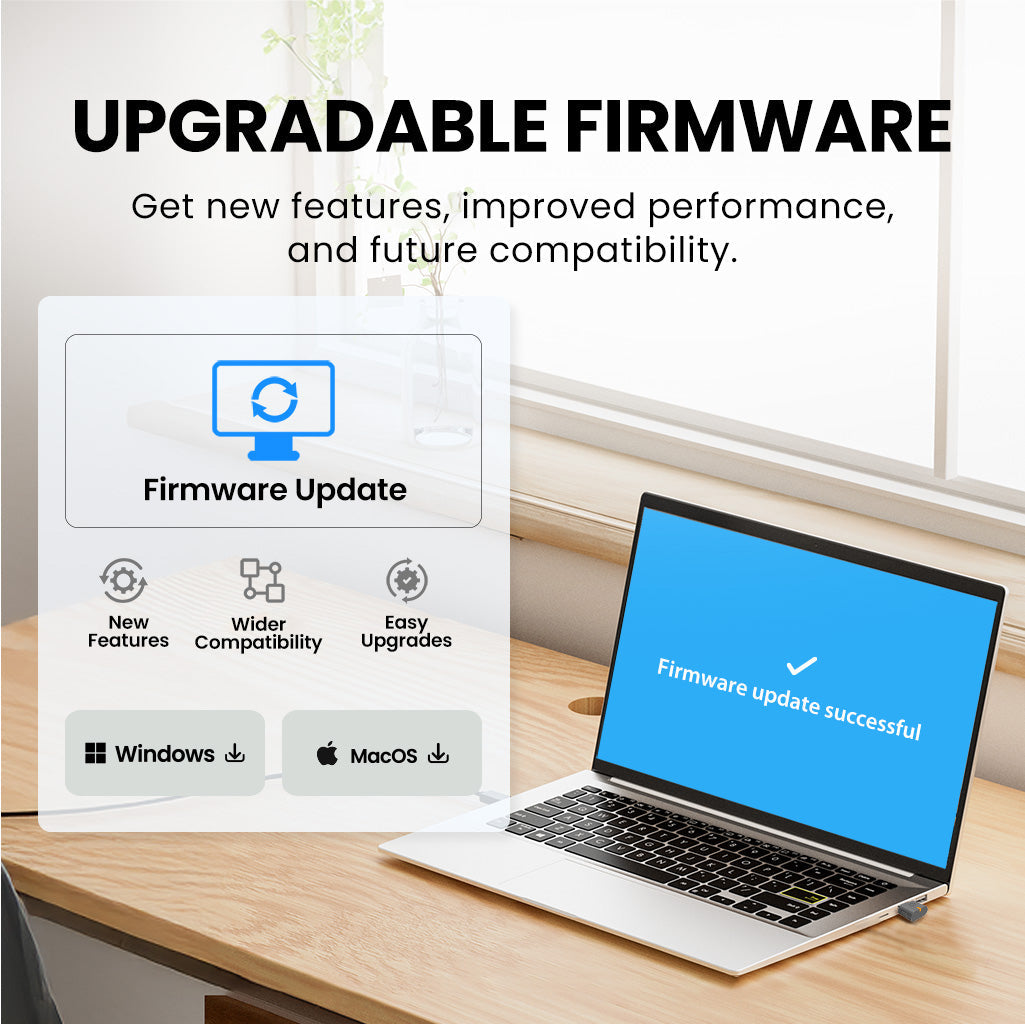
C82 Aura adds open or protected Auracast broadcast audio to compatible USB-C and USB-A computers, tablets and phones.
Checking the fastest delivery option…
Connect directly to the Auracast broadcast.
Direct Auracast

Use AuraCoil to hear through the hearing aid’s T-Coil.


Use Aura C as a bridge for compatible Bluetooth hearing aids.


Use a receiver with headphones or earbuds.
Receiver + Headphones
01 · Build your system
 Works with C82 Aura
Venue Deployment Best Practices PackPre-order now - estimated arrival September 30, 2026.
Works with C82 Aura
Venue Deployment Best Practices PackPre-order now - estimated arrival September 30, 2026.
 Works with C82 Aura
Aria AuraAuracast Headphones for Public Spaces
Works with C82 Aura
Aria AuraAuracast Headphones for Public Spaces
 Works with C82 Aura
LoopAuracast TV Earbuds with Clear Dialogue & Easy Charging Dock
Works with C82 Aura
LoopAuracast TV Earbuds with Clear Dialogue & Easy Charging Dock
 Works with C82 Aura
Infinity NCANC Earbuds with LE Audio, Auracast, HD Calls & Custom EQ
Works with C82 Aura
Infinity NCANC Earbuds with LE Audio, Auracast, HD Calls & Custom EQ
 Works with C82 Aura
AuraGo (AS70P)Auracast™ / LE Audio Adapter for Any Headphone
Works with C82 Aura
AuraGo (AS70P)Auracast™ / LE Audio Adapter for Any Headphone
 Works with C82 Aura
ShareCast SoloClip-On Auracast Speaker with Next-Gen Bluetooth 5.4 LE Audio
Works with C82 Aura
ShareCast SoloClip-On Auracast Speaker with Next-Gen Bluetooth 5.4 LE Audio
02 · How it works
Audio sources
Product

Listener pathways
03 · Where it fits

Add Auracast broadcast audio to compatible Windows PCs and Macs.

Broadcast USB-C tablet audio to supported hearing aids and listeners.

Use supported USB-C phones for music, video and app audio.

Let multiple compatible Auracast devices join an open or protected broadcast.
04 · Product details
05 · Compare
| Feature | Current productC82 Aura | DG60 Aura | Audikast 4HA | Voyager HA |
|---|---|---|---|---|
| Audio interface | USB-C / USB-A audio | USB-A audio | Optical + 3.5mm AUX | 3.5mm AUX |
| Auracast hearing aids | Yes | Yes | Yes | Yes |
| Bluetooth headphones | No | Yes | Yes | Yes |
| Audio codecs | LC3 | LC3, aptX Adaptive, aptX, SBC | LC3, aptX Adaptive, aptX HD, SBC | LC3, aptX Adaptive, aptX HD, aptX, SBC |
| Primary use | Phones, tablets and computers | Computer audio and group listening | TV and hearing-aid listening | Portable AUX listening |
| Published range | Up to 30m / 100ft LOS | Up to 50m / 160ft LOS | Up to 25m / 82ft LOS | Up to 20m / 65ft LOS |
06 · Common questions