Infinity NC
ANC Earbuds with LE Audio, Auracast, HD Calls & Custom EQ
$79.99



Optimized for selected Auracast hearing aids
Checking the fastest delivery option…
Popular accessories customers often purchase together.
ANC Earbuds with LE Audio, Auracast, HD Calls & Custom EQ

Clip-On Auracast Speaker with Next-Gen Bluetooth 5.4 LE Audio
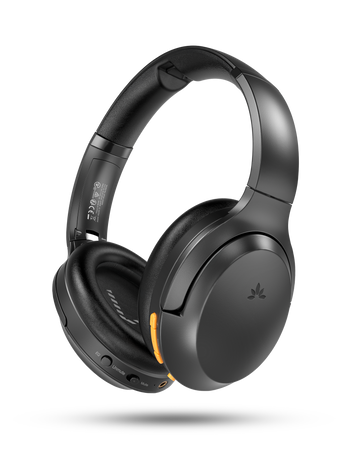
Auracast Headphones for Public Spaces
Choose your brand below to get a step-by-step connection guide. Not sure which model you have? Scan the QR code for all options.
Note:
• Encrypted Audio Support – Add a password to your Auracast broadcast for a private and secure connection.
• Custom Broadcast Name – Rename your broadcast for easy identification and a more personalized experience.

| Bluetooth Version | Bluetooth 5.4 & Auracast |
| Supported Audio Codecs |
Auracast Mode: LC3 Classic BT: aptX Adaptive, aptX-HD, aptX, SBC |
| Supported Bluetooth Profiles | Auracast Broadcast,A2DP |
| Audio Latency |
Auracast/LC3: 50~70ms aptX Adaptive: 60 ms ~ aptX: ~120 ms SBC: ~220 ms |
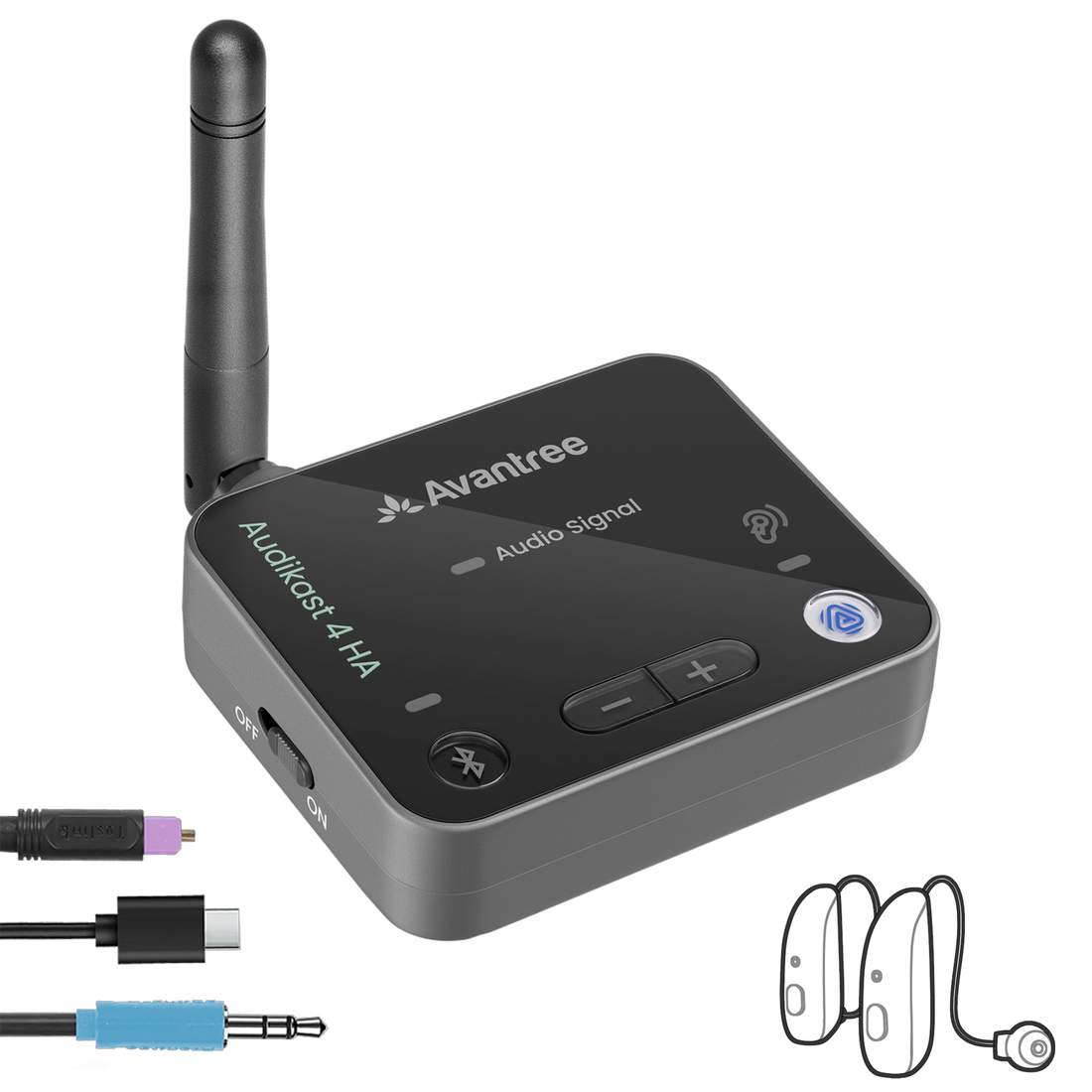
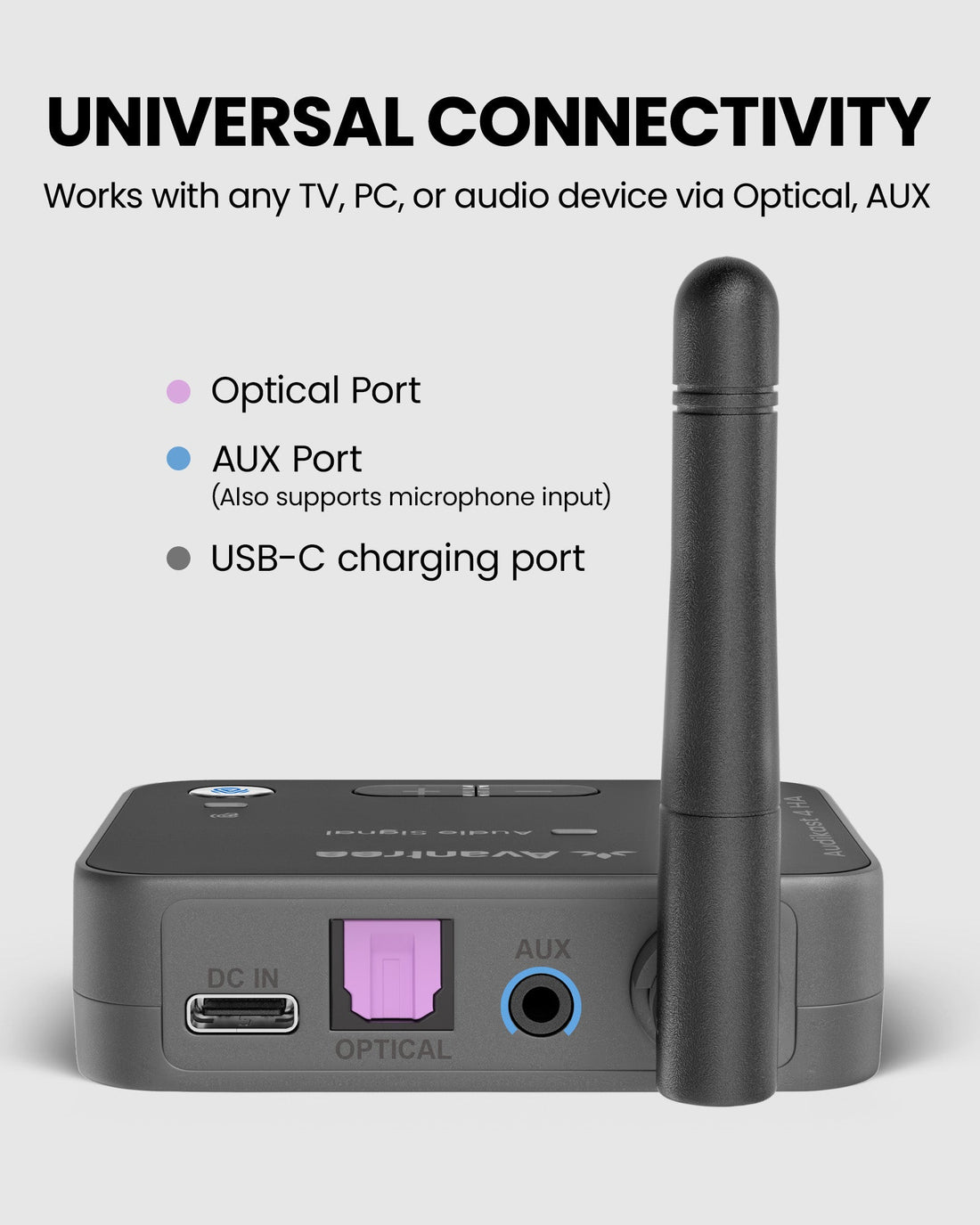
| Audio Input | Optical (TOSLINK), 3.5 mm AUX |
| Operating Range | Up to 330ft (100m) |
| Input Voltage / Current | DC 5V/1A |
| Power Supply | USB charger or TV USB port |
| Power Port | USB-C |
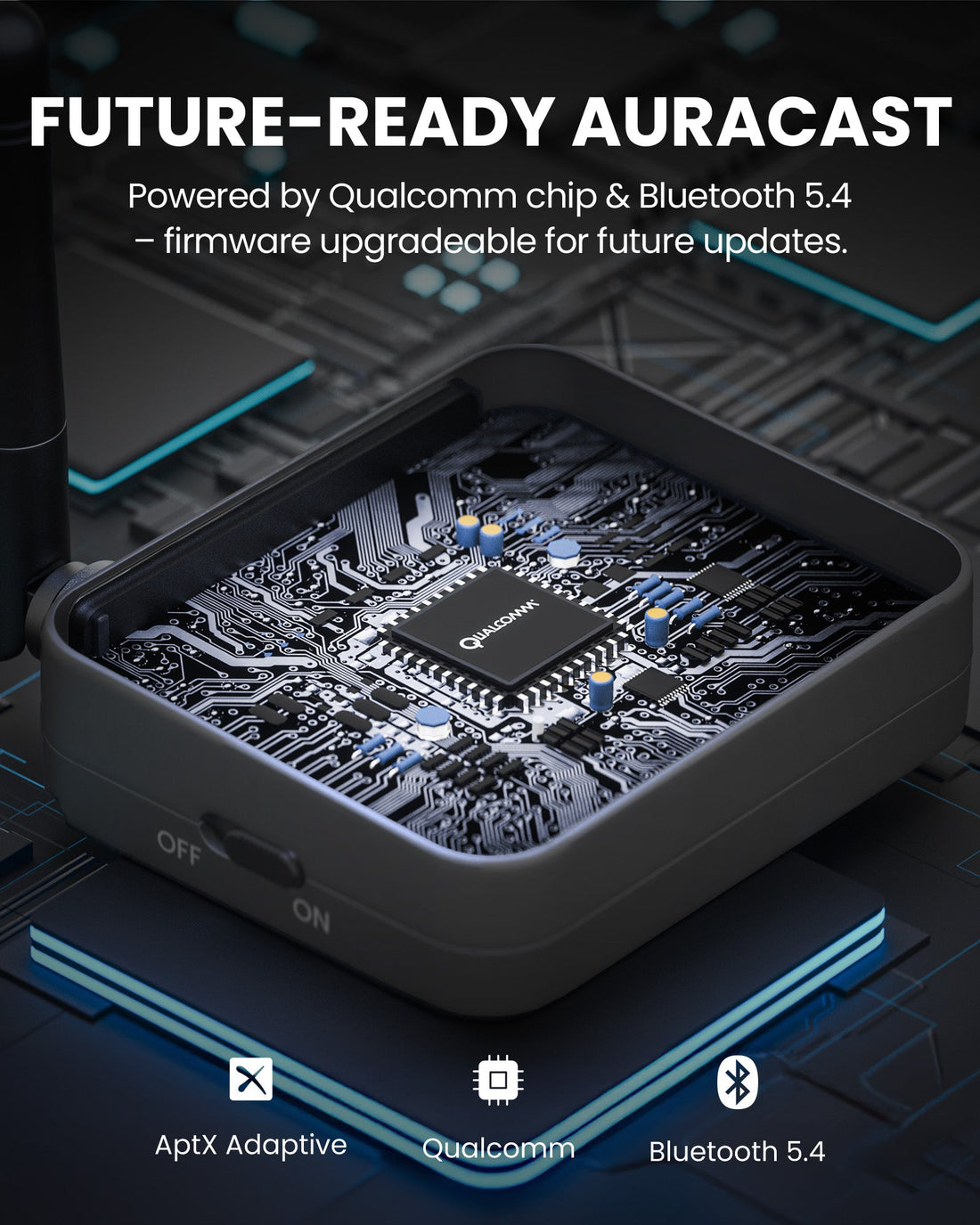
| Firmware Upgradable | Yes (DFU support) |
| Product Size | 2.87 × 2.68 × 2.64 in |
| Product Weight | 1.34 oz |
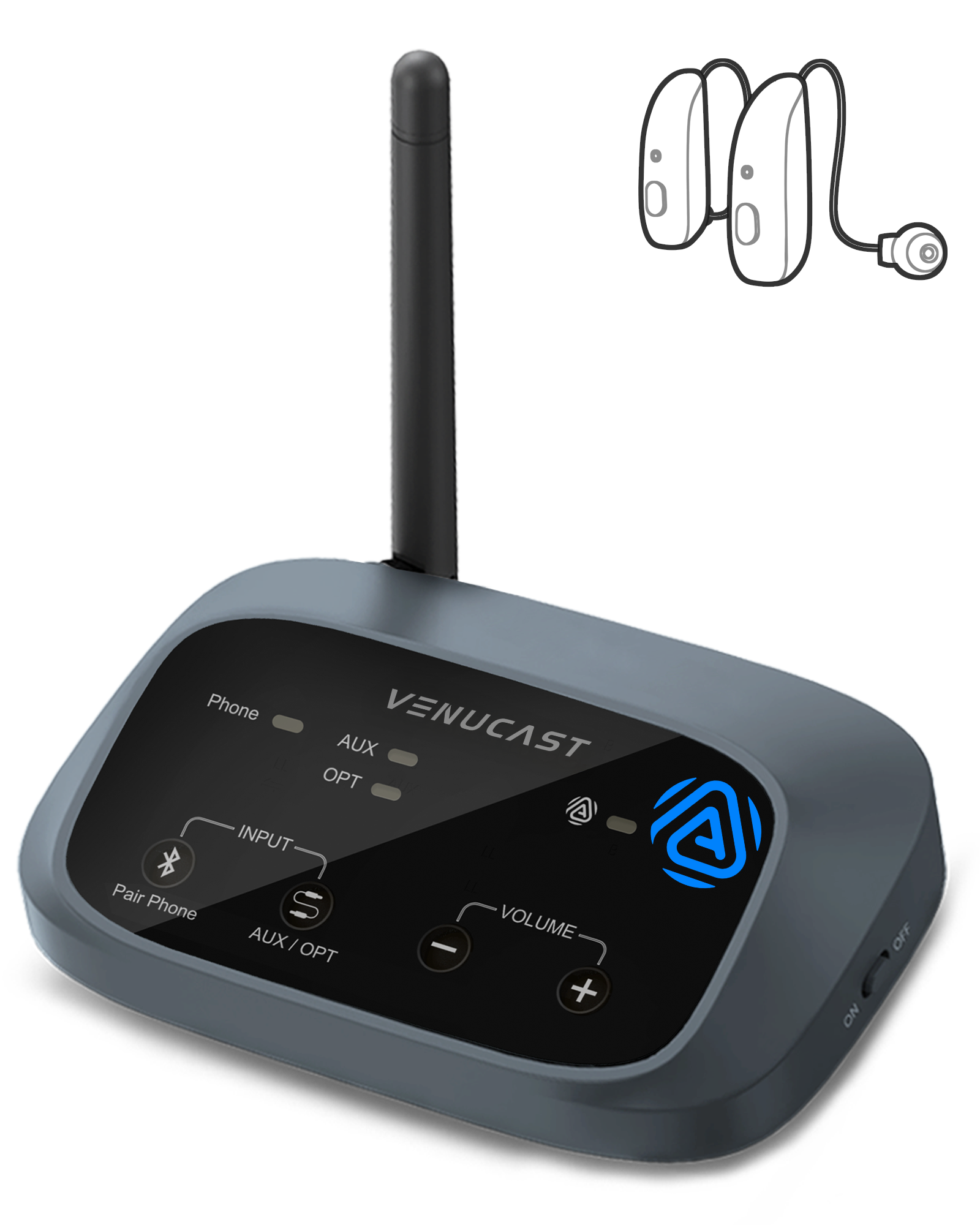
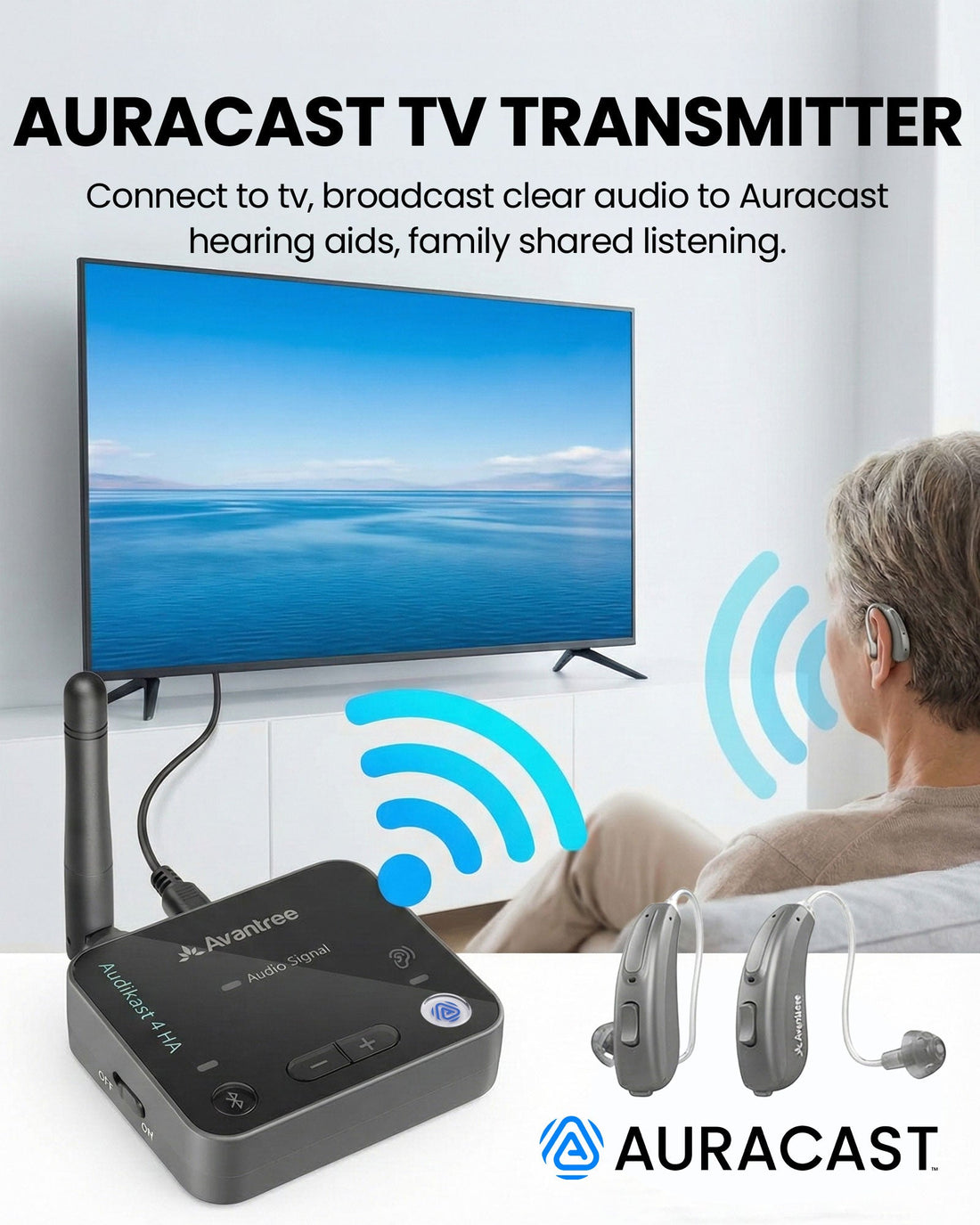
Avantree Audikast 4HA is an Auracast transmitter designed for hearing aid users who want clearer TV audio without wearing an extra headset. Connect it to your TV’s optical or AUX audio output, then join the Auracast broadcast from your compatible hearing aid app or supported device.
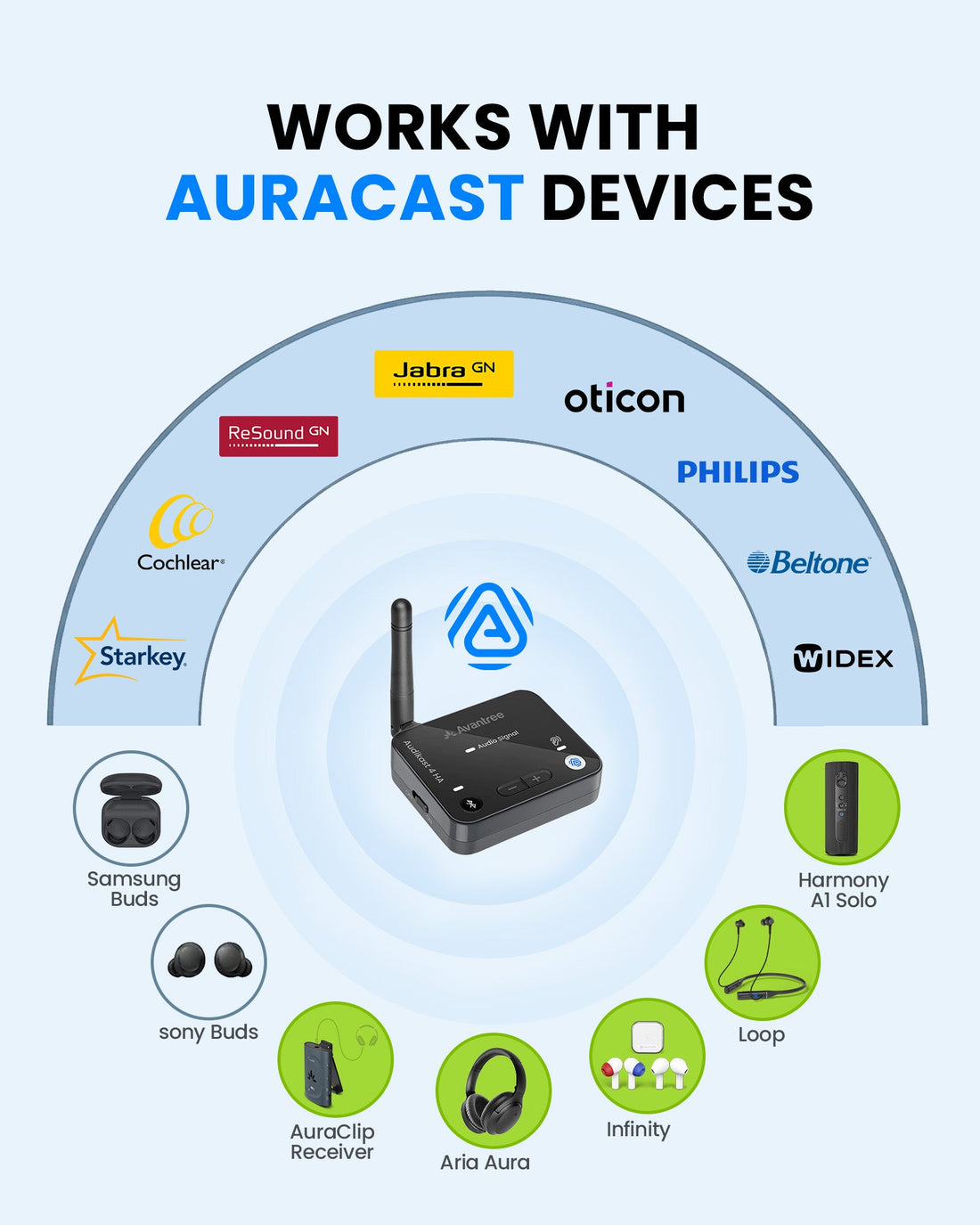
Designed for selected Auracast-enabled hearing aids, including compatible models from brands such as ReSound, Jabra, Beltone, Starkey, and more.
Send TV sound directly to your hearing aids through Auracast, so you can listen at your preferred volume without turning up the TV for everyone.
Auracast allows multiple compatible listeners to join the same broadcast, making it more flexible than a traditional one-to-one Bluetooth TV transmitter.
Standard Bluetooth transmitters usually connect to Bluetooth headphones or earbuds. Audikast 4HA uses Auracast broadcast audio, a newer Bluetooth LE Audio technology that lets compatible hearing aids, headphones, and receivers join the same TV audio stream. For hearing aid users, this creates a more natural way to hear TV audio directly through devices they already wear.
It works only with hearing aids that support Auracast. If your hearing aids use only traditional Bluetooth streaming, they may not be able to join the Auracast broadcast directly.
It depends on your TV. Some TVs can output sound through both TV speakers and optical/AUX at the same time. Others may mute the TV speakers when an external audio output is used. Check your TV audio settings.
Yes, but you may need an HDMI ARC audio extractor to convert HDMI ARC audio into optical or AUX output for Audikast 4HA.
No traditional pairing is required in Auracast mode. You select the broadcast from your hearing aid app or compatible Auracast device.
By default, Auracast broadcasts are open for easy joining. Password-protected broadcast mode may be enabled through supported firmware settings when privacy is needed.
Auracast LC3 audio is designed for low-latency listening. Actual delay may vary depending on the hearing aid model, TV settings, and connection environment.
Double Amazon’s typical 30-day return window.
Extended protection when purchased directly from us.
Ships quickly from our local warehouse.
Get help choosing and setting up the right system.


 Fortell
 Phonak