Harmony A2 - Premium Wireless Speaker System for Cafes & Shops

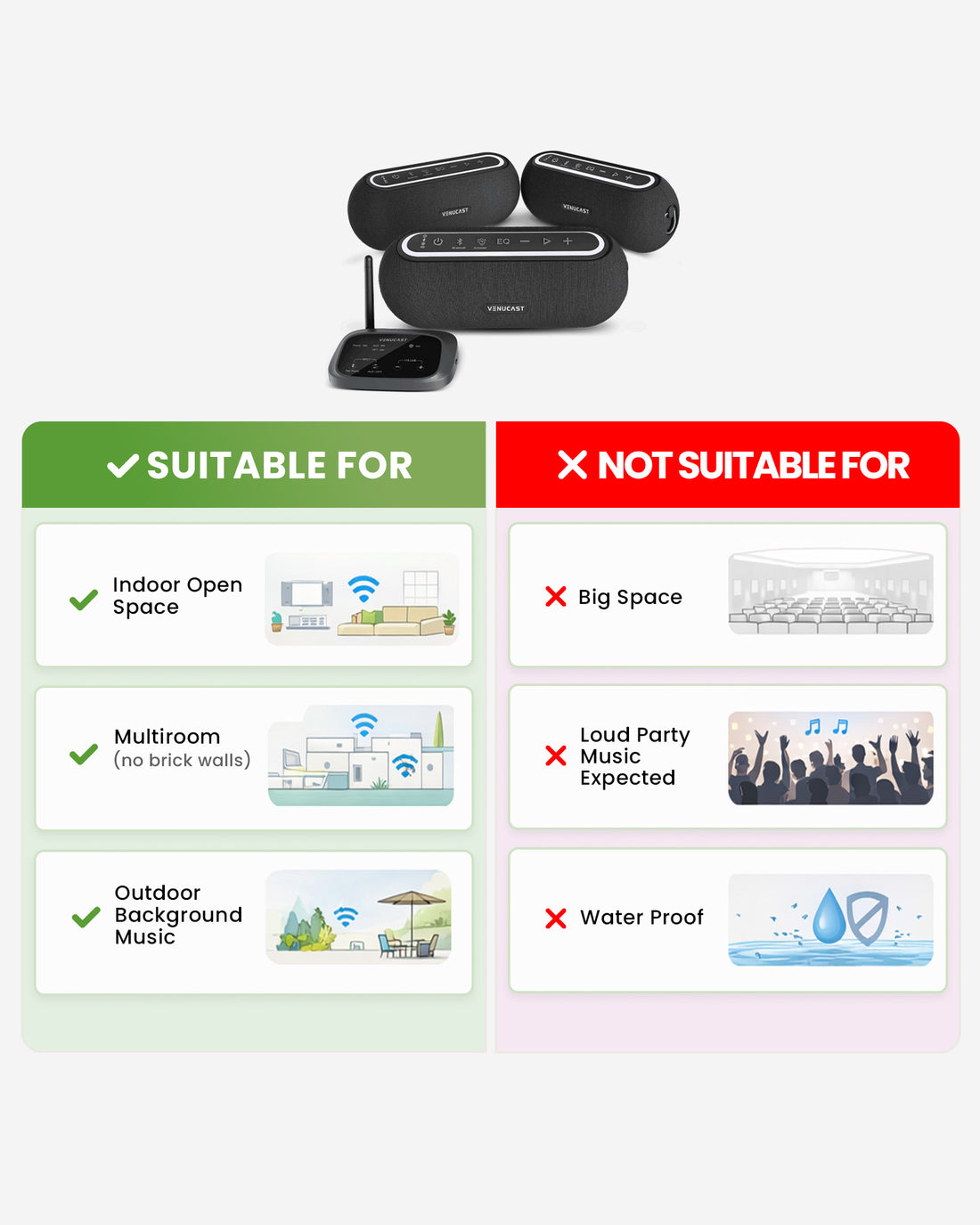
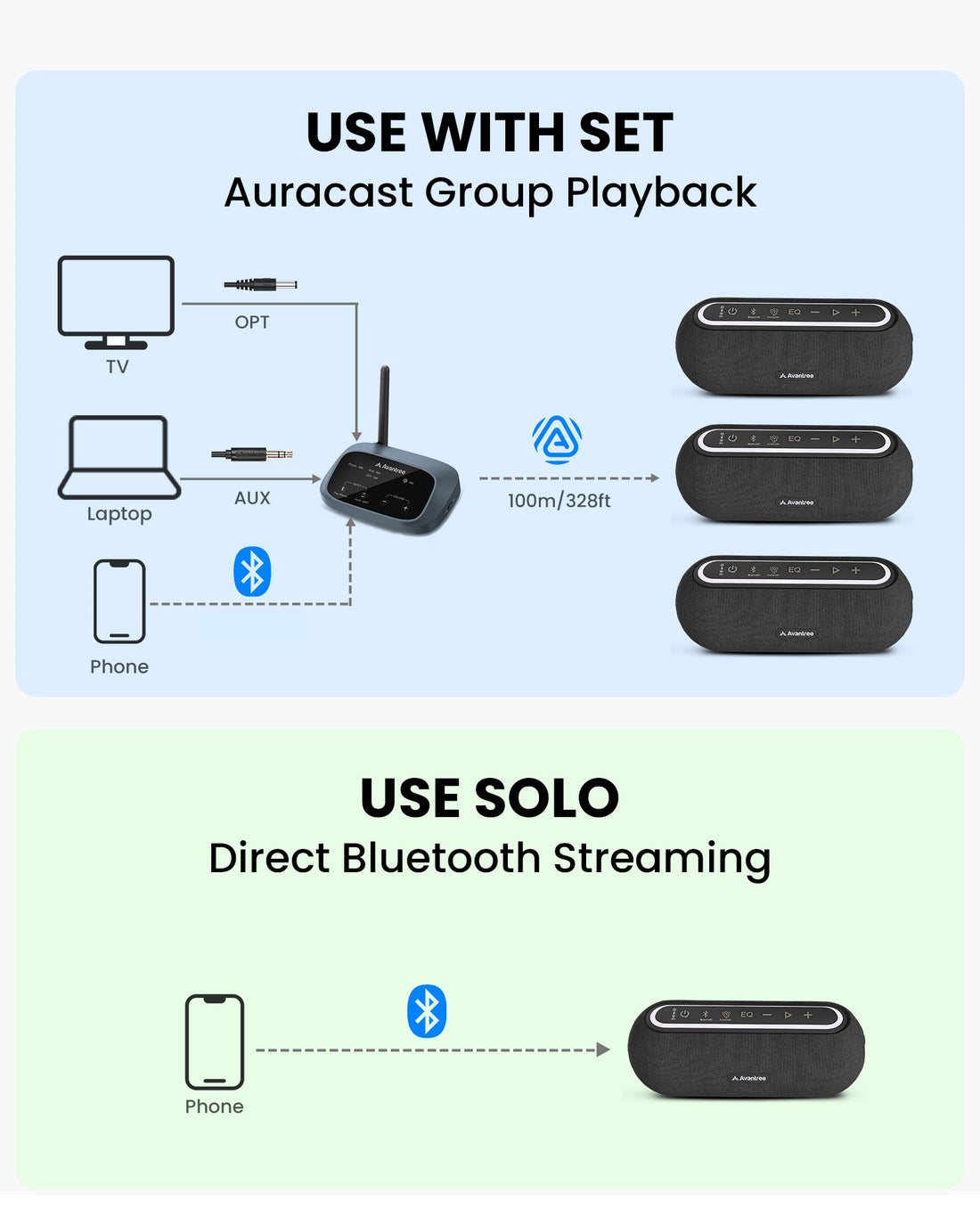
Play the same audio through the three included speakers. For adjoining rooms, plan around open doorways. Thick walls can block the signal, so test each speaker location before installation.

$335.99

Checking the fastest delivery option…

Firmware Update Alerts

Get notified when new Harmony A2 - Premium Wireless Speaker System for Cafes & Shops firmware is available.

Firmware updates only. No marketing emails.

60-Day Free Returns · Free Setup Support

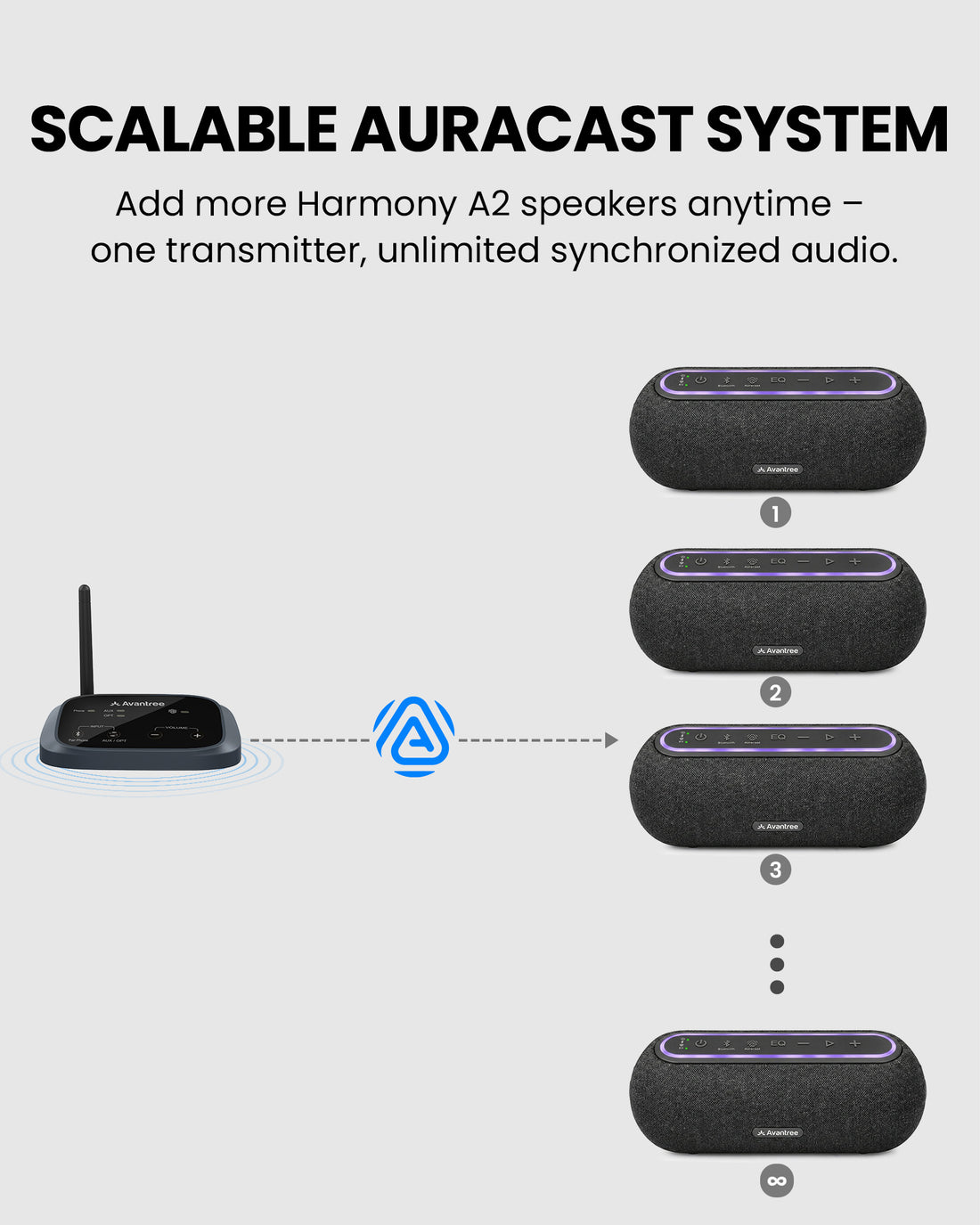
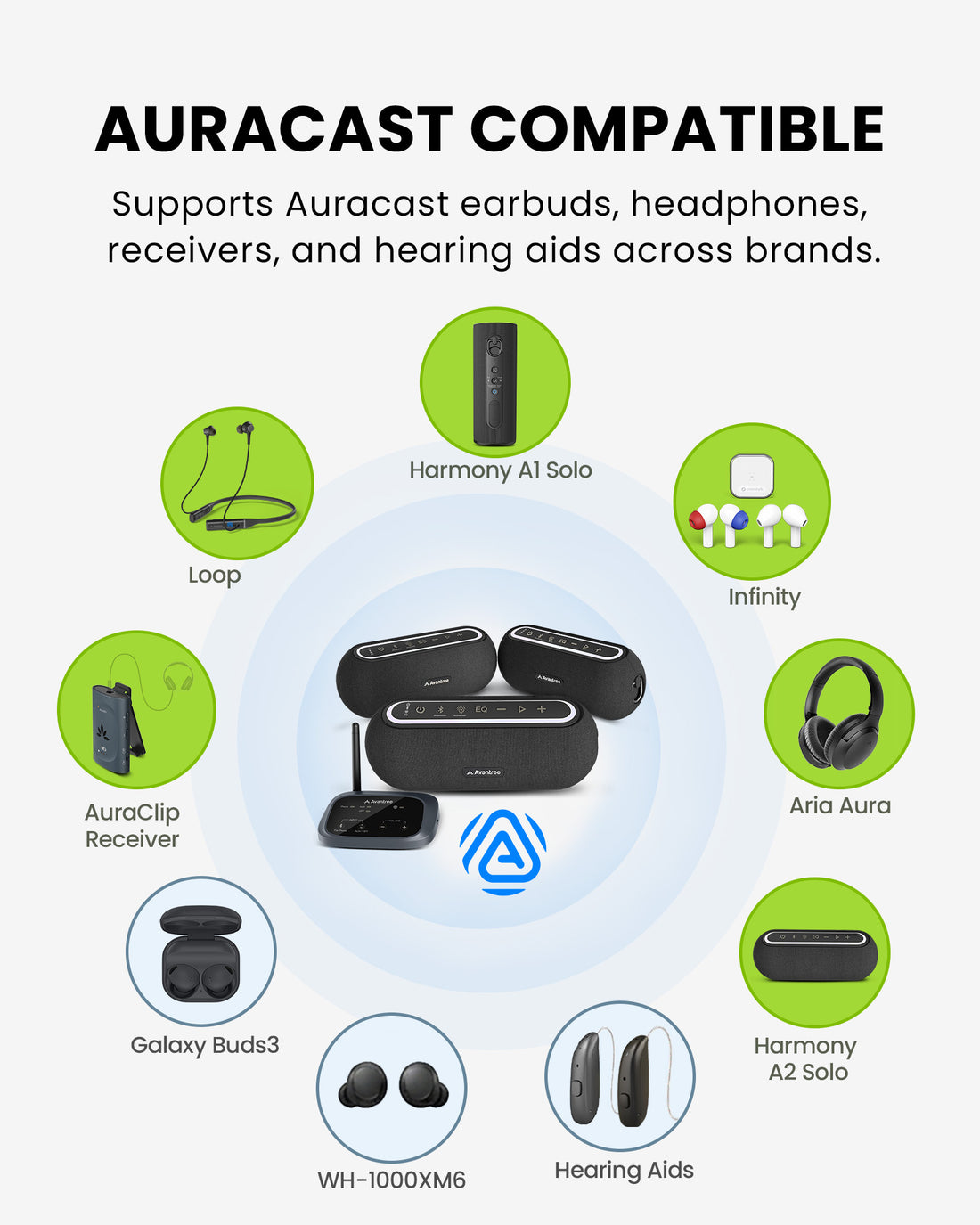
  • Scalable Auracast Speaker System — Start with the included speakers and expand synchronized coverage with compatible Auracast devices.
  • Whole-Venue Background Audio — Deliver balanced speech, music and program audio across connected indoor spaces.
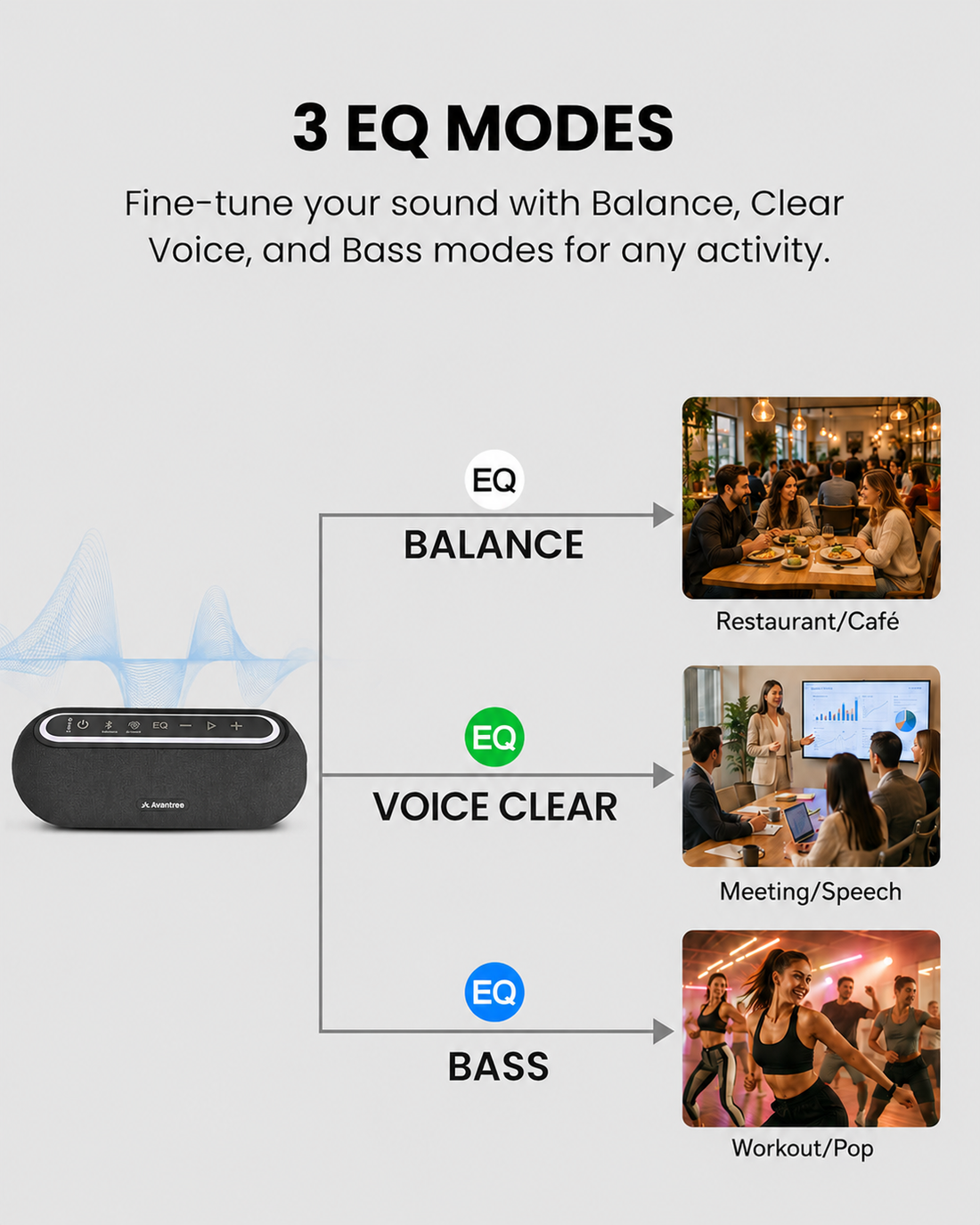
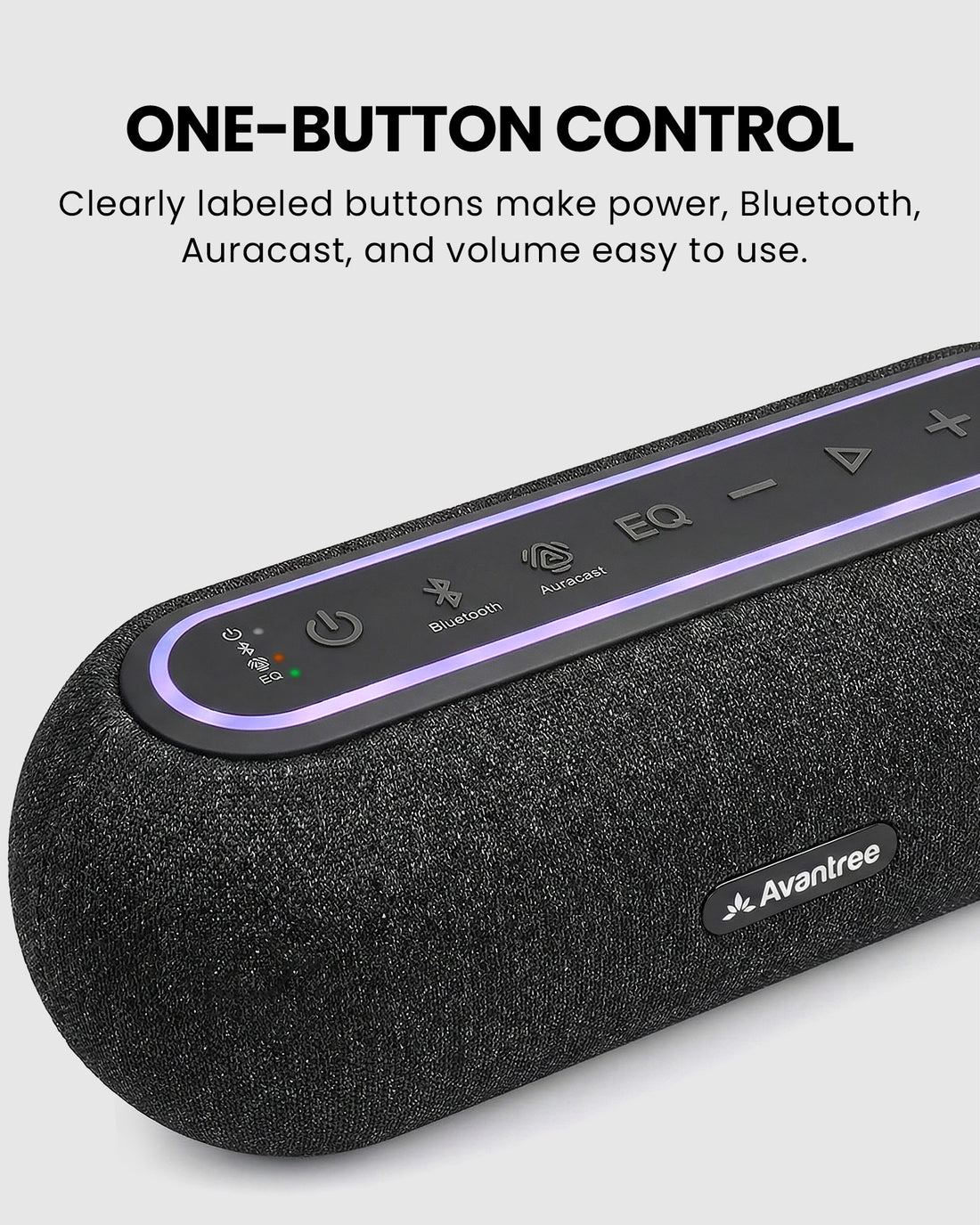
  • Three EQ Modes — Switch between Balance, Voice and Bass modes for different venue content.
  • Bluetooth, Optical & AUX Inputs — Connect phones, TVs, computers, mixers and compatible media sources.
  • Up to 100m / 328ft Range — Plan coverage using the published line-of-sight Auracast range.
  • Firmware Update Support — Maintain supported functions and improvements through the linked update workflow.
Product details & compatibility

Harmony A Series · Auracast™ Technology · Not compatible with Harmony 2

  • 1 transmitter + 3 x 20W speakers included system
  • Up to 100m / 328ft line-of-sight range
  • Indoor small to mid-sized spaces suggested venue
Compare other versions
Harmony A2 - Premium Wireless Speaker System for Cafes & Shops $335.99

You Don’t Need New Auracast Hearing Aids

VenuCast works with the hearing devices people already use.

  1. Venue Audio
  2. Auracast
  3. Choose how you listen
Modern Auracast hearing aid

Auracast hearing aids

Connect directly to the Auracast broadcast.

Direct Auracast

Traditional hearing aids with an AuraCoil receiver

T-Coil hearing aids

Use AuraCoil to hear through the hearing aid’s T-Coil.

AuraCoil

Traditional Bluetooth hearing aids Aura C receiver connected to a phone

Bluetooth hearing aids

Use Aura C as a bridge for compatible Bluetooth hearing aids.

Aura C

AuraClip Auracast receiver VenuCast wired on-ear headphones

No hearing aids

Use a receiver with headphones or earbuds.

Receiver + Headphones

Bottom line: One Auracast broadcast can serve many different listeners.

01 · Build your system

View all Add-ons & Accessories

02 · How it works

How it works with your devices

Audio sources

  • Bluetooth phone / tablet
  • Optical TV / digital output
  • 3.5mm AUX / mixer
  • Computer / media player
Find the right cable

Product

Harmony A2 - Premium Wireless Speaker System for Cafes & Shops

Listener pathways

  • Harmony A2 speakersThe included speakers receive synchronized Auracast audio.
  • Additional Auracast speakersAdd compatible Auracast speakers to expand shared indoor coverage.
  • Personal Auracast devicesCompatible receivers, headphones and hearing aids can join supported broadcasts.

03 · Where it fits

Where it fits

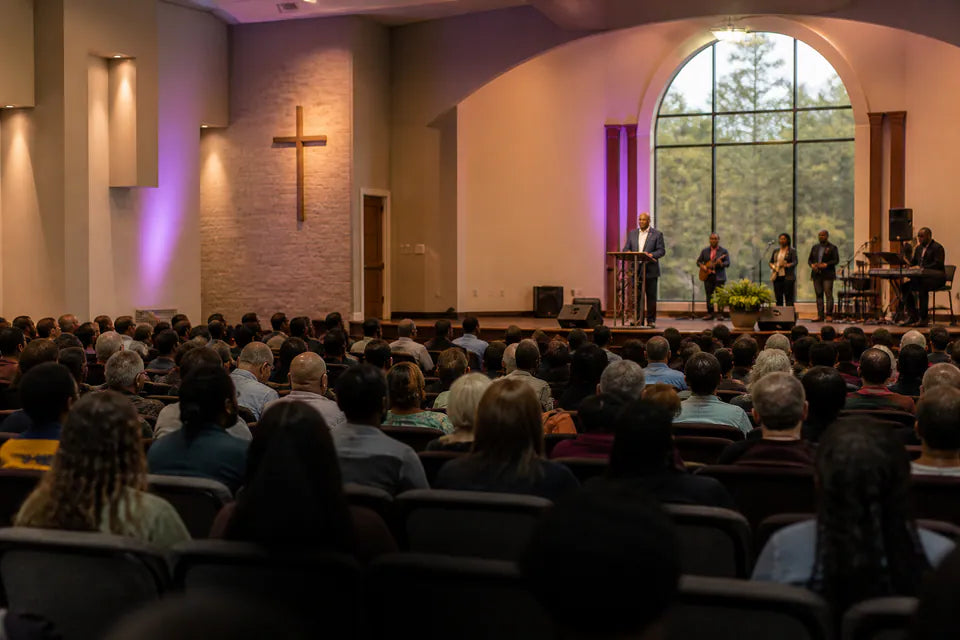
Church & Worship

Church & Worship

Share speech, music and announcements across indoor worship spaces.

Classroom & Training

Classroom & Training

Provide synchronized program audio for students and attendees.

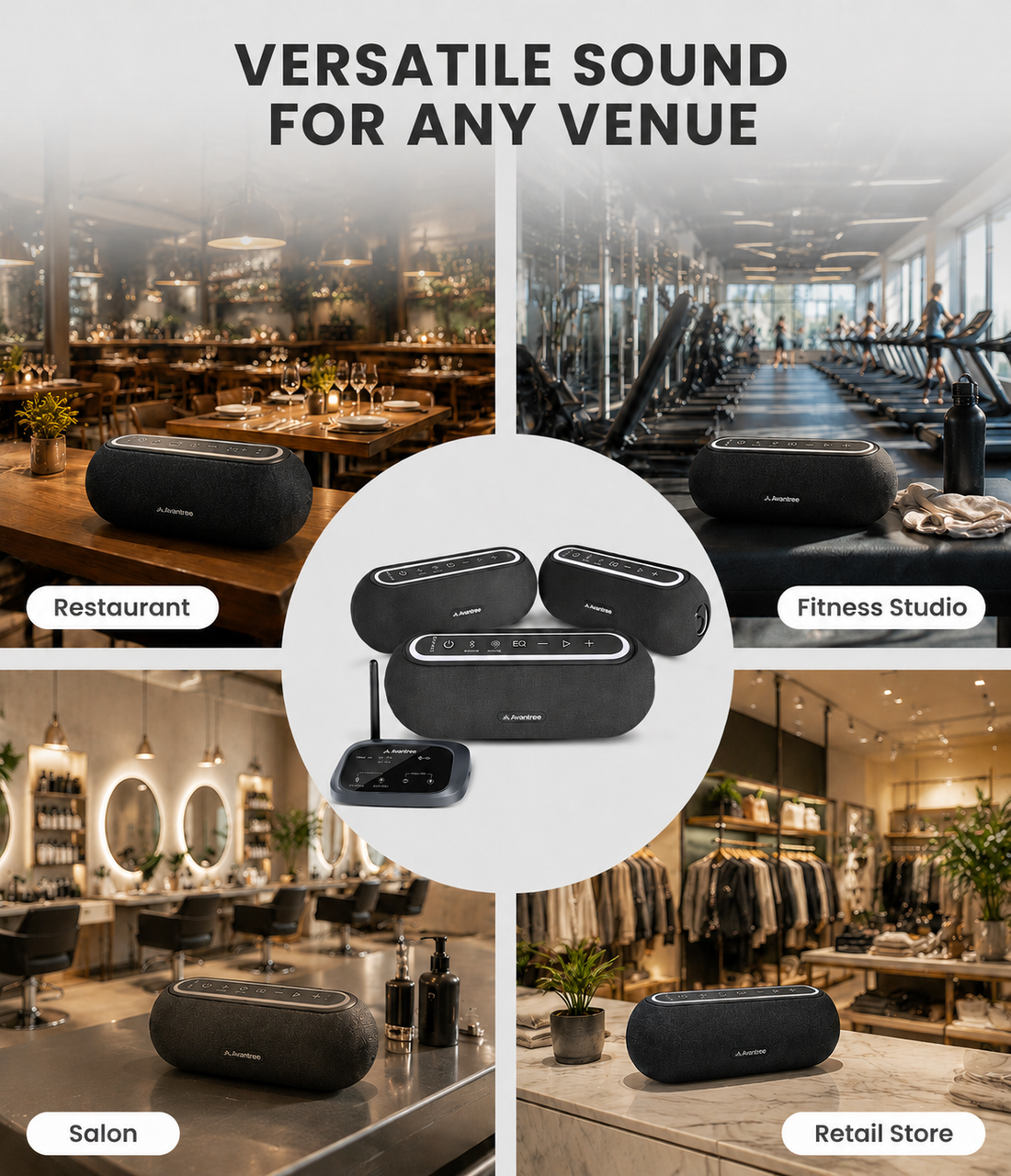
Restaurant & Retail

Restaurant & Retail

Coordinate background audio across customer-facing areas.

Meetings & Events

Meetings & Events

Distribute presentations and speech across small to mid-sized venues.

Best suited to indoor small and mid-sized venues with practical line of sight. It is not intended for arena-scale, highly obstructed or ultra-low-latency monitoring applications.

04 · Product details

Product details

Key specifications

Wireless connectivity
Bluetooth 5.4 / Auracast
Audio inputs
Bluetooth, optical, 3.5mm AUX
Auracast range
Up to 100m / 328ft line of sight
Bluetooth source range
Up to 15m / 50ft
Speaker synchronization latency
Approx. 60ms
Expandable speakers
Additional compatible Auracast speakers
Speaker output
20W
EQ modes
Balance, Voice and Bass
SKU
BTST-5310
Net weight
2661 g
Package dimensions
33 × 30.8 × 12.5 cm
Packaged weight
3274 g
Carton dimensions
49 × 33.4 × 34 cm
Units per carton
4

Simple setup

  1. 1Connect the venue sourceConnect a phone, TV, computer, mixer or media player by Bluetooth, optical or AUX.
  2. 2Place and power the speakersPosition the speakers within the planned indoor area and power them on.
  3. 3Scan and confirm the broadcastConfirm synchronized playback, check coverage and adjust source and speaker levels.

05 · Compare

Compare alternatives

FeatureCurrent productHarmony A2 - Premium Wireless Speaker System for Cafes & ShopsHarmony A1 - Wireless Speaker System for Cafes & ShopsHarmony A3 — Wireless Auracast Transmitter with Three Bluetooth Speaker KitHarmony 2 – Wireless Multi-Room Audio System with 3 Speakers
Included speakers3 x 20W3 x 20WConnects to existing PA / speakers3 x 15W
Audio inputsBluetooth, optical, 3.5mm AUXBluetooth, optical, 3.5mm AUXBluetooth, optical, 3.5mm AUXBluetooth, optical, 3.5mm AUX
Wireless technologyAuracastAuracastAuracast2.4GHz wireless
Typical latencyApprox. 60msApprox. 60msApprox. 60msApprox. 30ms
Published rangeUp to 100m / 328ft LOSUp to 100m / 328ft LOSUp to 100m / 328ft LOSUp to 20m / 65ft

06 · Common questions

Common questions

Can the speakers stay on while plugged in?

Yes. Harmony A2 speakers can stay on while connected to power. If yours turn off automatically, update the speaker firmware →

Can I use a microphone for announcements?

Yes. Add a compatible Venucast microphone kit to make announcements through your Harmony A2 system. Explore microphone kits →

Can I group speakers with different transmitters to play separate audio streams?

Yes. Each transmitter can use its own broadcast name and password. Grouping syncs the password to supported Venucast speakers so each group joins the correct broadcast. See how Grouping works →

Can I add more speakers?

Yes. You can add multiple compatible Harmony A Series speakers. Harmony 2 speakers are not compatible.

What if the sound becomes distorted in Bluetooth mode?

Update your transmitter to the latest firmware to improve Bluetooth audio quality. See the update guide →

Will the speakers work reliably in different rooms?

Yes, in spaces with open doorways or lightweight partitions. For best coverage, place the transmitter centrally. Thick, solid walls can block the signal, so test your intended locations before installation.

Designed for straightforward installation

Venue Audio Made Simple

No rewiring. No complicated setup. Connect Venucast to the audio system you already have.

Mixer / Soundboard / PA System
Auracast Transmitter
Auracast Hearing Aids / T-Coil Hearing Aids