Commercial Auracast transmitters

Auracast
Transmitters

Connect your audio source and broadcast clear, accessible sound to hearing aids, headphones and venue receivers.
Find my transmitter  →

Venue setup finder

Find the right setup

Tell us about your venue and how people need to listen.

Find my setup now  →

Auracast transmitters

Choose your transmitter

4 products

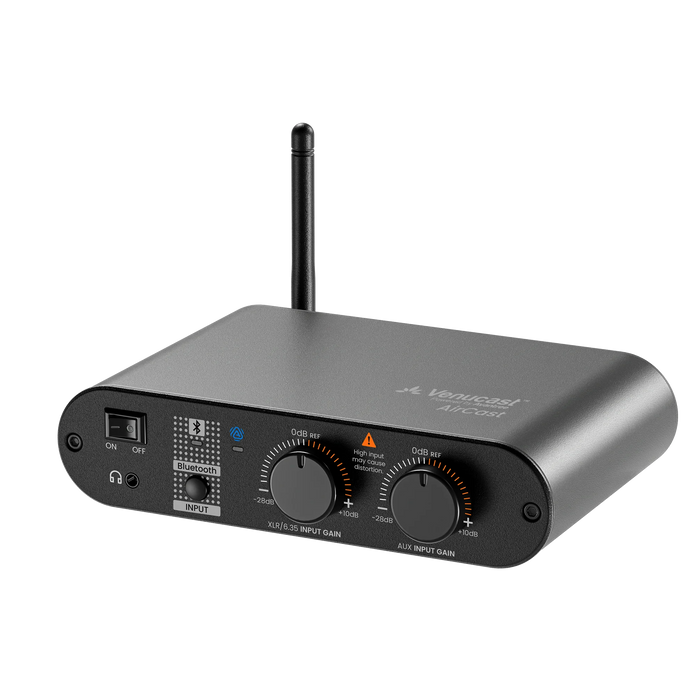
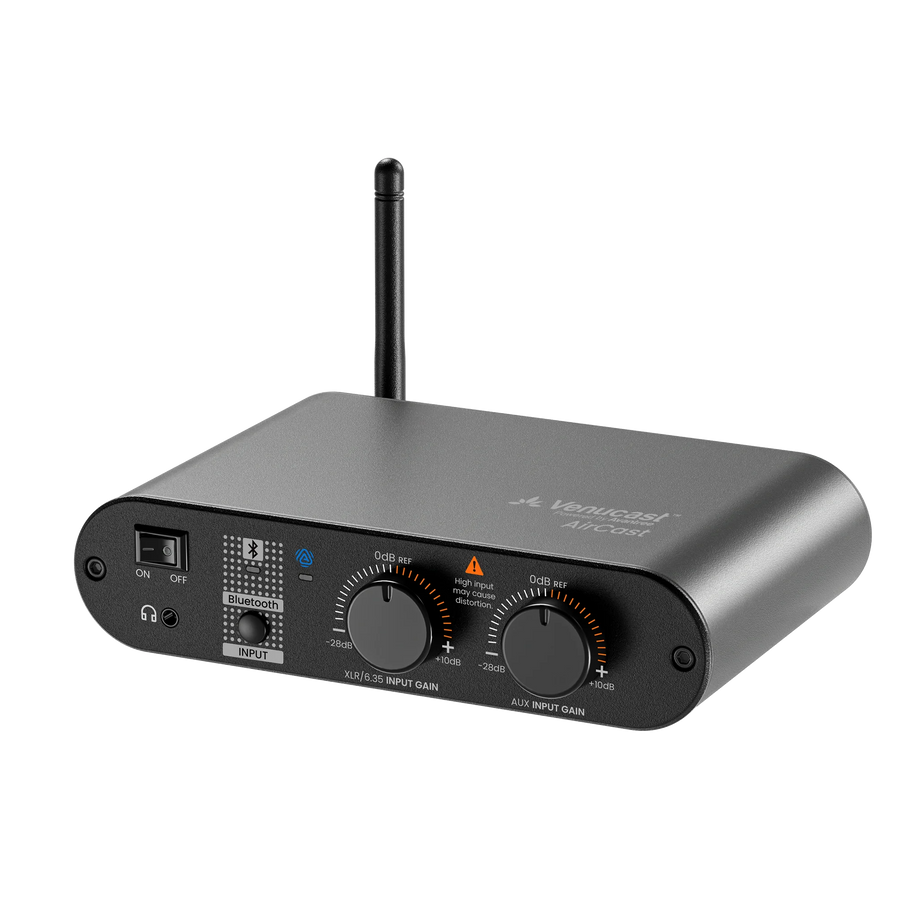
AirCast professional Auracast transmitter, front view.
AirCast $349.99
Professional venue transmitter

Professional venue transmitter for mixers and installed audio, with long-range performance when placement and line of sight are favorable.

  • ✓  XLR, 6.35 mm, AUX and Bluetooth
  • ✓  Up to 500 ft / 150 m line of sight
  • ✓  Churches, theaters and mid-to-large venues
Shop now →
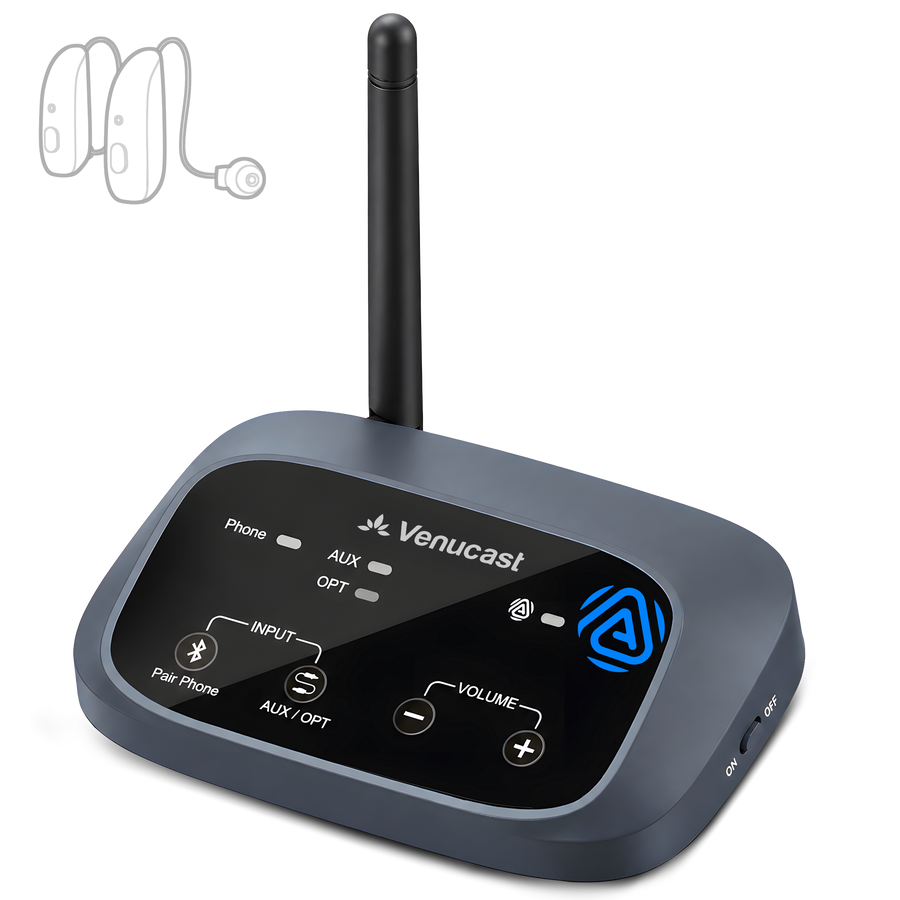
Oasis Aura Auracast transmitter with optical, AUX and Bluetooth audio inputs
Oasis Aura $129.99
TV and flexible local inputs

Flexible local transmitter for TV and small-room audio without centralized management.

  • ✓  Optical, AUX and Bluetooth
  • ✓  Local power and on-device control
  • ✓  Small rooms; verify placement
Shop now →
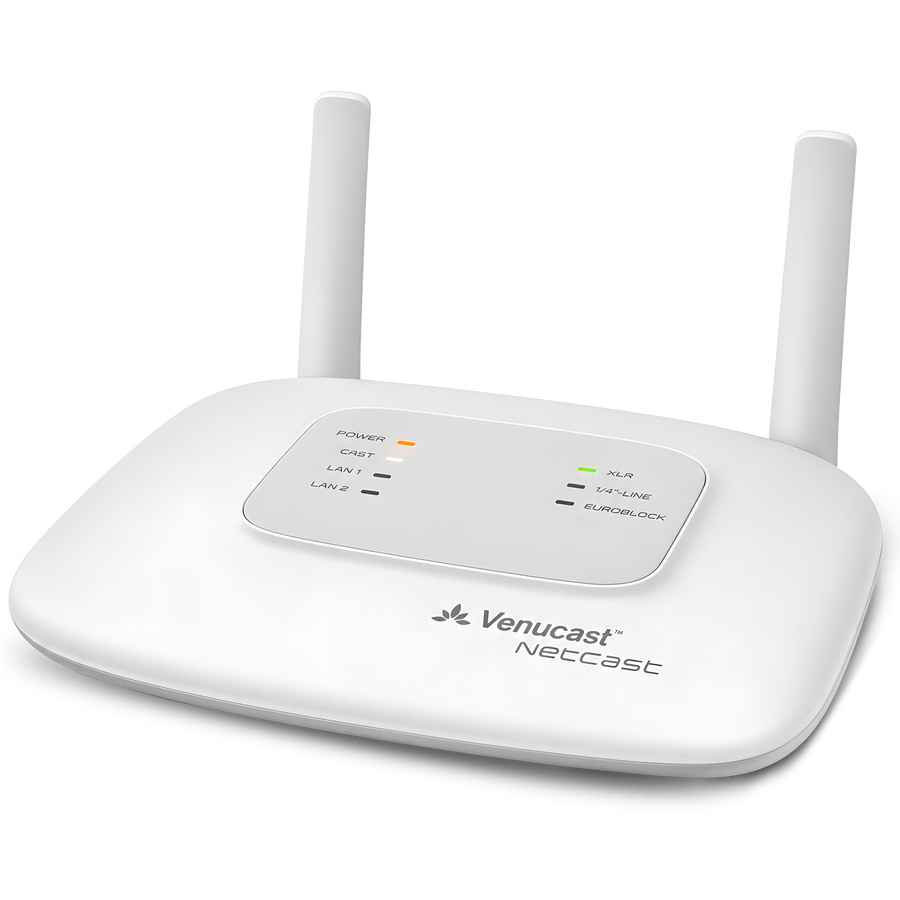
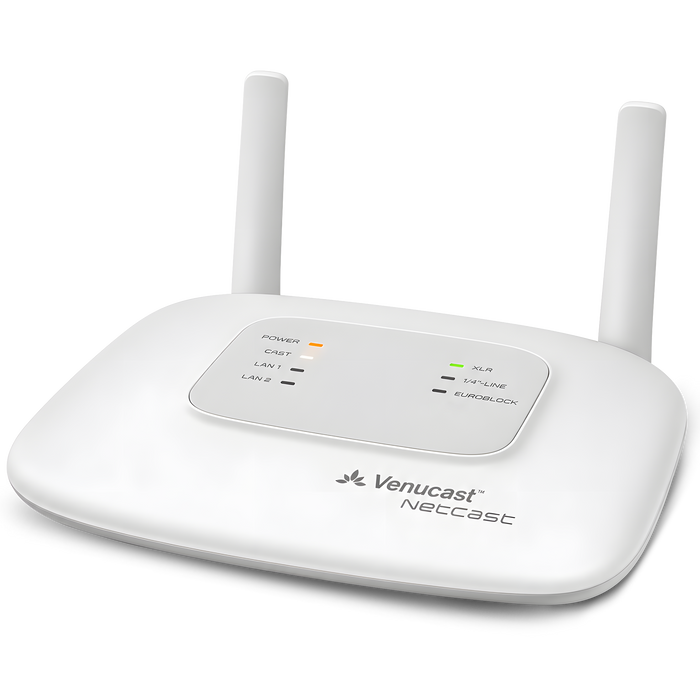
White NetCast tabletop transmitter with two upright antennas and status lights on its top panel.
NetCast $1,599.99
Multi-channel venue audio with PoE

Broadcast up to four mono or two stereo programs, with balanced professional inputs, PoE power and local Web UI.

  • ✓  4 mono or 2 stereo broadcasts
  • ✓  Balanced XLR / 6.35 mm and Euroblock
  • ✓  PoE power and local Web UI
Pre-order →
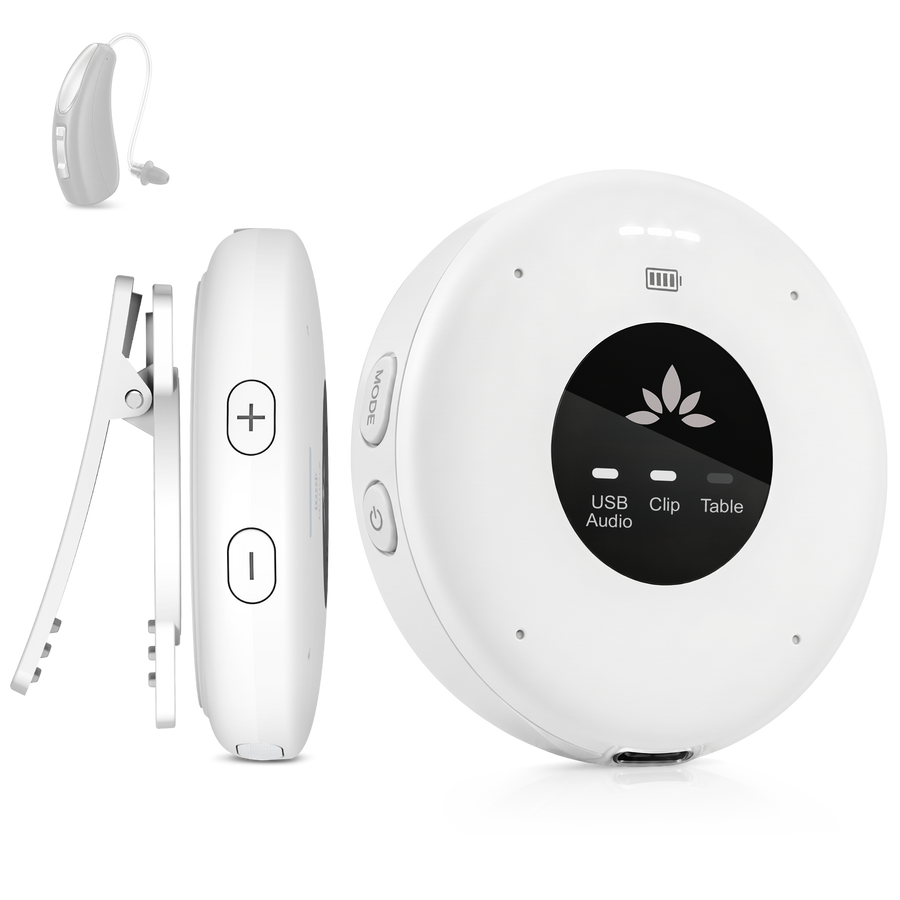
Front and side views of the white AuraMic microphone, showing its circular display, side buttons and clothing clip.
AuraMic $199.99
One-to-one and small-group voice

Portable Auracast microphone transmitter for clearer one-to-one conversations and small-group voice broadcasting.

  • ✓  Built-in microphone, 3.5 mm AUX and battery
  • ✓  Clip Mode or Table Mode
  • ✓  Restaurants, classrooms and meetings
Pre-order →

No AV Installer Required

Set It Up Yourself

Connect Venucast to your existing mixer, TV, microphone, or audio source and start listening.

  1. Connect Audio
  2. Power On
  3. Start Listening

Side-by-side comparison

Compare the details

Published distance figures assume favorable placement and line of sight. Walls, people and receiver sensitivity can reduce practical coverage.

ProductVenue / sourceInputs / powerCoverage / installationBroadcasts / setupPrice
AirCastChurches, theaters and mid-large venuesXLR, 6.35 mm, AUX, BluetoothUp to 500 ft / 150 m line of sight; site test recommendedStand-alone professional broadcast$349.99
Oasis AuraTV and small flexible venuesOptical, 6.35 mm, AUX, BluetoothLocal installation; walls and placement affect reachOn-device control$129.99
NetCastLarge churches, theaters and lecture hallsBalanced XLR / 6.35 mm combo, Euroblock; PoE or 12V DCPoE installation in fixed venuesUp to 4 mono or 2 stereo; local Web UI$1,599.99
Quick guideStart with your source.
ComputerDG60 Aura
TV / local audioOasis Aura
Professional mixerAirCast
PoE / multi-channelNetCast

Common questions

FAQ

How far will an Auracast transmitter cover?

Range depends on the model, transmitter placement, antenna orientation, receiver sensitivity and RF conditions. Maximum distance should be treated as a favorable line-of-sight figure; test the actual listening area before final deployment.

How do walls and people affect coverage?

Concrete, metal, dense walls, equipment racks, audience bodies and poor antenna placement can reduce reach. Verify reception at room edges, entrances and overflow areas.

Can I name broadcasts or run several spaces?

Broadcast naming and access settings depend on the model and firmware. For separate rooms, languages or programs, confirm whether one transmitter, dual channels or multiple transmitters are needed.

How do I connect an existing mixer, TV or audio system?

Use USB for a computer, optical or analog outputs for TVs and local sources, and XLR, 6.35 mm, AUX or Euroblock for professional audio. Confirm output level and cabling before installation.

How do hearing aids connect to the broadcast?

Compatible Auracast hearing aids can join a supported broadcast using their device’s broadcast-assistant workflow. Confirm hearing-aid model, firmware and broadcast access settings.