Compact USB-C Auracast transmitter for hearing aids and group listening

C82 Aura

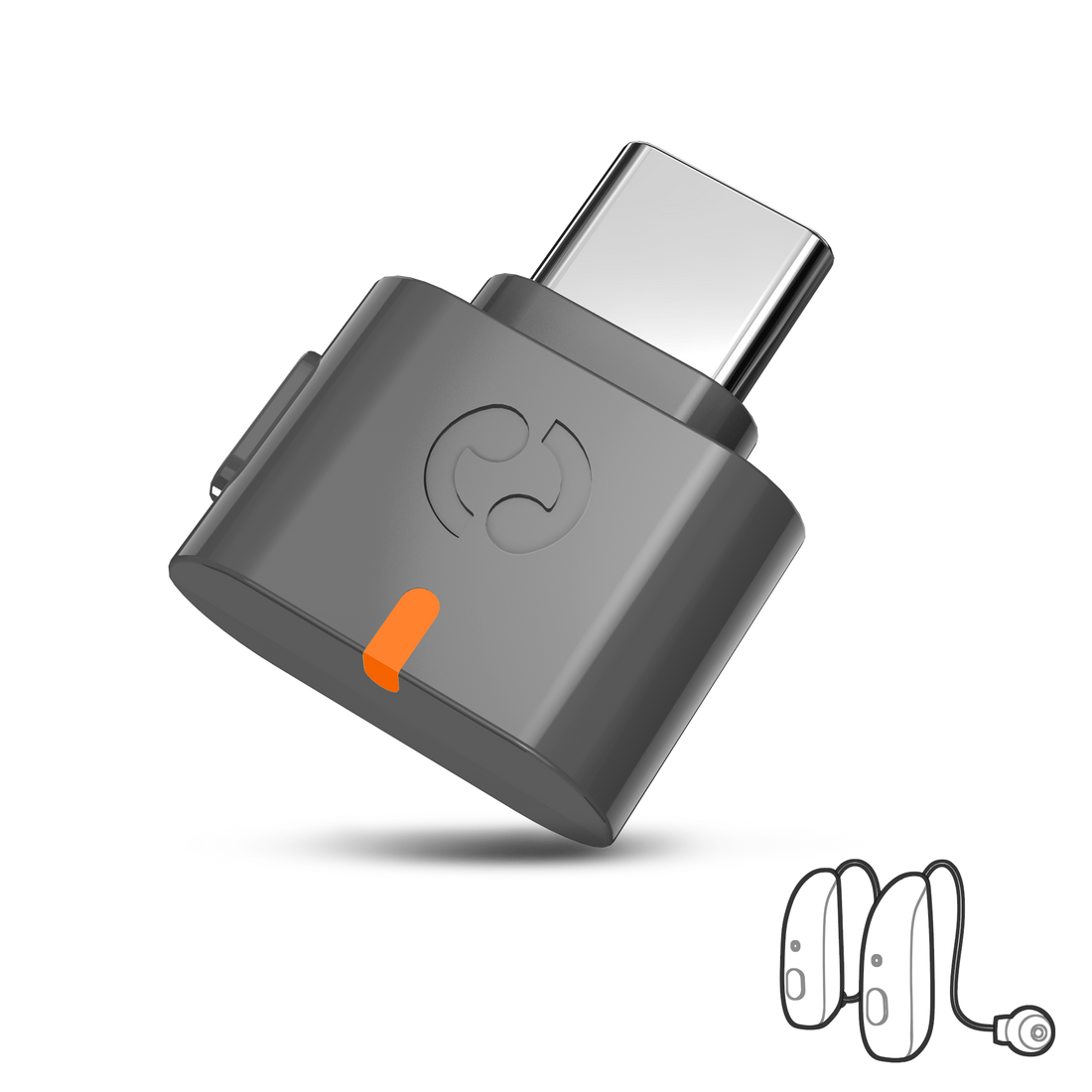
C82 Aura adds open or protected Auracast broadcast audio to compatible USB-C and USB-A computers, tablets and phones.

USB-C with USB-A adapter source connectionUp to 30m / 100ft LOS published rangeOpen or passcode protected broadcast modes
$59.99

Checking the fastest delivery option…

Firmware Update Alerts

Get notified when new C82 Aura firmware is available.

Firmware updates only. No marketing emails.
Fast ShippingReliable Delivery
60-Day Free ReturnsHassle-Free
Bulk DiscountVolume Pricing Available
Free Setup SupportVenue Specialist Included
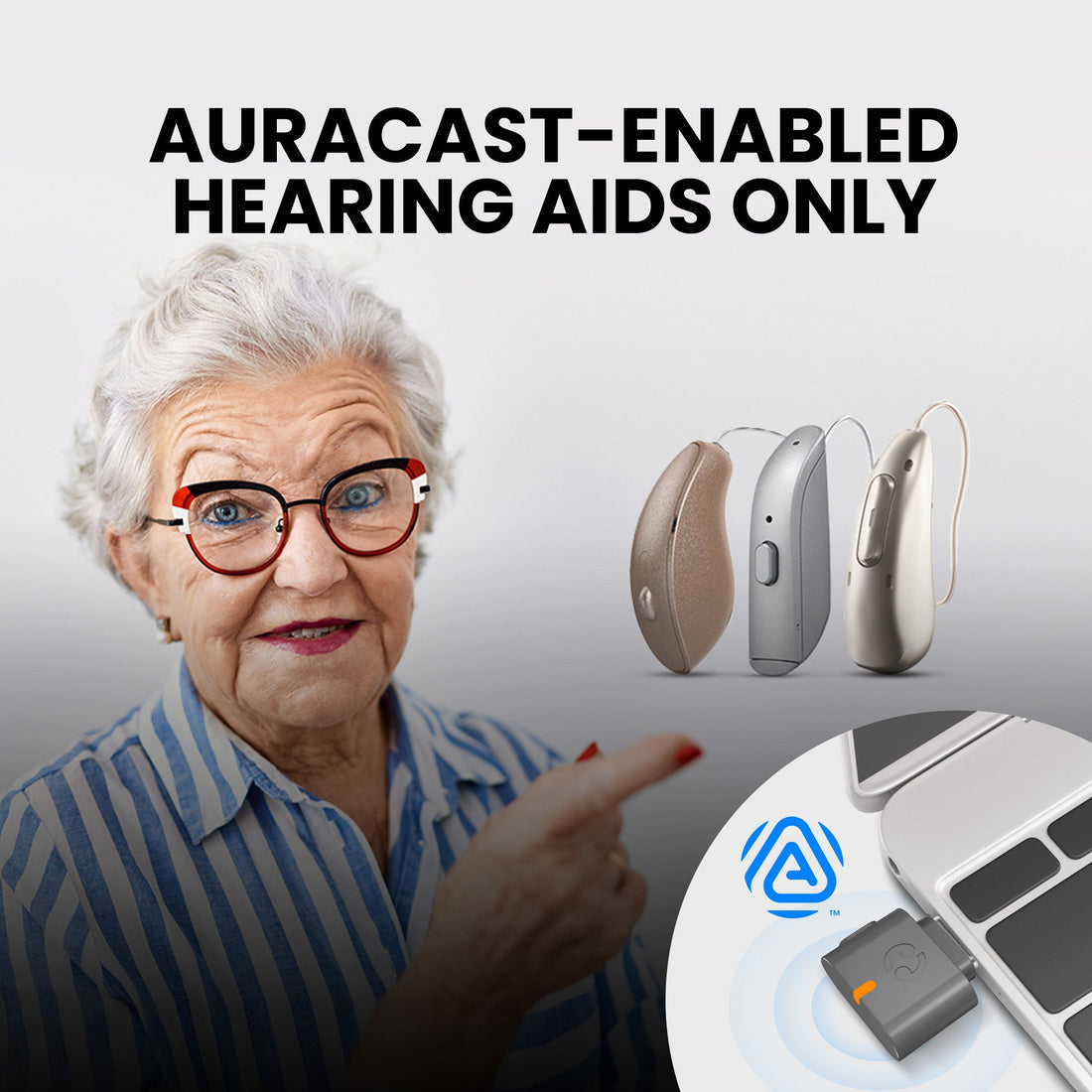
  • For Compatible Auracast Hearing Aids – Broadcast USB audio to supported hearing aids and Auracast listeners.
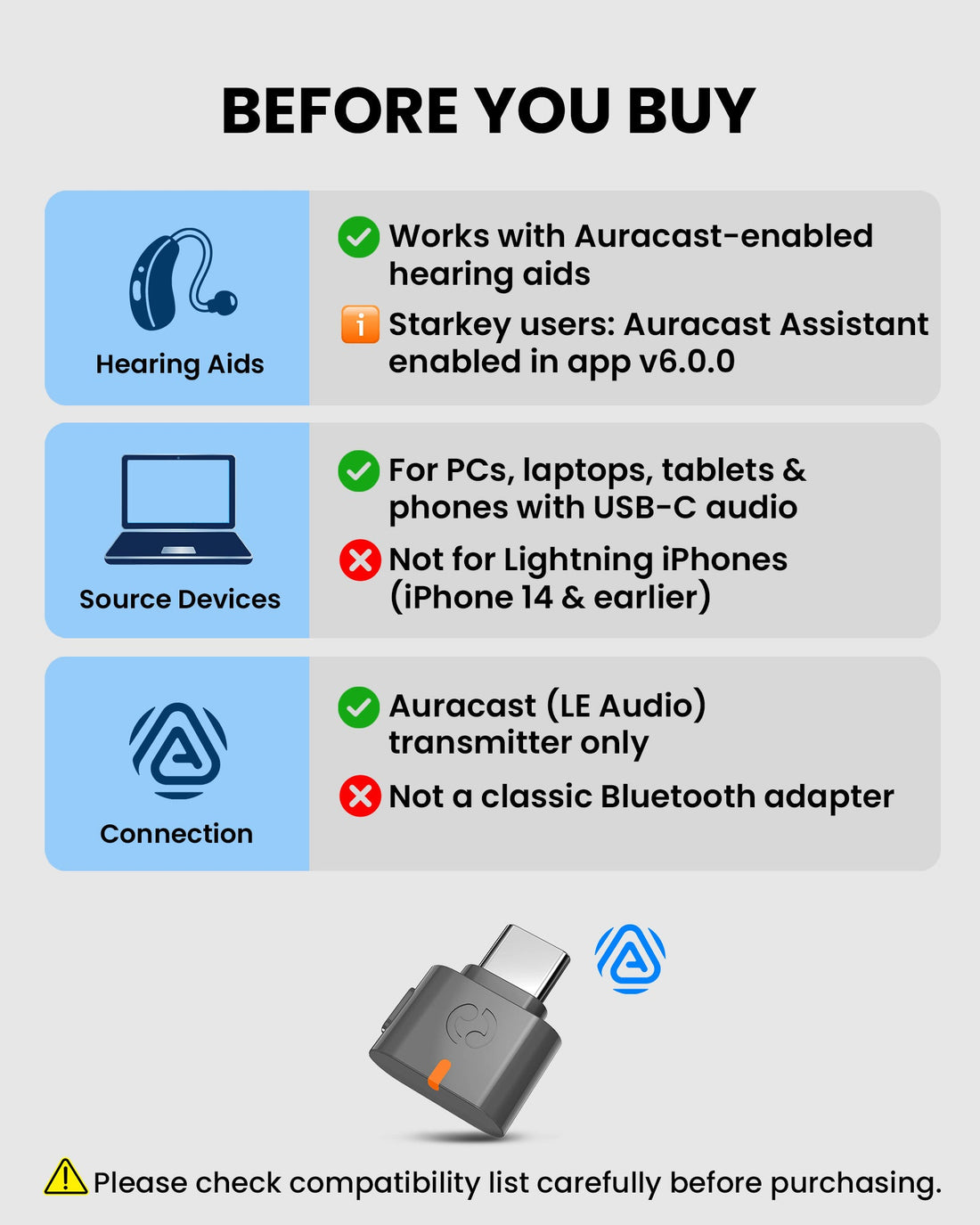
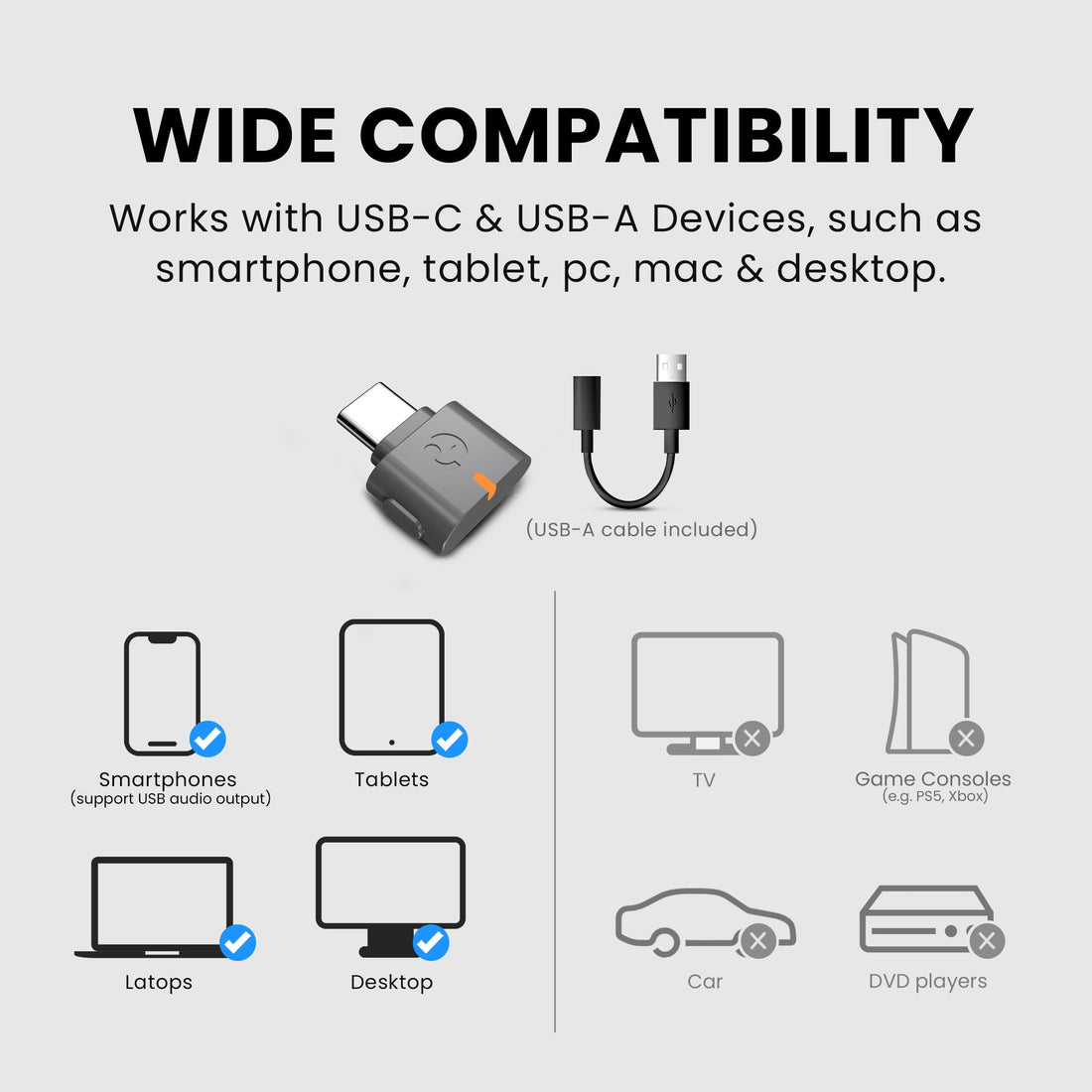
  • USB-C with USB-A Adapter – Connect compatible phones, tablets, Macs and PCs without an analog audio cable.
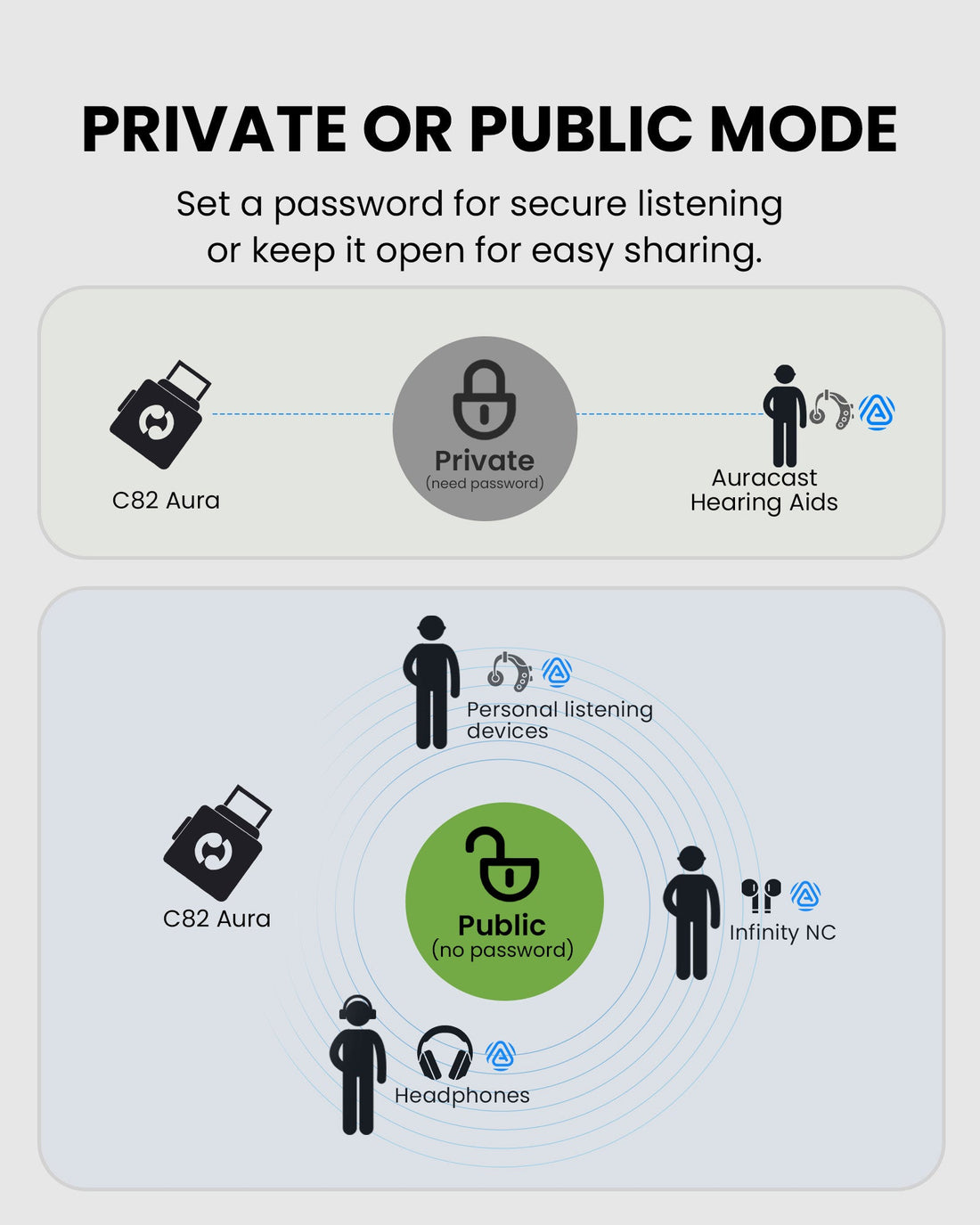
  • Open or Private Broadcast – Use an open group stream or configure a passcode-protected broadcast.
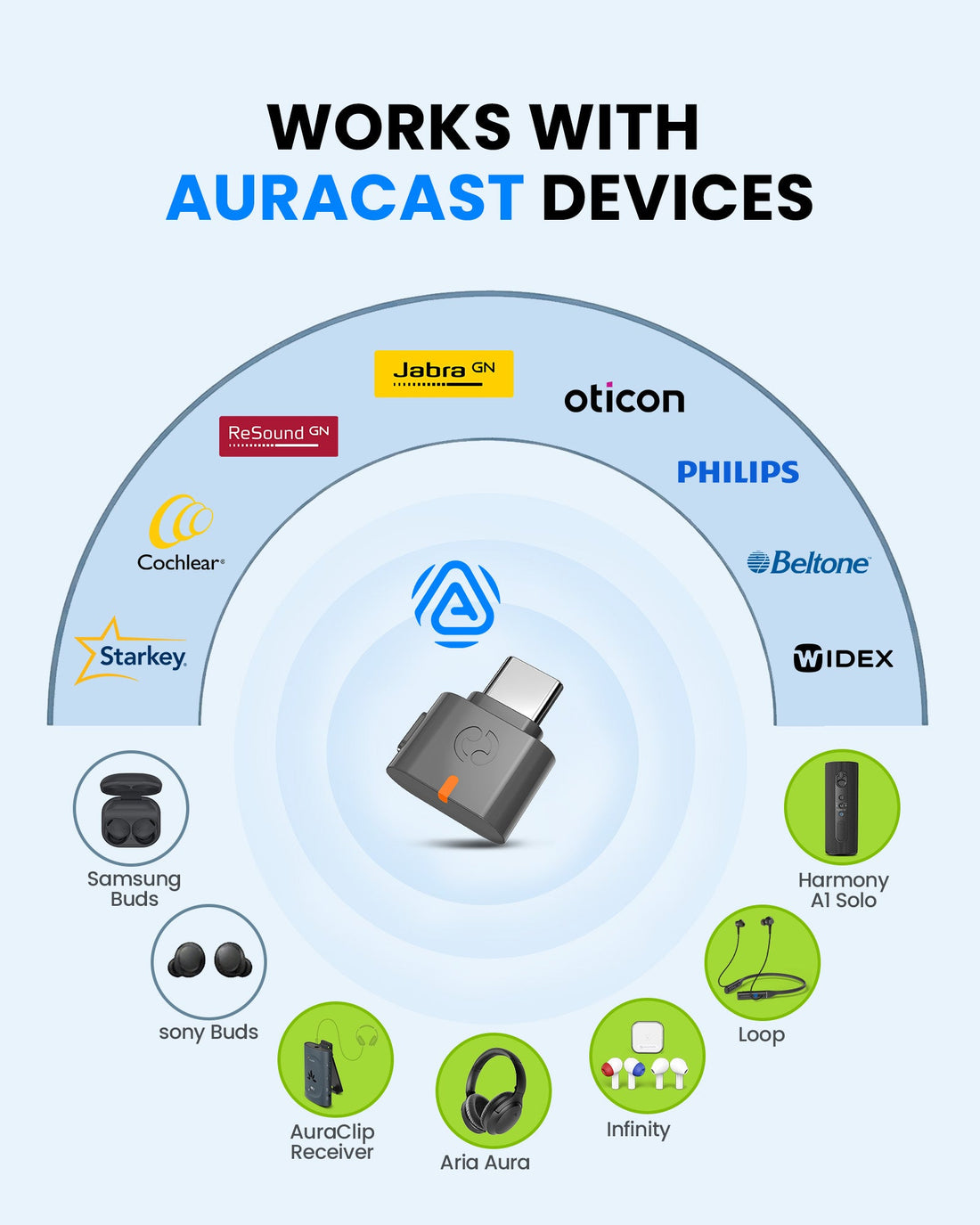
  • Multi-Listener Auracast Audio – Let multiple compatible hearing aids, headphones or speakers join the same source.
  • Not for Standard Bluetooth Devices – Classic Bluetooth headphones and speakers are not supported.
  • USB Audio Source Required – TV, car and console USB ports that provide power only will not work.
C82 Aura $59.99

You Don’t Need New Auracast Hearing Aids

VenuCast works with the hearing devices people already use.

  1. Venue Audio
  2. Auracast
  3. Choose how you listen
Modern Auracast hearing aid

Auracast hearing aids

Connect directly to the Auracast broadcast.

Direct Auracast

Traditional hearing aids with an AuraCoil receiver

T-Coil hearing aids

Use AuraCoil to hear through the hearing aid’s T-Coil.

AuraCoil

Traditional Bluetooth hearing aids Aura C receiver connected to a phone

Bluetooth hearing aids

Use Aura C as a bridge for compatible Bluetooth hearing aids.

Aura C

AuraClip Auracast receiver VenuCast wired on-ear headphones

No hearing aids

Use a receiver with headphones or earbuds.

Receiver + Headphones

Bottom line: One Auracast broadcast can serve many different listeners.

01 · Build your system

View all Add-ons & Accessories

02 · How it works

How it works with your devices

Audio sources

  • USB-C phone / tablet
  • USB-C laptop / Mac
  • USB-A computer with adapter
Find the right cable

Product

C82 Aura
C82 Aura

Listener pathways

  • Auracast hearing aidsSend computer, tablet or phone audio to compatible Auracast hearing aids.
  • Auracast headphones and earbudsCompatible Auracast listeners can join the same USB-audio broadcast.
  • Auracast speakersUse supported Auracast speakers for group listening from a computer or mobile USB source.

03 · Where it fits

Where it fits

Computer Audio

Computer Audio

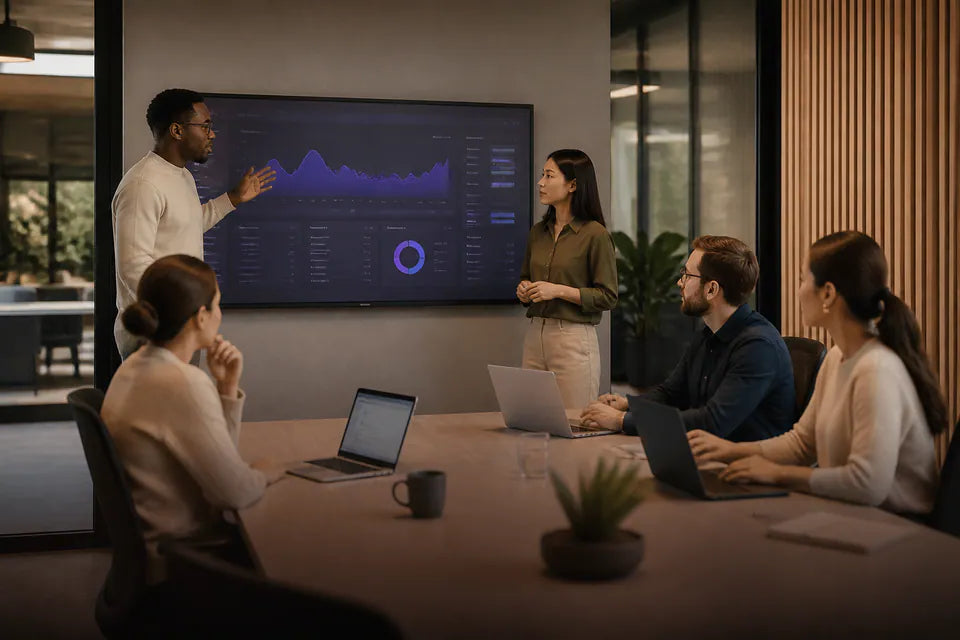
Add Auracast broadcast audio to compatible Windows PCs and Macs.
Tablet Listening

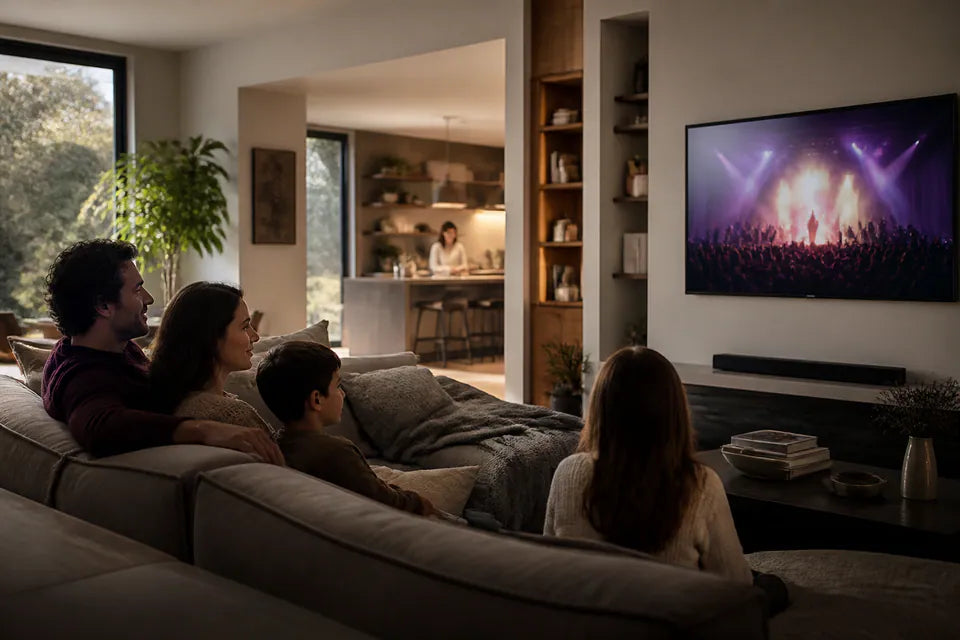
Tablet Listening

Broadcast USB-C tablet audio to supported hearing aids and listeners.
Mobile Media

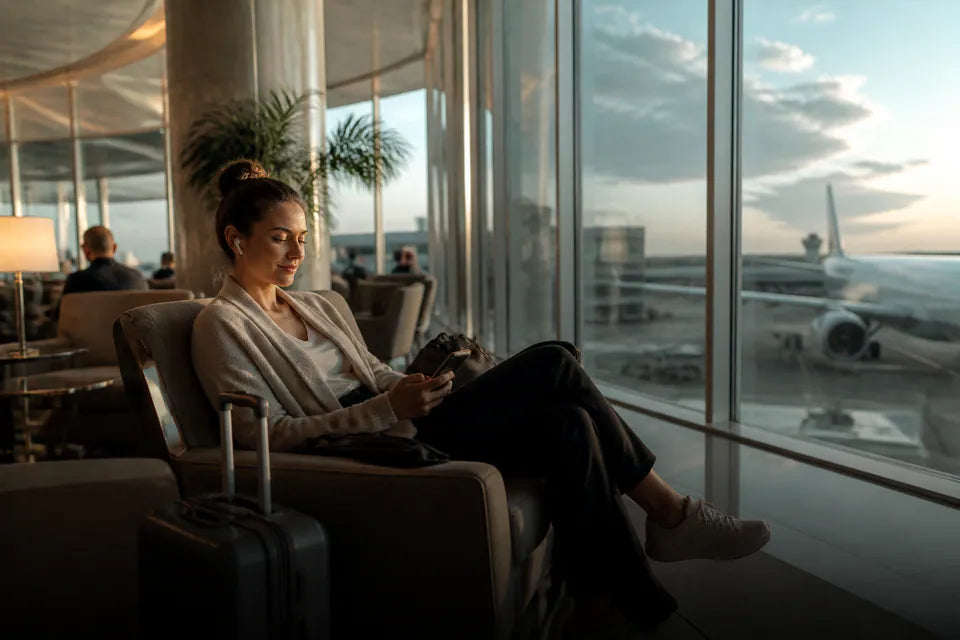
Mobile Media

Use supported USB-C phones for music, video and app audio.
Group Listening

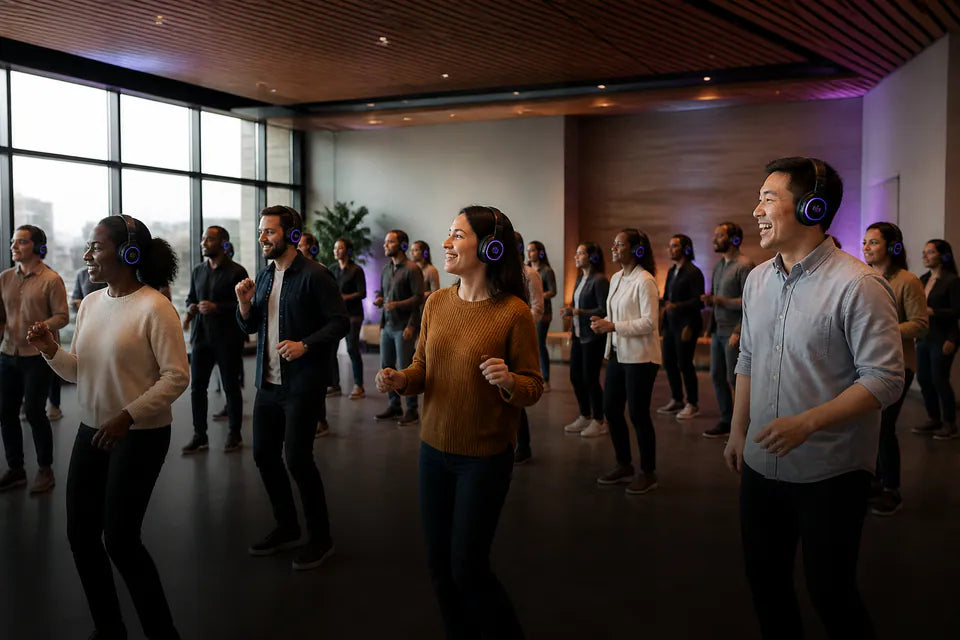
Group Listening

Let multiple compatible Auracast devices join an open or protected broadcast.

Designed for compatible USB audio sources. It is not intended for televisions, cars or game consoles without supported USB audio output.

04 · Product details

Product details

Key specifications

Bluetooth version
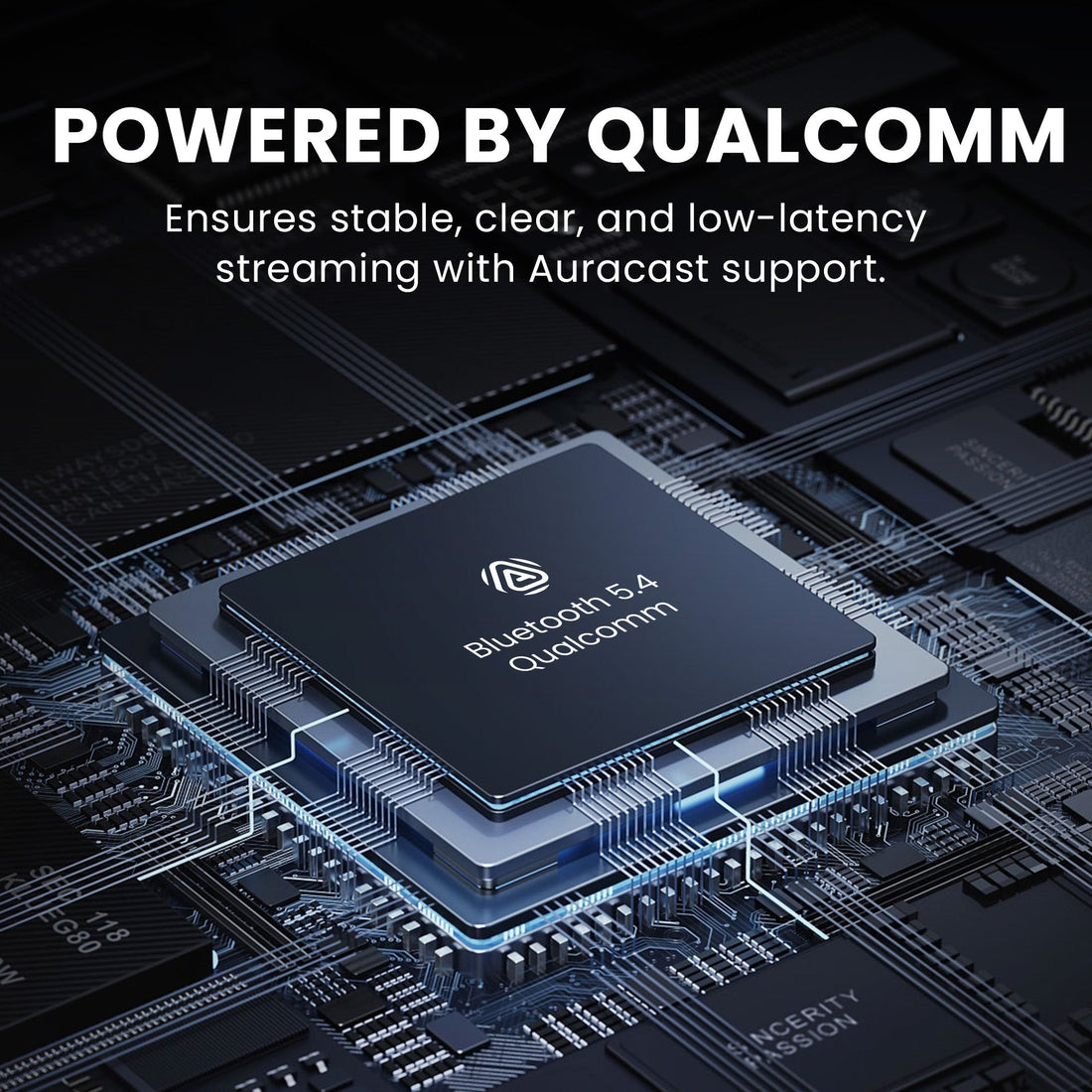
Bluetooth 5.4
Chipset
Qualcomm QCC LE Audio platform
Audio codec
LC3 Auracast broadcast
Interface
USB-C with included USB-A adapter
Typical latency
50-80ms
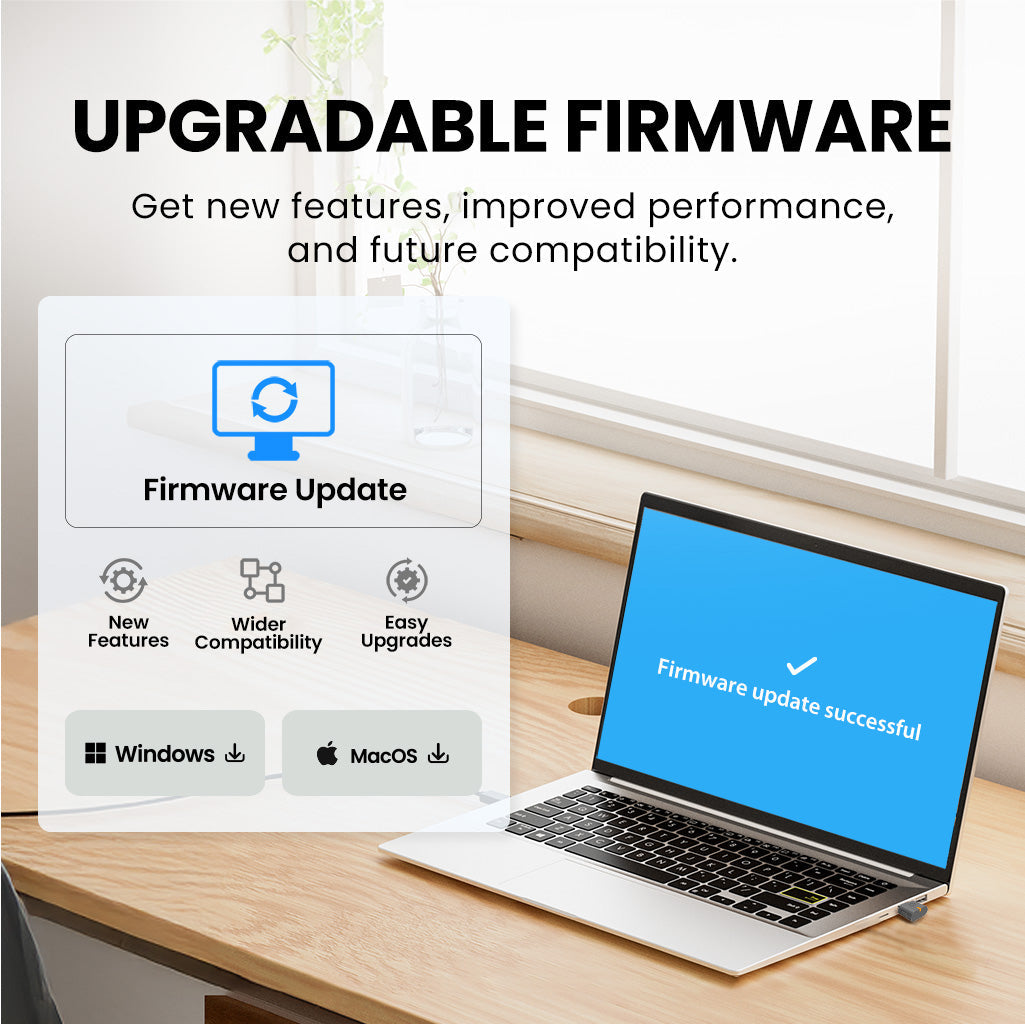
Firmware upgrade
Supported
Private broadcast mode
Yes, passcode supported
Published range
Up to 30m / 100ft line of sight
Dimensions
17 x 21 x 7mm
Weight
2g

Simple setup

  1. 1Connect the USB audio sourcePlug C82 Aura into a compatible USB-C port or use the supplied USB-A adapter.
  2. 2Select open or private broadcastUse the supported updater when a custom broadcast name or passcode is required.
  3. 3Join from the listening deviceFind and join the broadcast using the compatible hearing-aid app or Auracast listener controls.

05 · Compare

Compare alternatives

FeatureCurrent productC82 AuraDG60 AuraAudikast 4HAVoyager HA
Audio interfaceUSB-C / USB-A audioUSB-A audioOptical + 3.5mm AUX3.5mm AUX
Auracast hearing aidsYesYesYesYes
Bluetooth headphonesNoYesYesYes
Audio codecsLC3LC3, aptX Adaptive, aptX, SBCLC3, aptX Adaptive, aptX HD, SBCLC3, aptX Adaptive, aptX HD, aptX, SBC
Primary usePhones, tablets and computersComputer audio and group listeningTV and hearing-aid listeningPortable AUX listening
Published rangeUp to 30m / 100ft LOSUp to 50m / 160ft LOSUp to 25m / 82ft LOSUp to 20m / 65ft LOS

06 · Common questions

Common questions

What is C82 Aura designed for?

C82 Aura adds Auracast broadcast audio to compatible USB-C and USB-A computers, tablets and phones.

Will it work with my hearing aids?

It works only with compatible Auracast hearing aids and supported Auracast listening devices.

Can I use regular Bluetooth headphones?

No. C82 Aura is an Auracast broadcaster and does not support standard Bluetooth headphones or speakers.

Can I use C82 Aura with a TV or game console?

It requires a compatible USB audio source. A USB-C port used only for power will not provide audio.

Can I protect the broadcast?

Yes. Supported firmware tools can configure a private broadcast with a passcode.

Can the firmware be upgraded?

Yes. Firmware updates are supported through the official updater workflow.

Designed for straightforward installation

Venue Audio Made Simple

No rewiring. No complicated setup. Connect Venucast to the audio system you already have.

Mixer / Soundboard / PA System
Auracast Transmitter
Auracast Hearing Aids / T-Coil Hearing Aids