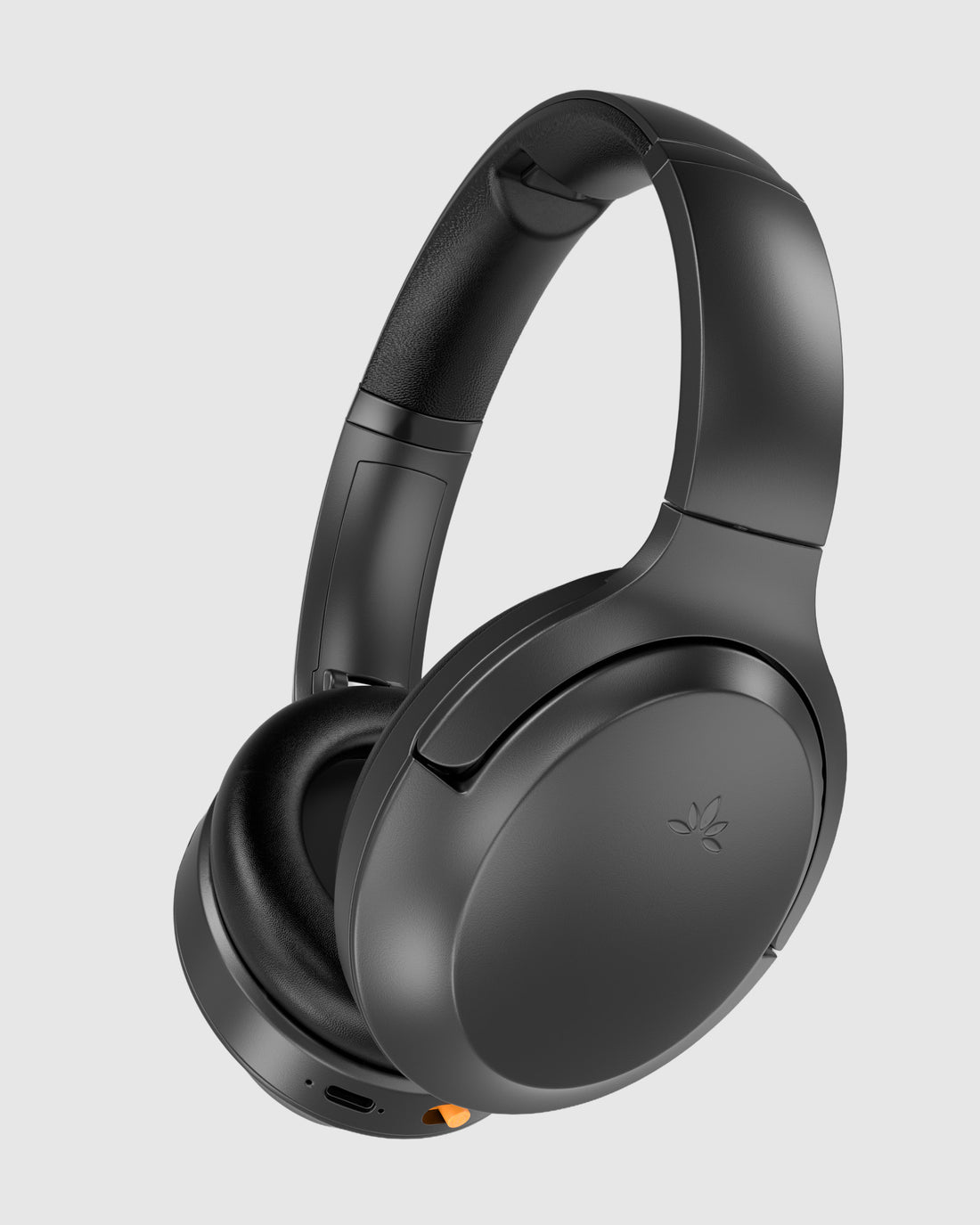
Aria Aura

Auracast Headphones for Public Spaces

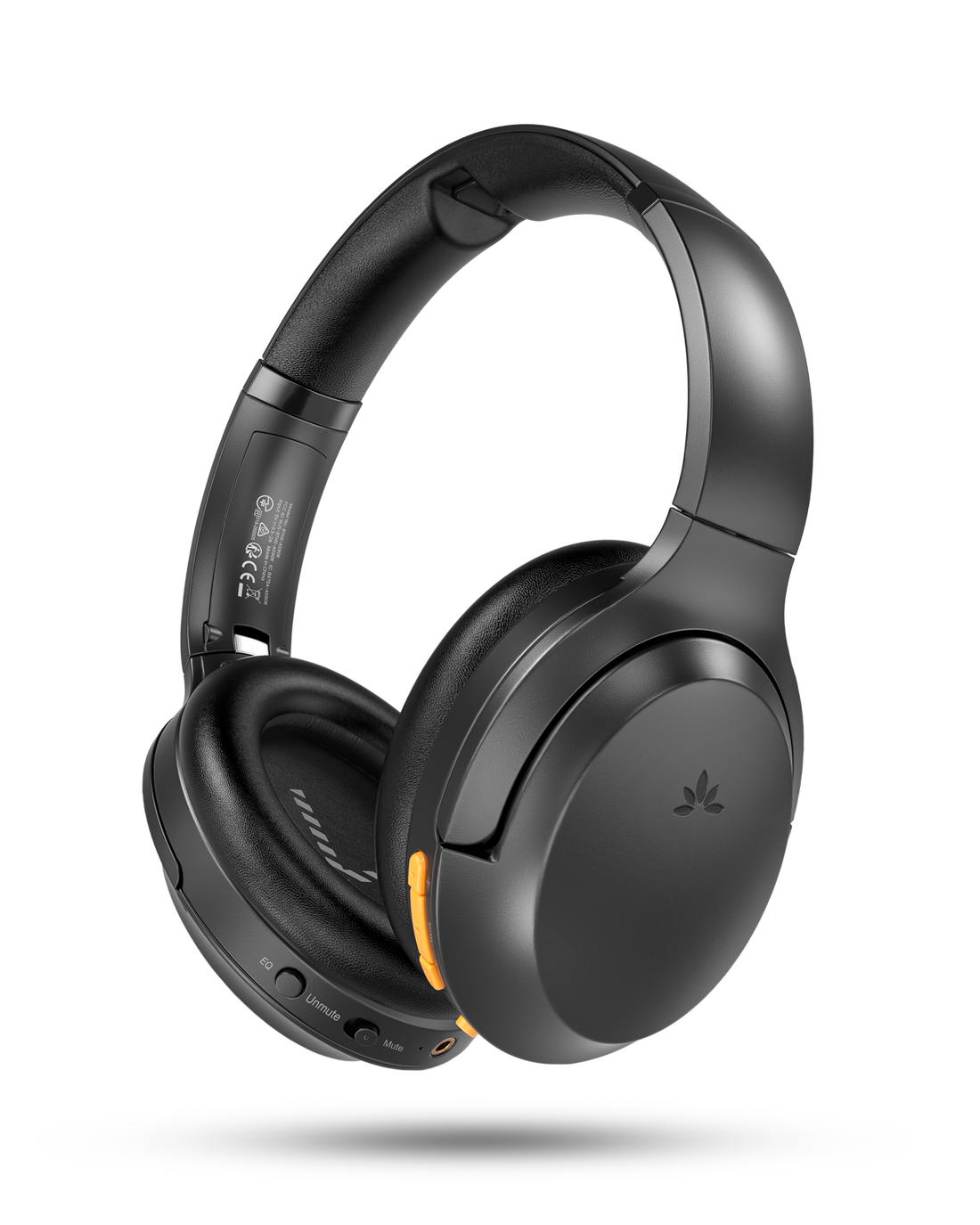
Comfortable over-ear Auracast headphones for public venues, shared listening, and compatible broadcast systems.

Checking the fastest delivery option…

Firmware Update Alerts

Get notified when new Aria Aura firmware is available.

Firmware updates only. No marketing emails.
Fast ShippingReliable Delivery
60-Day Free ReturnsHassle-Free
Bulk DiscountVolume Pricing Available
Free Setup SupportVenue Specialist Included
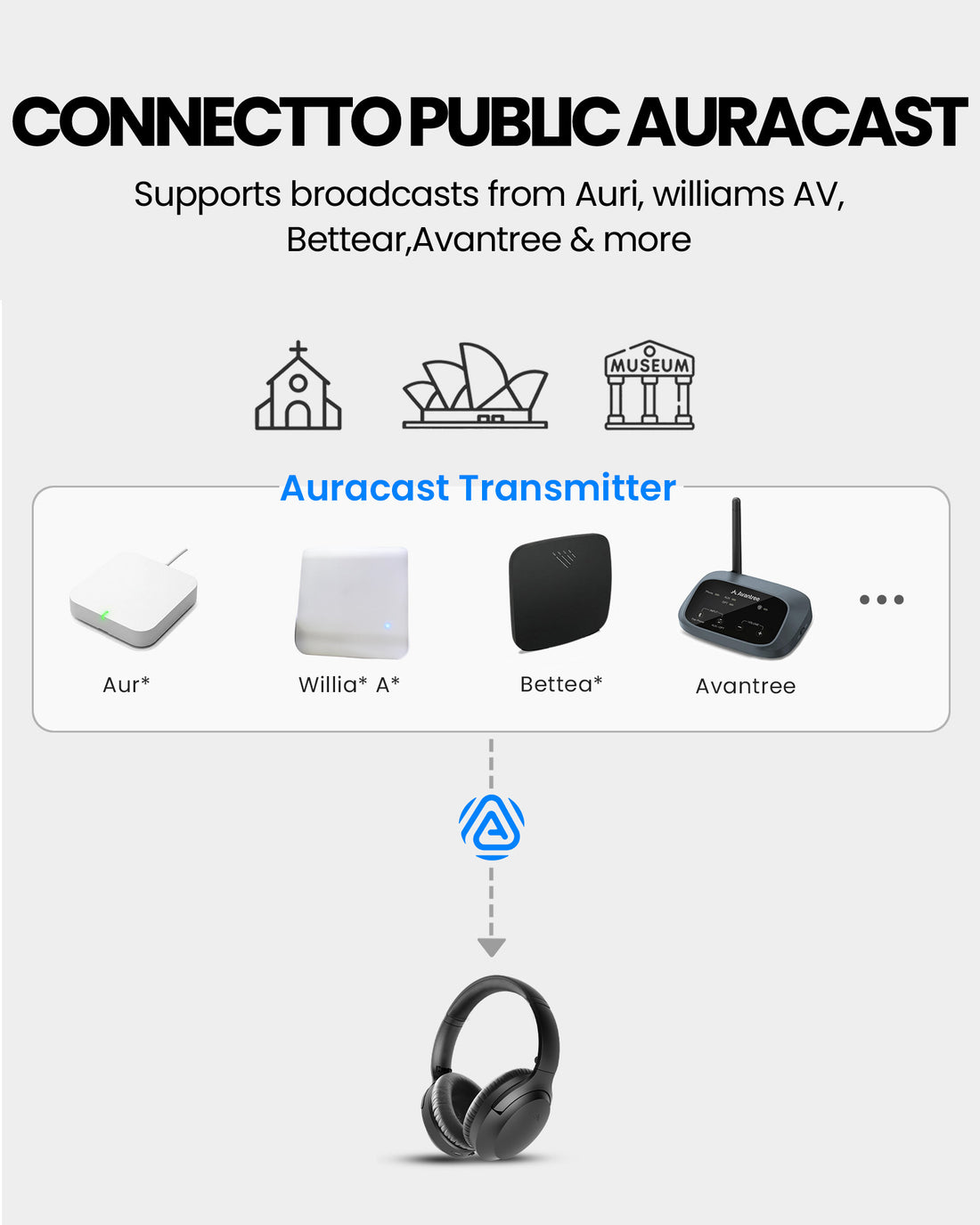
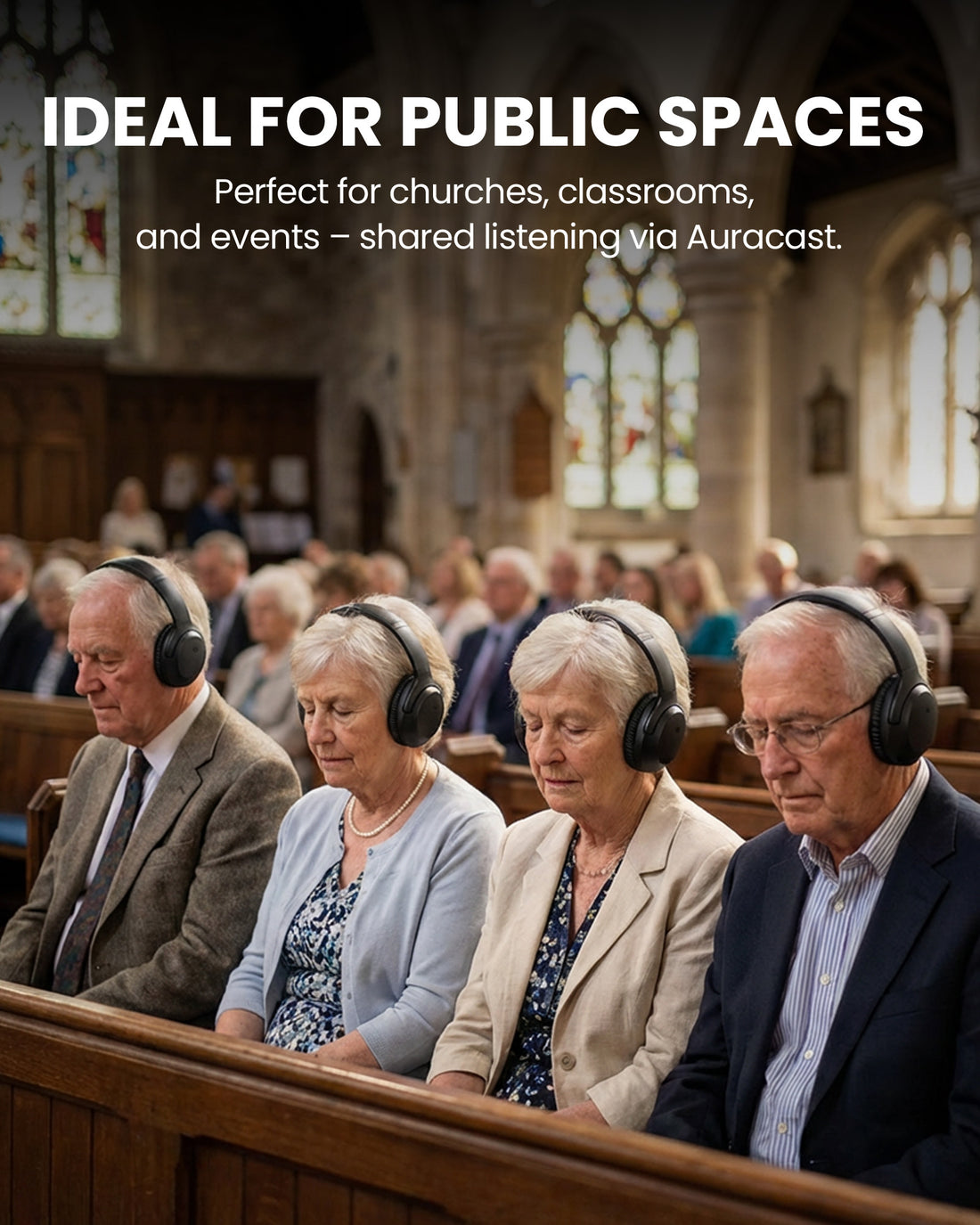
  • Public Auracast Listening – Join compatible Auracast broadcasts in churches, museums, theaters, classrooms, and other public venues.
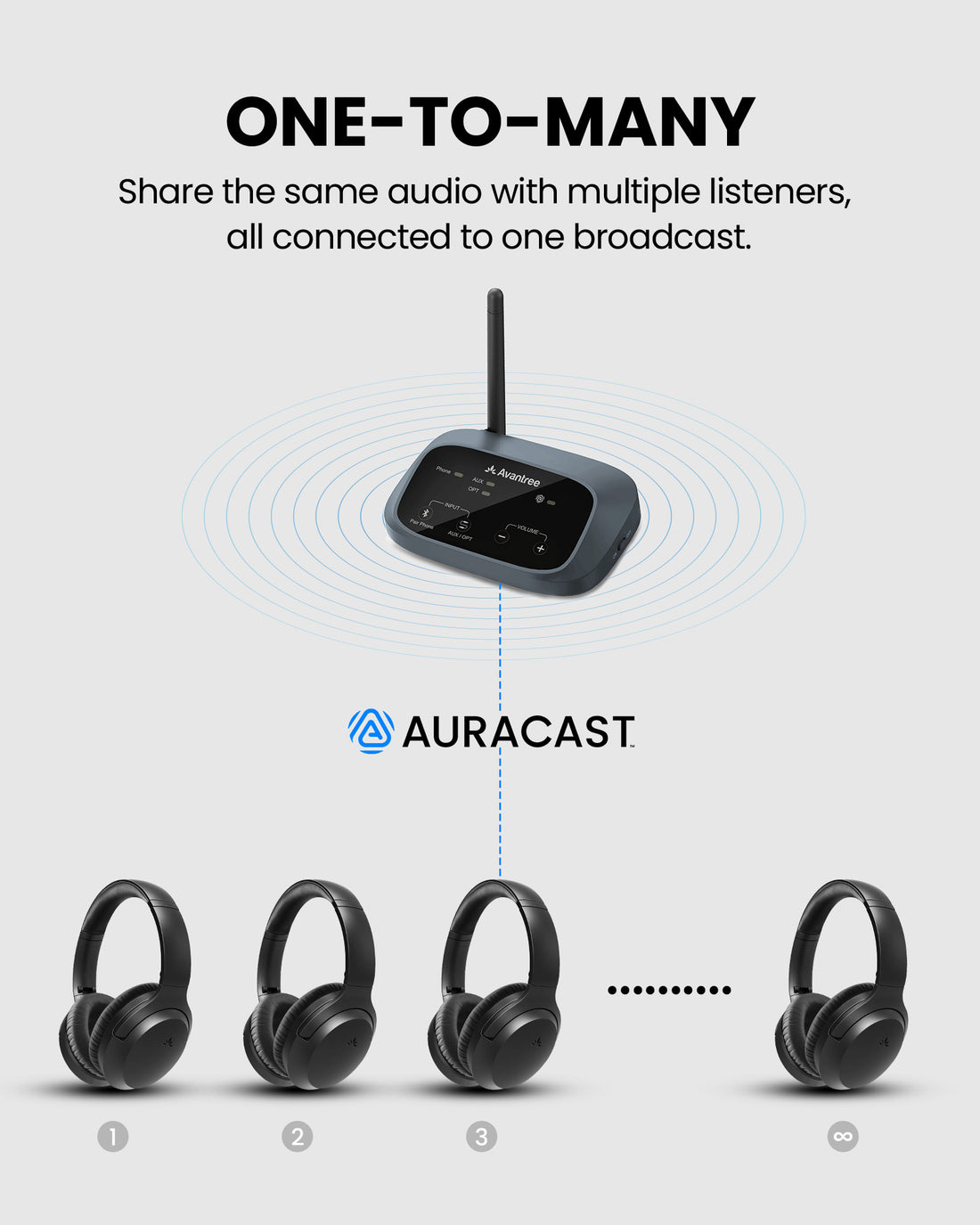
  • Expand Shared Listening – Add another headphone to the same broadcast so listeners can hear the program at their own preferred volume.
  • Clear Speech & Program Audio – Supports clear dialogue and spoken content for venue programs, presentations, and announcements.
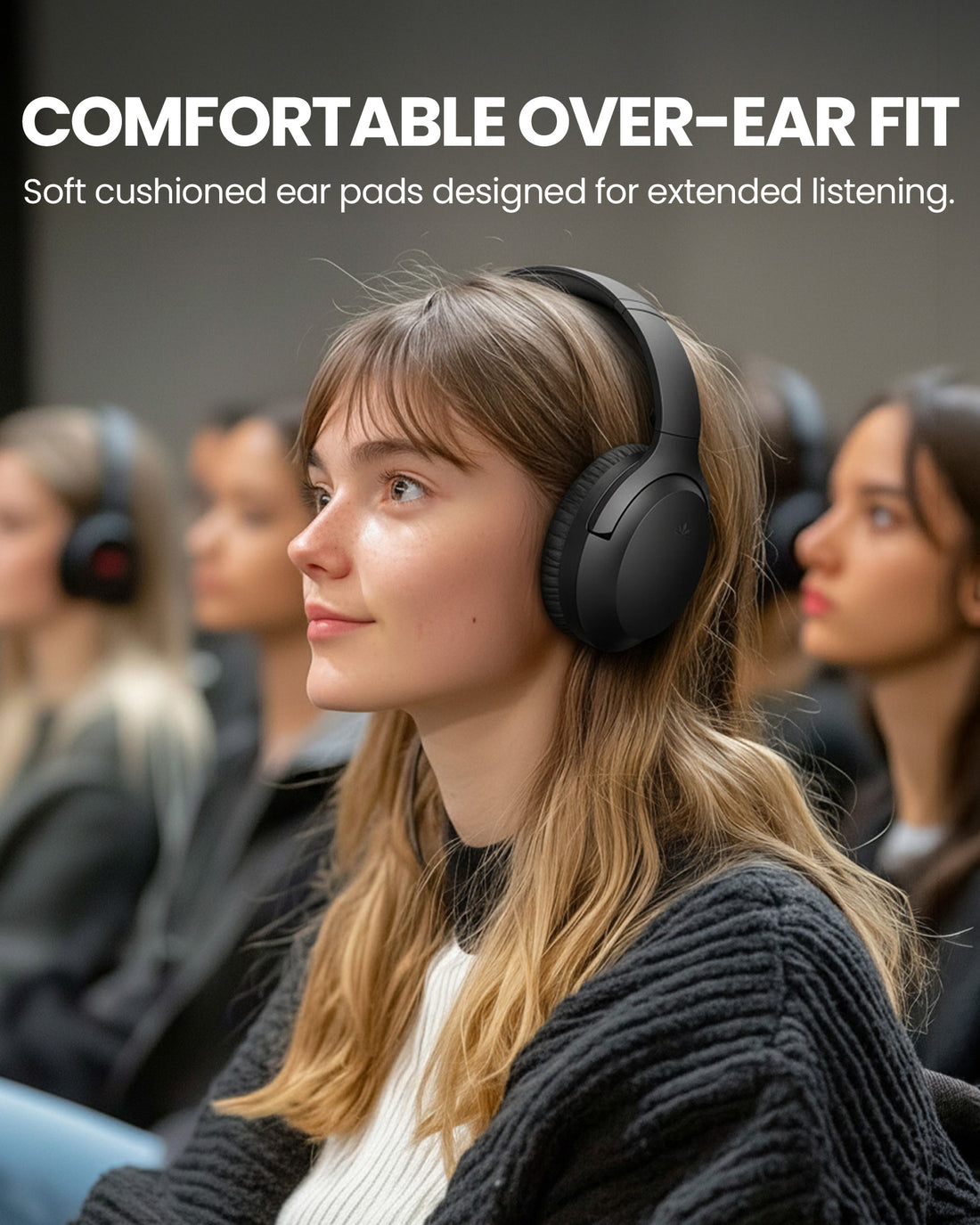
  • Comfort for Extended Sessions – Lightweight over-ear design with soft cushioned earcups supports longer listening sessions.
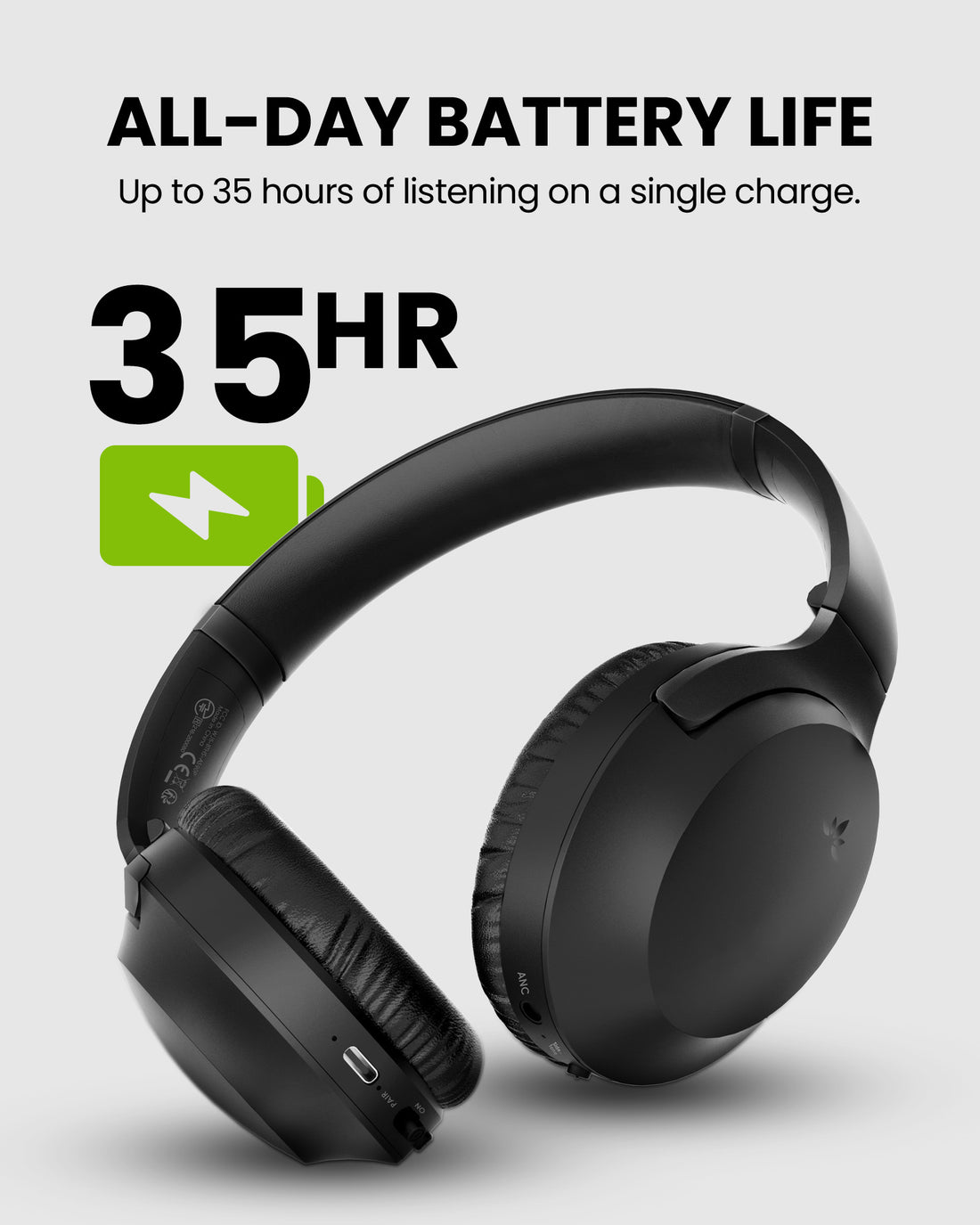
  • Up to 35-Hour Playtime – Long battery life supports dependable all-day venue operation.
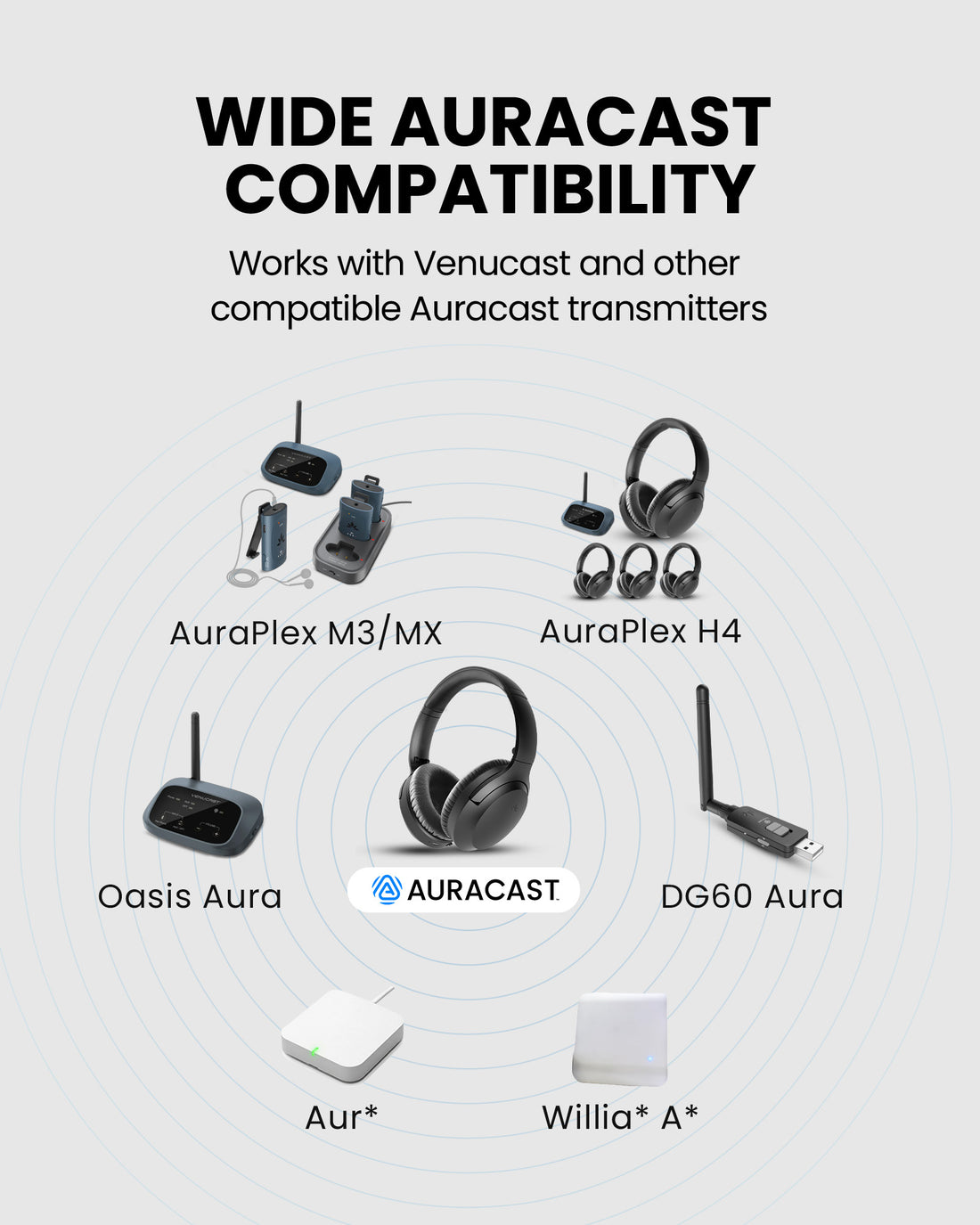
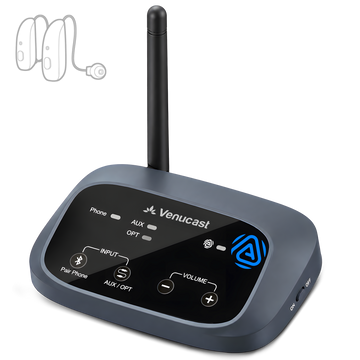
  • Open Auracast Ecosystem – Works with compatible Venucast transmitters and other supported Auracast broadcast systems.
Aria Aura $99.99

01 · Best for

Best For

Shared listening for worship, learning and public venues

  • Church & WorshipPersonal program listening from a compatible venue broadcast.
  • Classroom & TrainingShared speech and learning audio with individual volume.
  • Conference & TheaterProgram audio for performances, meetings and presentations.
  • Museums & Public VenuesAccessible listening for exhibits and shared public spaces.

Before buying

Compatibility

Check the audio source feeding Aria Aura and how each listener will hear the broadcast.

A. Audio source compatibility

A compatible Auracast broadcast is required

  • Compatible Auracast venue transmitter
  • Public Auracast broadcast
  • Existing Auracast assistive-listening system

B. Listening device compatibility

Choose a direct or receiver-assisted path

Over-ear headphone listening
Join a compatible venue broadcast and listen through the integrated headphones.
Independent volume
Each listener controls their own level while receiving the shared program.
External broadcast source
A suitable Auracast transmitter or existing broadcast is required; no transmitter is included.
Check Compatibility
Need help choosing AuraView 4-Pack for your venue? Find My Setup

Aria Aura receives compatible Auracast broadcasts for public and shared listening. Broadcast availability and connection steps depend on the transmitting system.

02 · Addons & Accessories

Kits That Include This Product

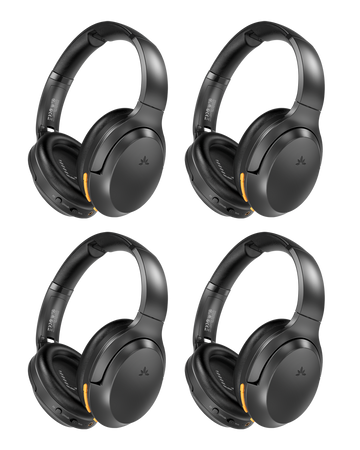
Explore existing larger kits and receiver packs

View all add-ons & accessories

03 · Product Details

What's Included

  • 1 × Aria Aura headphone

How It Works

Simple by design

Charge, join a broadcast, set your listening level

Aria Aura receives compatible Auracast broadcasts for public and shared listening. Broadcast availability and connection steps depend on the transmitting system.

  • 1 headphone
  • Up to 35 hours of listening
  • Independent listener volume
1
Charge and prepare Charge the headphones by USB-C or a compatible charging dock before use.
2
Join the broadcast Select an available compatible Auracast broadcast using the headphone controls.
3
Set listening level Adjust the volume independently for comfortable venue listening.

Technical Specifications

Wireless technology
Bluetooth 5.4 LE Auracast
Wireless range
Classic Bluetooth: up to 10 m (33 ft); Auracast: up to 100 m (330 ft) LOS
Audio codecs
aptX-Adaptive (Classic Bluetooth); LC3 (Auracast)
Audio latency
Approx. 50–70ms depending on mode
Play time
Up to 35 hours
Charging time
Approx. 2.5 hours
Charging
USB-C or compatible charging dock
Driver size
40mm
Frequency response
20Hz–20kHz
SKU
VHS-AS90R
Package dimensions
21.8 × 18.3 × 5.4 cm
Packaged weight
444 g
Net weight
254 g
Carton dimensions
45.5 × 38.7 × 35.5 cm
Units per carton
24

04 · Setup & Config

User Guide

Official Aria Aura setup, broadcast selection, controls and charging guide.

Open guide

Firmware & Configuration

Aria Aura headphone firmware releases and update instructions.

Aria Aura headphone component firmware: v1.3.1 · Aug 5, 2026.
Open PC tool

Troubleshooting

Aria Aura power, charging, connection and maintenance FAQs.

Get help

Compare Headphone Features

FeatureAria Aura headphonesEon AuraLite Aura
Auracast audio codecLC3LC3LC3
Battery play timeUp to 35 hoursUp to 60 hours ANC off / 45 hours ANC onUp to 35 hours
Auracast rangeUp to 100 m (330 ft)Up to 100 m (330 ft)Up to 100 m (330 ft)
Driver size40 mm40 mm40 mm
Charging optionsUSB-C / compatible dockUSB-CUSB-C

Battery life, range and driver specifications describe one headphone. Pack quantities, pricing and included accessories are listed separately. Actual range and runtime vary with setup and operating conditions.

Common Questions
Aria Aura FAQ

What is Aria Aura designed for?

Aria Aura is an add-on over-ear Auracast headphone for shared and public venue listening.

Can Aria Aura receive public Auracast broadcasts?

Yes. It can receive compatible public Auracast broadcasts; availability and joining steps depend on the broadcast system.

Can multiple listeners use the same broadcast?

Yes. Auracast broadcasts can serve multiple compatible listening devices, with each listener controlling their own volume.

How long does the battery last?

Each Aria Aura headphone provides up to 35 hours of playtime under the stated operating conditions.

Can listeners switch between broadcasts?

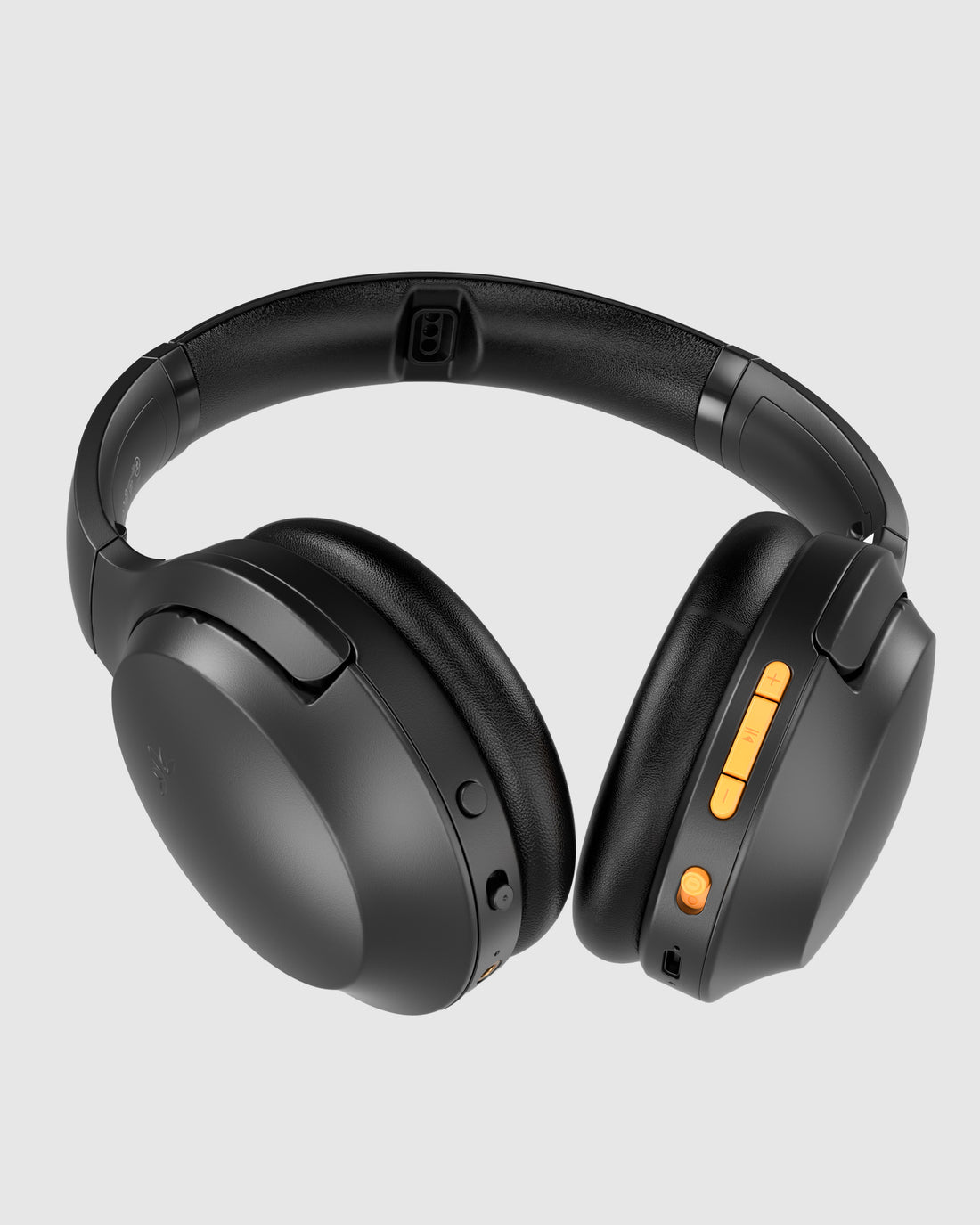
Yes. Press and hold the Play button for about 3–5 seconds to leave the current broadcast and scan for another available broadcast.