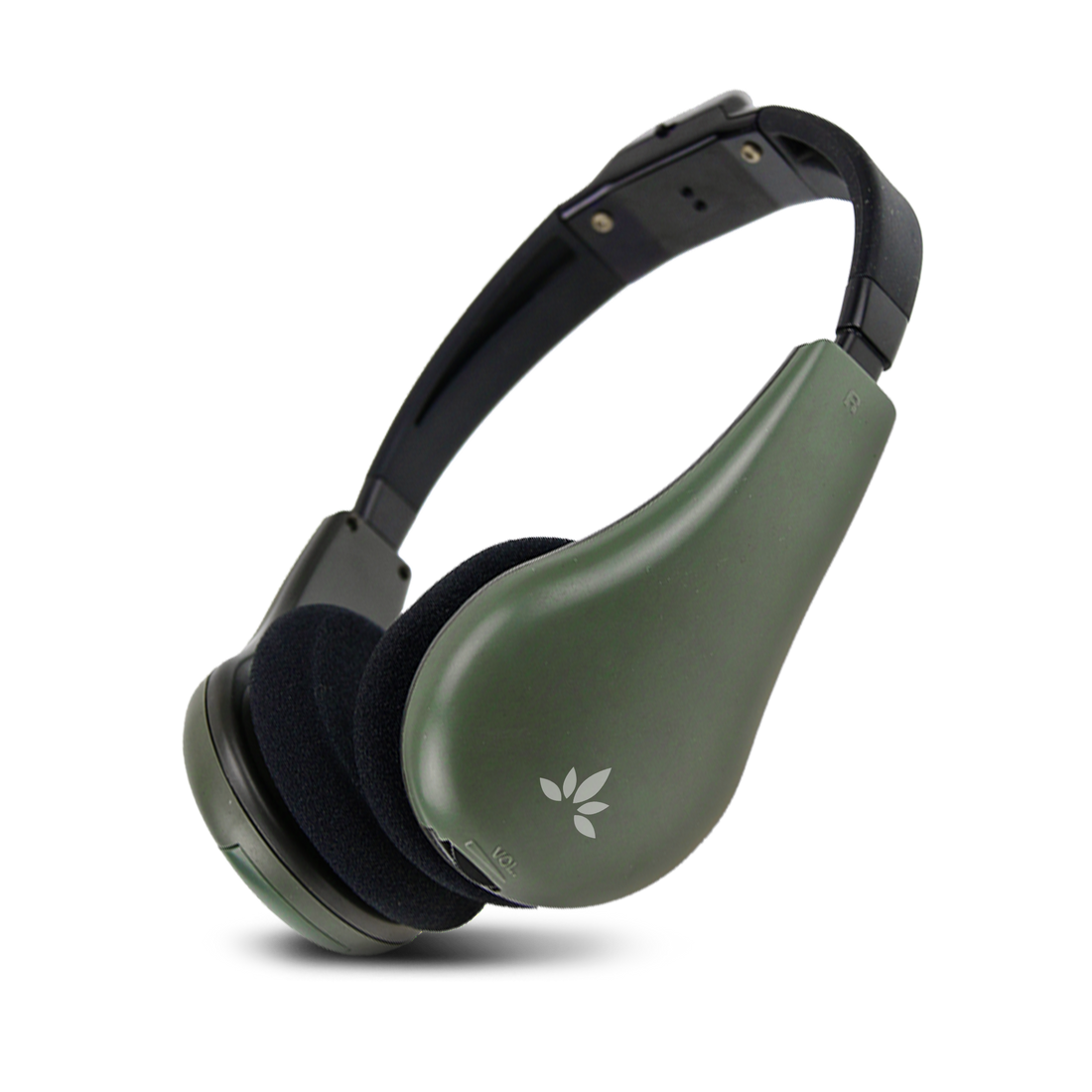
Casque R500

$39.99
Subtotal: $39.99

Free Shipping and Returns

  • Interference-Free Infrared Technology: Infrared transmission is immune to RF and Bluetooth interference, making it ideal for environments filled with wireless devices or where radio use is restricted, such as exam halls and courtrooms.
  • Secure, Room-Contained Audio: IR signals do not pass through walls, so audio stays strictly inside the room. Perfect for courtrooms, confidential meetings, and exam environments where information must not leak outside.
  • Optimized for Exams and Classrooms: In classrooms and exam halls, R500 can deliver instructions, audio content, or spoken material clearly to students without disturbing others and without cross-talk between rooms. Multiple rooms can use the system simultaneously without interference.
  • Ideal for Courtrooms and Legal Hearings: R500 provides secure audio for judges, interpreters, or selected participants in courtrooms and legal hearing rooms. The in-room IR coverage helps keep sensitive discussions and spoken content private.
  • Effective for Conferences and Churches: Conference rooms and churches can use the system to deliver clear audio to specific listeners, such as key participants or those seated farther away, while keeping sound contained within the venue.
  • Comfortable Lightweight Headphones: The included IR headphones are lightweight and comfortable for long use in classes, exams, hearings, and meetings, making them suitable for extended sessions.
• 1 × IR Wireless Headphones
• 1 × Charging Cable
Casque R500

Casque R500

$39.99

Casque R500

$39.99

Specifications

🔊 Technology
Technology Infrared (IR)
Transmission Type Line-of-sight
Coverage Up to 100 ft / 30 m (depending on room layout)
Room Containment Signal confined to the room (no through-wall transmission)
🎧 Headphones / IR Receiver
Operating Time 20 hours
Battery Alkaline batt. 1.5V ×2 (not included)
Frequency Response 50 Hz - 12 kHz
Weight Approx. 180–220 g
Wearing Style On-ear

Easy Setup Process

Step 1: Install the Transmitter

Mount or place the transmitter in a suitable position, facing the listening area.

Step 2: Connect Audio or 
Microphone

Connect the audio source or microphone to the transmitter’s input port.

Step 3: Connect the Power

Plug in the power adapter and the transmitter will turn on automatically.

Step 4: Turn On Headphones 
and Wear

Turn on the headphones, then wear them and adjust the volume to a comfortable level.

Consultation Booking 📲

Not sure what to do? Book a 15-minute FREE consultation with our Group Listening Expert today!

Book Now