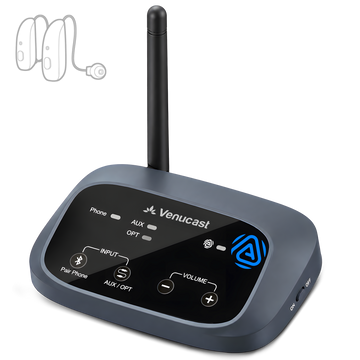
AuraLink

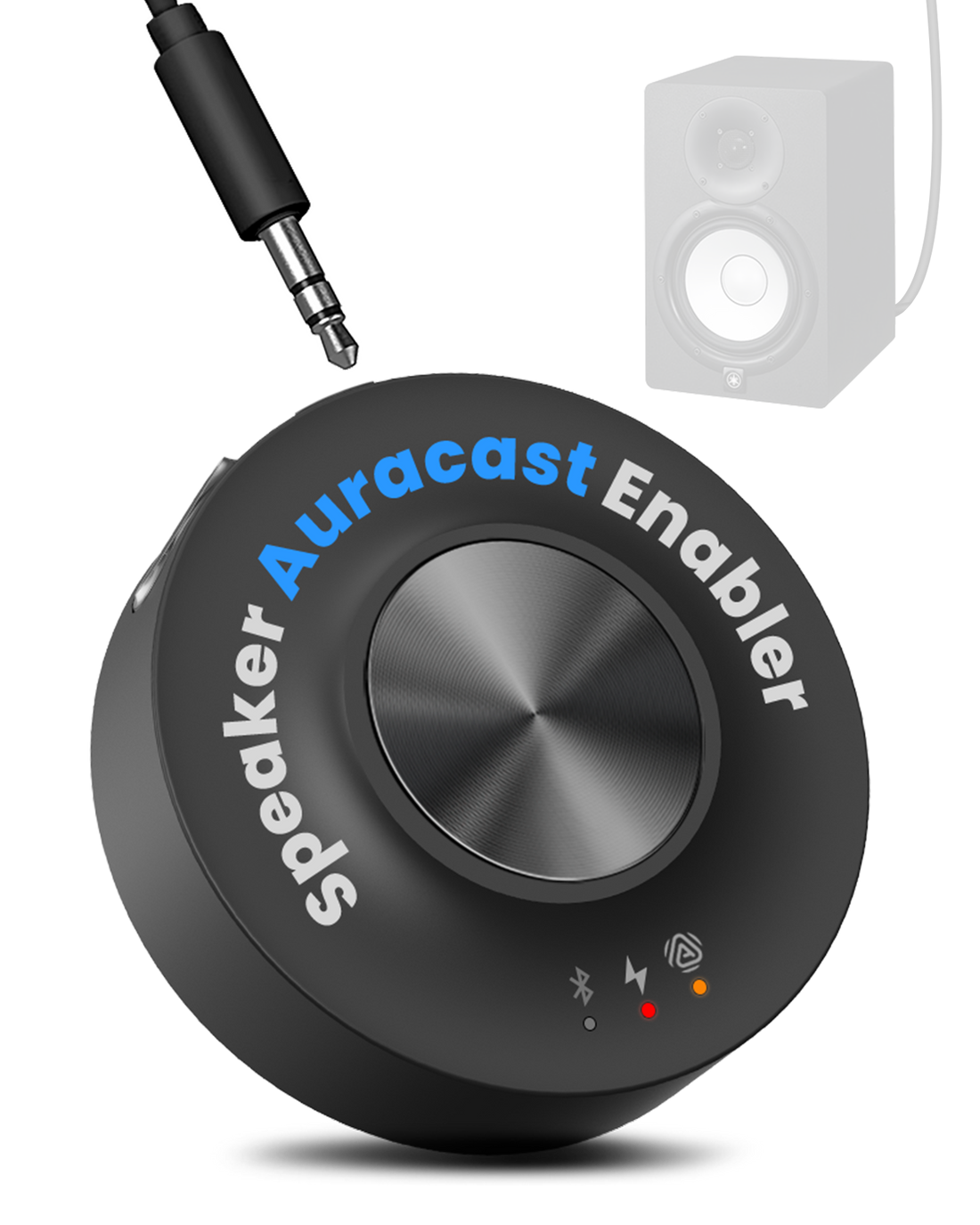
Auracast & Bluetooth Receiver for Powered Speakers

Add Auracast or Bluetooth reception to an existing powered speaker or audio system.

$69.99
Version:
AuraLinkAuraLink 3-Pack
Ask a Question

Checking the fastest delivery option…

Fast ShippingReliable Delivery
60-Day Free ReturnsHassle-Free
Bulk DiscountVolume Pricing Available
Free Setup SupportVenue Specialist Included
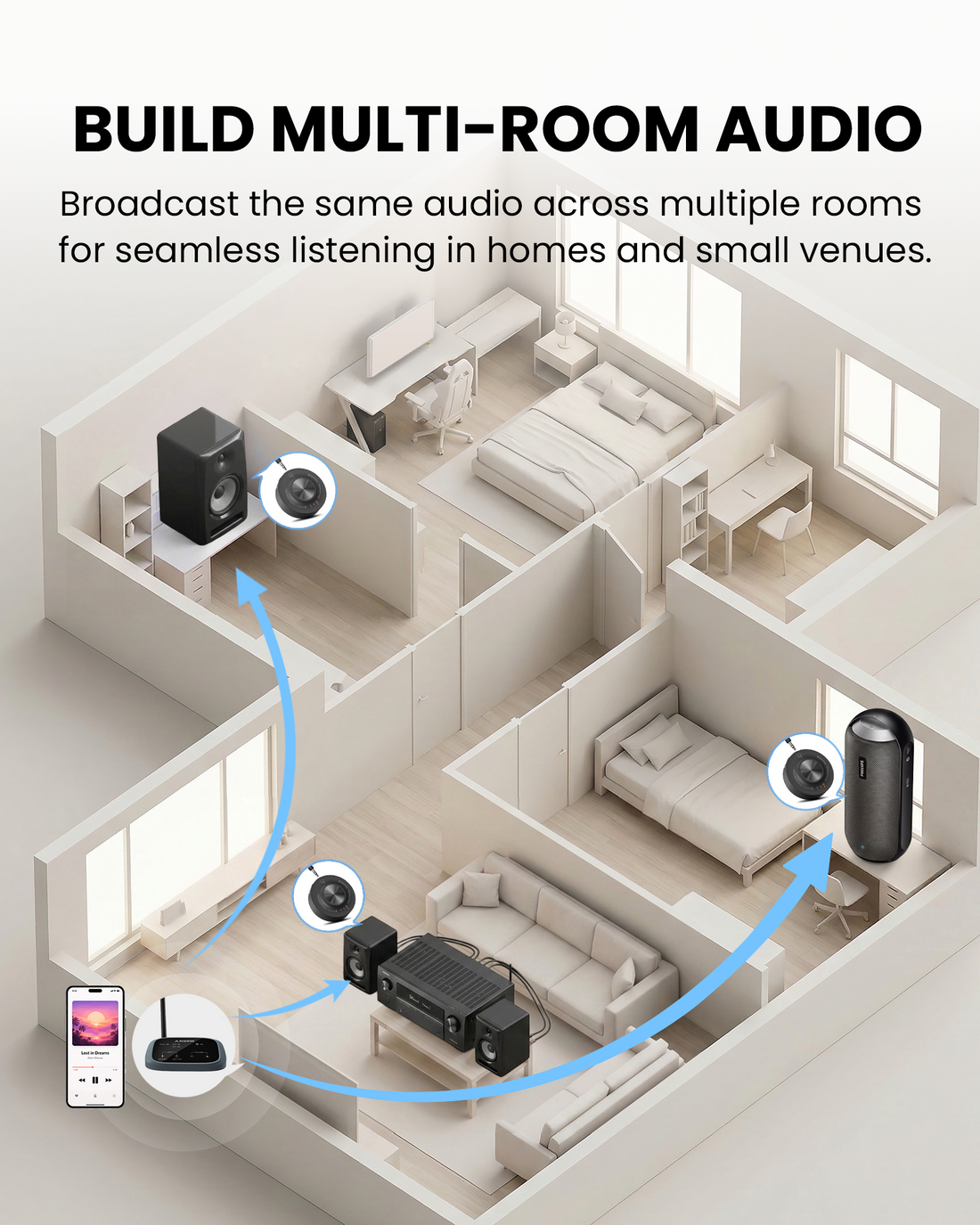
  • Reuse Existing Powered Speakers – Connect the receiver to a compatible audio input.
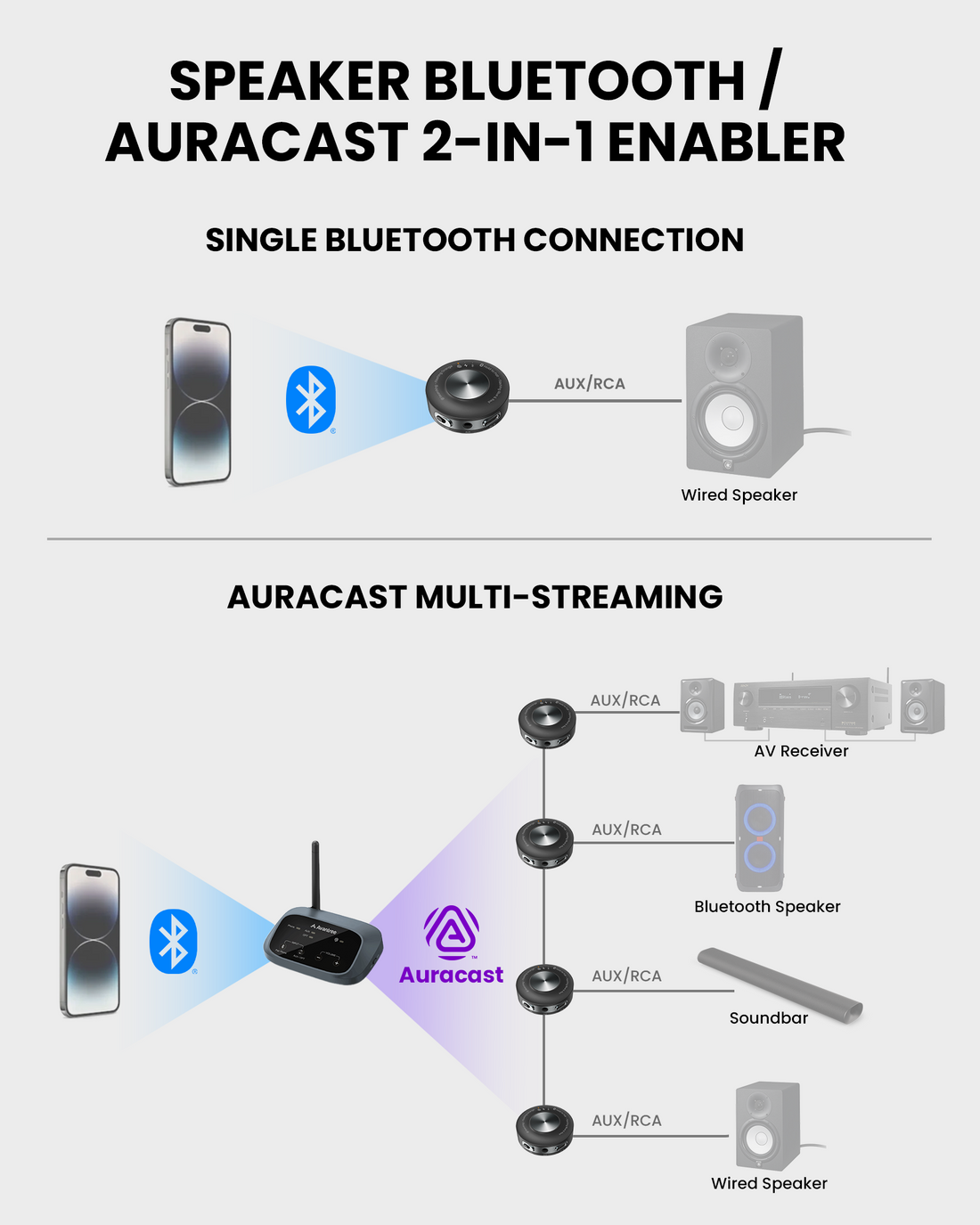
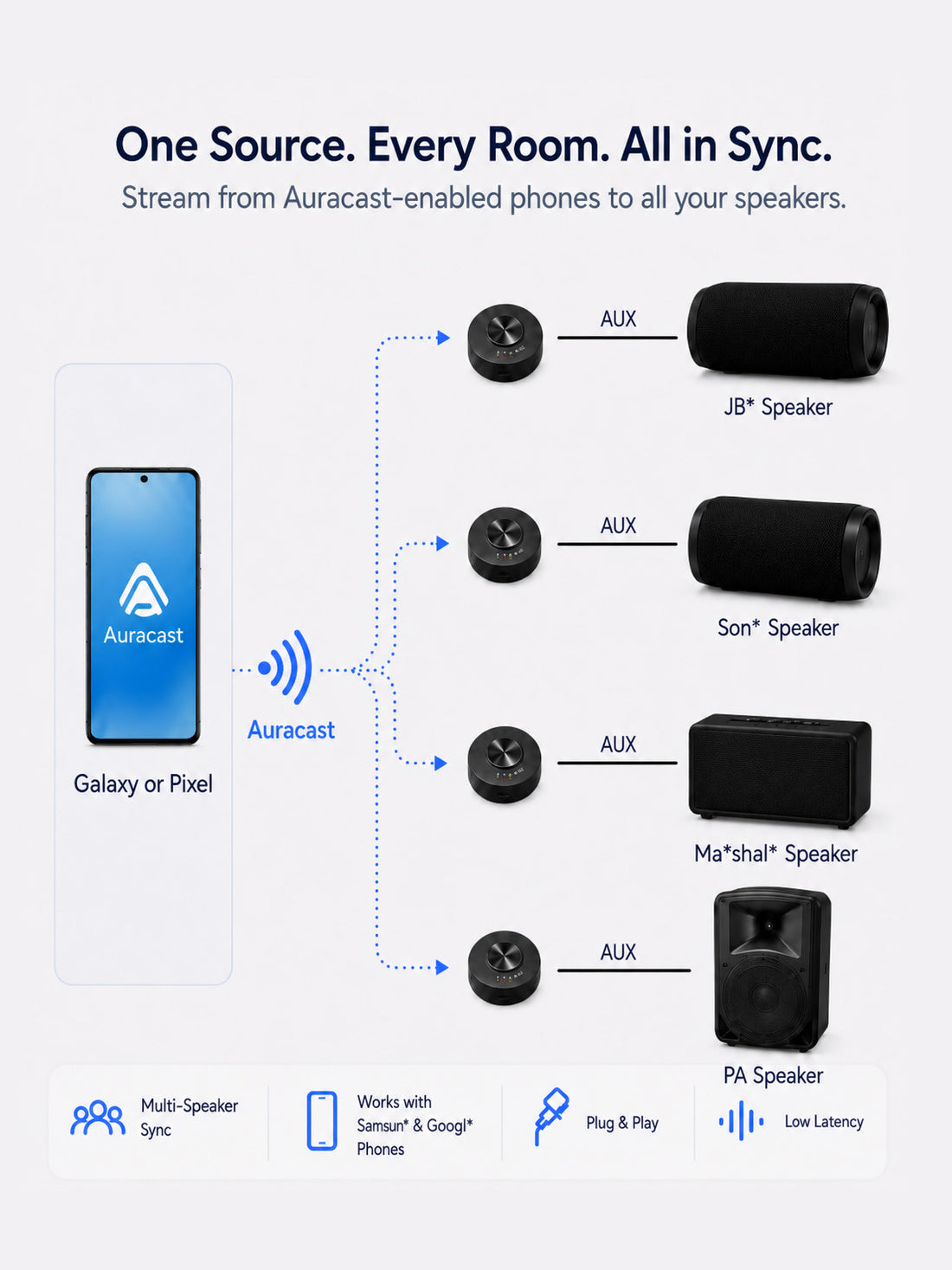
  • Auracast or Bluetooth – Receive an Auracast broadcast or pair with a regular Bluetooth audio source.
  • Open Broadcast Auto-Connection – Power on to search and connect to an available public broadcast.
  • Secured Broadcasts – Join using a supported Android Auracast Assistant.
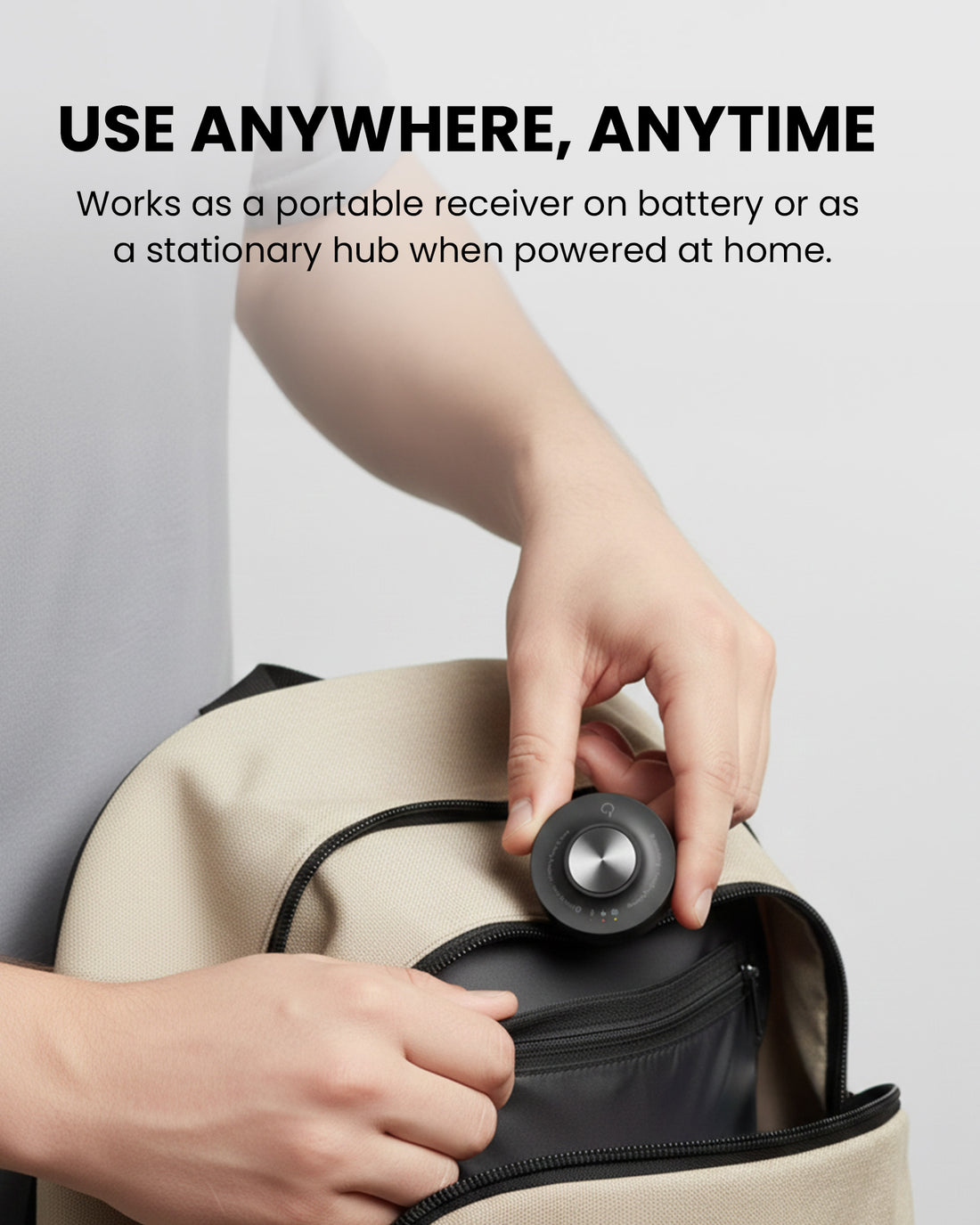
  • Battery or Plug-In Power – Up to 20 hours of playtime; operation while charging is supported.
  • External Volume Control – Adjust volume through the source, transmitter or speaker.
AuraLink $69.99

01 · Best for

Best For

Reuse existing speakers across your venue

  • Church & WorshipReceive program audio through compatible existing powered speakers.
  • Classroom & TrainingAdd shared audio to existing powered classroom speakers.
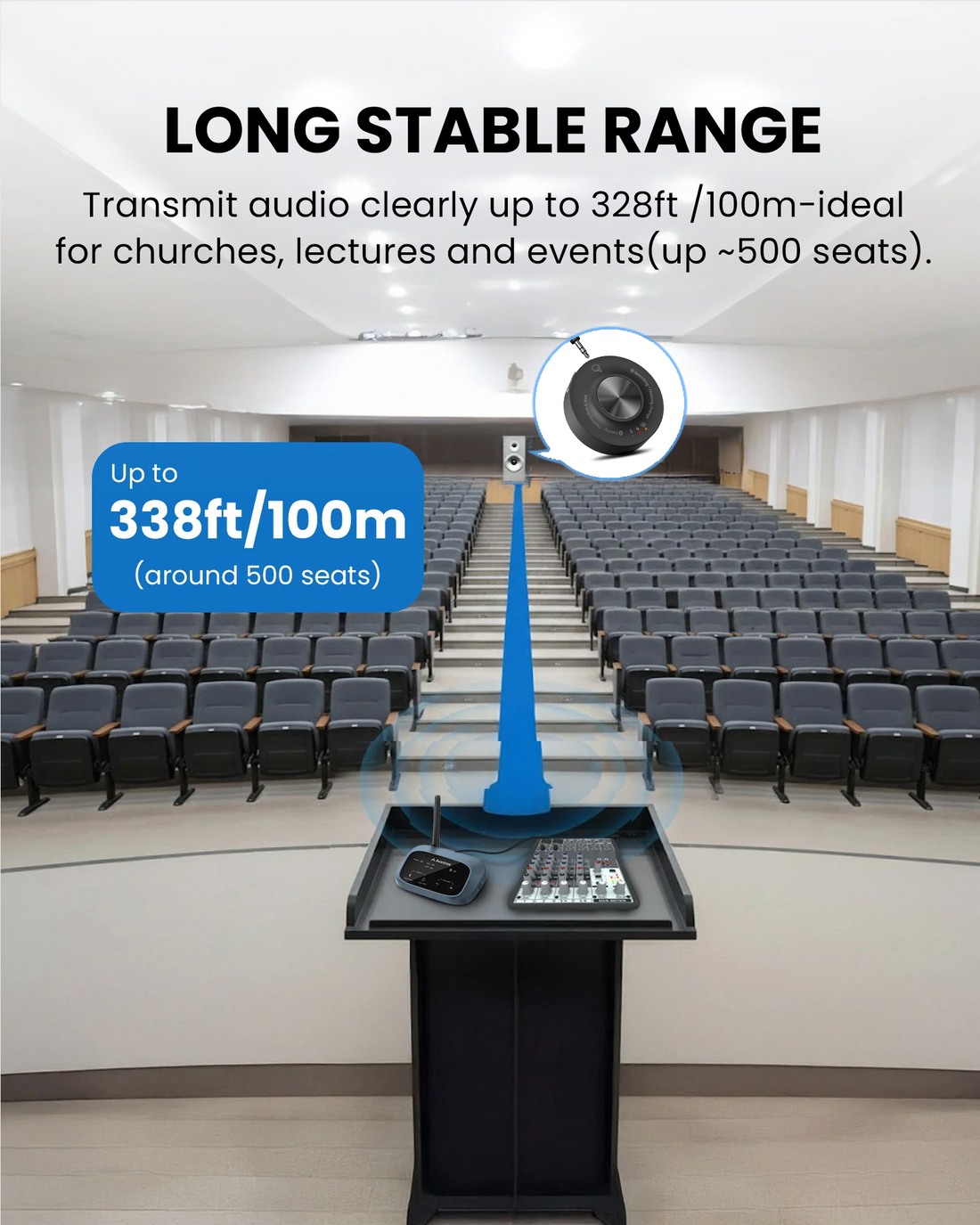
  • Conference & Lecture HallUse compatible installed audio systems for broadcast listening.
  • Multi-Room & Shared SpaceReceive one program source in several powered speaker zones.

Before buying

Compatibility

Check the audio source feeding AuraLink and how each listener will hear the broadcast.

A. Audio source compatibility

Receive an existing audio broadcast

  • Compatible Auracast broadcast
  • Bluetooth audio source

B. Listening device compatibility

Choose a direct or receiver-assisted path

Powered speakers or audio system
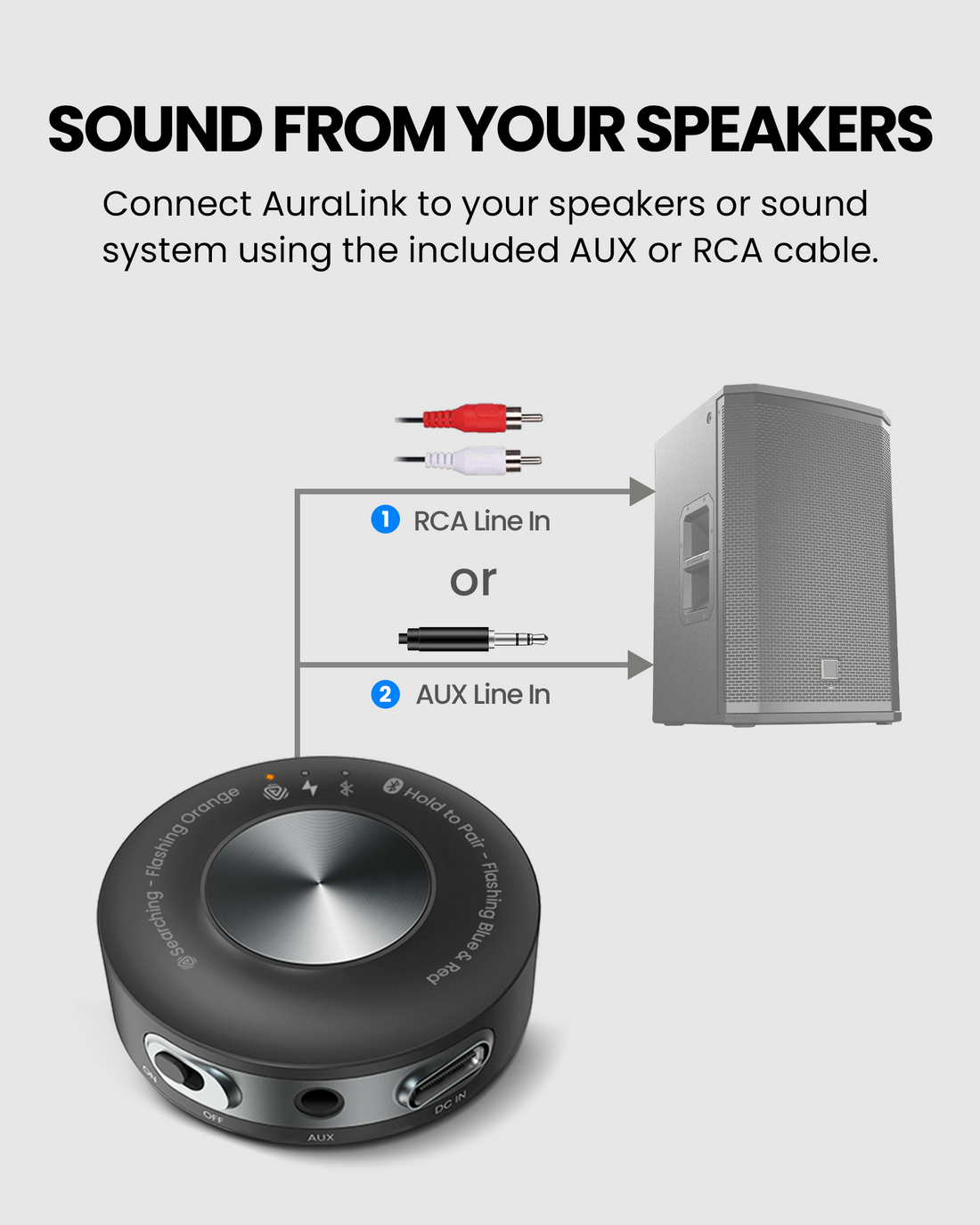
Connect to a compatible AUX input. An audio connection does not power a passive speaker.
Passive speakers need an amplifier
Connect through a suitable amplifier rather than directly to passive speakers.
Auracast or Bluetooth source
An external broadcast or paired Bluetooth source is required; this receiver does not transmit.
Check Compatibility
Need help choosing AuraView 4-Pack for your venue? Find My Setup

02 · Addons & Accessories

Expand Your System

Compatible transmitters and listening accessories

View all add-ons & accessories

03 · Product Details

What's Included

  • 1 × AuraLink receiver

How It Works

Simple by design

Connect your speakers, join a broadcast, adjust volume

Use the speaker, transmitter or source controls to set the listening level.

  • Existing powered speakers
  • Public Auracast auto-search
  • Battery or plug-in operation
1
Power the receiver Use its battery or suitable USB-C power.
2
Connect the audio system Connect to a compatible powered speaker or amplifier input.
3
Join and listen Start an open broadcast, or follow the guide for secured broadcast setup.

Technical Specifications

SKU
VRC-318-BLK
Product role
Auracast and Bluetooth audio receiver
Bluetooth version
5.4
Audio output
AUX to compatible powered speakers or audio systems
Battery playtime
Up to 20 hours
Charging
USB-C, 5 V / 1–2.4 A
Charging time
Approximately 2 hours
Use while charging
Supported; slight low-volume noise may occur
Volume adjustment
Use the source, transmitter or speaker controls

04 · Setup & Config

User Guide

Power, speaker connections, Auracast and Bluetooth operation.

Open guide

Firmware & Configuration

AuraLink firmware releases, update instructions and configuration support.

Current product record: V0.3.5 · Mar 30, 2026.
Open PC tool

Troubleshooting

AuraLink setup, connection and audio troubleshooting.

Get help

Common Questions

AuraLink FAQ

What does AuraLink do?
AuraLink receives Auracast or Bluetooth audio and sends it to a compatible powered speaker or audio system.
Does it power passive speakers?
No. Passive speakers require a separate amplifier.
How do I join a public broadcast?
Turn AuraLink on to automatically search for and connect to an available public Auracast broadcast.
How do I join a secured broadcast?
Use an Android phone with Auracast Assistant support and follow the official guide to select the broadcast and enter its password.
Where do I adjust volume?
Use the audio source, transmitter or speaker volume controls.
Can it operate while charging?
Yes. The guide supports operation while charging, but notes that slight noise can occur at low volume.