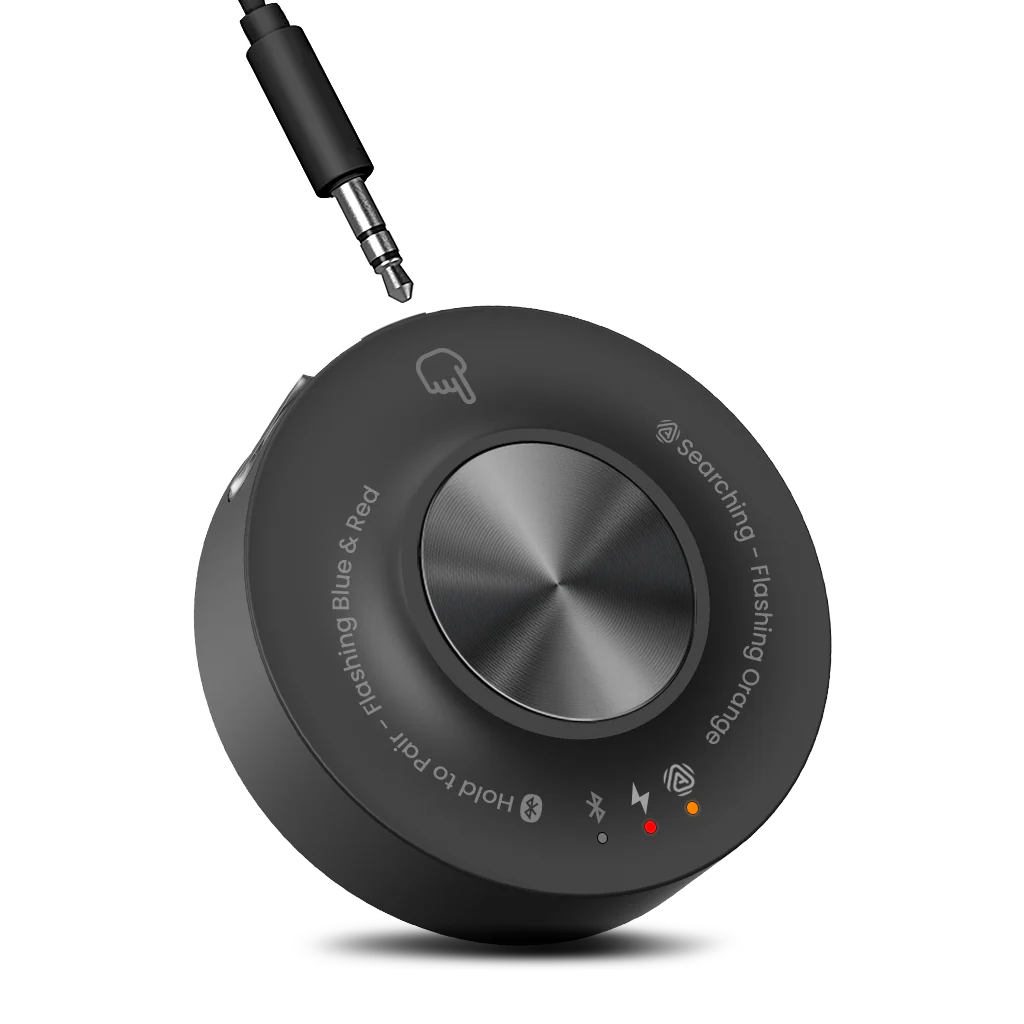
RCA Output
Connect RCA Out to the transmitter AUX In with an RCA-to-3.5 mm cable.
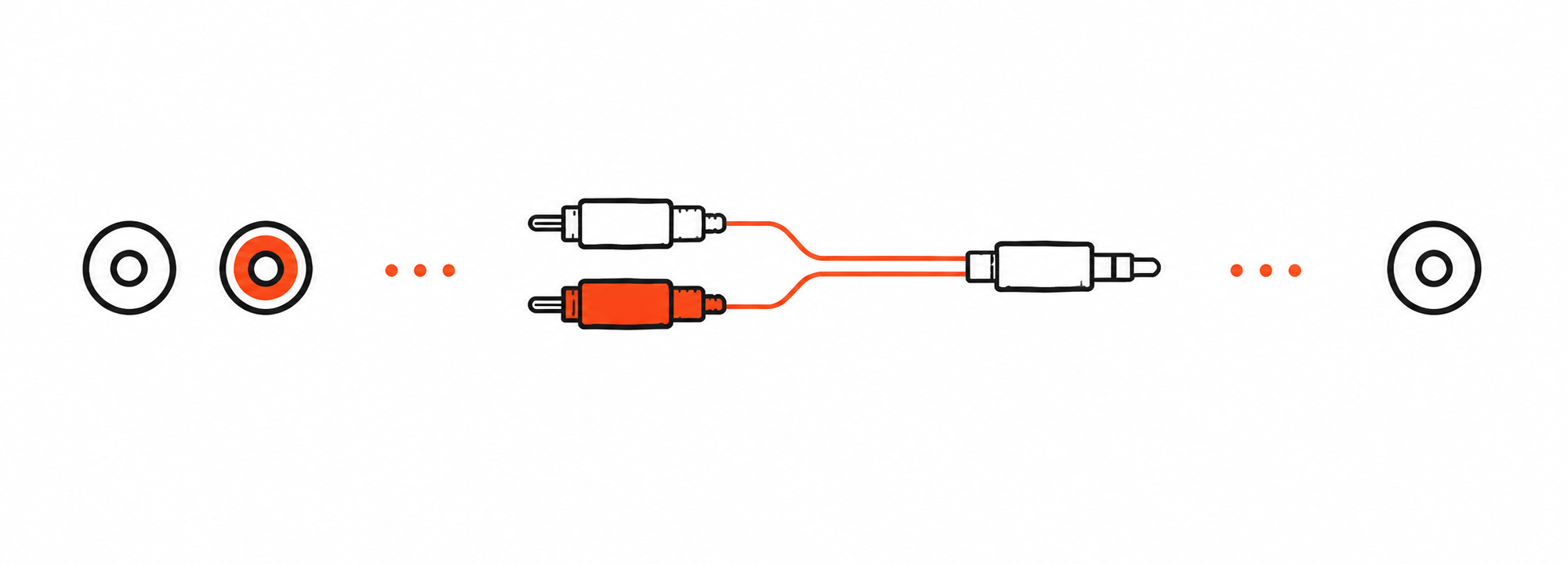

RCA cable not included. Buy separately if needed →

Interactive user guide
Follow three steps to start the Harmony A2 Auracast speaker system.
Step 01 · Power
Power Harmony A2 transmitter before connecting an audio source.
TaskTurn on the transmitter.
Connect the transmitter to power using a USB-C cable and power adapter. Then switch the transmitter to ON.
Step 02 · Audio source
Choose the device that sends audio to the transmitter.
TaskSelect one source below.
Step 03 · TV / Media Device
TaskConnect Optical Out and set the TV audio format to PCM.
Step 03 · Mixer / AV System
TaskMatch the mixer output to the correct cable.
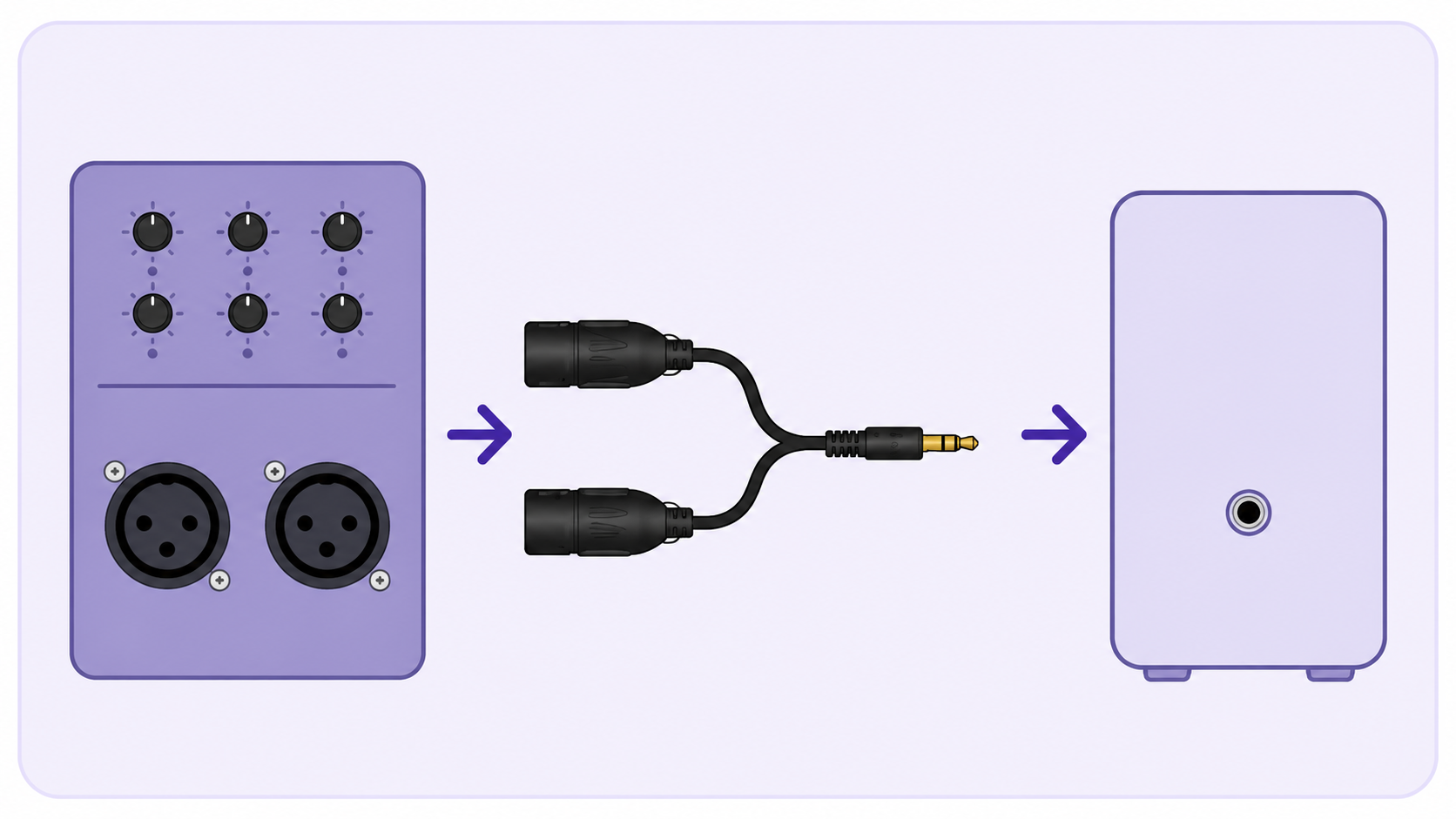
Stereo mixer output recommended

Mono output only
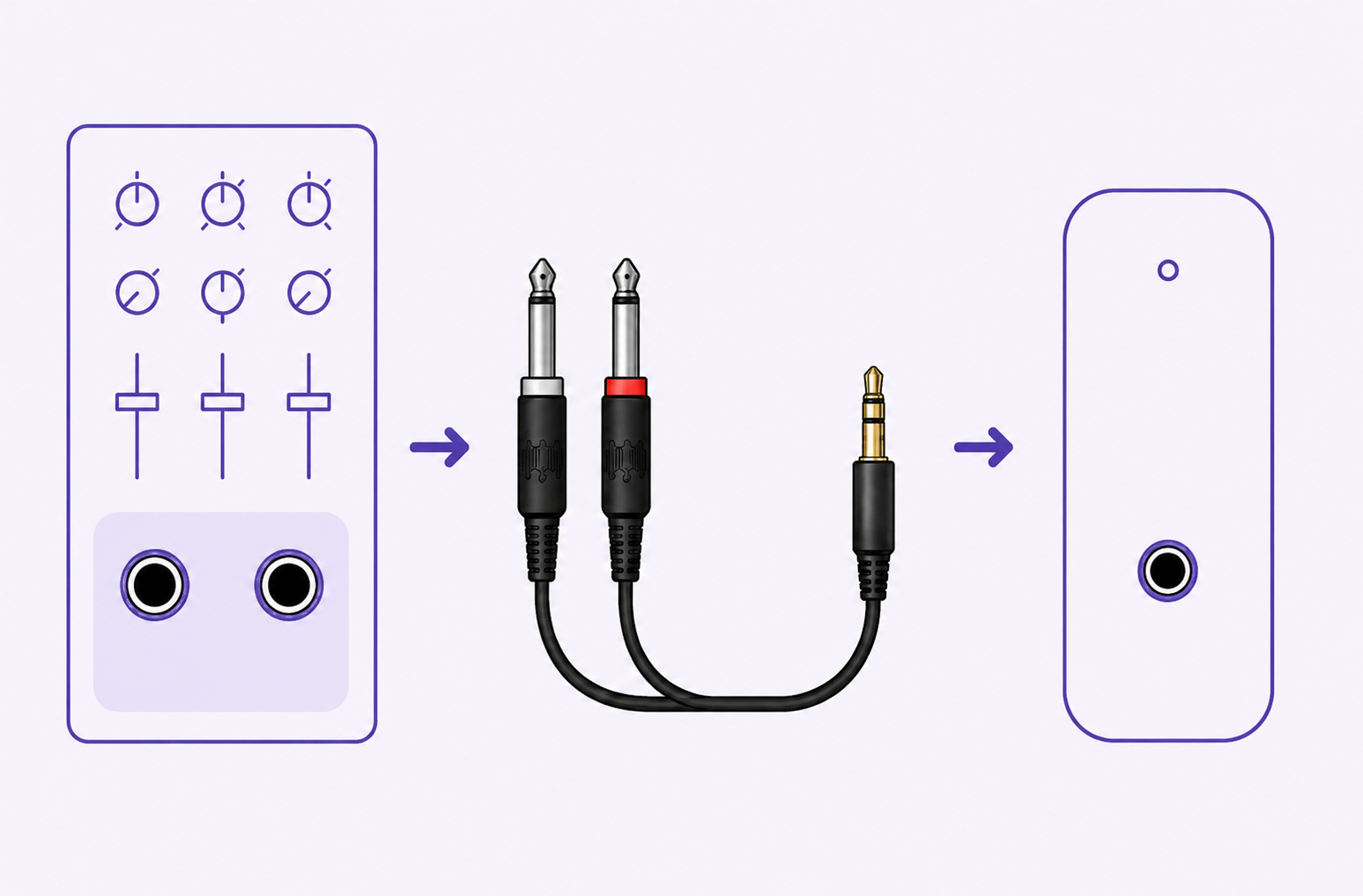
Stereo mixer output recommended
Connect RCA Out to the transmitter AUX In with an RCA-to-3.5 mm cable.
Connect 3.5 mm Out to the transmitter AUX In with the included 3.5 mm-to-3.5 mm cable.
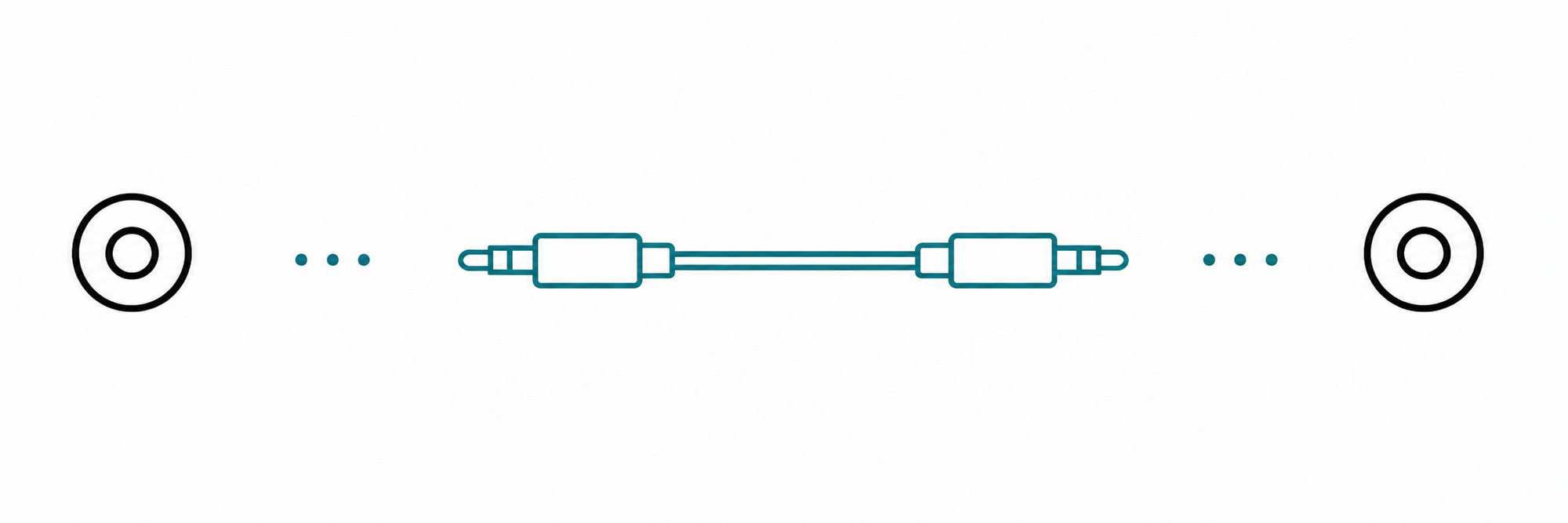
Step 03 · Phone / Tablet / Computer
TaskPair the audio source with the transmitter Bluetooth input.
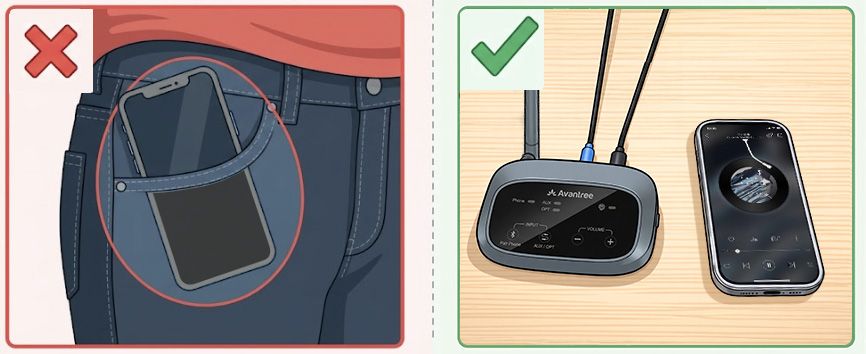
Keep your phone close to the transmitter while pairing.
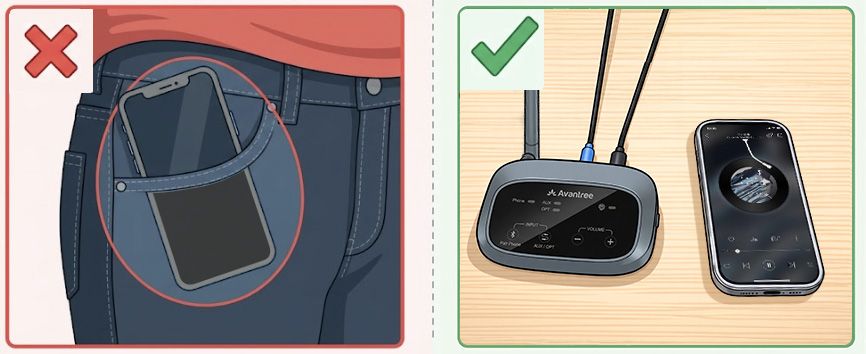
Step 03 · Listen
Video: power on the Harmony A2 speakers and check their Auracast lights. The written steps above contain the full setup.
Placement
Optional expansion
Add more Auracast speakers to expand your system.
Auto-connect when powered on.
Quick help
Firmware update
Update each speaker separately, one at a time.
Download the Firmware Update Tool.
Connect one Harmony A2 speaker to your computer.
Firmware update cable: Use the gray-tip cable that came with your device. Mac users can also use an Apple charging cable.
Run the updater.
Follow its instructions and keep one Harmony A2 speaker connected until the update is complete.
Download the Firmware Update Tool.
Connect the Harmony A2 transmitter to your computer.
Firmware update cable: Use the gray-tip cable that came with your device. Mac users can also use an Apple charging cable.
Run the updater.
Follow its instructions and keep the Harmony A2 transmitter connected until the update is complete.
PC tool · Optional
Connect the Harmony A2 transmitter, then open the Firmware Update Tool Advanced screen to use these optional broadcast controls.
Example Firmware Update Tool screen with Avantree branding. Select the image to enlarge.
Optional expansion
Use Daisy Chain to extend coverage.
 Harmony A2 transmitter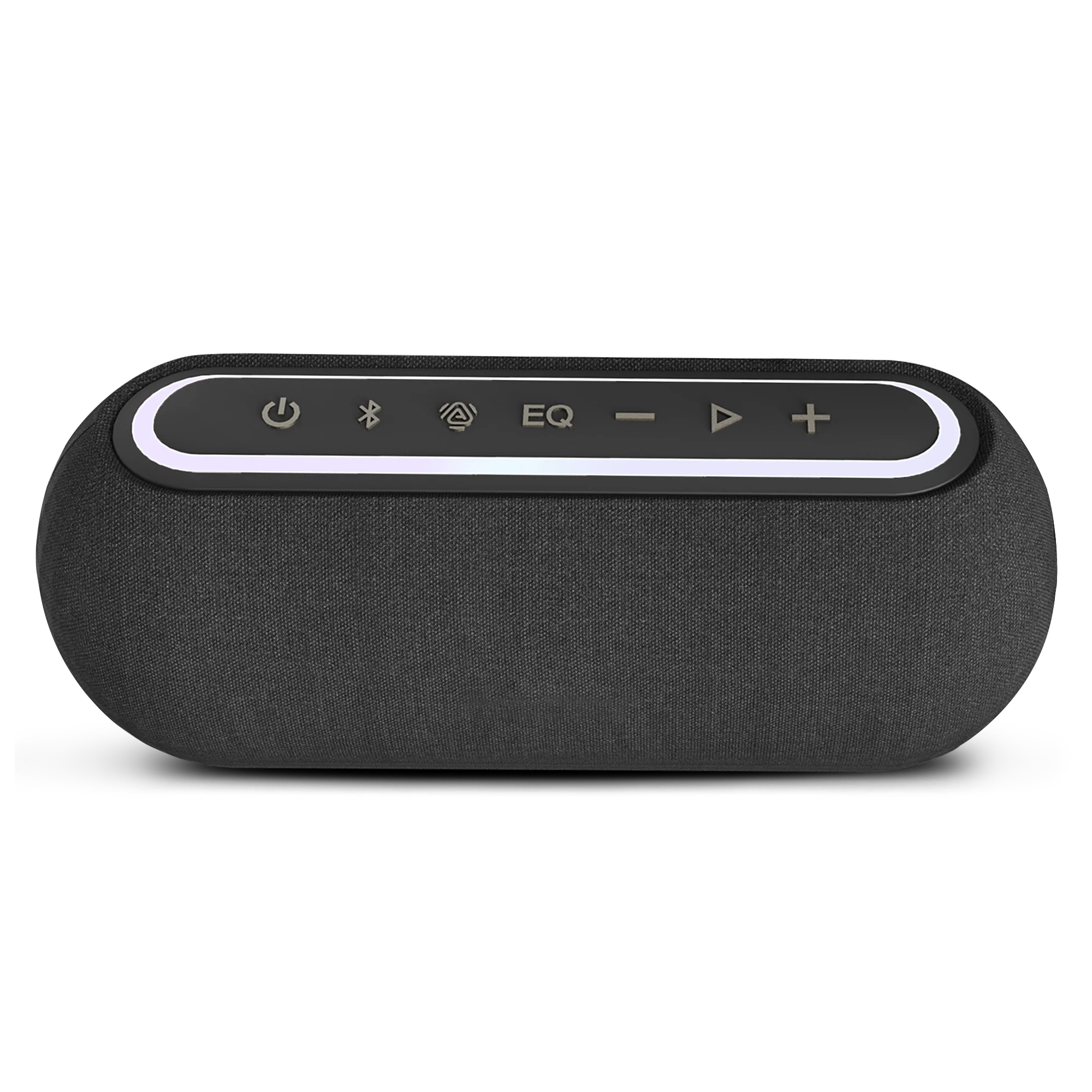
 AuraLinkHarmony A2 transmitter
Speaker mode
Connected: The LED turns solid blue.
If not: Hold the Harmony A2 speaker's Bluetooth button for 3 seconds to start pairing again, then retry from the source's Bluetooth menu.
Video: switch a Harmony A2 speaker to Bluetooth mode and connect it to your device.
Need more help?
Our support team is here for you.
Was this helpful?